Precast detailing projects show case precast projects detailed by Tek1 Pty Ltd.
These projects are in Melbourne, Sydney, WA
We have detailed over 10,0000 panels over 12 years.
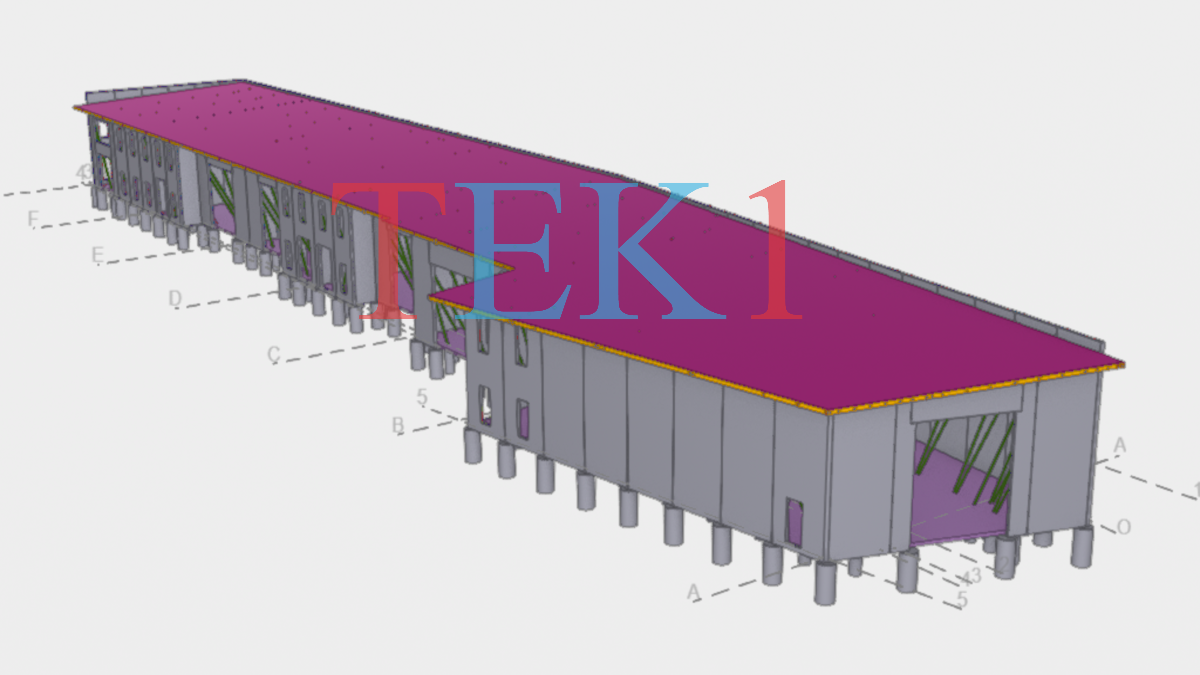
This is an example where we have model shared with client for completing the precast panels and structural steel.
Clients save time and in turn money when both precast and structural steel is detailed in one single model. Co Ordination is easier.
With nearly 19 years of experience detailing structural steel and precast panels, Tek1 has the expertise to deal with any type of precast strucutures in Australia
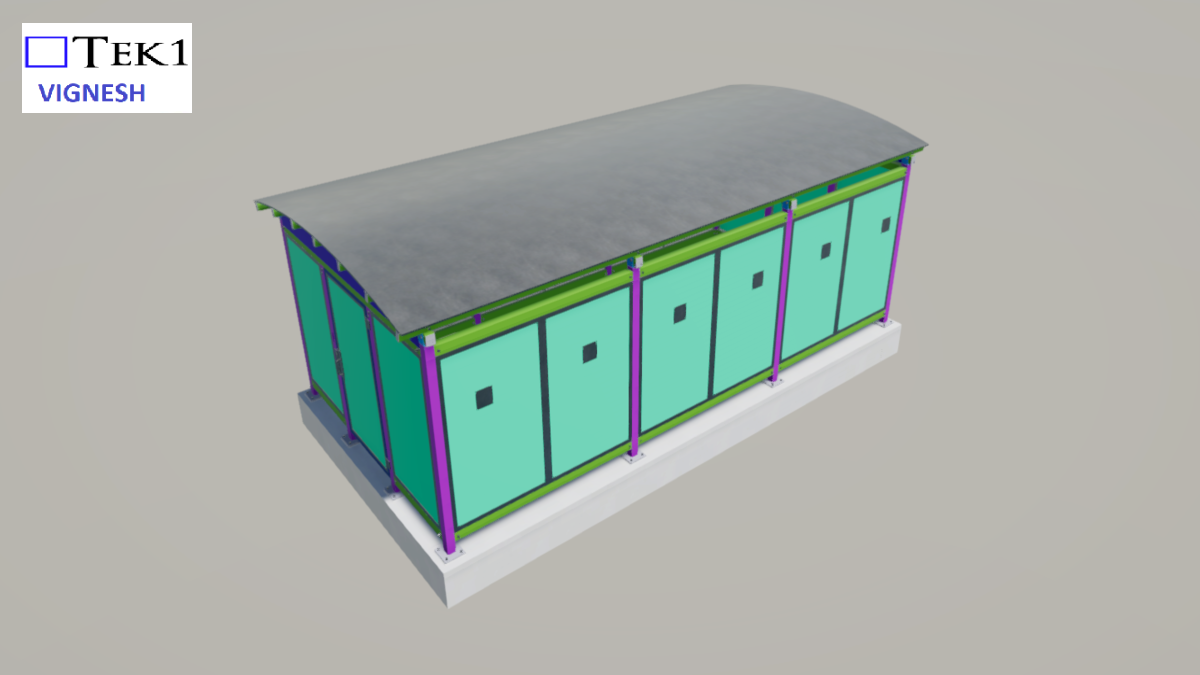
This is an example where we have model shared with client for completing the precast panels and structural steel.
Clients save time and in turn money when both precast and structural steel is detailed in one single model. Co Ordination is easier.
With nearly 19 years of experience detailing structural steel and precast panels, Tek1 has the expertise to deal with any type of precast strucutures in Australia
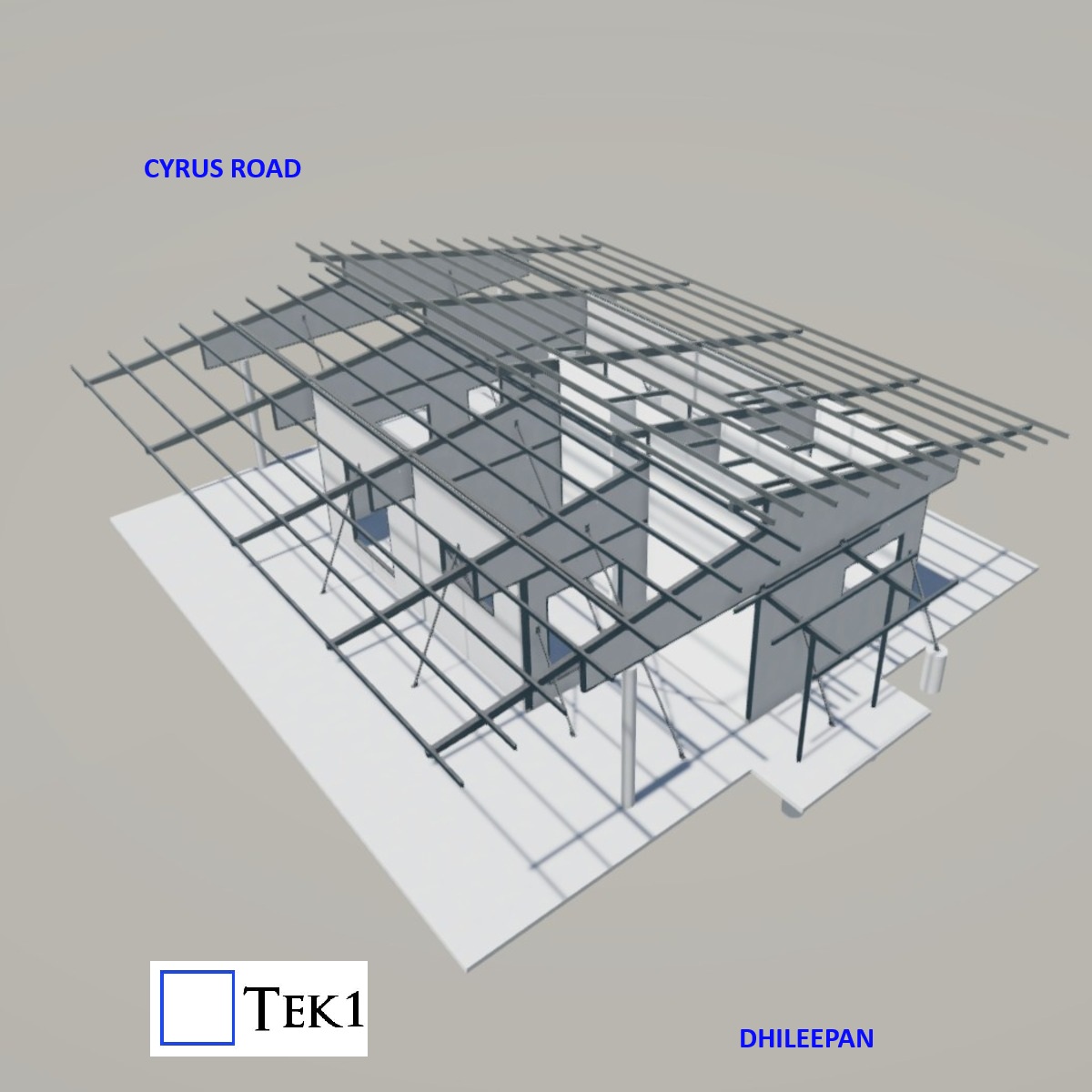
This is an example where we have model shared with client for completing the precast panels and structural steel.
Clients save time and in turn money when both precast and structural steel is detailed in one single model. Co Ordination is easier.
With nearly 19 years of experience detailing structural steel and precast panels, Tek1 has the expertise to deal with any type of precast strucutures in Australia
if you wish to learn more about steel detailing, and Tekla. Video by Ben Koshy.
For more details about my work. If you’re interested in Tek1 to do your steel detailing, please email: [email protected] with details about your project and a description of your goals / objective.
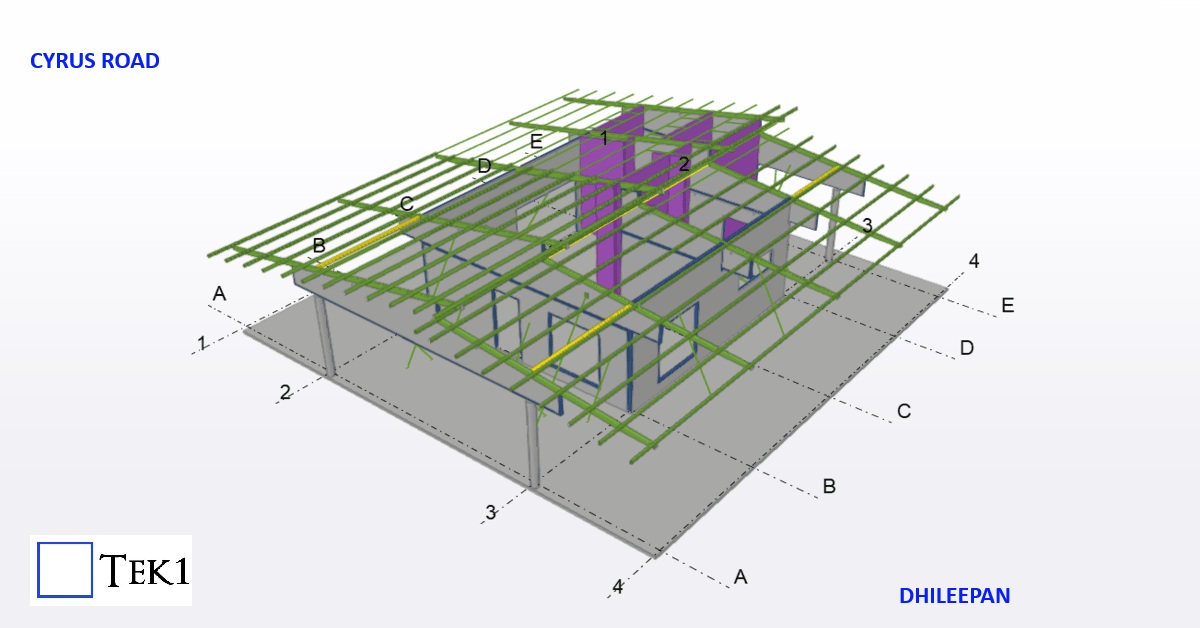
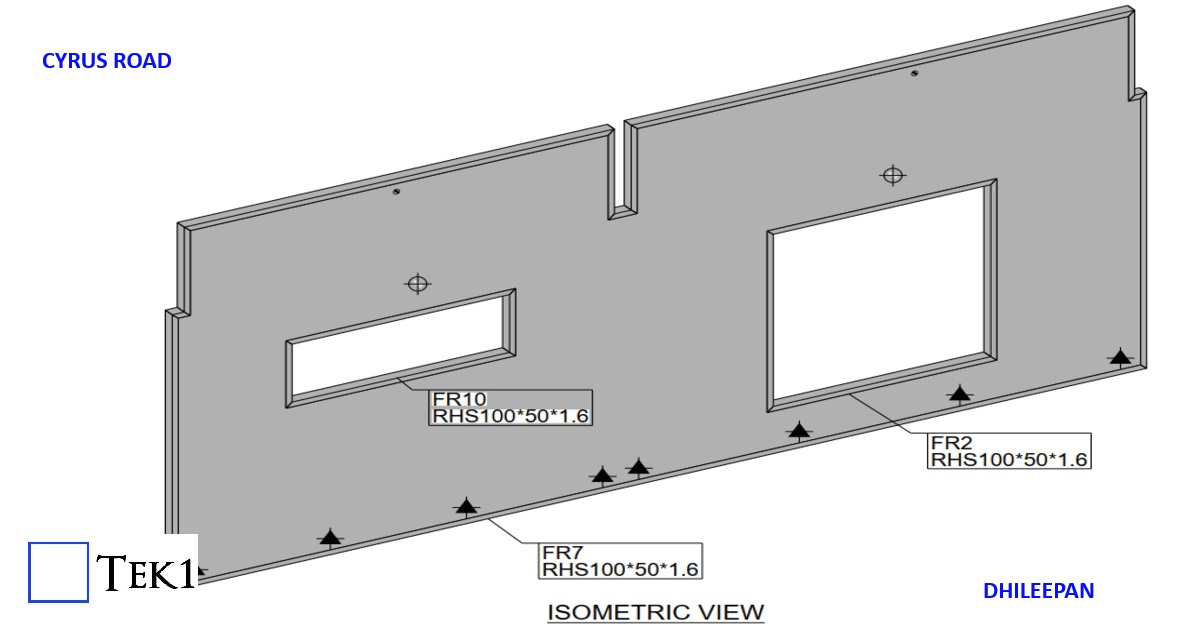
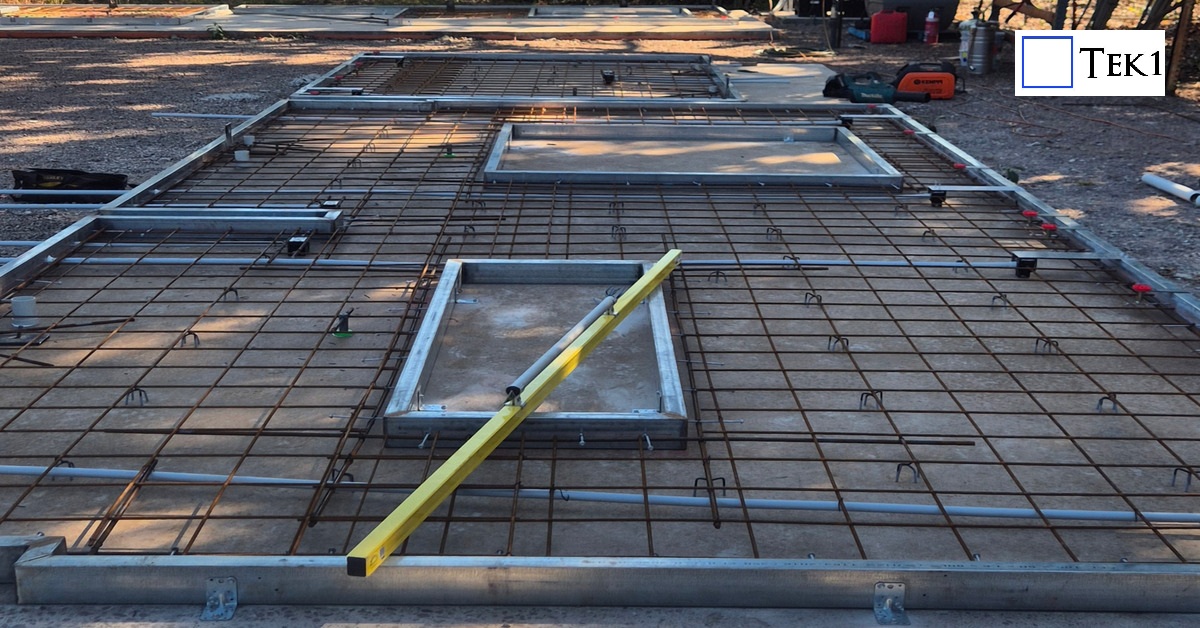
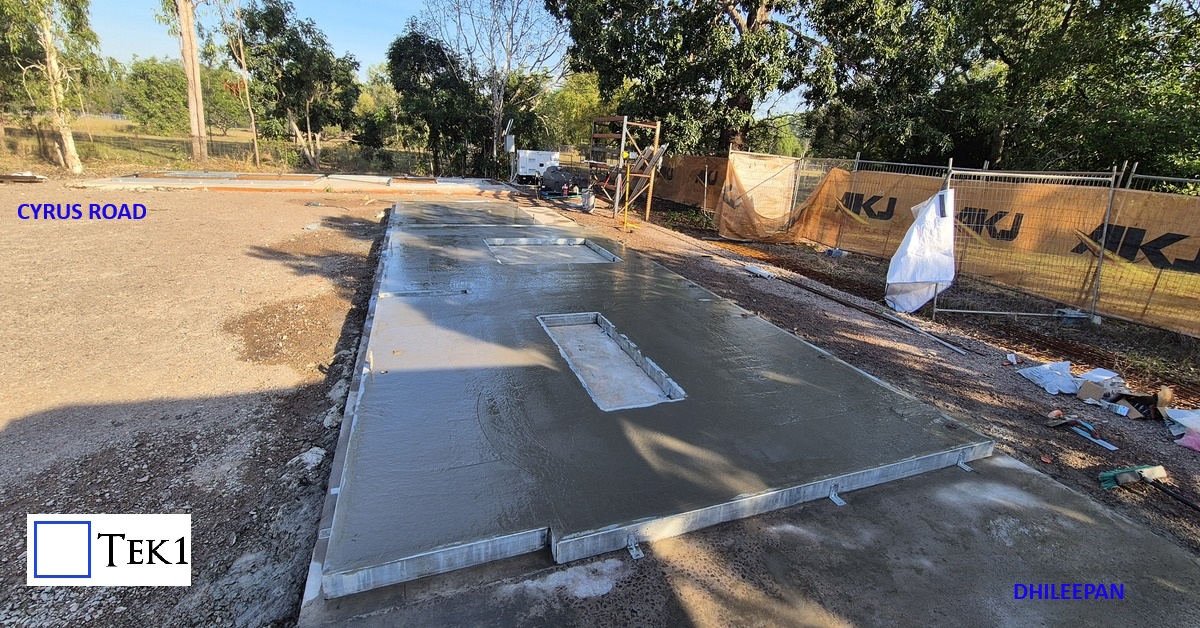
This residential project showcases an innovative hybrid construction approach, where the entire building is formed using just 11 precast composite panels and a few stud walls. Each panel consists of a fabricated steel perimeter frame filled with cast concrete, creating a strong, integrated structural unit. On site, the panels are positioned and welded together through their steel edges, forming a rigid, continuous structure.
Load bearing precast element is anything that receives load from a precast or structural members and transfers the load to another structural member or precast. These precast elements can also be used along as façade, boundary walls, or for architectural design purposes.
What is non-load bearing precast element?
Non-load bearing precast element is anything that may receive load but must not transfer loads to any other structural members or precast. Normally these kind of walls are used only for partition, façade, boundary walls, or for architectural design purposes
What is Partially-load bearing precast element?
Partially-load bearing precast element is anything that receives load from a precast or structural members and transfers the load to another structural member or precast. But only a portion of precast receives and transfers load and the remaining portions will act as non-load bearing ones. (Single precast element which acts both as load bearing & non-load bearing)
Data’s, panel types & other details for
Load-bearing element
Non-bearing element
Partially-load bearing element
Grade, can be higher upto 80MPa
Grade enough be 40MPa (UNO)
Grade, can be higher up to 80MPa
Gap between two elements are filled with grouting material of required grade
Gap between two elements are filled with Soft joint caulking only. no grouting.
Gap between two elements are filled with grouting material of required grade, extent of filling is for load bearing portion. Remaining portion will be soft joint caulking only
Dowels to be black finish (UNO)
Dowels to be Galvanized finish
Dowels to be Black or Galvanized finish, as per load bearing extend (UNO)
Dowel length, size & spacing as per Engineer’s requirement
Dowel length, size & spacing as minimum as possible after discussing with Manufacturer or Engineer
Dowel length, size & spacing as per Engineer’s requirement for LBP portion Dowel length, size & spacing as minimum as possible for NLBP portion
Dowel & Grouting materials will transfer load to adjoining element
Dowel will be used to position the precast element & no grouting material present to transfer load. So loads will not be transferred.
Combination of LB & NLB criteria
No ring seal around the dowel
High density foam ring seal around the dowel
No ring seal around the black dowel High density foam ring seal around the Galvanized dowel
Grouting material will cover the dowel, so oxidation in dowel is negligible
No Grouting material, oxidation in dowel is possible. So high density foam ring seal is used and dowels are galvanized to prevent oxidation in dowel
Combination of LB & NLB criteria
No additional tubes or caps needed
Plastic tube will be placed over upper half of dowel. Compressible cap will be placed over the top of the dowel bar.
Combination of LB & NLB criteria
Connection with slab must
Connection with slab may not needed with respect to engineer requirement
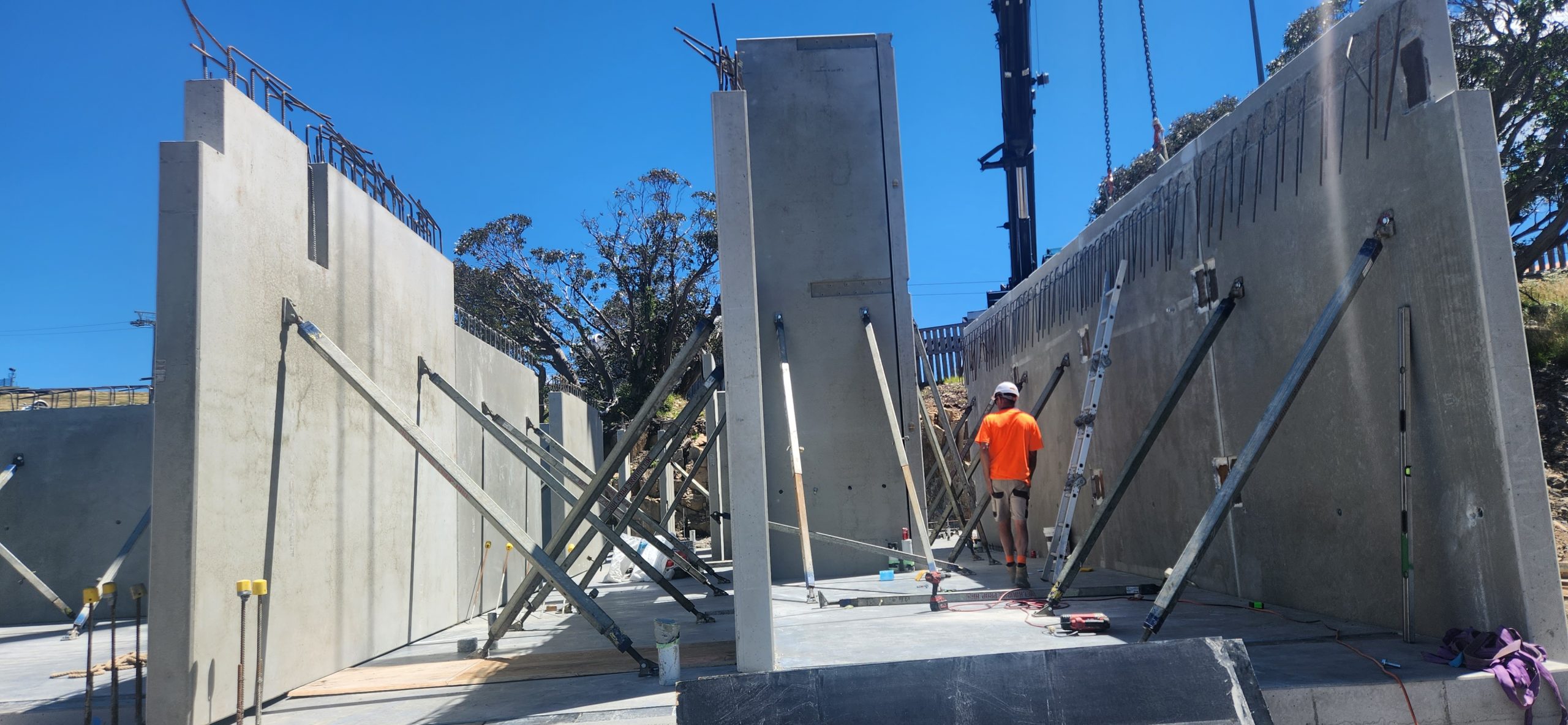
This is an image showing how precast panels are propped
Propping parameters
Usually propped at 2/3rd height.
No of props usually 2
if the panels are wide could go to more than 2. But rarely 4.
For Panels which span 2 floors, There could be 4 props. 2 below the floor above and 2 above. When you have such a case you have to show opening on the slab through which the upper props will pass.
How long will the props stay in place.
Usually between 1 to 2 months. It could be longer if the construction pace is slow.
How many props are usually used in a multi storied construction?
Depends on construction speed number of panels.
But the number could be around 200.
With prop hire rate of around $3 per week, you can see that the cost of propping is not very small. When you are estimating for precast, it may be good to consider how many props will be used and what would the cost of propping for a project
Propping is highly skilled job. Improper prop installation can cause accidents shutting down sites, sending stake holders broke. Not to speak of the harm it does to the site personnel.
Who designs the prop.
Most of the the time props are drafted by the detailer and submitted for approval to the engineer.
Detailer cannot issue panel or propping drawings unless there is an approval from the engineer. The certification from the engineer is a must. Without that shop drawings cannot go for construciton.
Without certification, the propping is no go good, illegal and not fit for purpose.
Insurance companies will not cover if there any issue because of prop failure if the drawings were not certified by a qualified engineer.
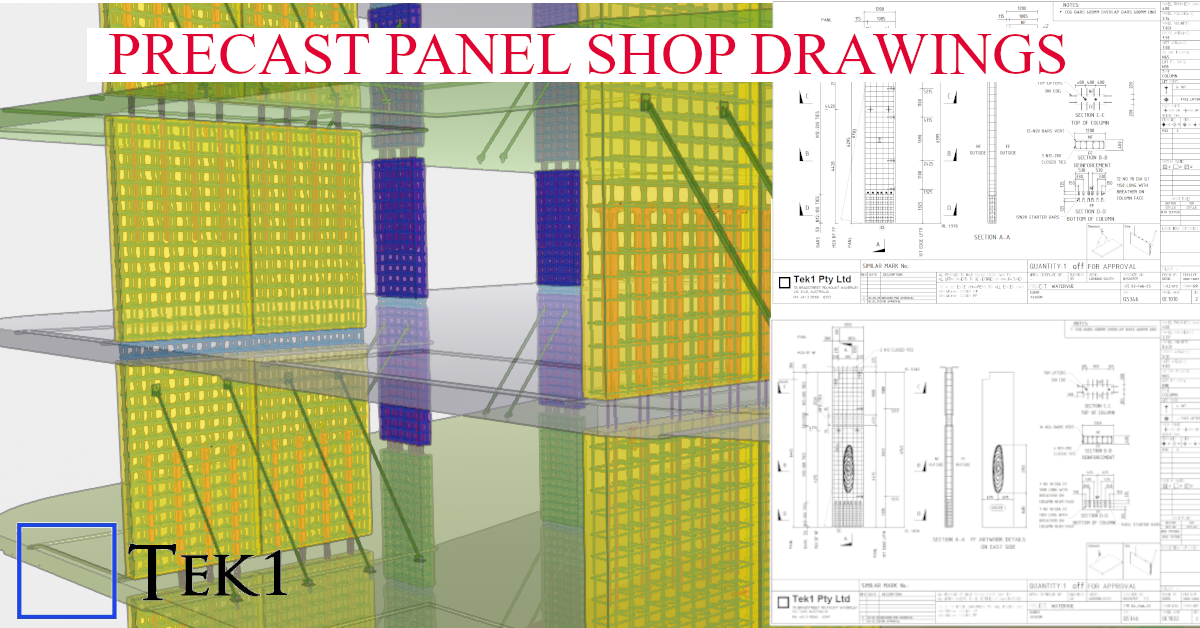
At Tek1, we specialize in transforming complex architectural visions into constructible shop drawings. This model snapshot showcases a recent precast project where aesthetic texture meets structural integrity.
Technical Highlights:
Software: Modeled 100% in Tekla Structures for BIM-ready accuracy.
Surface Treatment: Seamless integration of Reckli formliner patterns, ensuring the architectural finish aligns perfectly across panel joints.
Detailing Depth: Full reinforcement modeling (rebar and mesh), including lifting anchors, grout tubes, and connection hardware.
Manufacturer Ready: Our shop drawings are designed to minimize onsite clashes and streamline the casting process at the precast yard.
Are you finding precast estimation a demanding task?
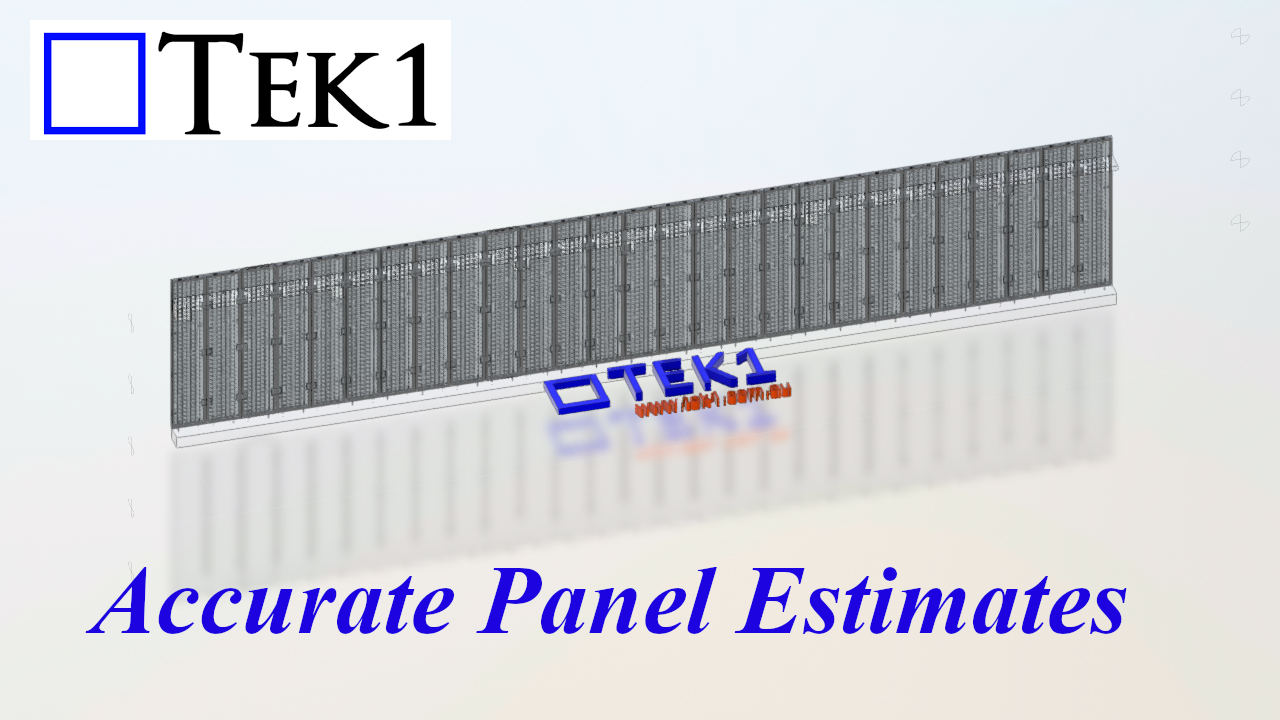
Imagine offloading the time-consuming aspects of this process, freeing you to focus on more critical activities. At Tek1 Pty Ltd, we excel in providing fast and accurate takeoffs for precast projects, often at a fraction of the cost you might expect. You can rely on our expertise and extensive experience to deliver exceptional results.
Our process begins with your structural and architectural PDFs. Utilizing the panel spliting details from the structural precast elevations, we proceed with a detailed analysis.
We meticulously number all panels, assigning crucial data such as thickness, material, and panel type. This intelligent data within our takeoff model allows for comprehensive report generation later in the process.
The panel type information also captures reinforcement details, including rebar weights, perimeter bars, and any additional mesh. For panels requiring patterned or special moulds, including brick snap panels, we identify and mark them accordingly, even specifying the number of special moulds needed.
Our summary report provides a comprehensive overview, including:
Number of panels
Thickness summary
Gross and net area calculations
Concrete volume
Panel weight (concrete + reo)
Number of meshes and reo weight (excluding ligatures)
Perimeter bar weight
Caulking and grout lengths
Panel types and strengths
Concrete mix and any colored concrete specifications
Quantities of Bricsnap, Reckli, and Feature panels
Number of moulds required
Maximum panel size and its corresponding number
IFC model compatibility with Trimble or Autodesk
A QR code linking directly to the model for easy viewing
Thickness summary
Furthermore, we proactively identify any potential for optimization or issues related to buildability and transportation, providing comments along with the relevant panel mark numbers.
If you believe our services can bring significant value and allow you to concentrate on higher-priority tasks, please don’t hesitate to call or email us.
You will be surprised how economically we can do the take off for you