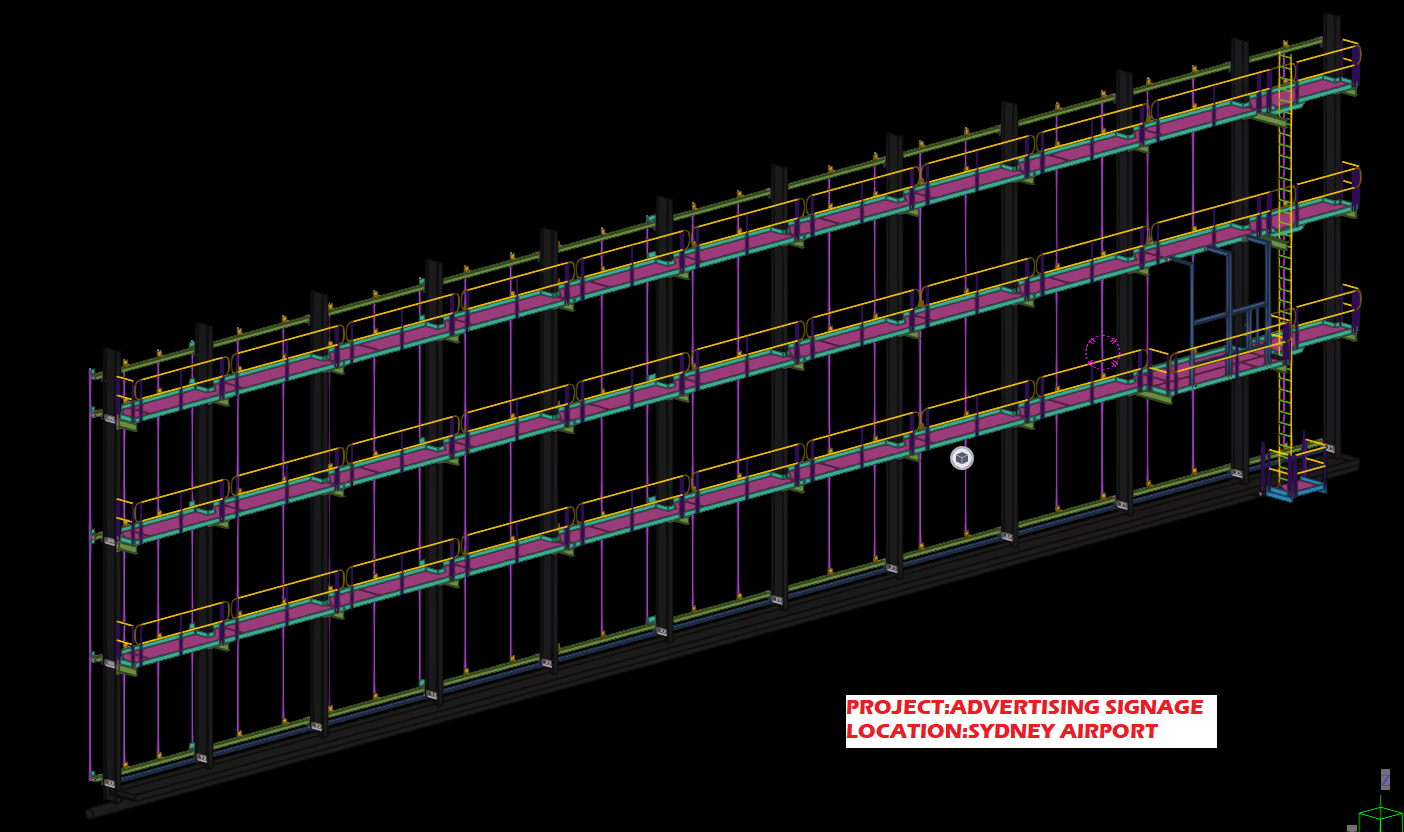
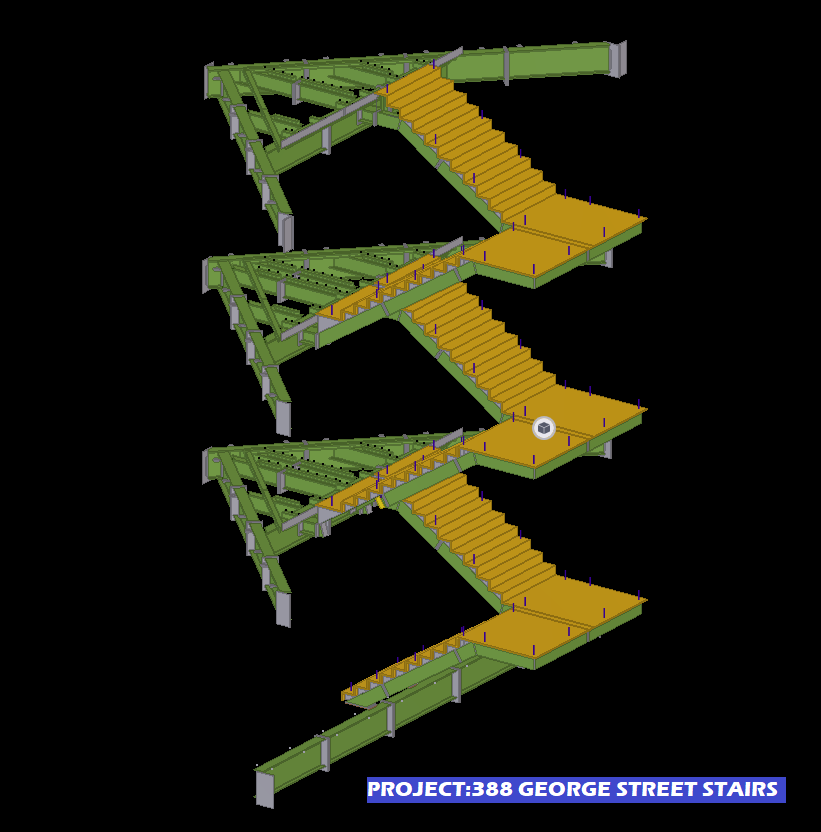
The Golden Rule: Be very clear and specific about what you are quoting for. e.g. I am only going to work on the following (insert specific details), and everything else is excluded.
Why is this important?
- Clarity: Your client will know exactly what you are quoting for. Use diagrams, and present documentation to improve clarity. The last thing you want is your client to call you and say: “what about the stairs?”. It will not do for you to turn around and say: “oops, I meant I was only quoting for structural steel”. Clarity eliminates these types of problems.
- Limited Liability: Do not write a blank cheque for clients. If you return a quote to: “build a house” then this quote is essentially open ended. They might get the wrong ideas in your their head: how large is the house? How much material? How long will it take? How will it be built? What if the client keeps changing the design? How much time are you willing to devote to keep making those changes? Even worse, what if you are forced to keep redesigning a house according to the caprice of a third party – whom you have no control? i.e if an engineer and architect keep changing their designs, then you may be destroying your margins and taking a steep loss, as well as massively increasing the risks something goes wrong. Always limit your costs, in some way. Make this clear to clients.
Variations:
- Watch out for design and build jobs: As alluded to above, the design process is fraught with difficulties. Too much back and forth with engineers. Limit this liability in some way: e.g. perhaps by hours worked on a project.
- How we quote: we quote to a specific set of drawings. Invariable, these drawings change due to the discovery of problems as the building/structure progresses. Whenever something changes: that adds considerable risk to the project, cost, and delays. These costs need to be recorded and passed up the chain. No longer can engineers, architects and builders make changes, willy-nilly, and pass on risk, expenses to sub-contractors with equanimity.
Specific Examples of Quoting:
- Limit scope to a drawing number.
- Limit scope to a particular drawing revision.
- Limit scope to the number of beams etc.
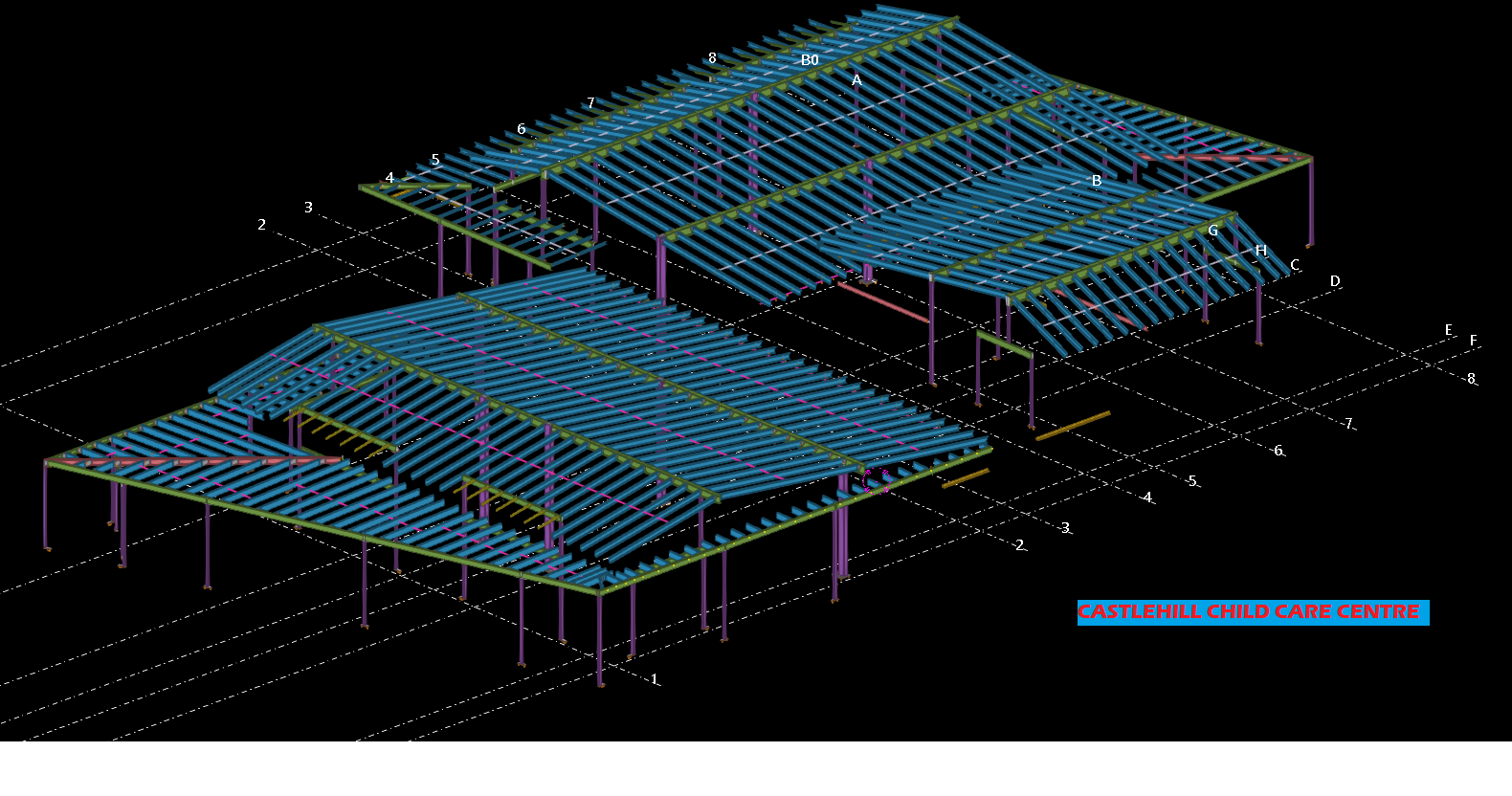
- Limit scope to grid lines.
- Limit scope to quantities.
- Limit scope by listing exactly what you are building.
- And exclude everything else.
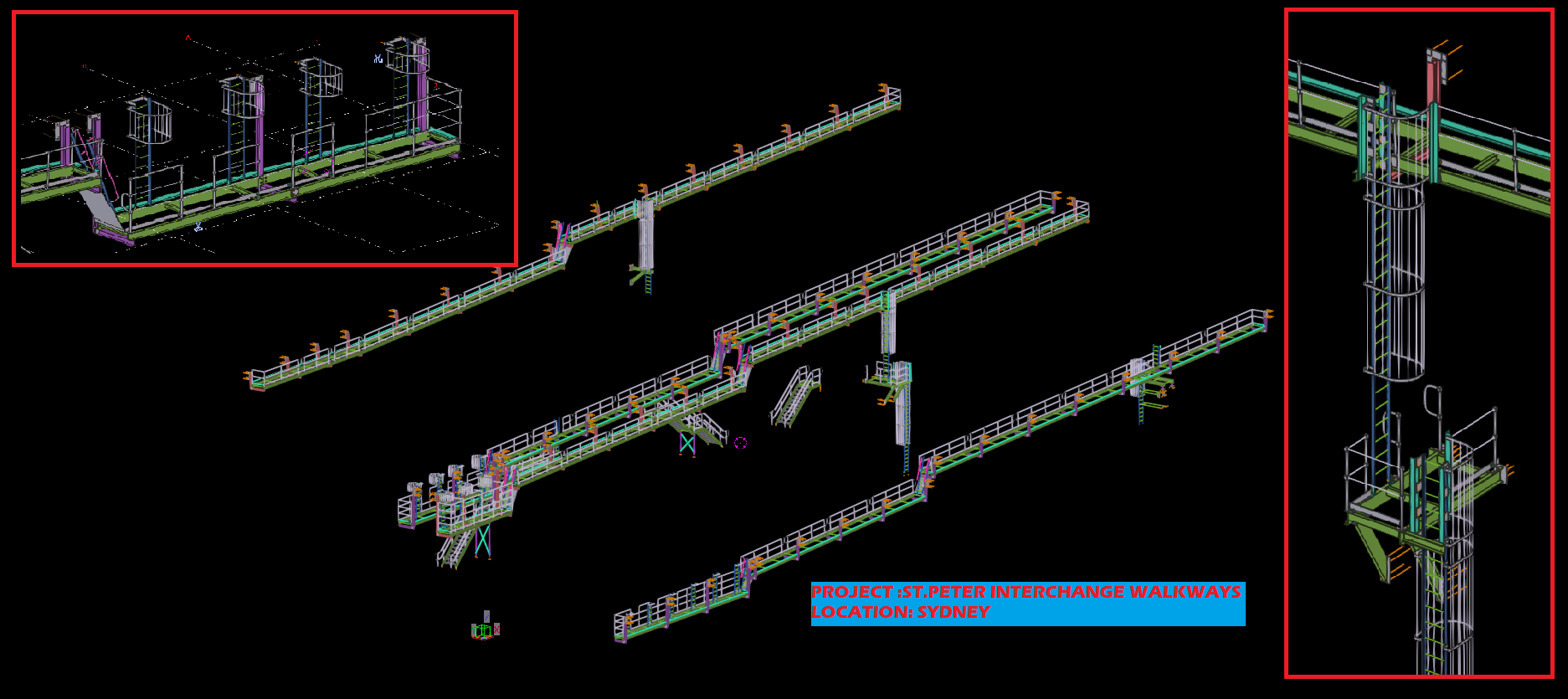
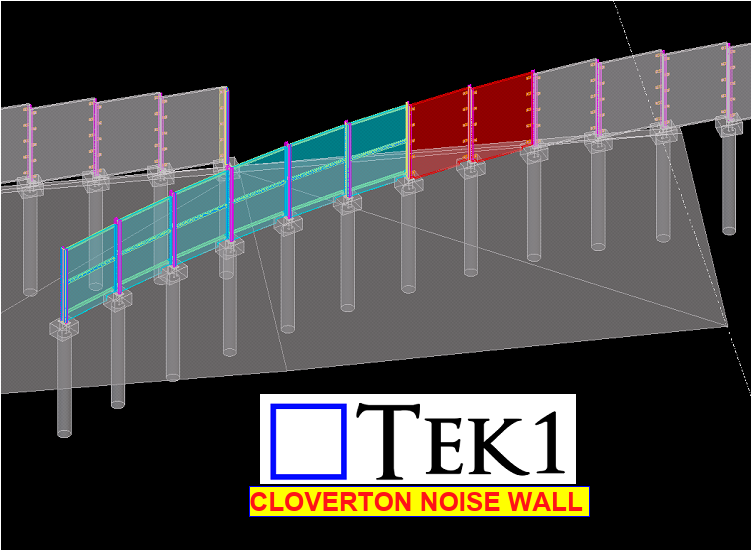
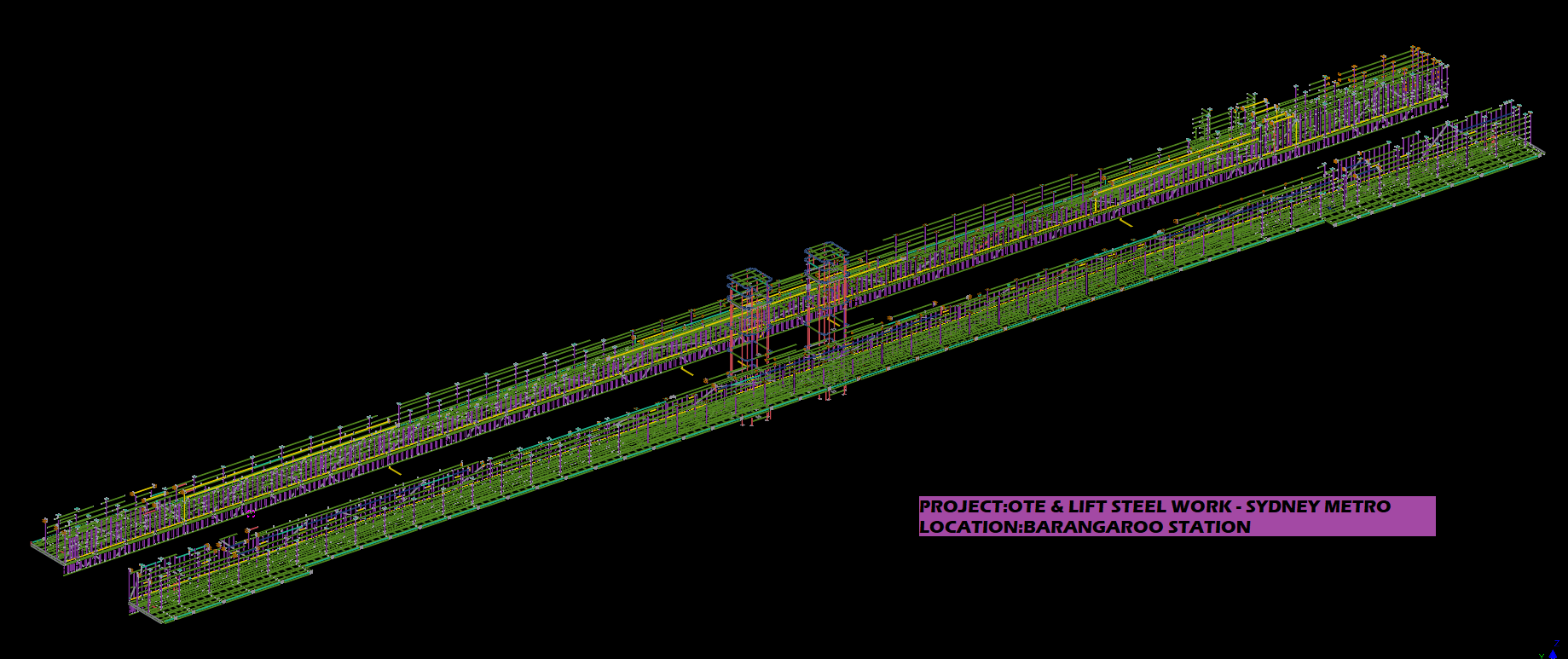
- Show diagrams so that your quotes are crystal clear. This gives confidence to the quotee – they will know that your quote is well considered, and probably accurate.
Here are some examples, of how we quote.
Northern Retaining Wall
Detailing structural beams, connections details, according to the following scope:
Drawing 1: Type – T1 250UC90 HDG QTY: 299
Drawing 2: Type – T2-L 250PFC HDG QTY: 1
Drawing 4: Type – T2-R 250PFC HDG QTY: 1
Drawing 5: Type – T7 250PFC HDG QTY: 26
Drawing 6: Type – T8 250PFC HDG QTY: 1
EPH – Station Platform Northern Retaining Wall
Drawing 7: UC 150 x 37.2 post with base plate. QTY: 58
Drawing 8: PFC 200 with Base Plate. QTY: 4
Everything else is explicitly excluded. Changes might incur charges via variations. Fully documentation will be provided.
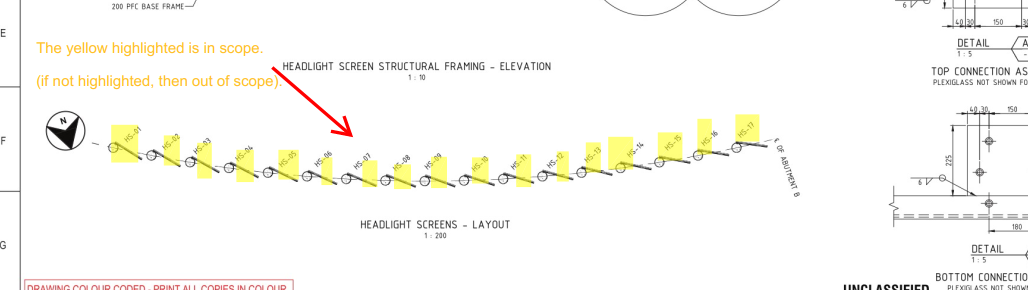
Highlight Items on a Drawing
- highlight scoped items in a drawing.
- Add a note showing what is in scope. Why? Sometimes it is not immediately apparent what is being scoped in and out – especially if we are using a drawing with someone else’s markup. Do not simply highlight – we need the note as well. The note should say:
- “The highlighted elements are in scope. If it is not highlighted, then it is OUT of scope”.
Here is an example: