Month: November 2025

  • Difference Between TEKLA “Export IFC” and IFC4

    Difference Between TEKLA “Export IFC” and IFC4

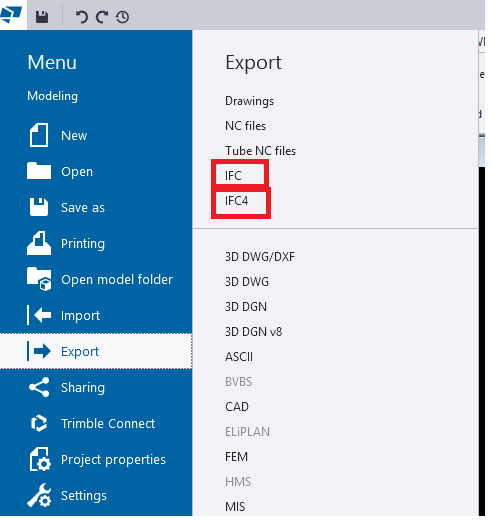
    When we export models from TEKLA Structures, we mainly see two options:

    • Export IFC (this mostly means IFC2x3 format)
    • IFC4 Export

    Both formats serve the same purpose—model interoperability—but they work differently, support different levels of data, and offer different quality of geometry.

    In this blog, we explore the key differences, benefits, and when to use each format.

    1. What is “Export IFC” (IFC2x3)?

    This is the old IFC format used by most companies for many years.

    Key points

    • Works in almost all BIM software
    • Shows Geometry is basic and sometimes rough
    • Limited property information
    • The File size is Bigger

    Best For

    ✔ General coordination
    ✔ Clients who request IFC2x3
    ✔ Old software compatibility

    2. What is “IFC4 Export”?

    This is the newer and more advanced format.

    Key Points

    • Geometry looks cleaner and smoother
    • Curved members (Hollow sections, pipes, elbows, etc.) look perfect
    • More detailed data (bolts, welds, assemblies)
    • Smaller file size in many cases
    • Better for new BIM tools

    Best For

    ✔ Modern BIM tools
    ✔ Better visual quality
    ✔ Detailed model sharing

    3. Quick Comparison

    FeatureIFC2x3 (Export IFC)IFC4
    GeometryBasic (Rough)Smooth & Accurate
    Curved ShapesApproximatePerfect & Precise
    File SizeLargerSmaller
    CompatibilityVery HighMedium
    Details LimitedMore Detailed
    convert IFC object to Steel MemberWork wellCan’t convert

    4. Which One Should You Use?

    • Use Export IFC (IFC2x3) if the client asks for it or if compatibility is important.
    • Use IFC4 if you want cleaner geometry and more detailed information.

    5. Final Summary

    • IFC2x3 (Export IFC) → Best for compatibility
    • IFC4 → Best for quality and smooth geometry

    If your client or BIM Execution Plan (BEP) does not specify the format, use IFC4 for best geometry
  • Always Check Beam Stock Lengths Before Detailing

    Always Check Beam Stock Lengths Before Detailing

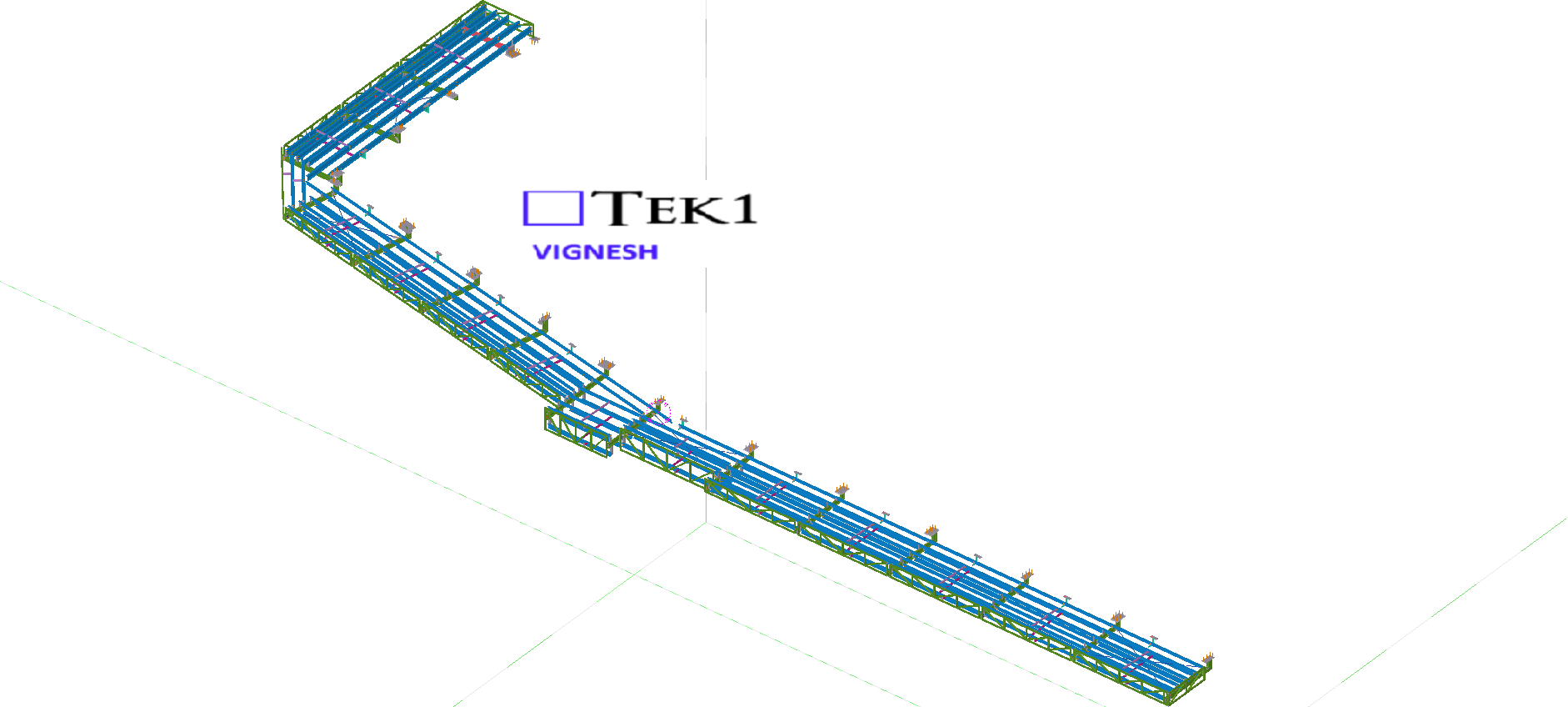
    When detailing steel, one important factor that’s often overlooked is the stock length of the beams. Confirming this early can prevent major rework later in the project.

    Recently, we worked on a façade support steel project that involved several CHS beams. Normally, CHS sections are available up to 12 meters in length. However, in this case, the client informed us that for smaller CHS sizes, the maximum available length was only 6.5 meters.

    Please see the below email from the client.

    “Hi Ganesh

    Have just noticed some of your Member lengths for the 101 CHS are longer than 6.5m stock lengths.”

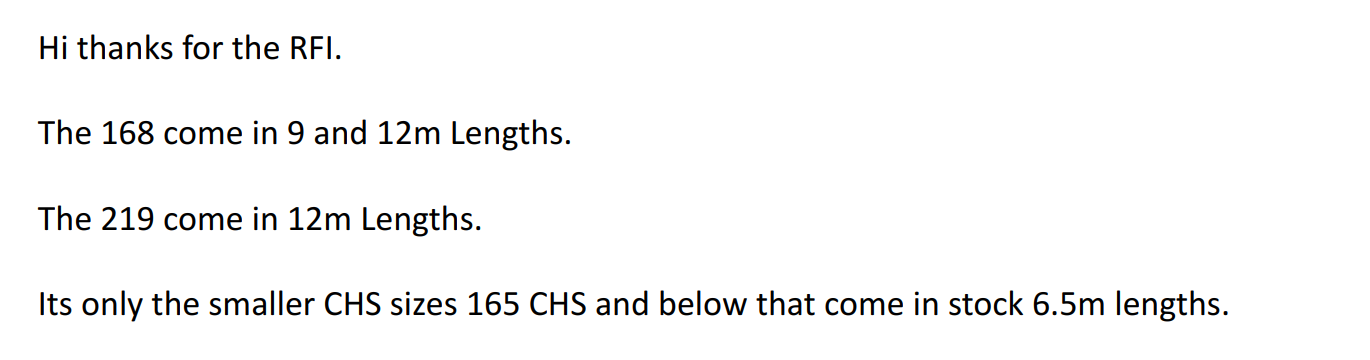
    Then we have raised RFIs for the stock lengths. See the below replies from the client.

    Always confirm the available stock lengths with the client or fabricator before starting the detailing. Early coordination like this saves time, reduces rework, and ensures a smoother fabrication process.

  • TEK1’s Steel Detailing for Sydney Metro – Resolving Design Challenges – 6

    TEK1’s Steel Detailing for Sydney Metro – Resolving Design Challenges – 6

    In this blog, I’d like to share an issue we faced related to hanger locations.

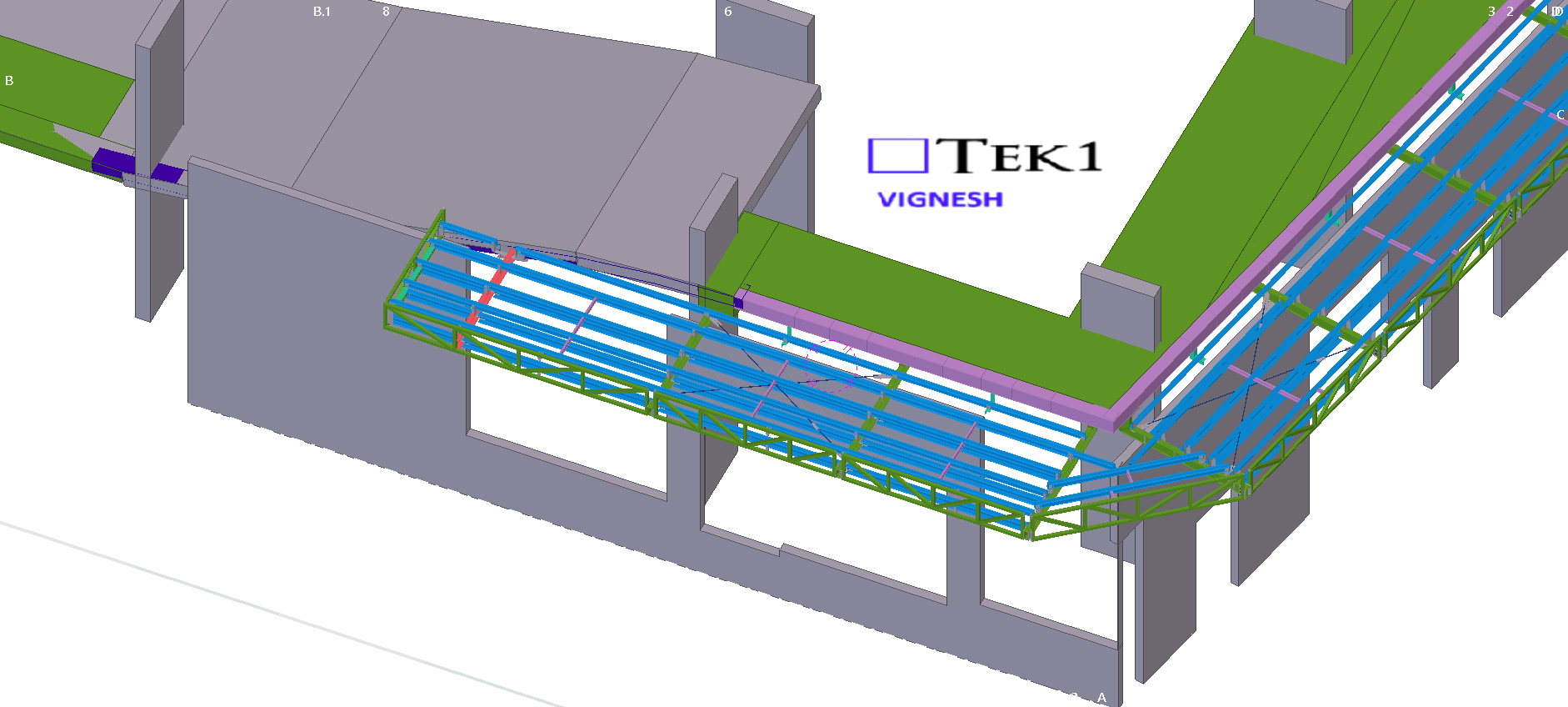
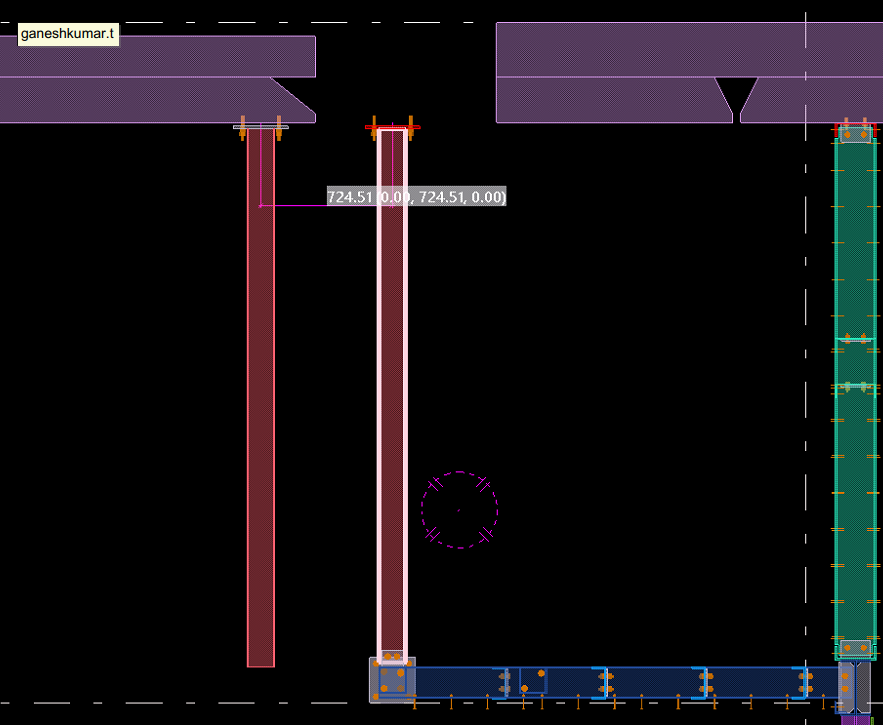
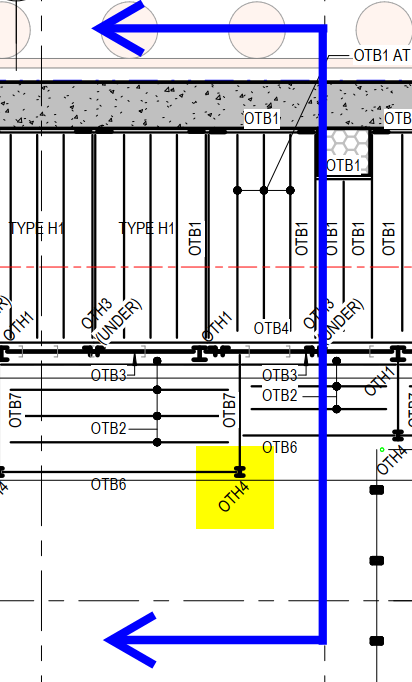
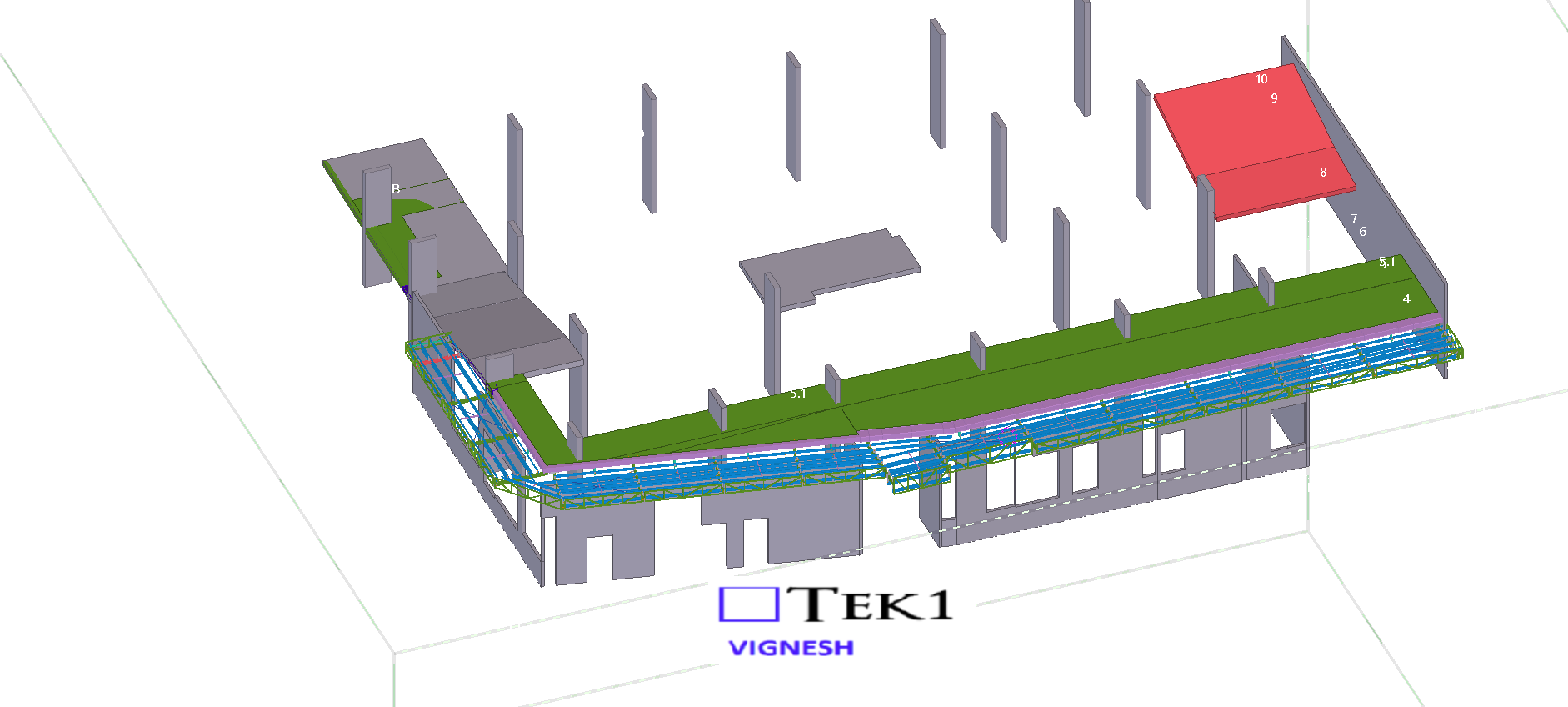
    In this job, the floor steel was supported from the slab soffit. Initially, we placed the hangers as per the design drawings. However, during coordination with the concrete model, we discovered a slab void exactly at one of the hanger locations — meaning there was no concrete support available for that hanger.

    Fortunately, we identified the issue before fabrication and raised it with the respective manager for correction.

    When detailing steel, especially hangers or supports connected to concrete, it’s crucial to check the concrete model. Focusing only on the steel scope can lead to such clashes. Always verify slab and concrete details at the steel connection points to avoid costly rework later.