
TeklaStructures has a batch editing utility for Assemblies.
However, if we have to batch edit parts there is nothing.
Expert Steel Detailers demand Utilities
Our detailers have demanded that we develop a utility to do batch editing of parts.
(more…)This documents the work I’ve done on the Autocad API.
I will be posting code and helpful methods which you might find of use.
Thank you!

TeklaStructures has a batch editing utility for Assemblies.
However, if we have to batch edit parts there is nothing.
Our detailers have demanded that we develop a utility to do batch editing of parts.
(more…)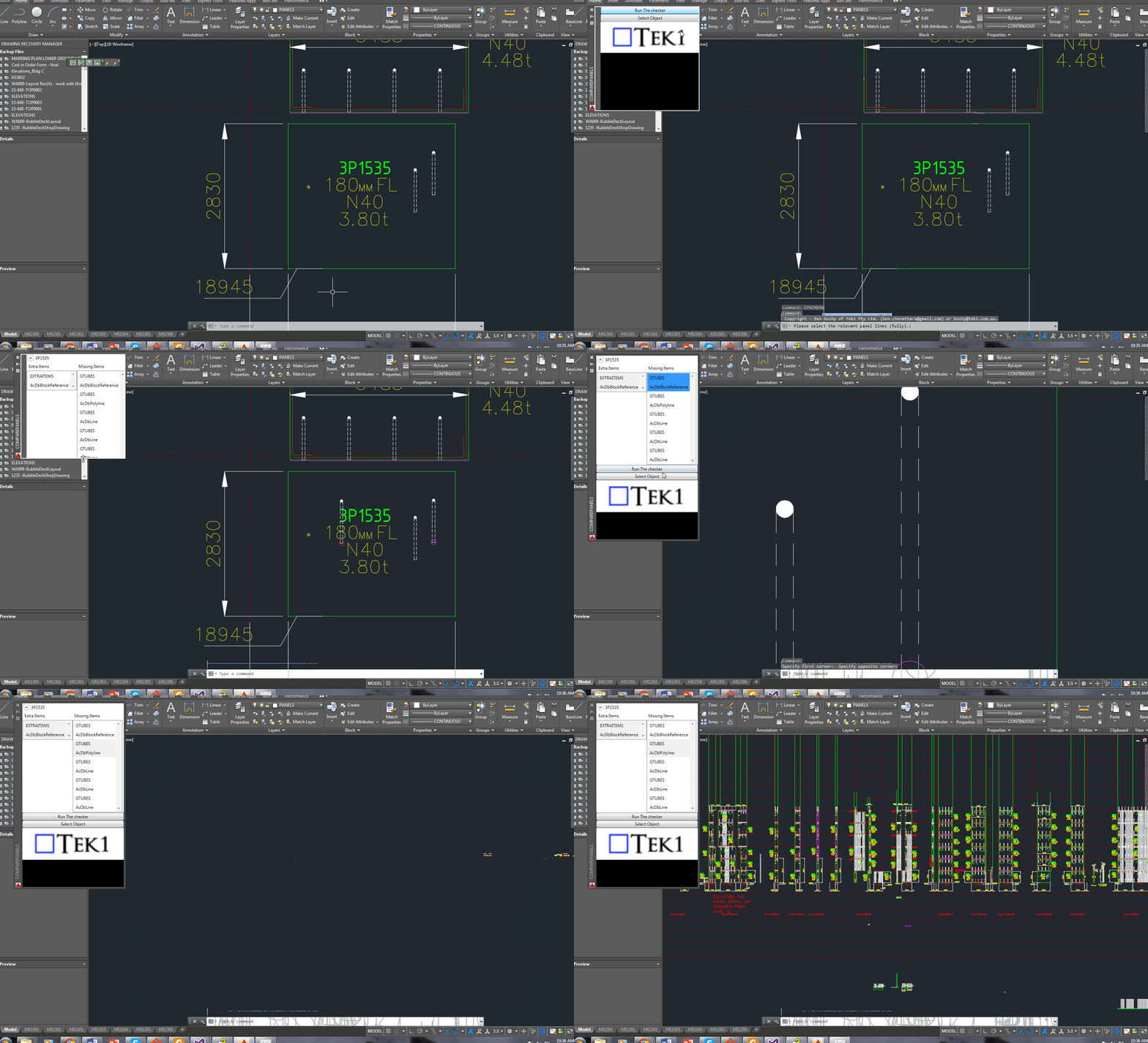
Projections via AutoCAD’s .net API can be confusing. You need to specify a direction, and a plane, upon which you can project a point to. It can be confusing unless it’s clearly spelled out with an example: see below.:
// insert the usual references


Document doc = Application.DocumentManager.MdiActiveDocument;
Database db = doc.Database;

using (Transaction tr = db.TransactionManager.StartTransaction())
{
    BlockTable blockTable = tr.GetObject(db.BlockTableId, OpenMode.ForRead) as BlockTable;
    BlockTableRecord modelSpace = tr.GetObject(blockTable[BlockTableRecord.ModelSpace], OpenMode.ForWrite) as BlockTableRecord;

    // the original originalLine
    using (Line originalLine = new Line(Point3d.Origin, new Point3d(5, 5, 0)))
    {
        modelSpace.AppendEntity(originalLine);
        tr.AddNewlyCreatedDBObject(originalLine, true);

        // but we want to project it ONTO a plane.
        Plane plane = new Plane(Point3d.Origin,  new Vector3d(0,1,0));

        // project the originalLine onto a plane.
        Matrix3d projection = Matrix3d.Projection(plane, - Vector3d.YAxis);

        Line projectedLine = new Line(originalLine.StartPoint.TransformBy(projection), originalLine.EndPoint.Project(plane, -1 * Vector3d.YAxis));
        plane.Dispose();


        modelSpace.AppendEntity(projectedLine);
        tr.AddNewlyCreatedDBObject(projectedLine, true);
    }

    tr.Commit();
}You don’t need to spend $30,000 p/a on Tekla licenses. You can estimate steel based on IntelliCad based software. Here’s some software I wrote to make this happen:
How to Model Beams on Intellicad based software from Tek1 on Vimeo.
This part II of a two part post. Please see part one here.
We’re moving forward with the next set of requirements. Once we have the intersection points we need to do the following:
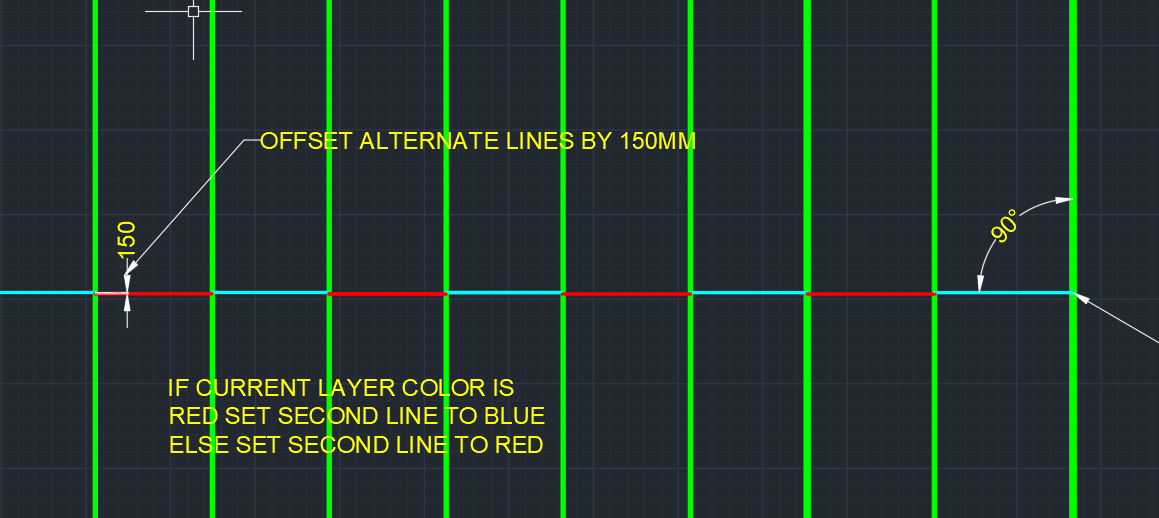
The code to do so is as follows. Hopefully it will be pretty self explanatory:
It seems to be a common problem: getting intersection points along a line.
This is what we want:
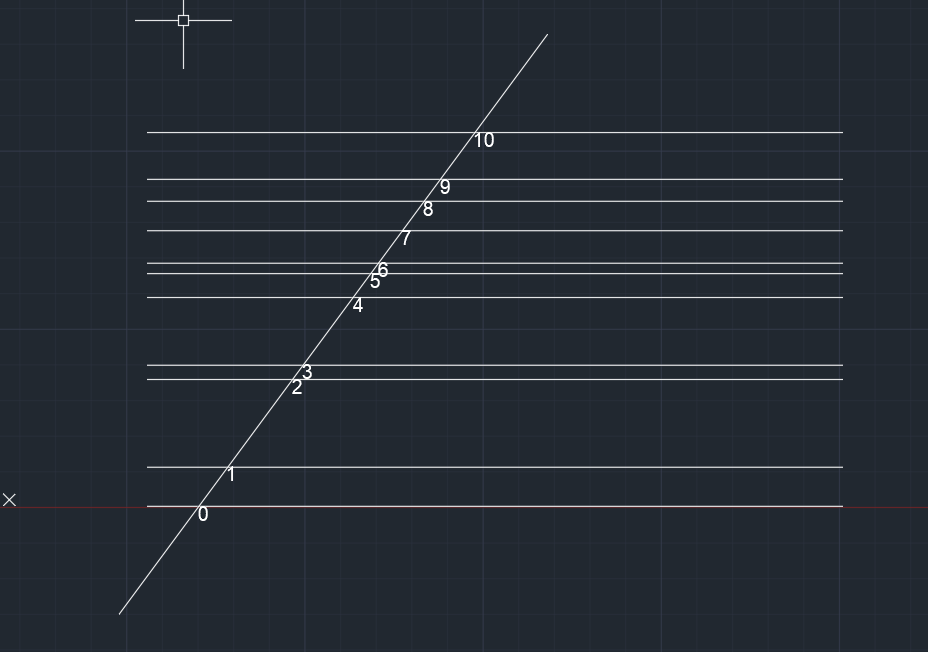
Here’s how I solved it:
This is a simple example of how Linq can be used to filter, map and order a set of lines.
The code is pretty self-explanatory. It is a useful example which can be used to springboard towards further, more sophisticated use-cases according to your own requirements.
Help on Autocad commands are right there at the command line. However, too many times new users ask questions. Not just new users, experienced users as well get used to some way of working and stay there without checking out the full documentation. This video show where the command is available
Many times, over my career in using AutoCAD, I’ve had this requirement: given a particular input vector, I’ve wanted to a jig a line perpendicular to it, within my code.
Accordingly, I have written a little class which I call the LineDirectionJigger: basically it restricts users to select one direction or another. For the sake of completeness I”m posting everything, but you will want to focus on the calling class (i.e. the getViewDirection() method) and the server, which is of course the LineDirectionJigger class.
You can see a demo of this jig starting at about 1:26 in this video here.
And here is the code: