
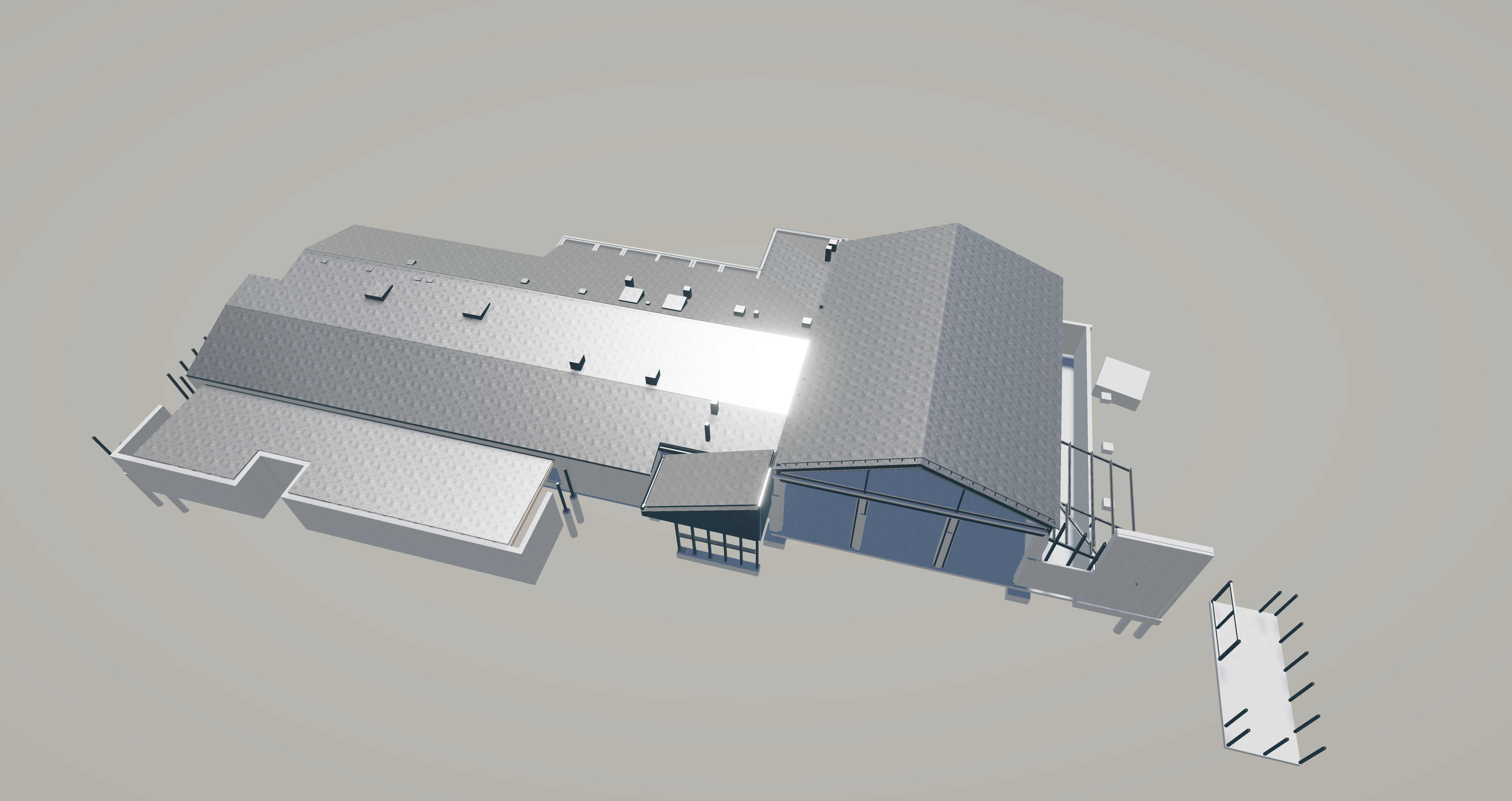
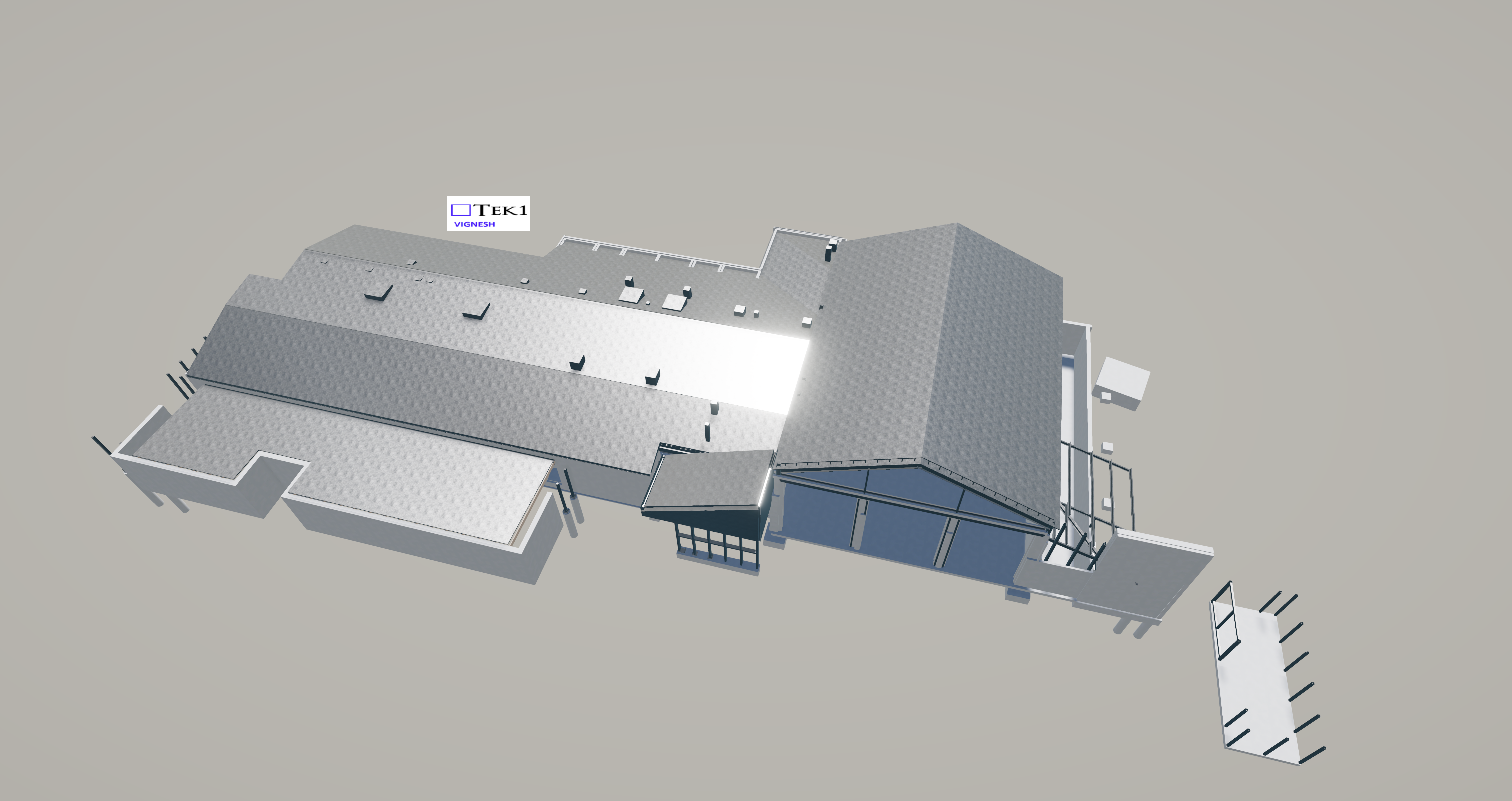
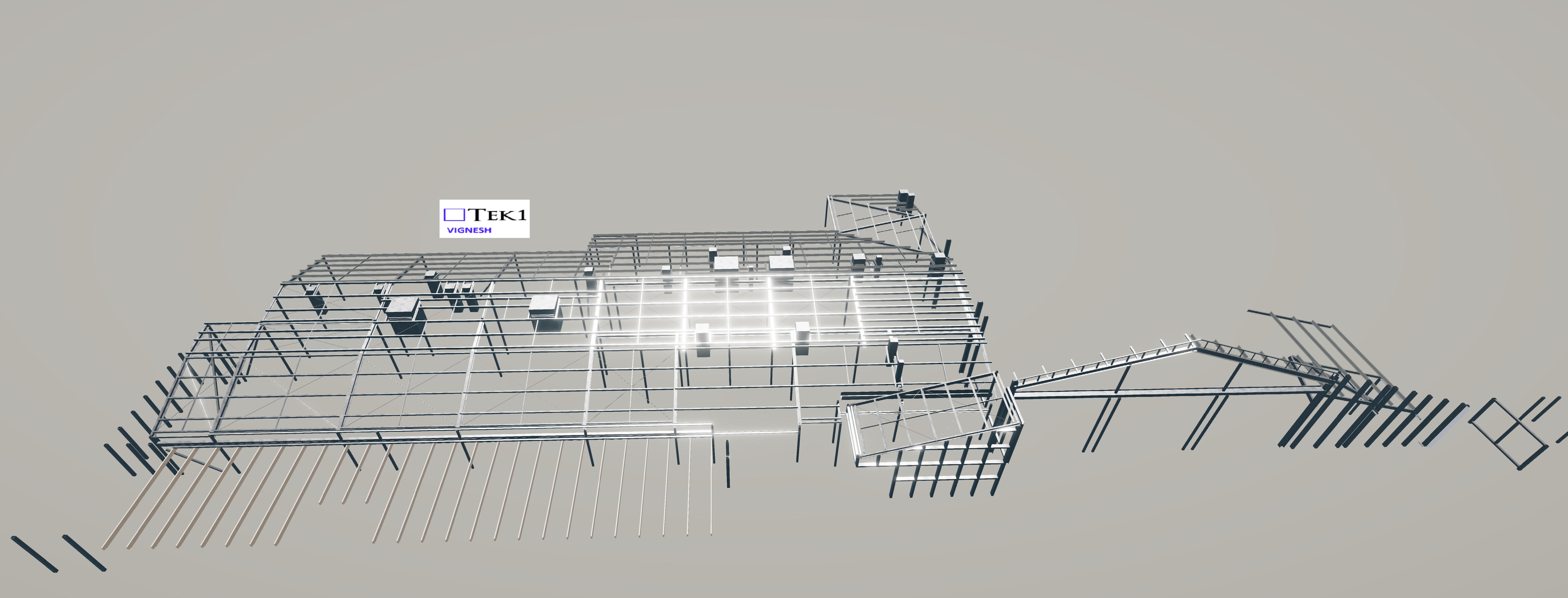
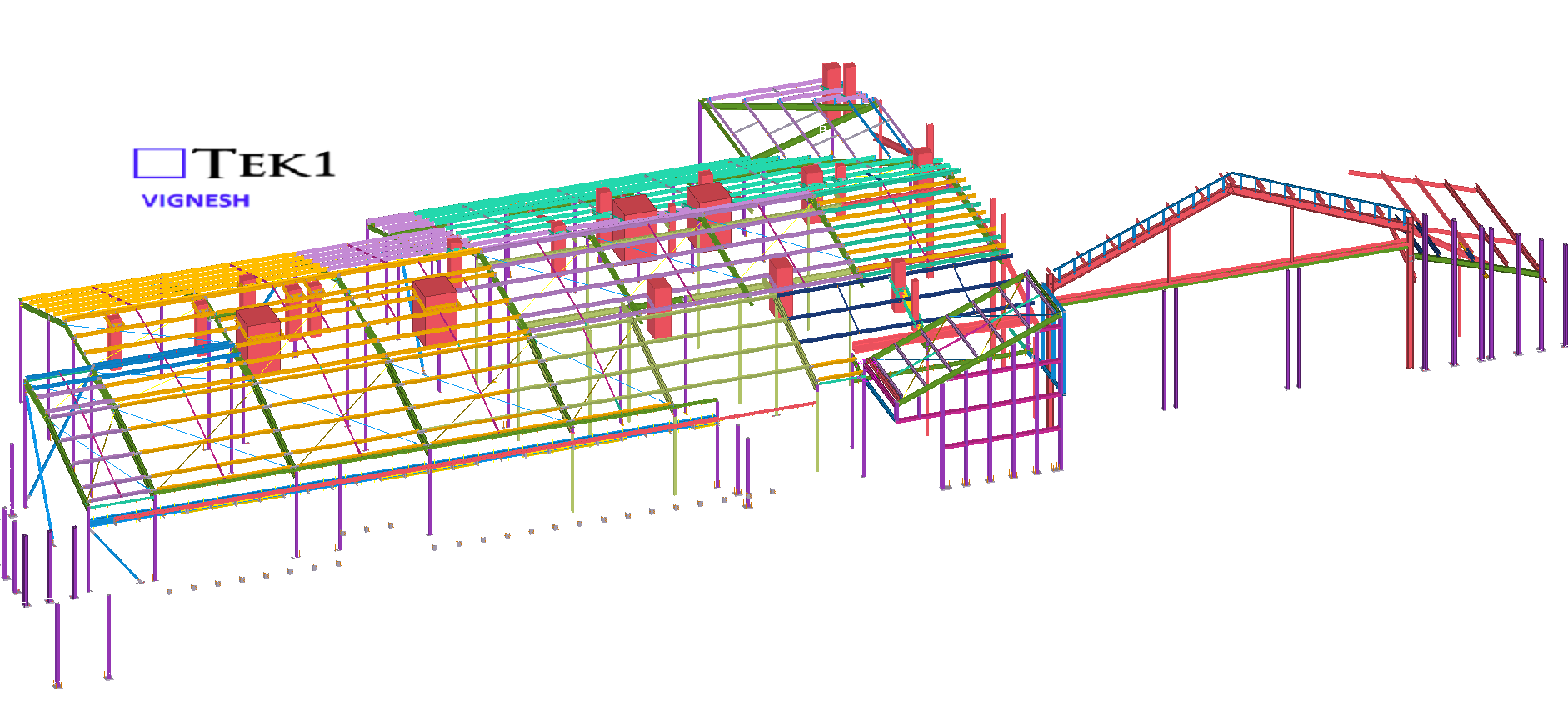
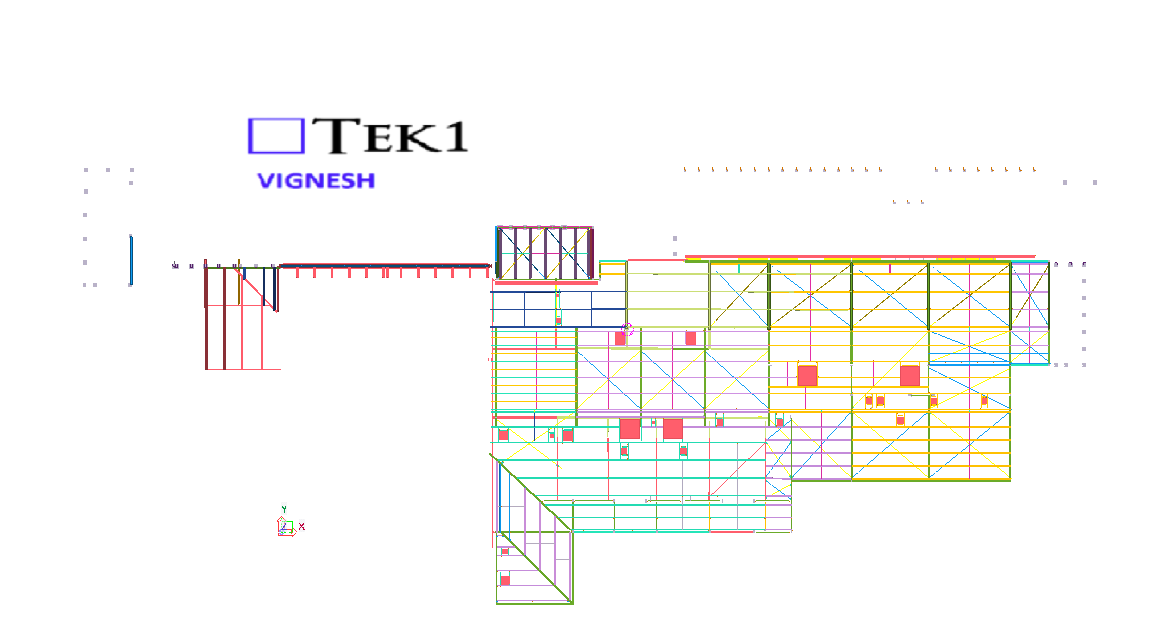
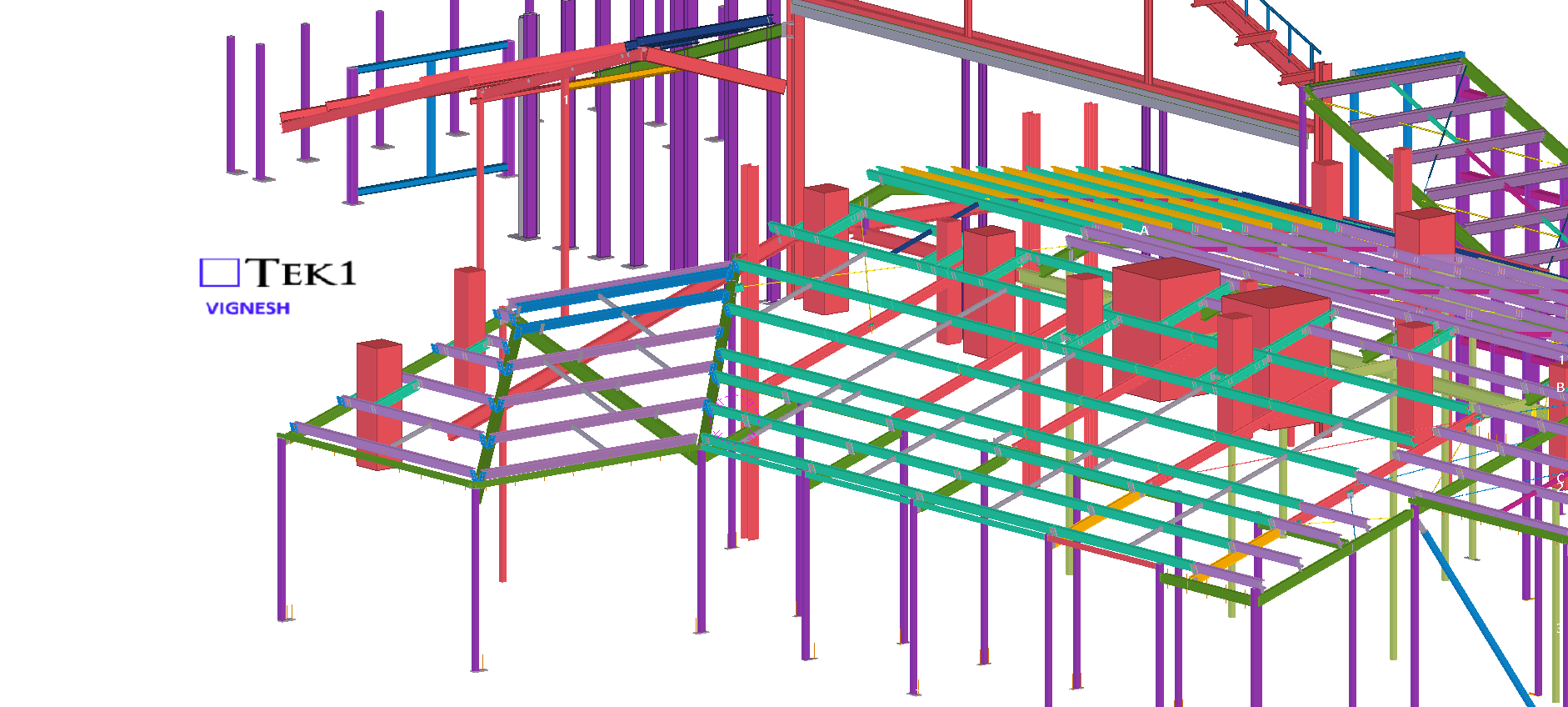
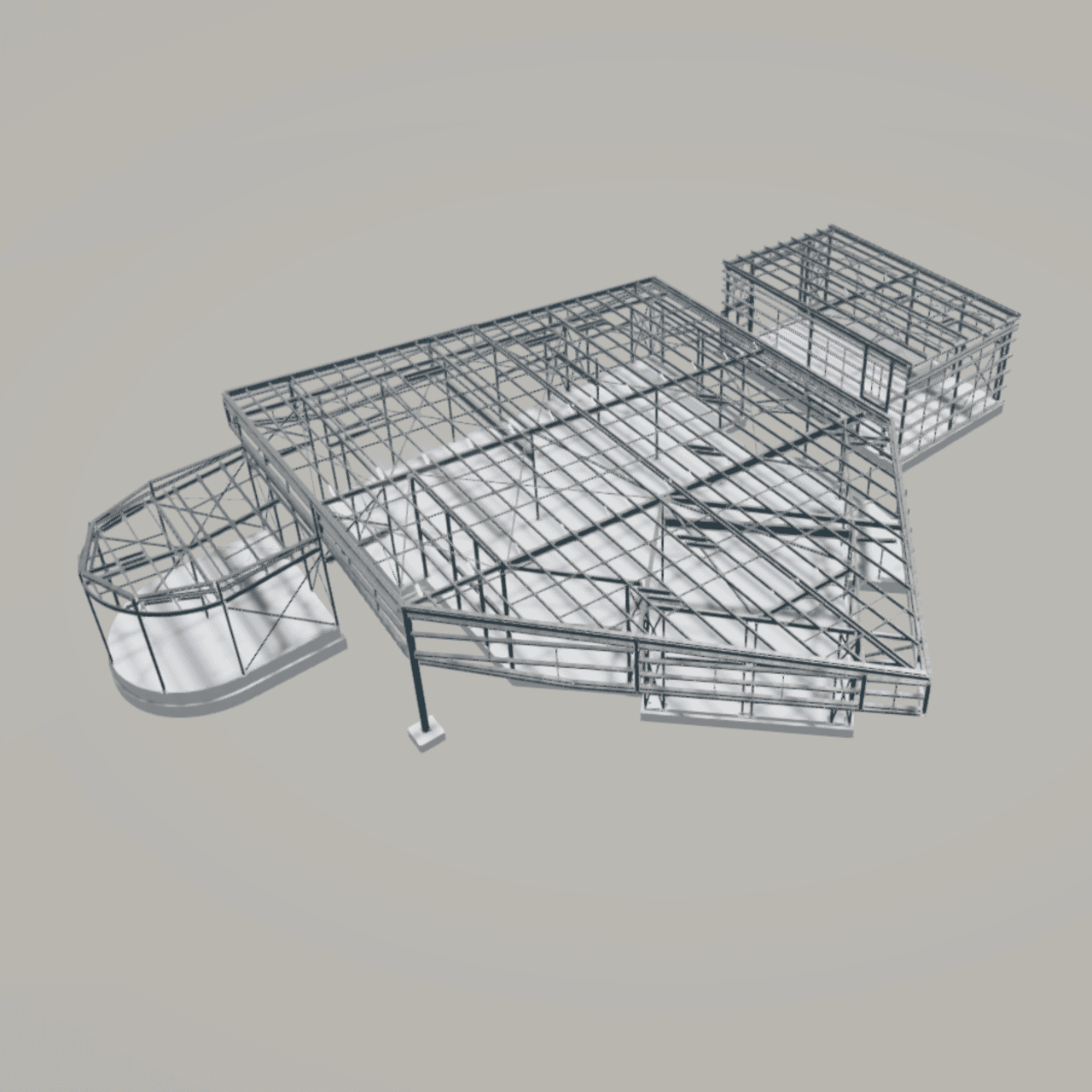
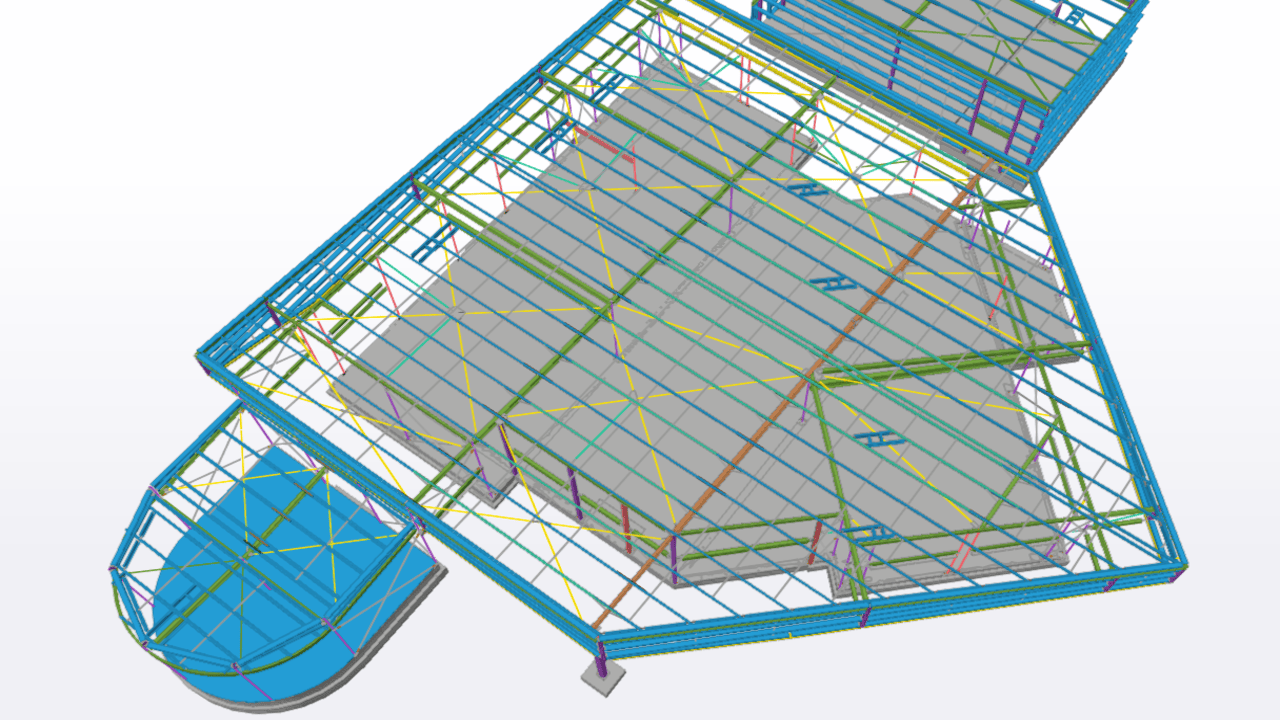
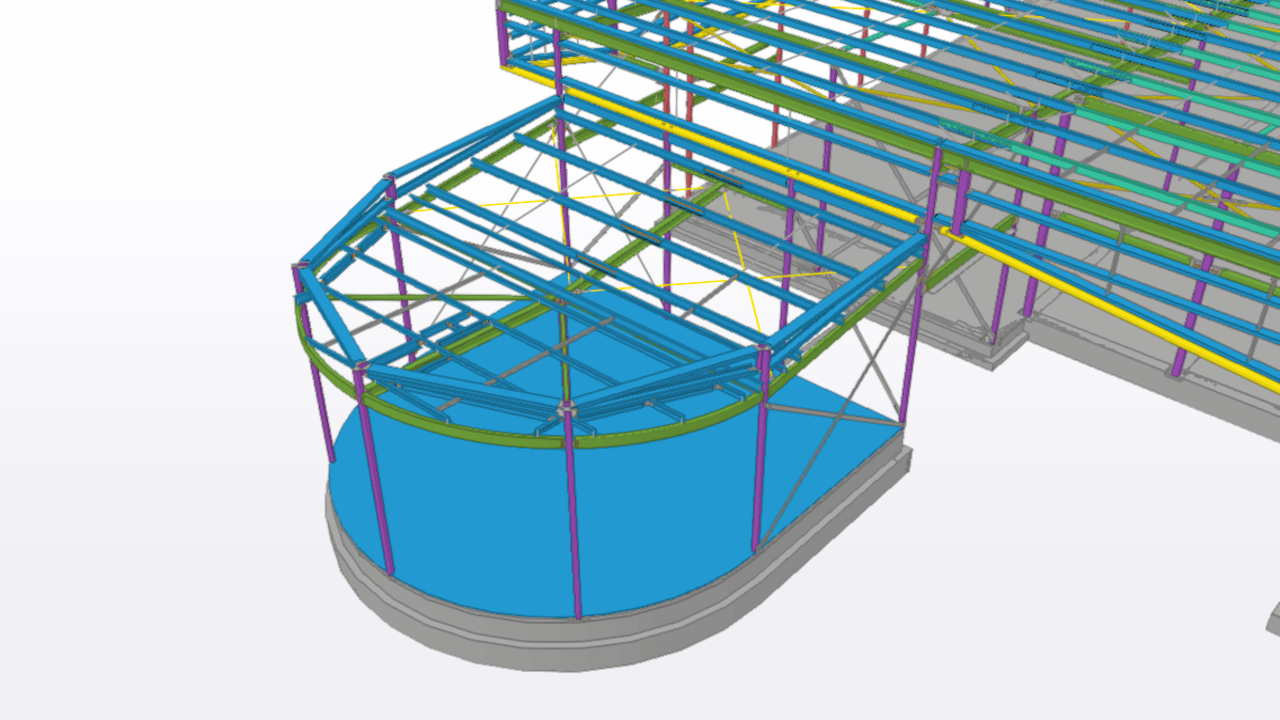
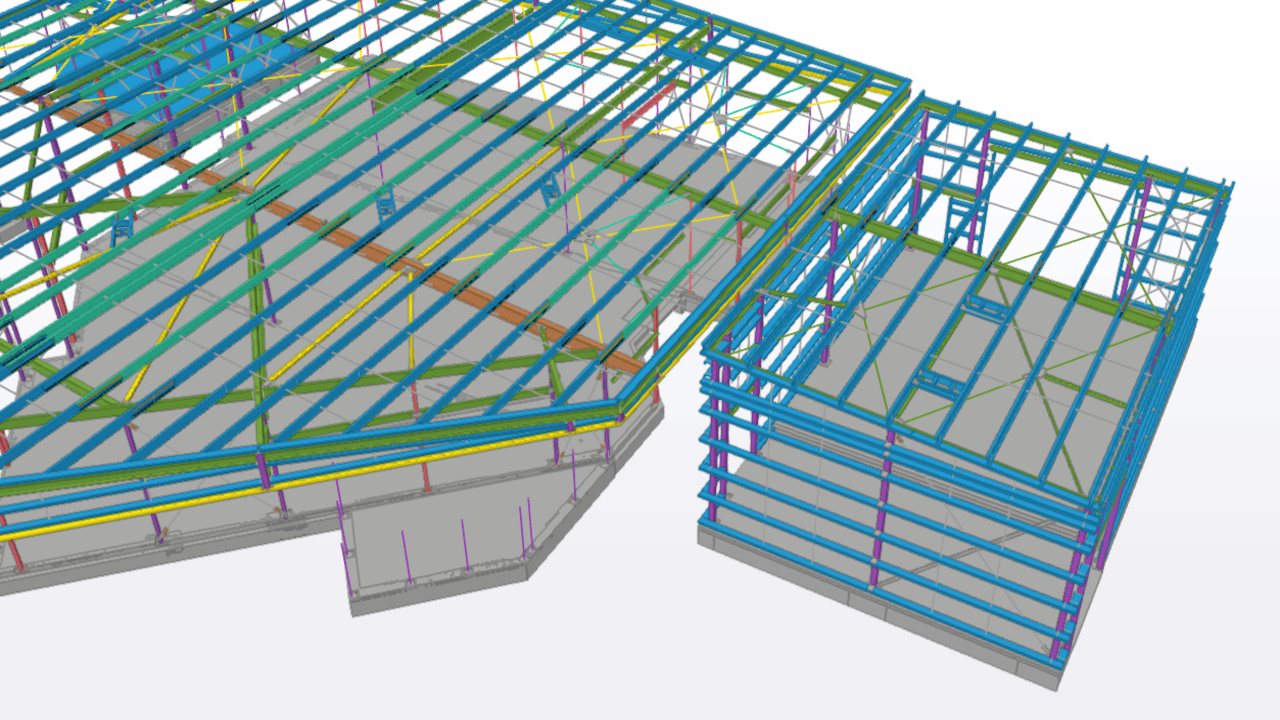
The Stage 3 Works at Muswellbrook TAFE, located on Maitland Street, NSW, represent a significant milestone in the campus’s ongoing development and modernization.
The new development comprises a storage warehouse, a curved amenities area, and multiple classrooms housed within a large integrated structure. The project involved a complex structural steel framework designed to support diverse functional spaces under one roof.
A key challenge during this stage was coordination with the mechanical services contractor, as several ducts and ventilation systems initially clashed with the structural steel members. Through collaborative design reviews, practical solutions were agreed upon—relocating steel members at certain locations and adjusting duct routes at others—to achieve optimal constructability without compromising structural integrity or service performance.
Why scope?
Scope must be white listed in.
Clear Unambiguous Objective:
Summary:
Projections via AutoCAD’s .net API can be confusing. You need to specify a direction, and a plane, upon which you can project a point to. It can be confusing unless it’s clearly spelled out with an example: see below.:
// insert the usual references


Document doc = Application.DocumentManager.MdiActiveDocument;
Database db = doc.Database;

using (Transaction tr = db.TransactionManager.StartTransaction())
{
    BlockTable blockTable = tr.GetObject(db.BlockTableId, OpenMode.ForRead) as BlockTable;
    BlockTableRecord modelSpace = tr.GetObject(blockTable[BlockTableRecord.ModelSpace], OpenMode.ForWrite) as BlockTableRecord;

    // the original originalLine
    using (Line originalLine = new Line(Point3d.Origin, new Point3d(5, 5, 0)))
    {
        modelSpace.AppendEntity(originalLine);
        tr.AddNewlyCreatedDBObject(originalLine, true);

        // but we want to project it ONTO a plane.
        Plane plane = new Plane(Point3d.Origin,  new Vector3d(0,1,0));

        // project the originalLine onto a plane.
        Matrix3d projection = Matrix3d.Projection(plane, - Vector3d.YAxis);

        Line projectedLine = new Line(originalLine.StartPoint.TransformBy(projection), originalLine.EndPoint.Project(plane, -1 * Vector3d.YAxis));
        plane.Dispose();


        modelSpace.AppendEntity(projectedLine);
        tr.AddNewlyCreatedDBObject(projectedLine, true);
    }

    tr.Commit();
}