Month: April 2026
-
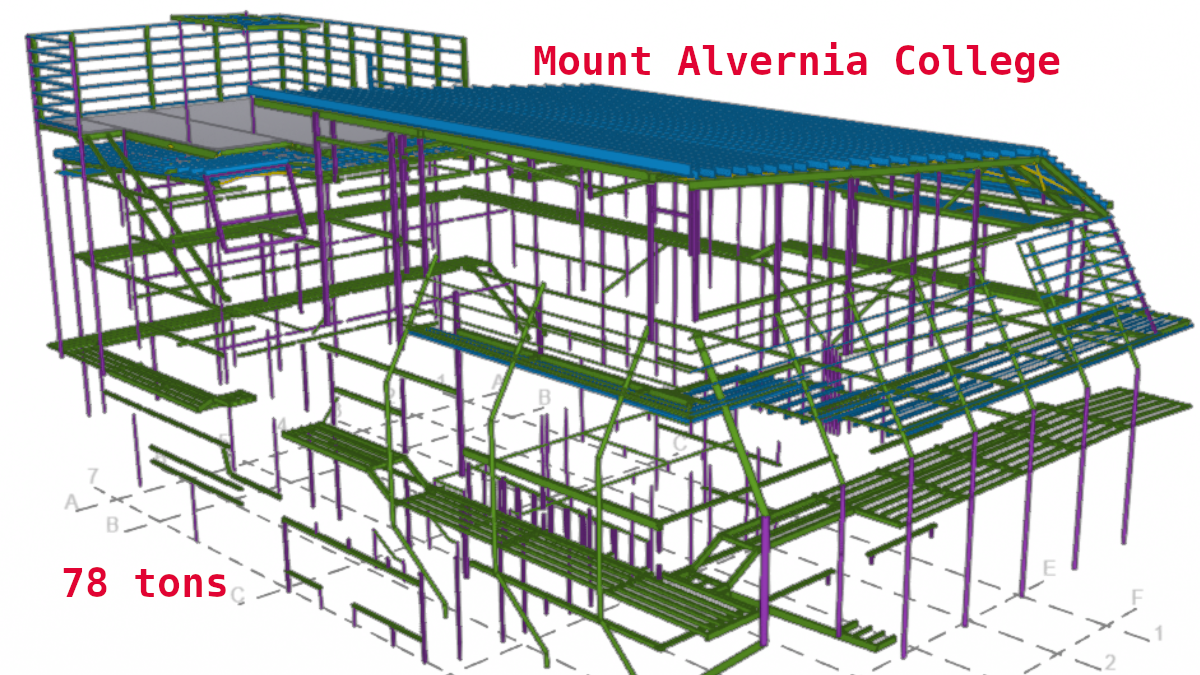
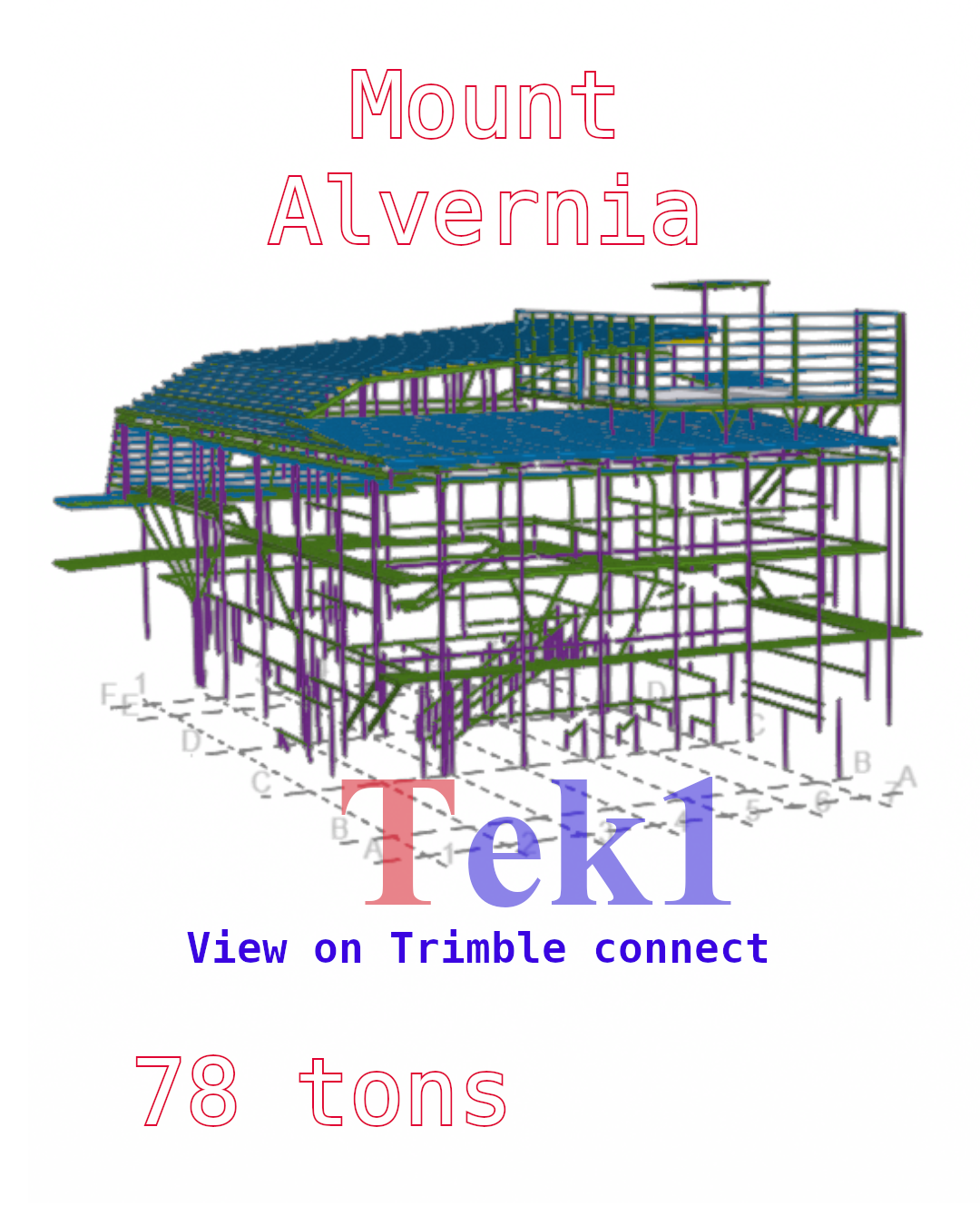
Mount Alvernia College
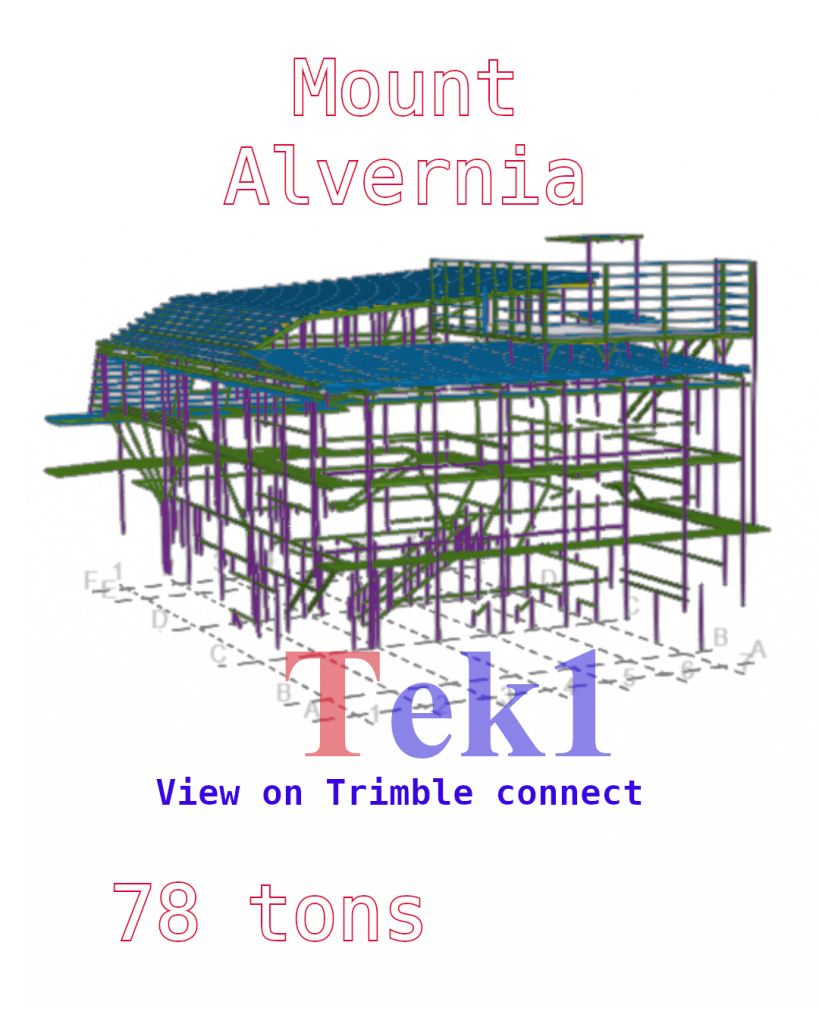
Expert Take Off Service from Tek1 Mount Alvernia College
Expert MTO. Fast. Low Cost call us on.
Expert Material Takeoff and Steel Estimation Services
Competitve pricing
Tel: 0425791837
-
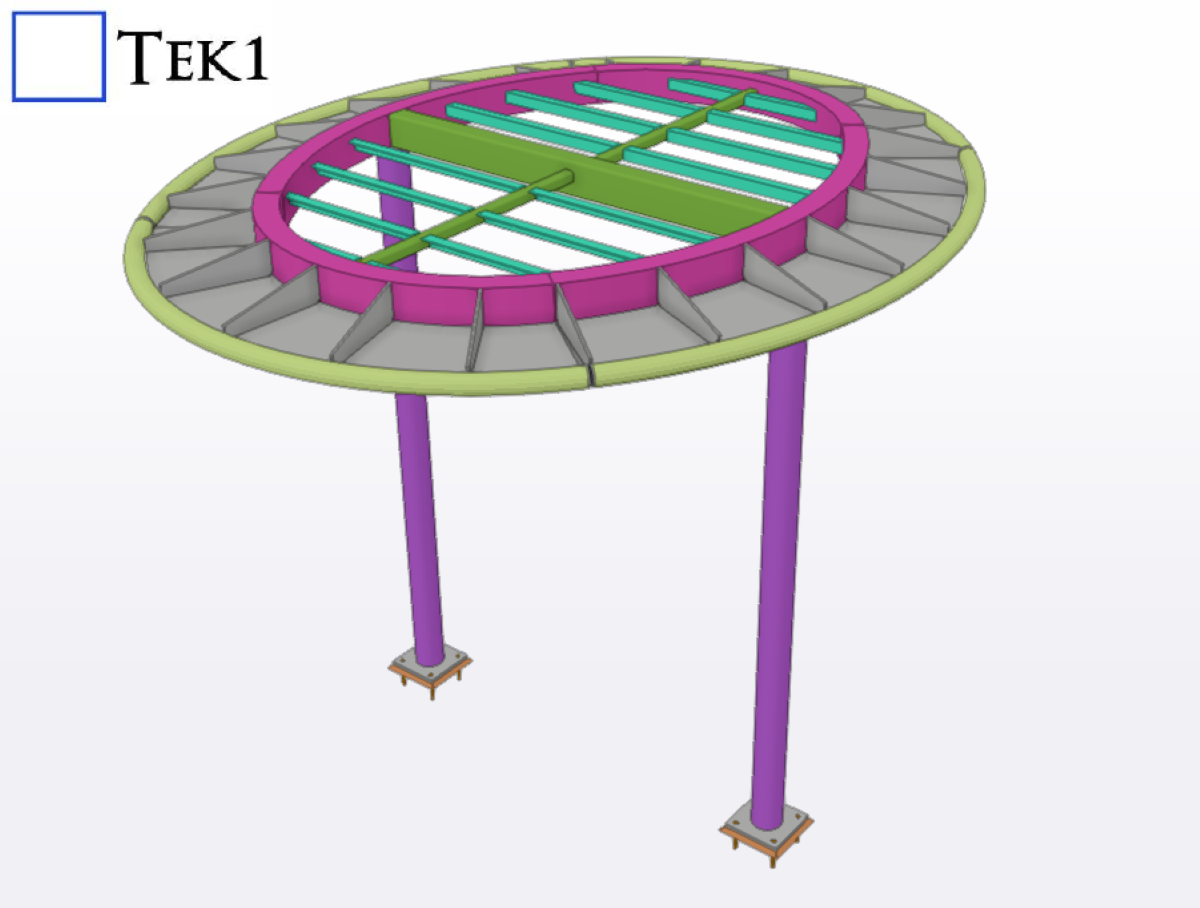
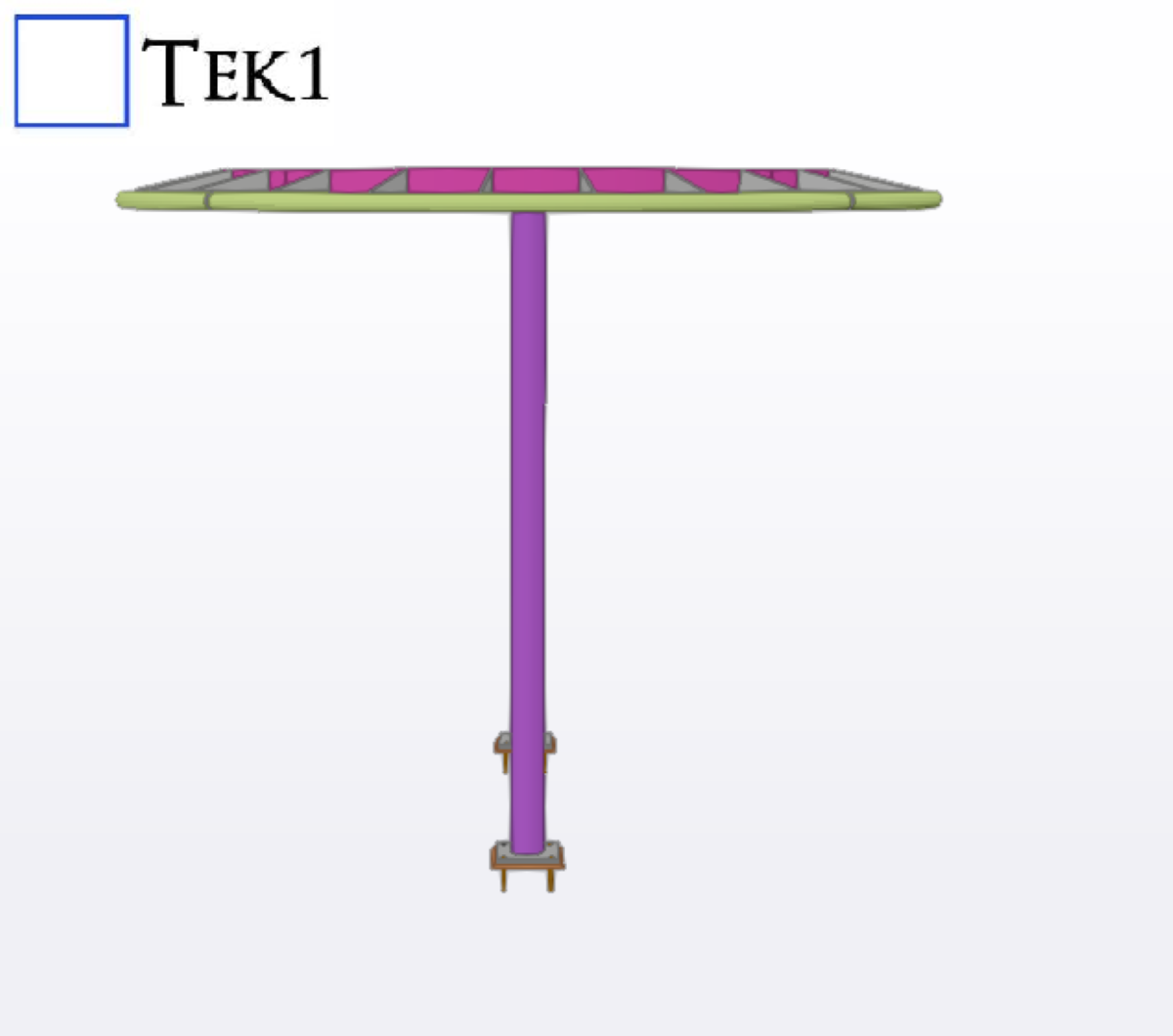
Esplanade Brighton canopy
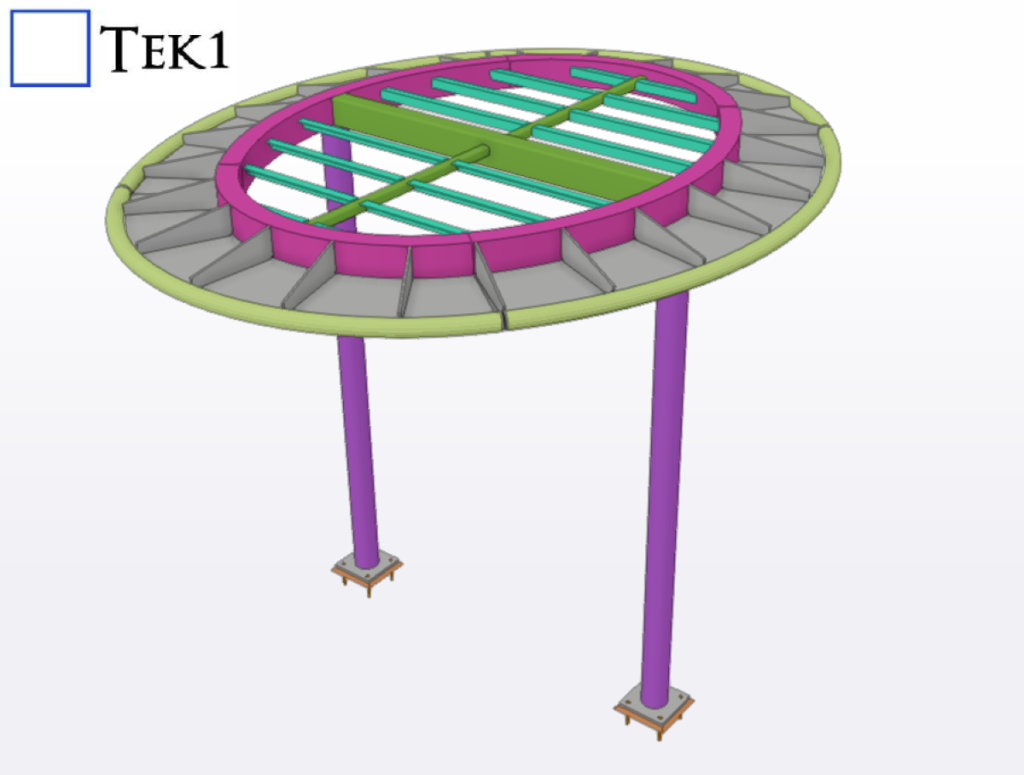
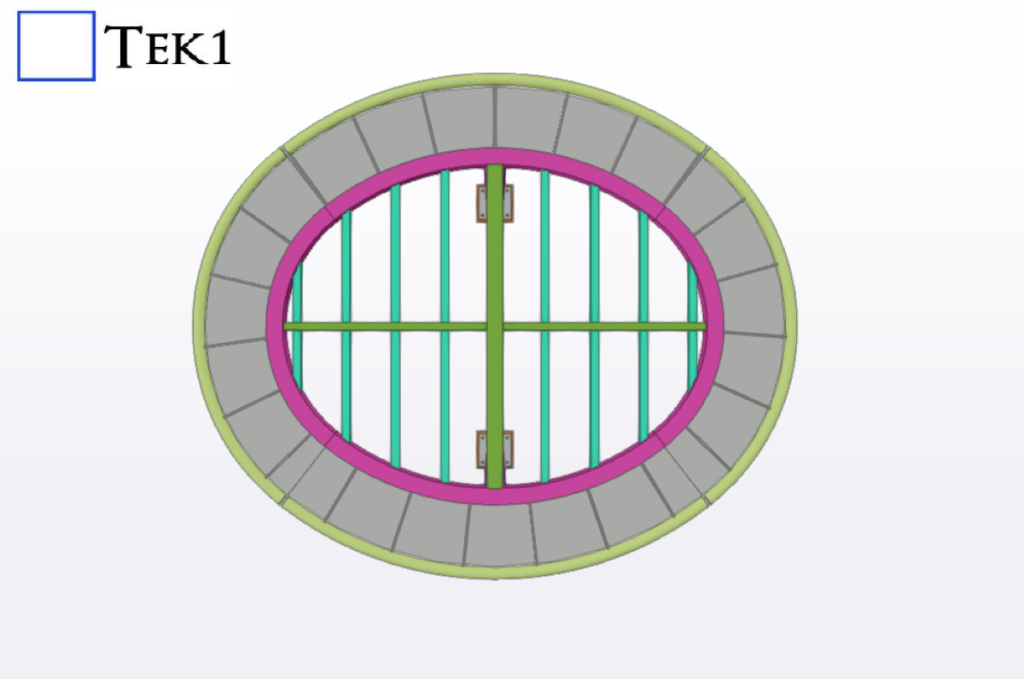
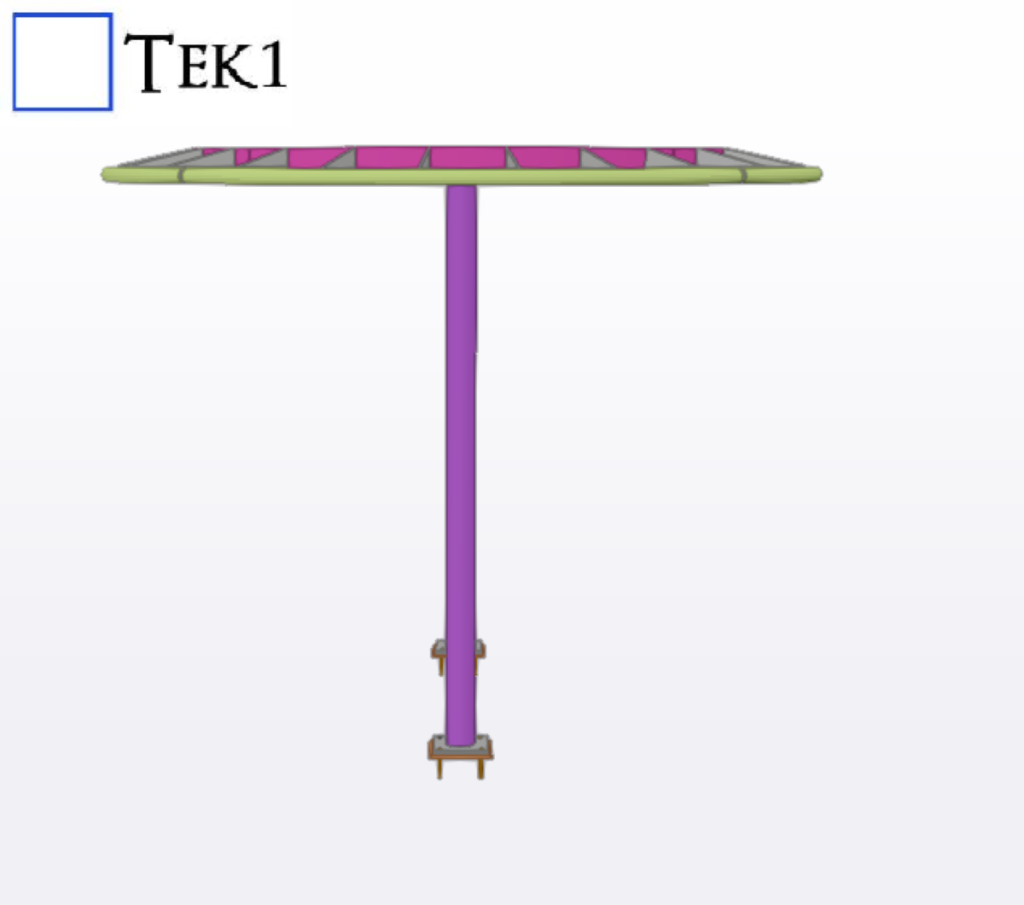
TEK1 completed a canopy project for a prominent organization in Australia. The goal was to provide detailed support for steelwork canopies.
-
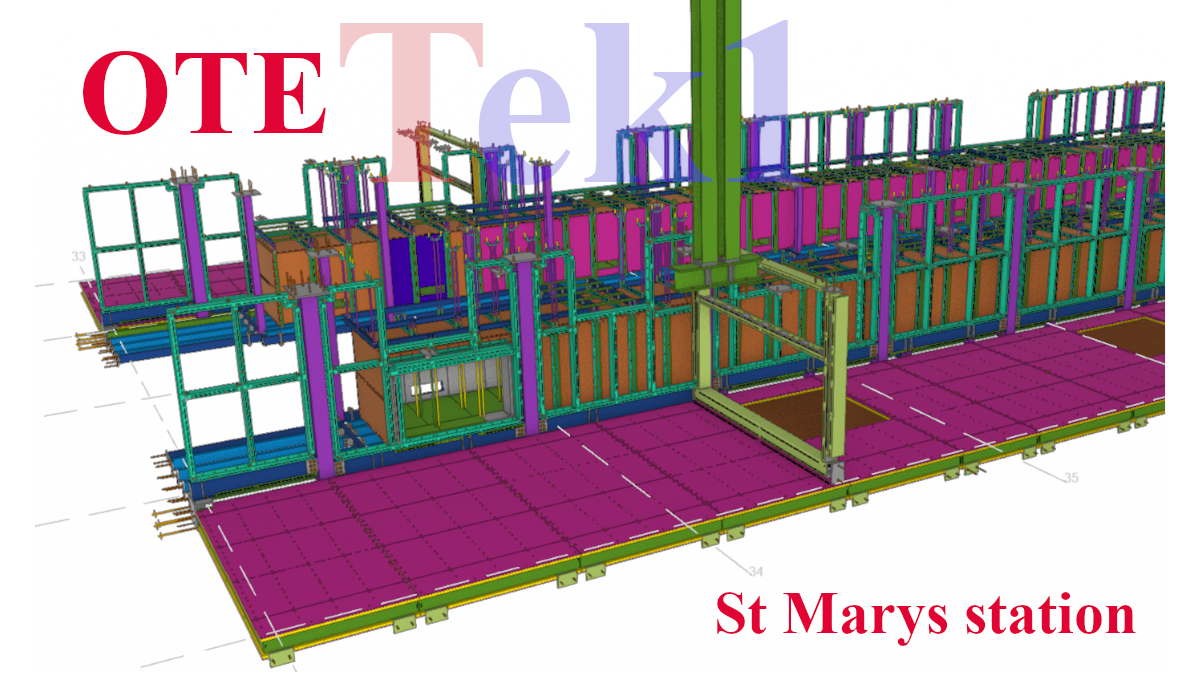
Navigate a million Changes?
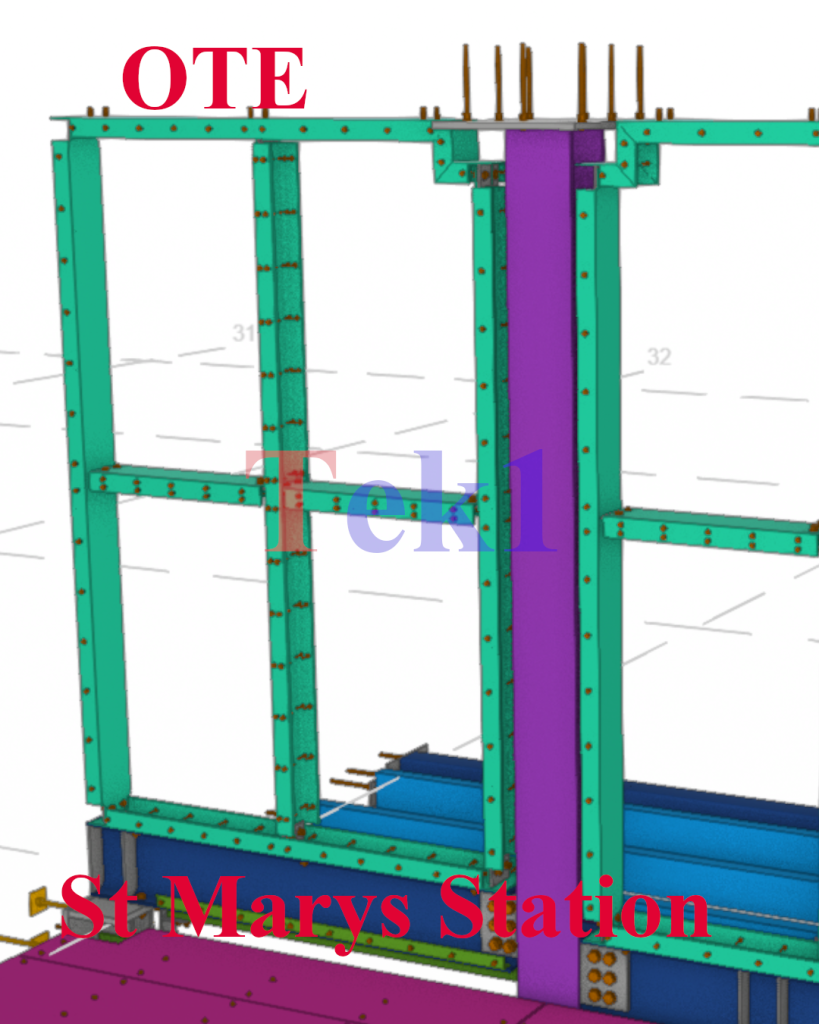
Meticulous Care – Expertise alone not sufficent
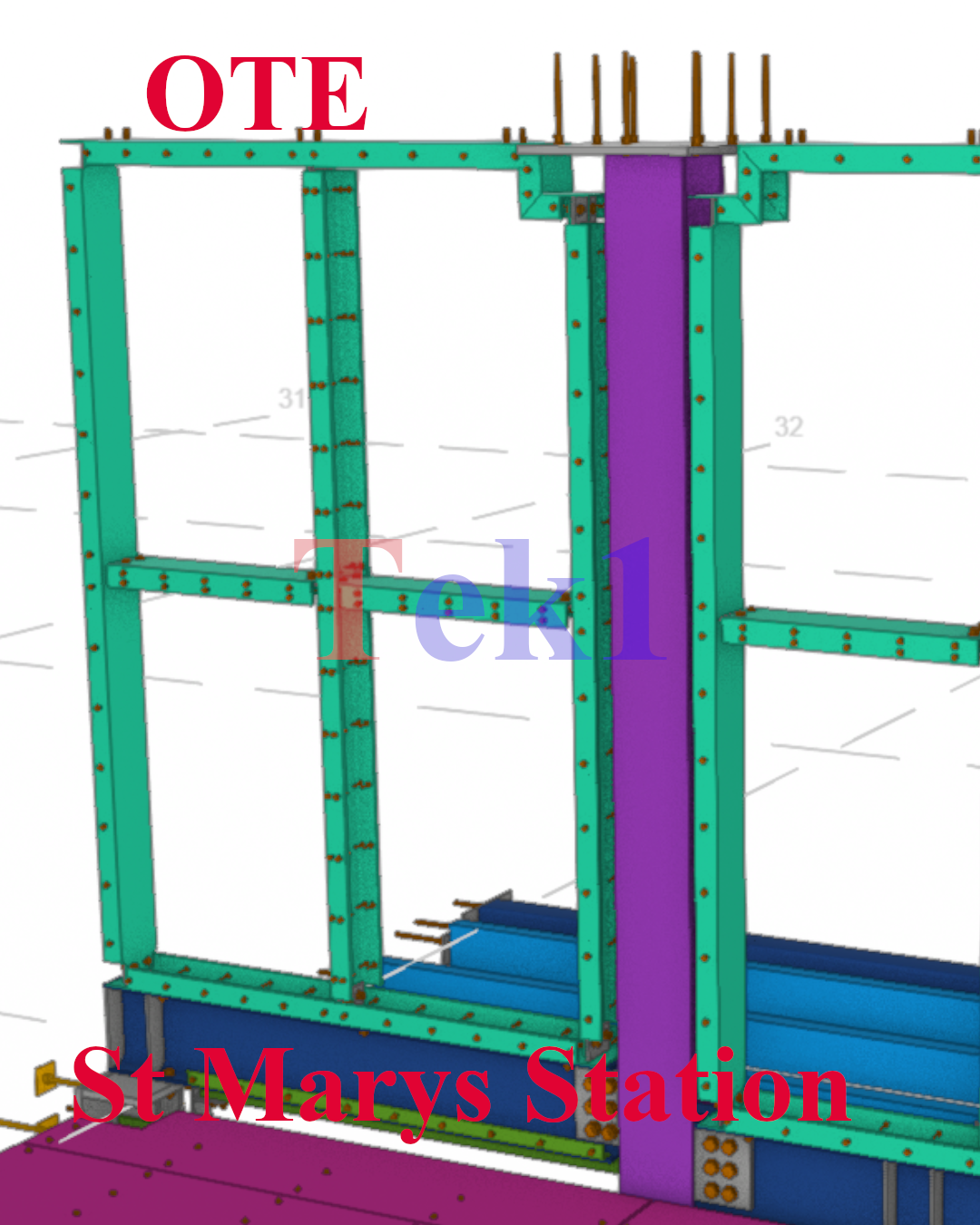
Meticulous Care – Expertise alone not sufficent With many many changes, Mulitple site meaures, point cloud data, unless the processes are good and the care is meticulous, the knowledge and expertise will not count Street Address ATL Station State NSW Country Australia Modeler Ganesh Kumar
With many many changes, Mulitple site meaures, point cloud data, unless the processes are good and the care is meticulous, the knowledge and expertise will not count
Street Address ATL Station State NSW Country Australia Modeler Ganesh Kumar -
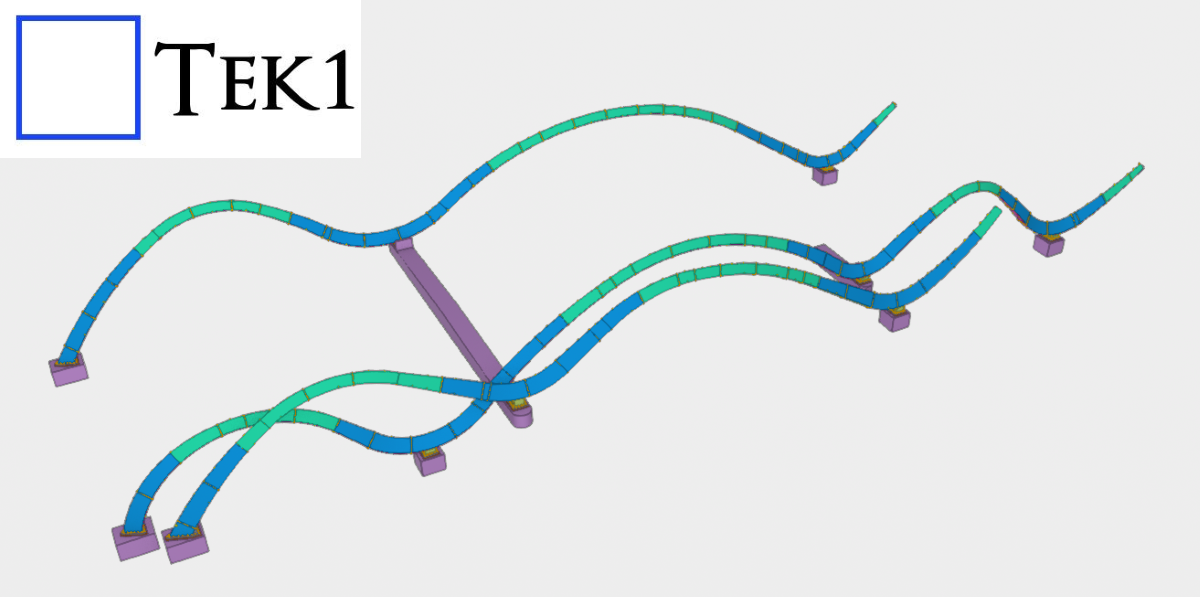
Handling Complex Geometry – Ribbon
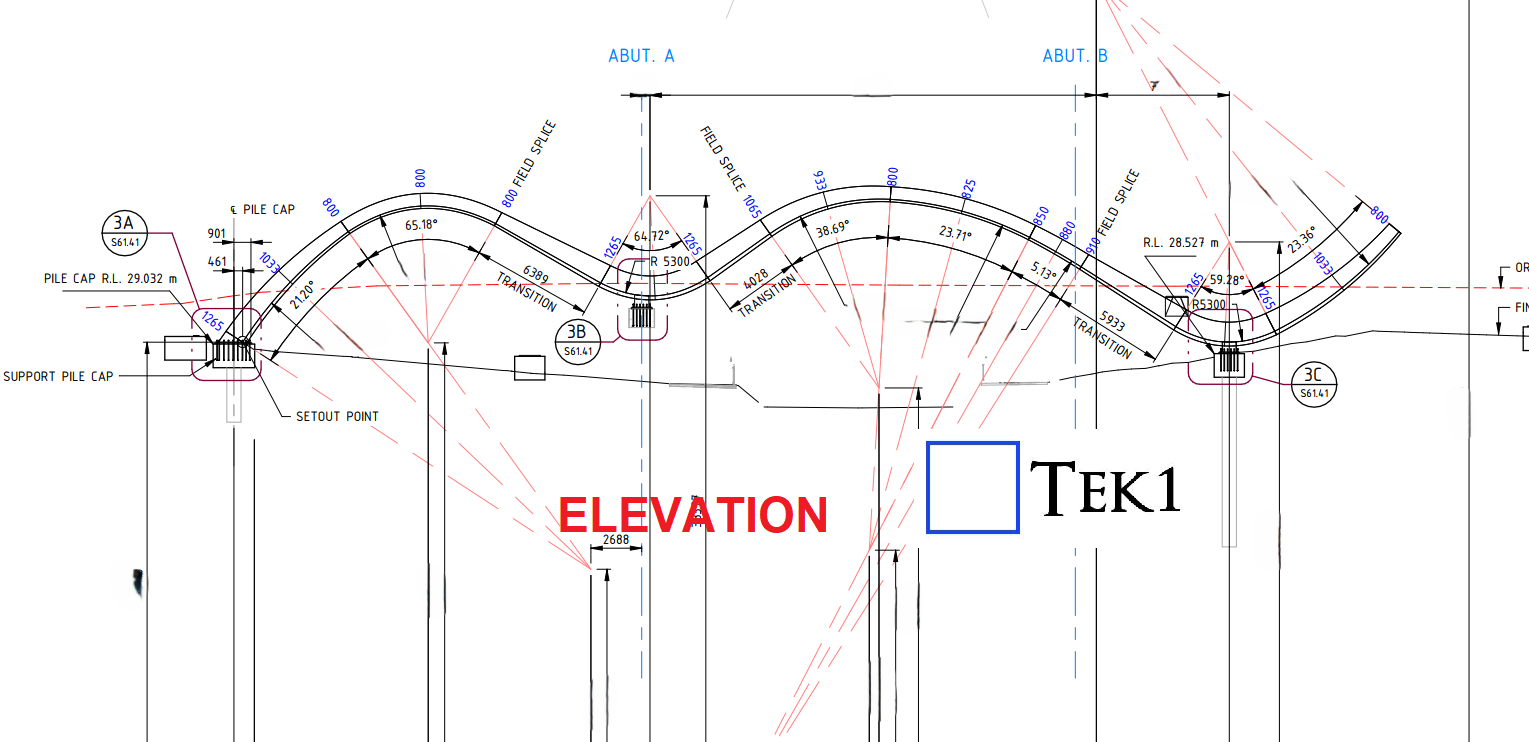
Recently, we were awarded a project to detail a curved section on the bridge for a reputed organization in Australia. The geometry involved presented some unique challenges.
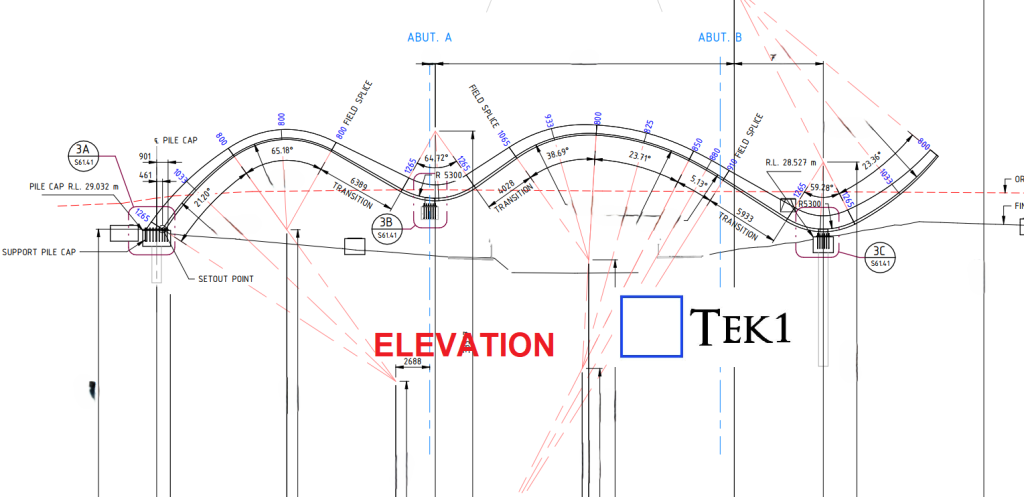
From the elevation, the structure followed a non-linear zig-zag curvature, creating a dynamic and aesthetically driven form.
(more…) -
.Net | Python Ruby on Rails
-
Batch Edit a Part in Tekla Structures
TeklaStructures has a batch editing utility for Assemblies. However, if we have to batch edit parts there is nothing. Expert Steel Detailers demand Utilities Our detailers have demanded that we develop a utility to do batch editing of parts.
-
How to do some simple projections via AutoCAD’s .net API
Shows how to conduct a basic projection using AutoCAD’s .net API
-
How to create a rotated dimension (Tutorial) – AutoCAD .NET API
-
Tekla Open API: How to access a Tekla Model Object from the Equivalent Object in a Drawing?
The trick is to use to the drawing’s “PartIdentifier” to select the relevant object in the model space. Once you’ve done that, you can query the model object for whatever you want. Here is a code sample I’ve extracted from one of our Tekla API Applications. The basic steps: SinglePartDrawing singlePartDrawing = (SinglePartDrawing)drawing;Tekla.Structures.Model.ModelObject modelObject =…
-
QR Code on Drawings
We are now placing smart QR codes on drawings. Why? What benefit is accrued by doing so? Instructions on how to make it work Rules – To prevent obsolete data from being used or shown Updating the Drawings: Setting up the template
-
-
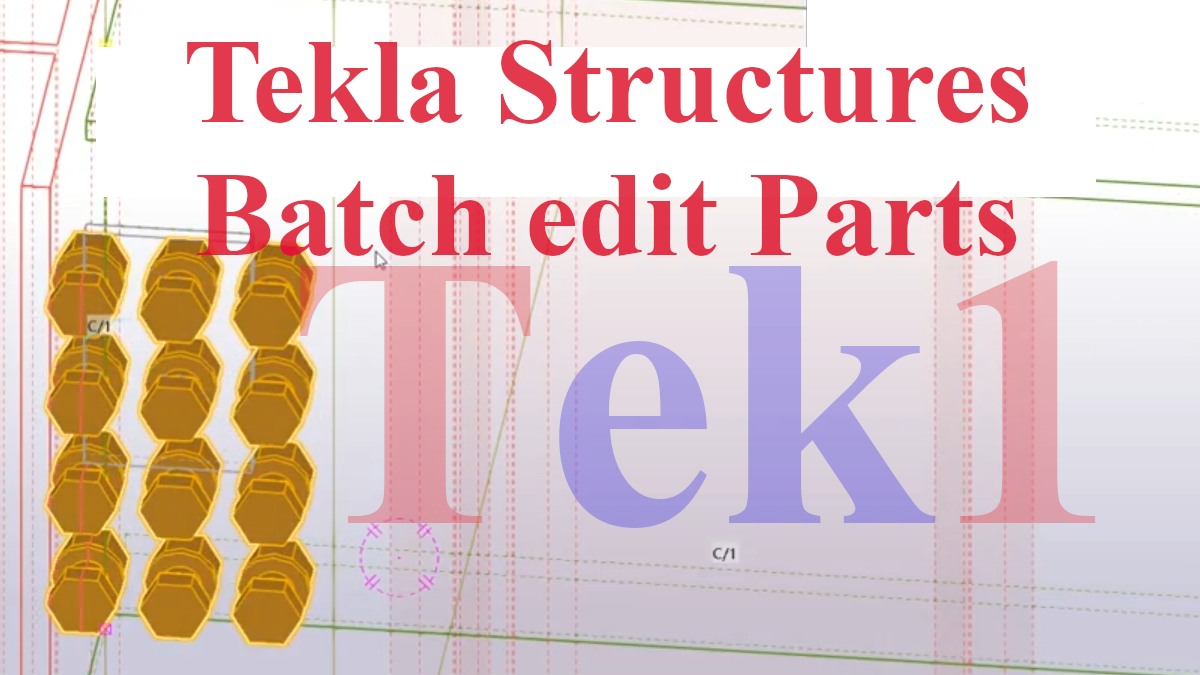
Batch Edit a Part in Tekla Structures
TeklaStructures has a batch editing utility for Assemblies.
However, if we have to batch edit parts there is nothing.
Expert Steel Detailers demand Utilities
Our detailers have demanded that we develop a utility to do batch editing of parts.
(more…) -
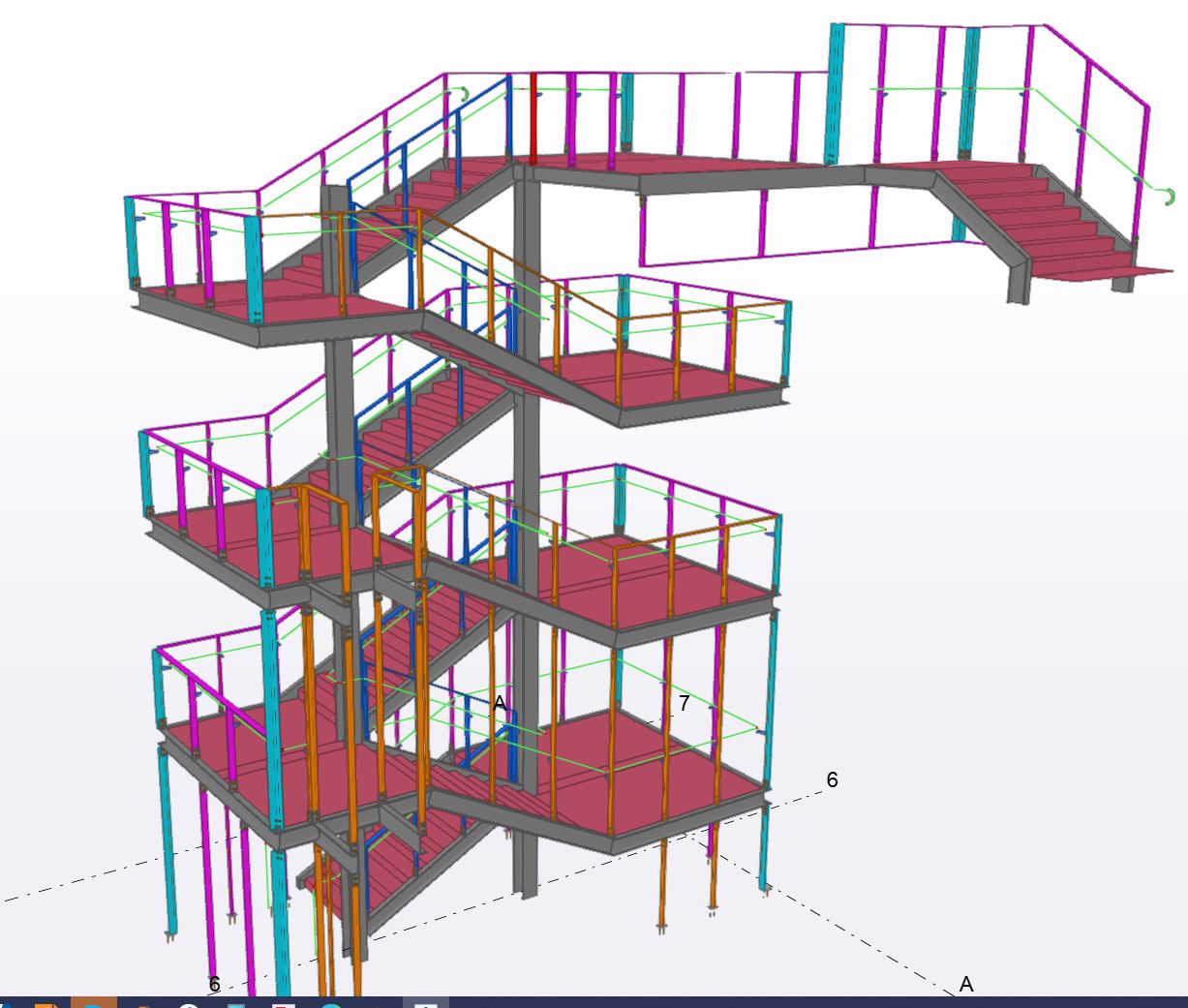
Steel Stairs | Melbourne | Sydney | WA
-
Stair Construction
Read More: Stair Construction -

Dont Run Upstairs for missing dimension
Read More: Dont Run Upstairs for missing dimension -
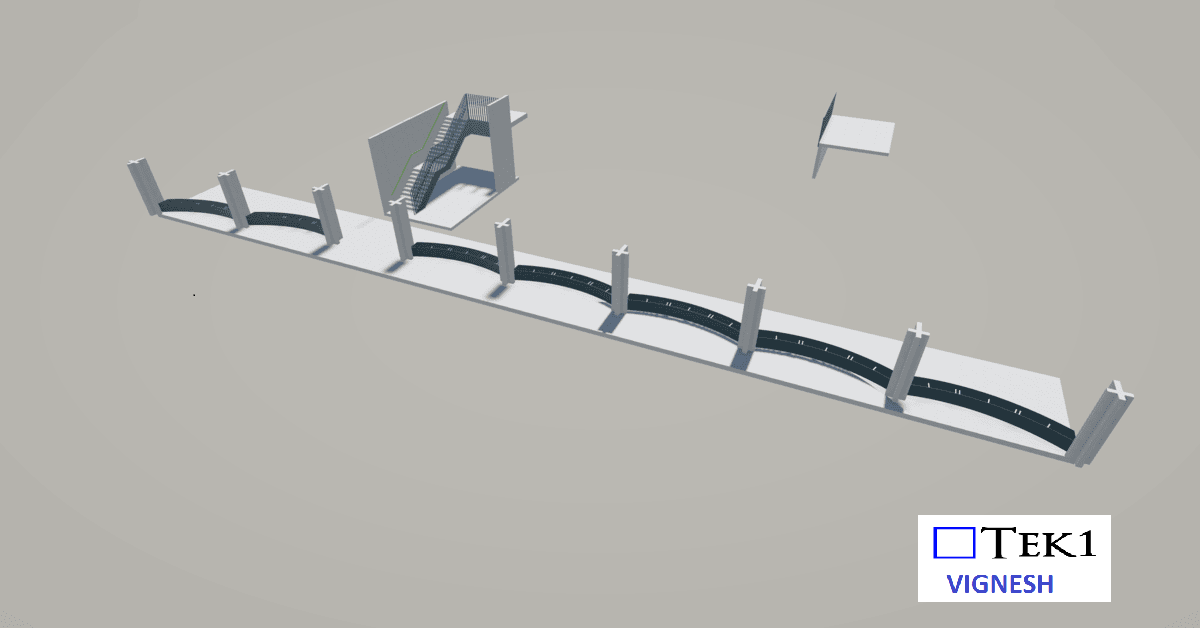
MARYMEDE CATHOLIC COLLEGE – PLANTER BOX & STAIR
Read More: MARYMEDE CATHOLIC COLLEGE – PLANTER BOX & STAIR -
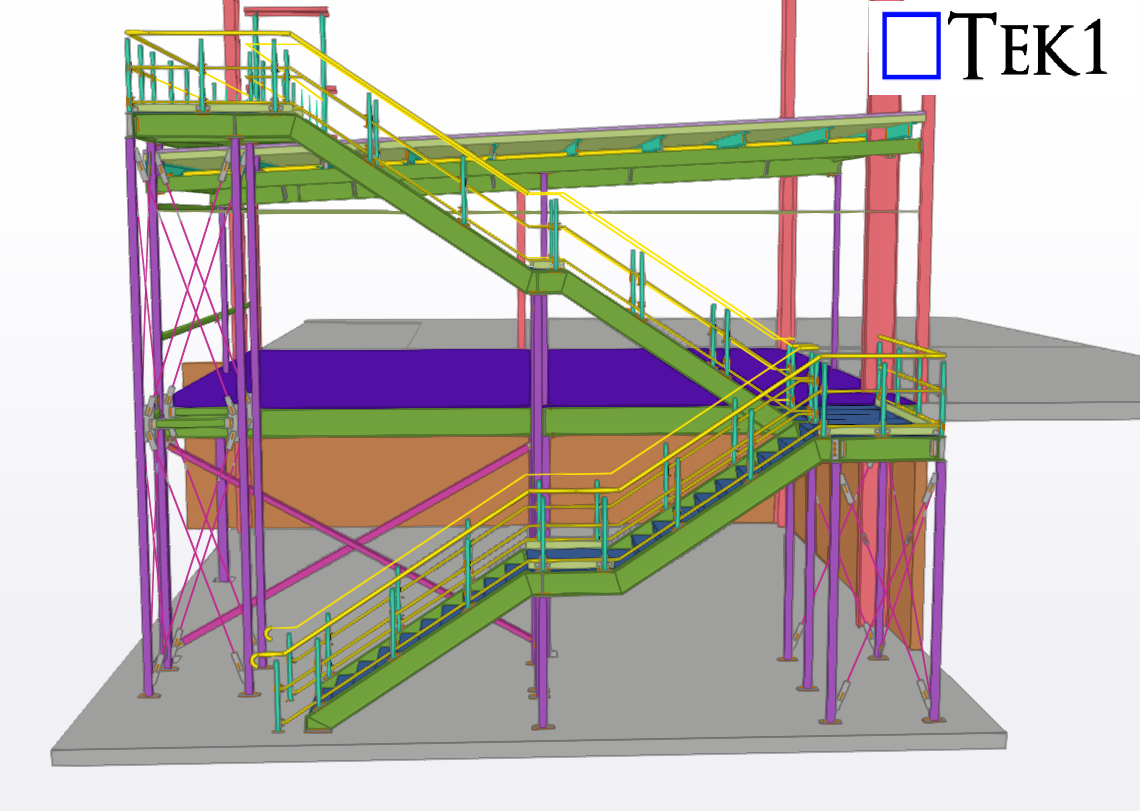
Mezzanine floor & stair handrails
Read More: Mezzanine floor & stair handrails -
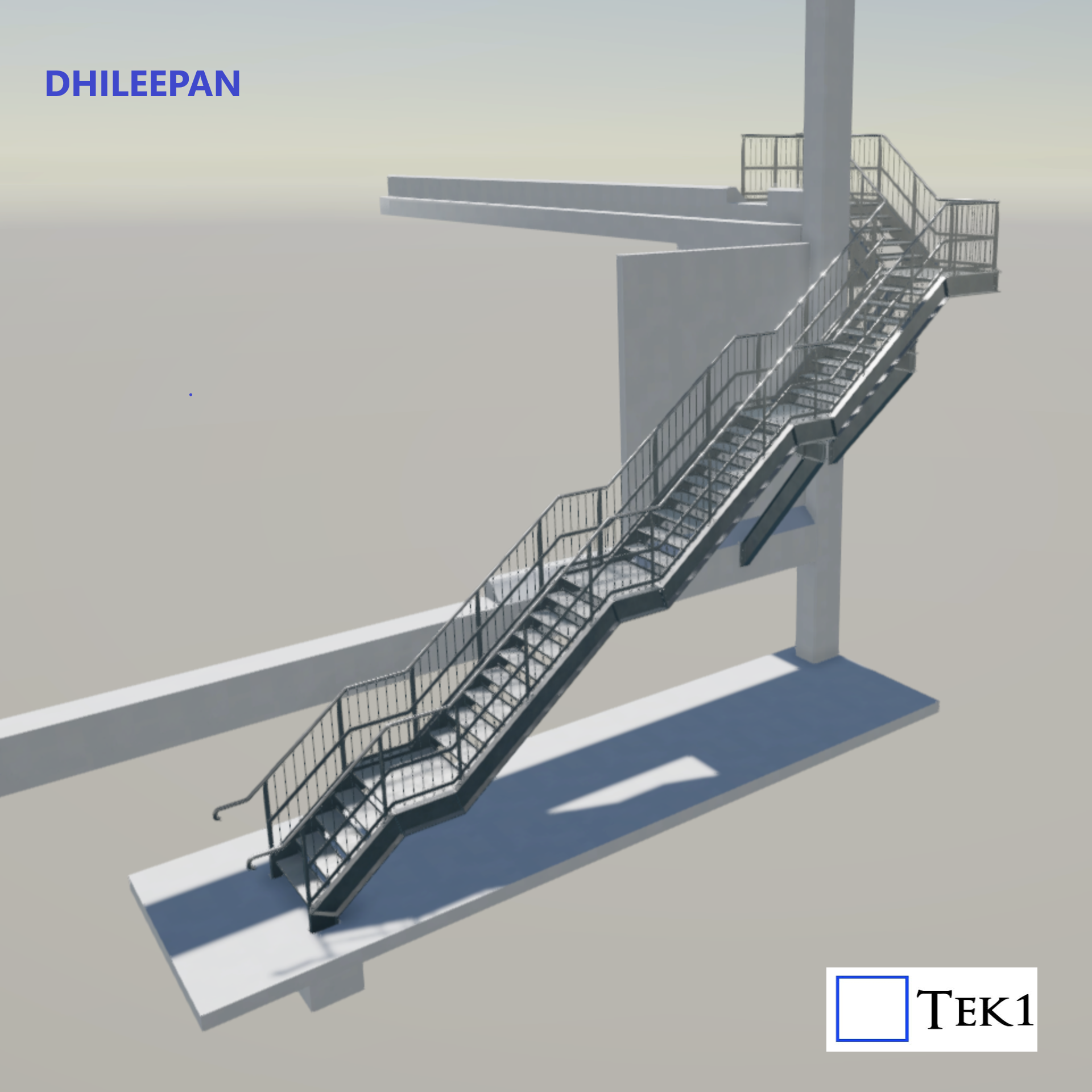
Spotting the Hidden Error in an “Approved” Stair Project
Read More: Spotting the Hidden Error in an “Approved” Stair Project -
Plate Stringer Sprial Stair
Read More: Plate Stringer Sprial Stair -
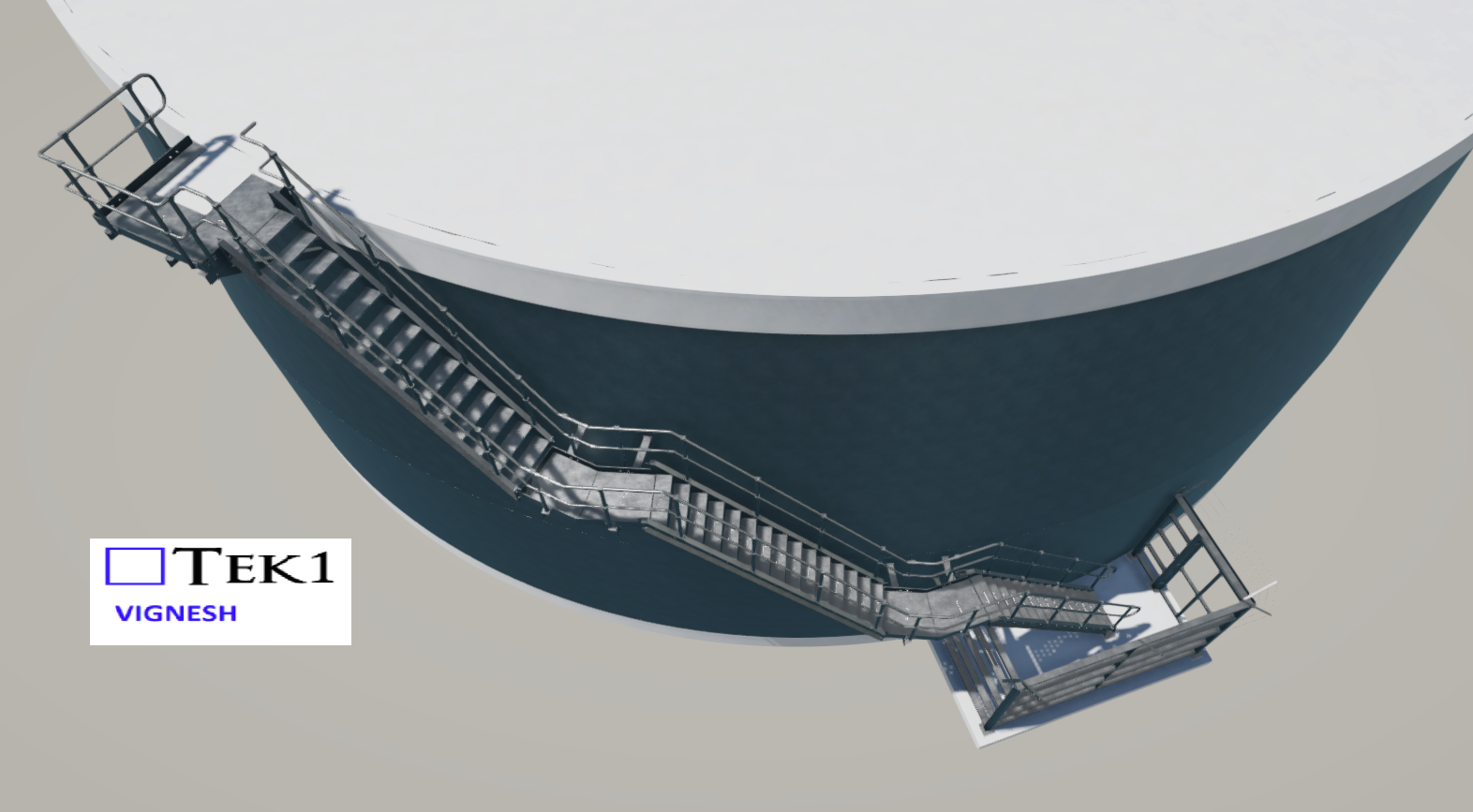
Maclean Water Reservoir Stairs
Read More: Maclean Water Reservoir Stairs -
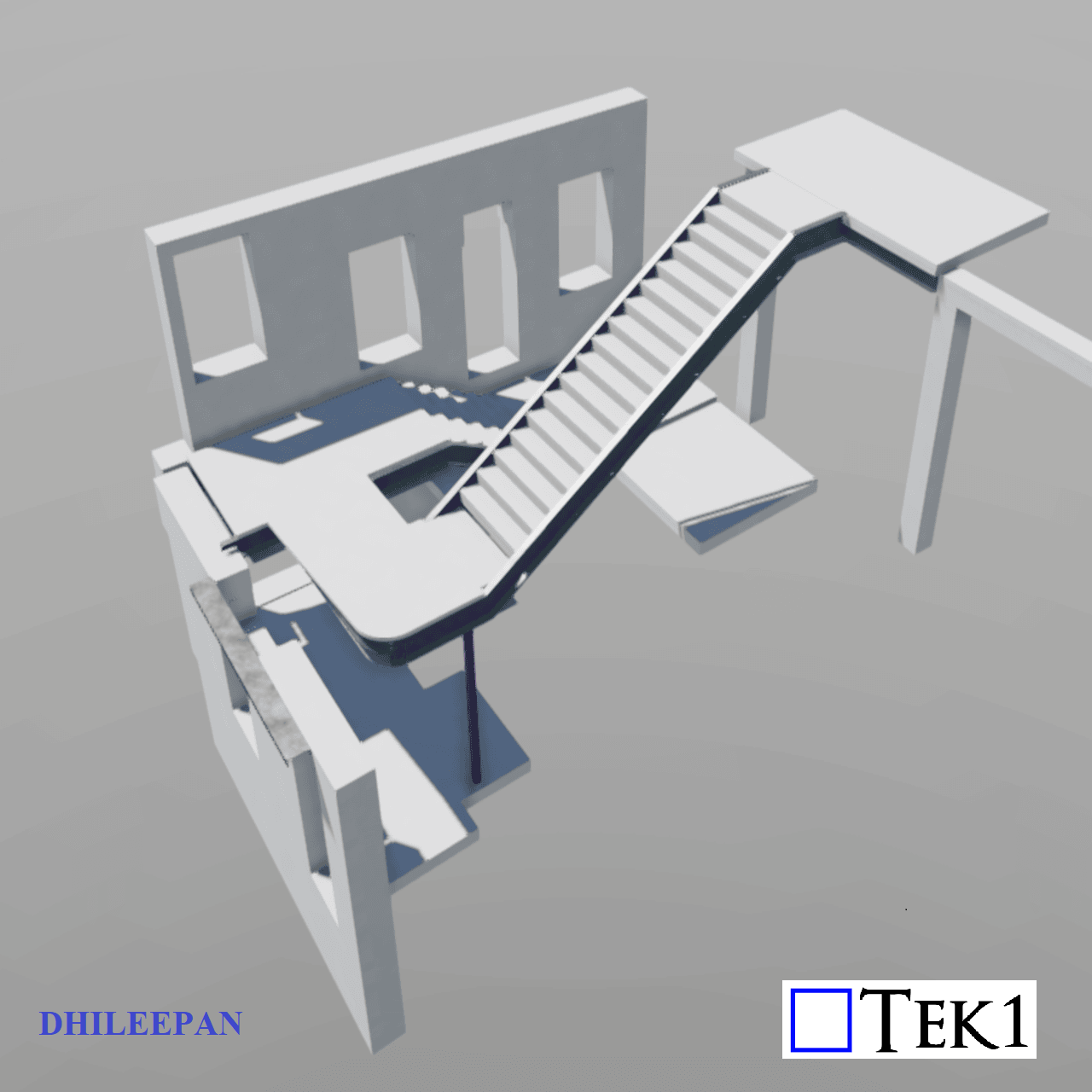
Addressing Stair Landing Slopes with Steel Modifications
Read More: Addressing Stair Landing Slopes with Steel Modifications -
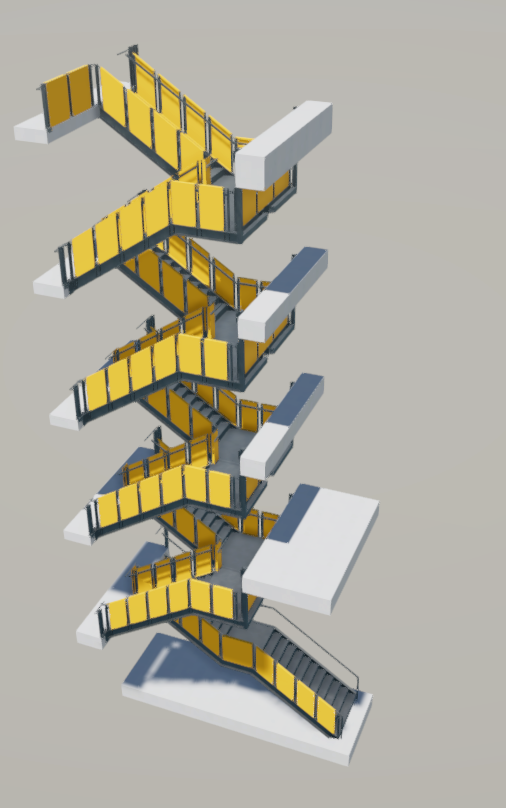
Decjuba stair balustrade
Read More: Decjuba stair balustrade
-