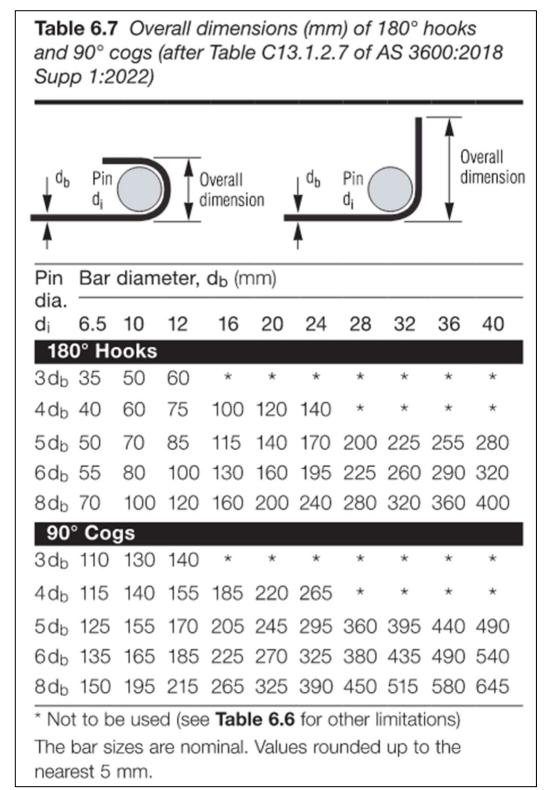
Pop-quiz: how do you identify the local coordinate system vs the world coordinate system?
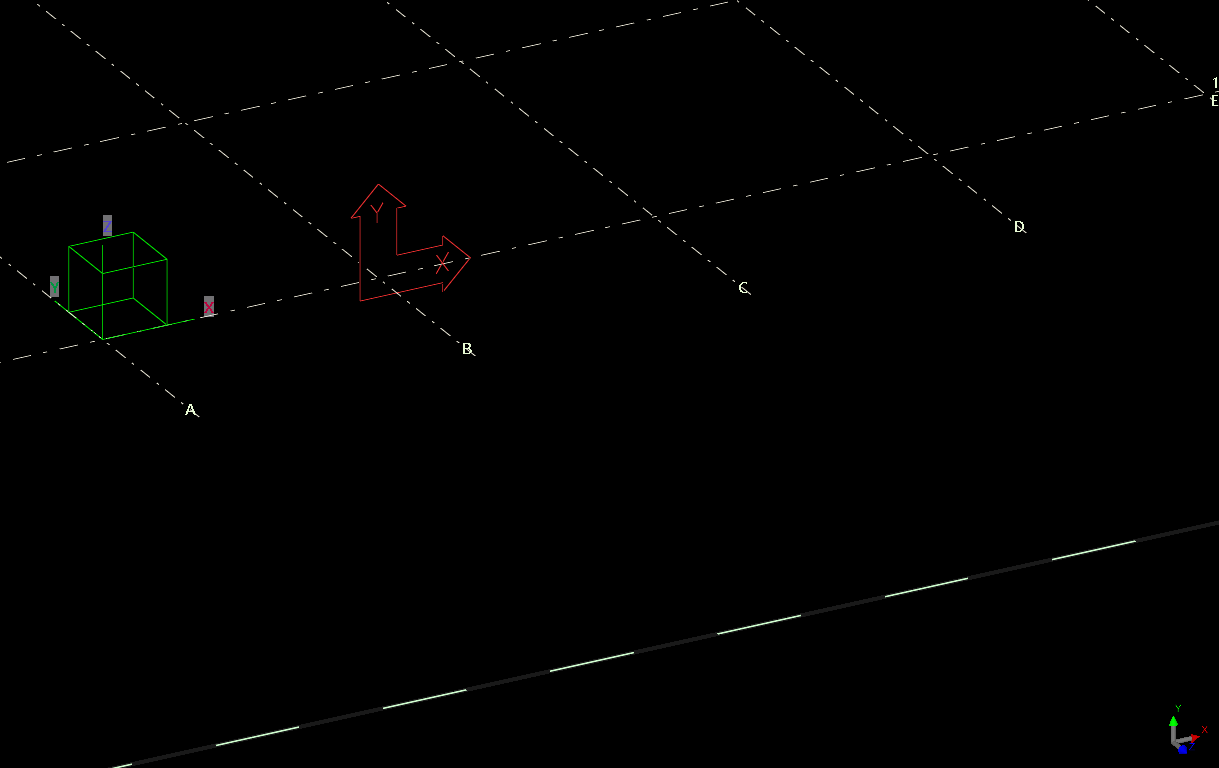
The answer is below:
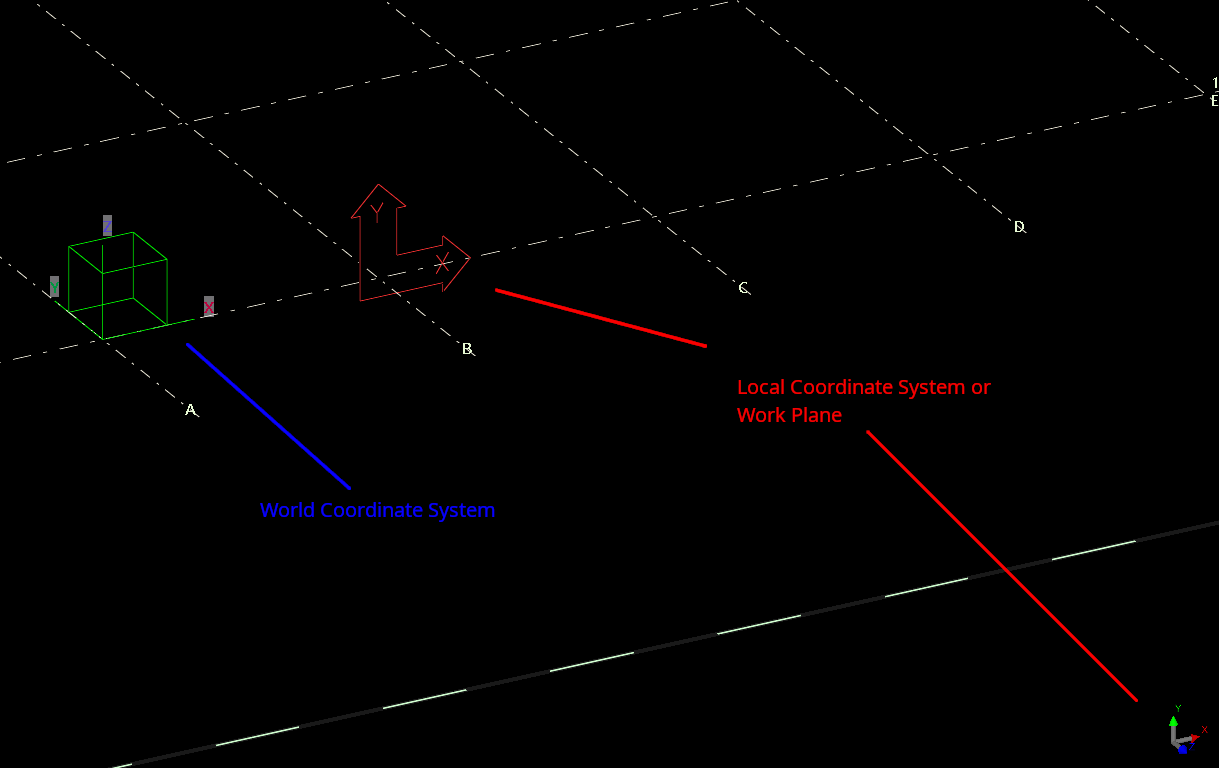
Green box denotes the WCS. The UCS is denoted in two places. The UCS is the “work plane”.
Pop-quiz: how do you identify the local coordinate system vs the world coordinate system?
The answer is below:
Green box denotes the WCS. The UCS is denoted in two places. The UCS is the “work plane”.

If you are inserting panels via the Tekla API, you need to be aware or have an understanding of the panel’s local coordinate system.
The x-axis denotes the vector from the start to end point.
This may be in stark contrast to a beam’s local coordinate system (or at least according to your intuition).
The Z axis represents the height of the beam.
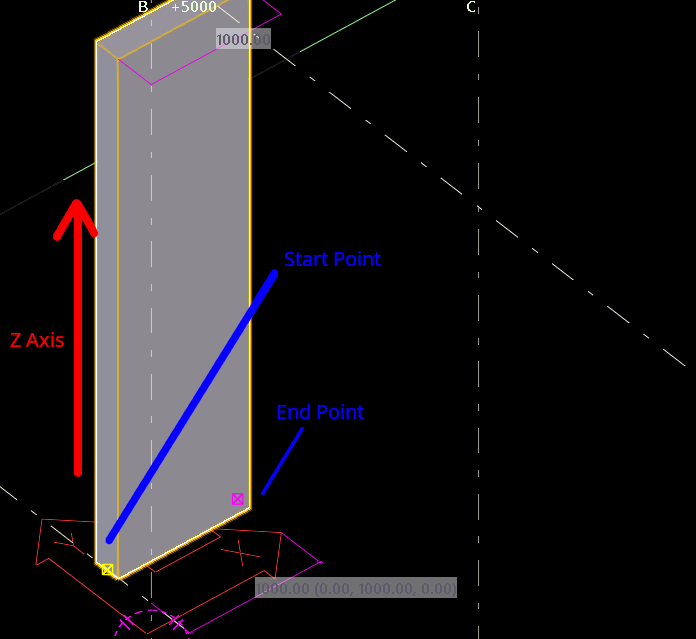
This is what you’ll get.
Try the following code sample:
Reference Links:
https://gist.github.com/benkoshy/3ca6f46564d348685097f1196767f86a
Checkout Tek1’s blog posts for more content on the Tekla Open API. https://www.tek1.com.au/category/tekla-api/
If you need to hire us to do your Tekla API work, please send us your proposal to [email protected]
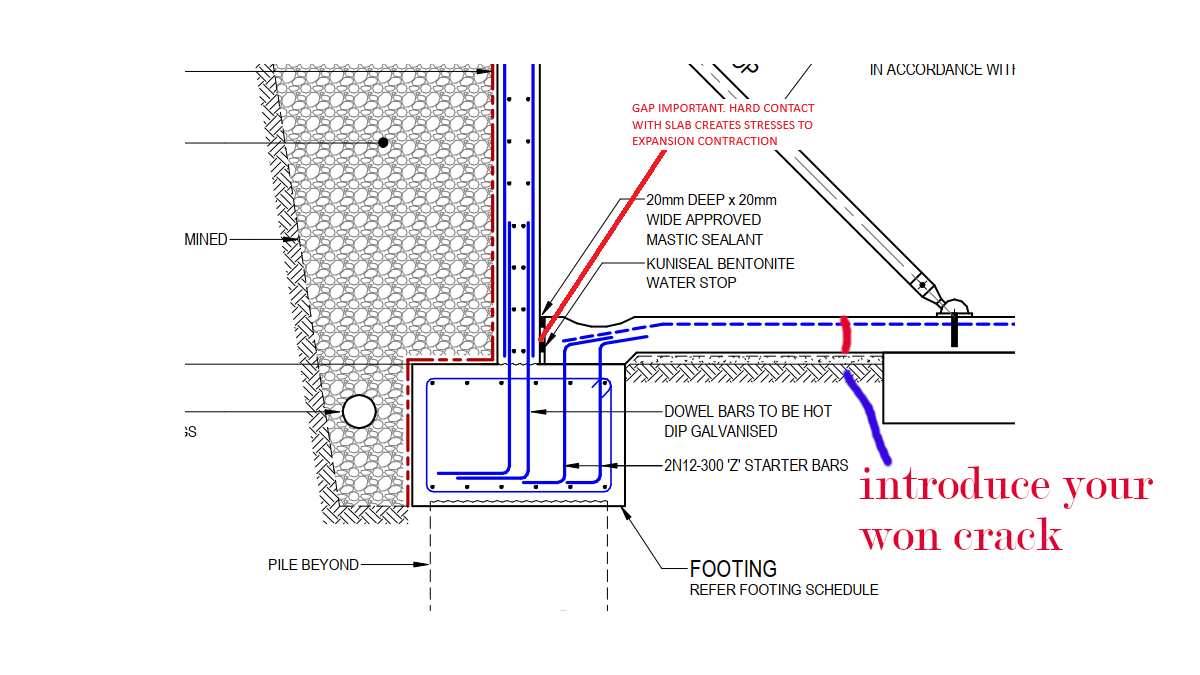
It is important to leave a small gap between precast panel face and slab edge to avoid unnecessary stresses on the panel and the slab.
Keeping the slab edge incontact with the panel causes thermal expansion stresses both on the slab and Cocnrete.
To avoid crack in the slab, it is recommended to introduce an artificial crack about 1 meter from the panel
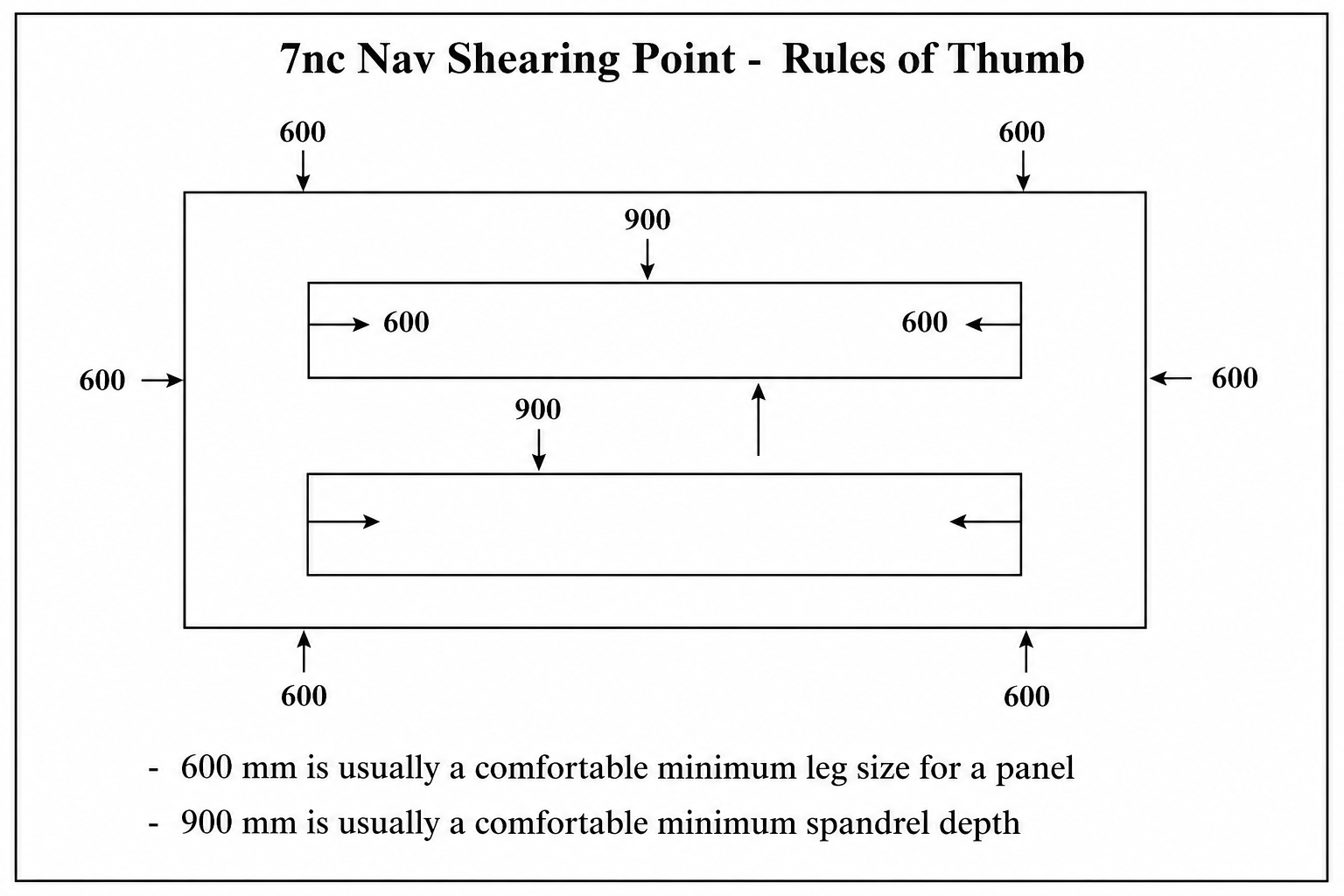
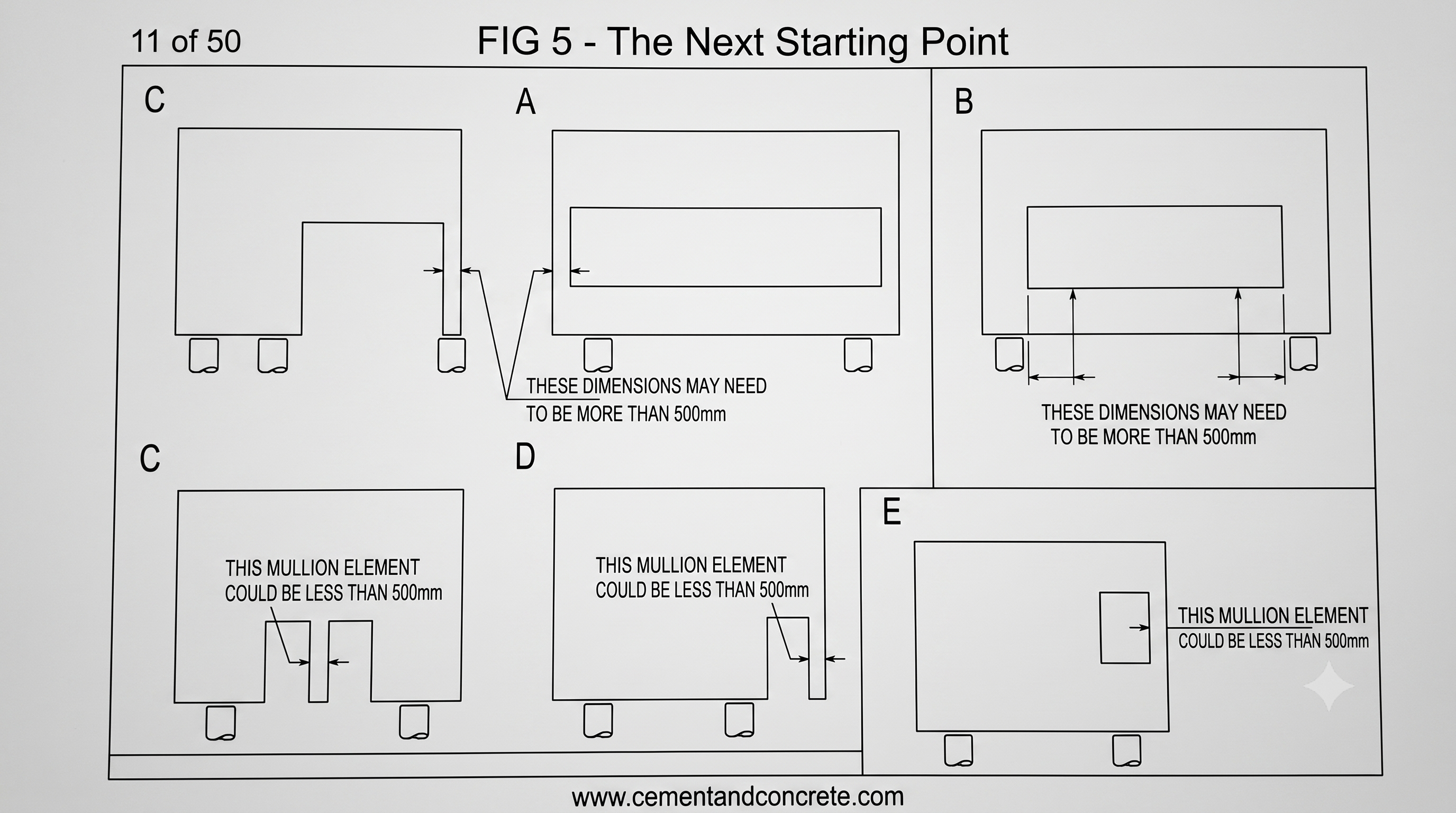
Given below si minimum recommended sizes for Precast Panel legs and spandrels. However if the sizes are smaller the detailer will have query with the engineer.
Minimum recommended leg width – 600 mm
Minimum Spanders depth 900 mm
They also depend on what is the length.
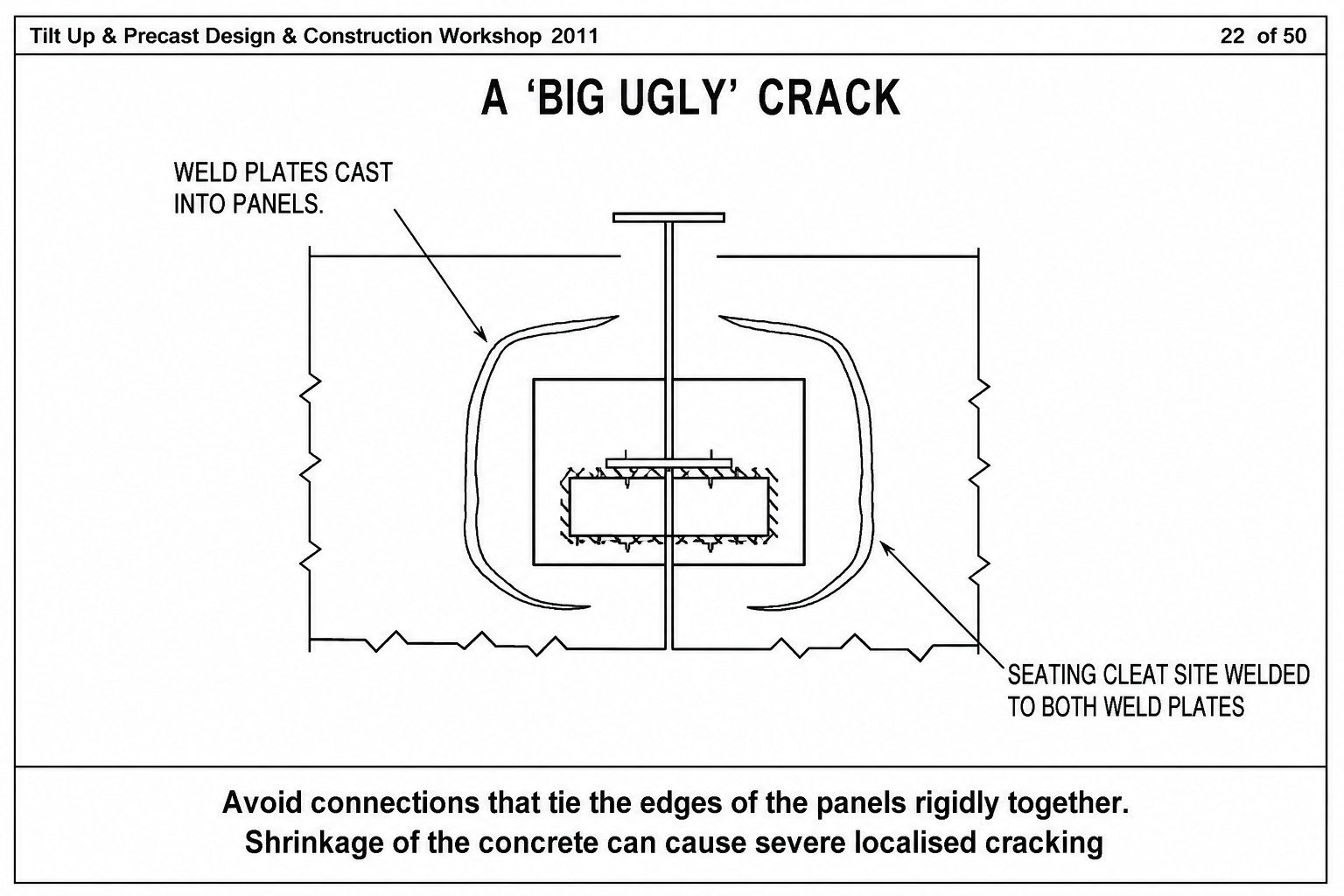
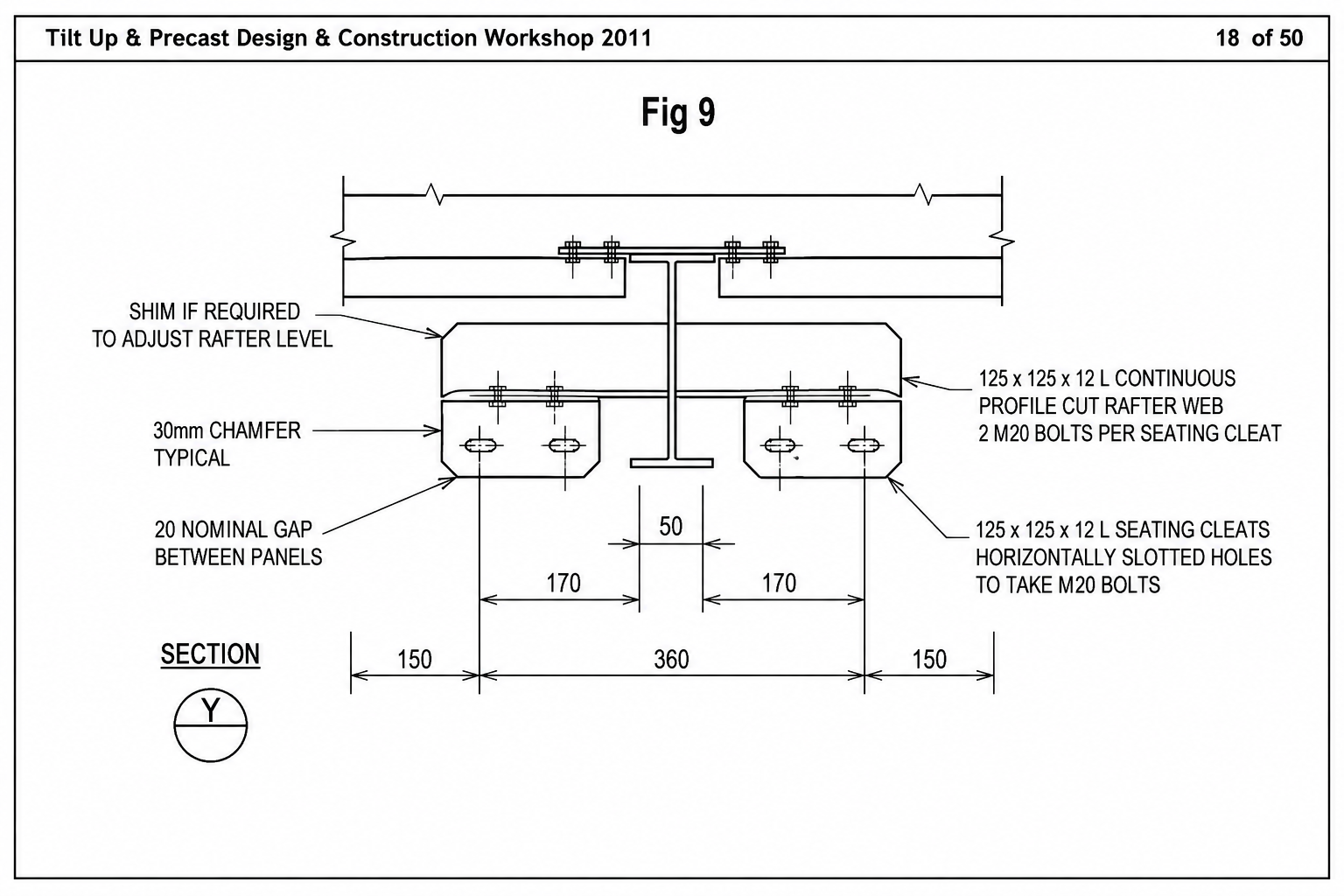
Bad connections can cause precast to crack.
Here is and example of a bad precast connection.
Avoid connections which Tie Precast panels rigidly not giving any room for shrinkage expansion
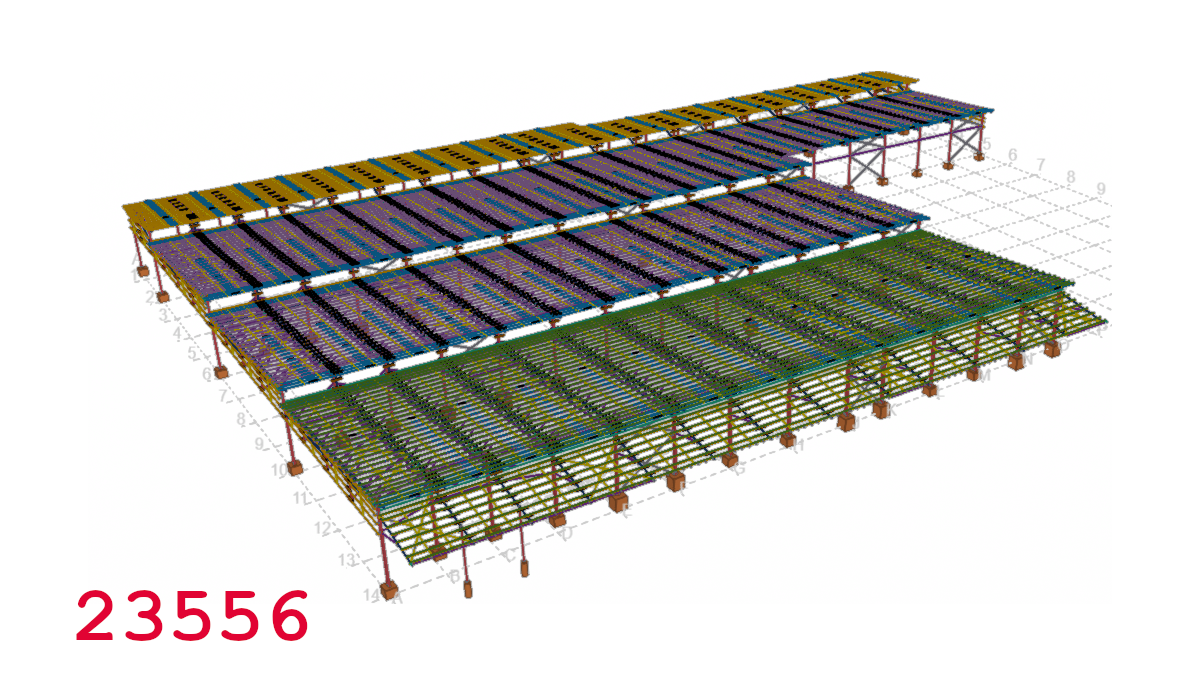
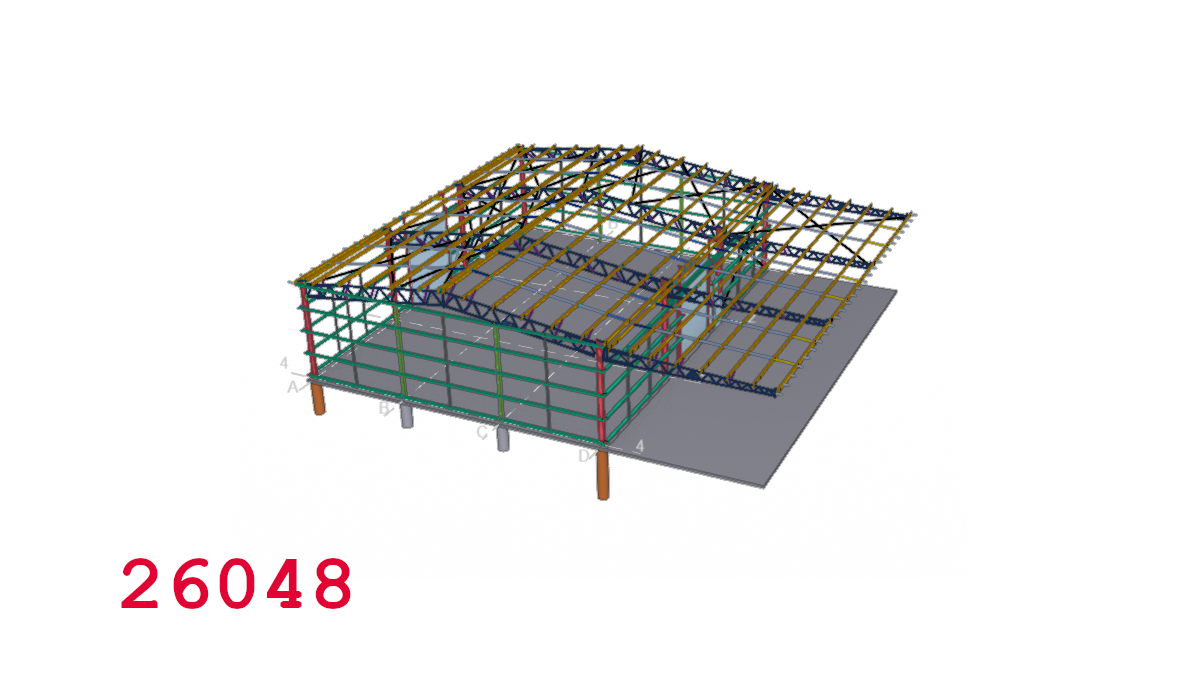
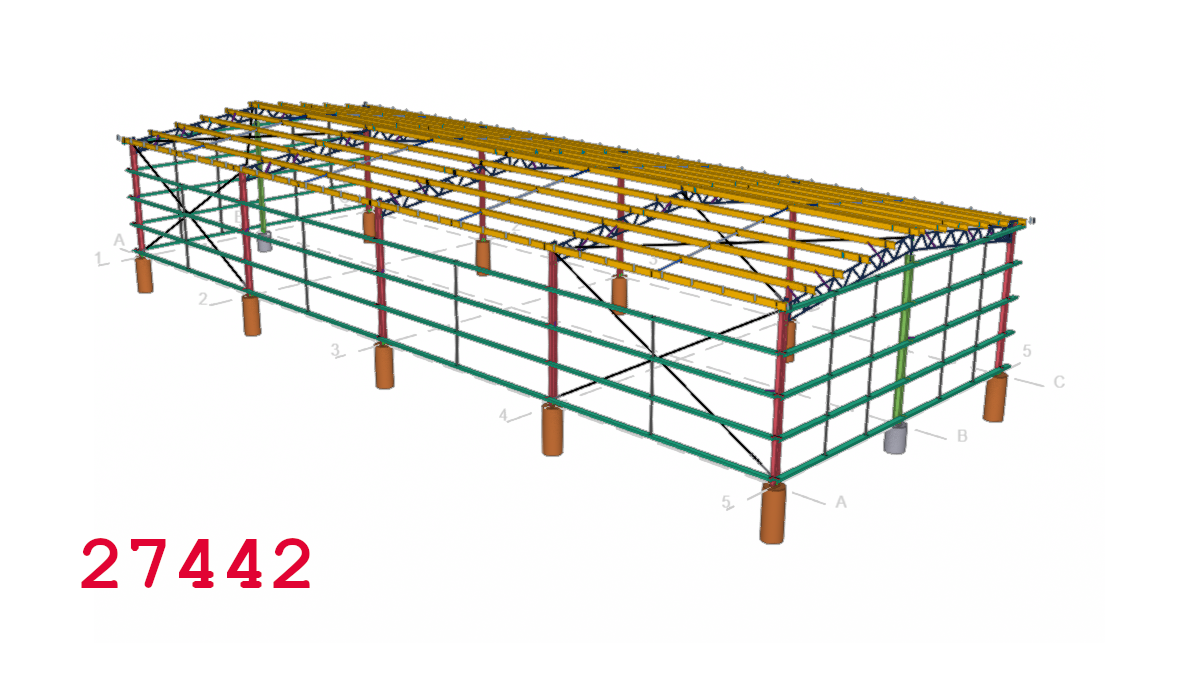
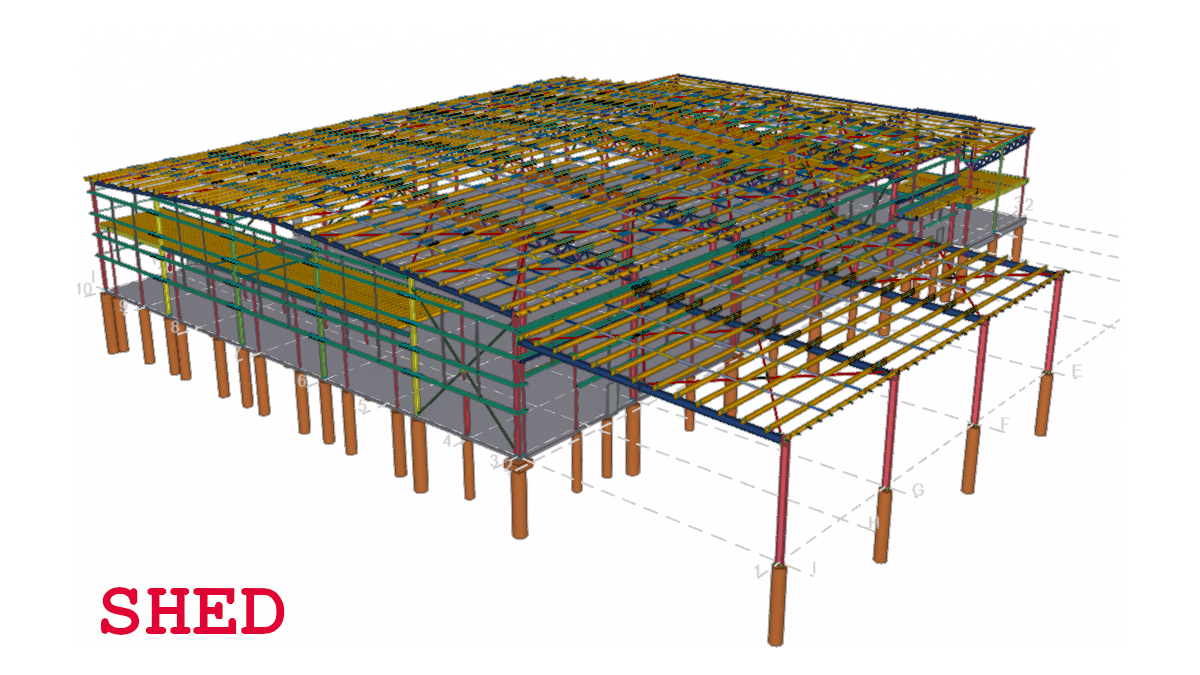
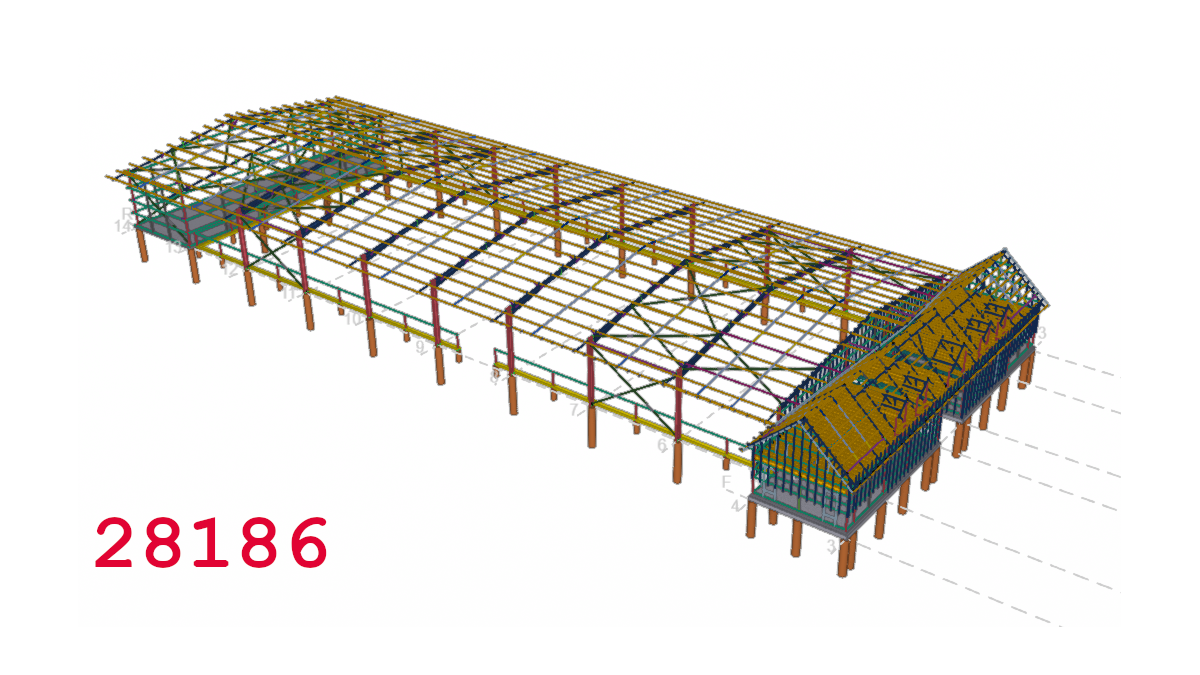
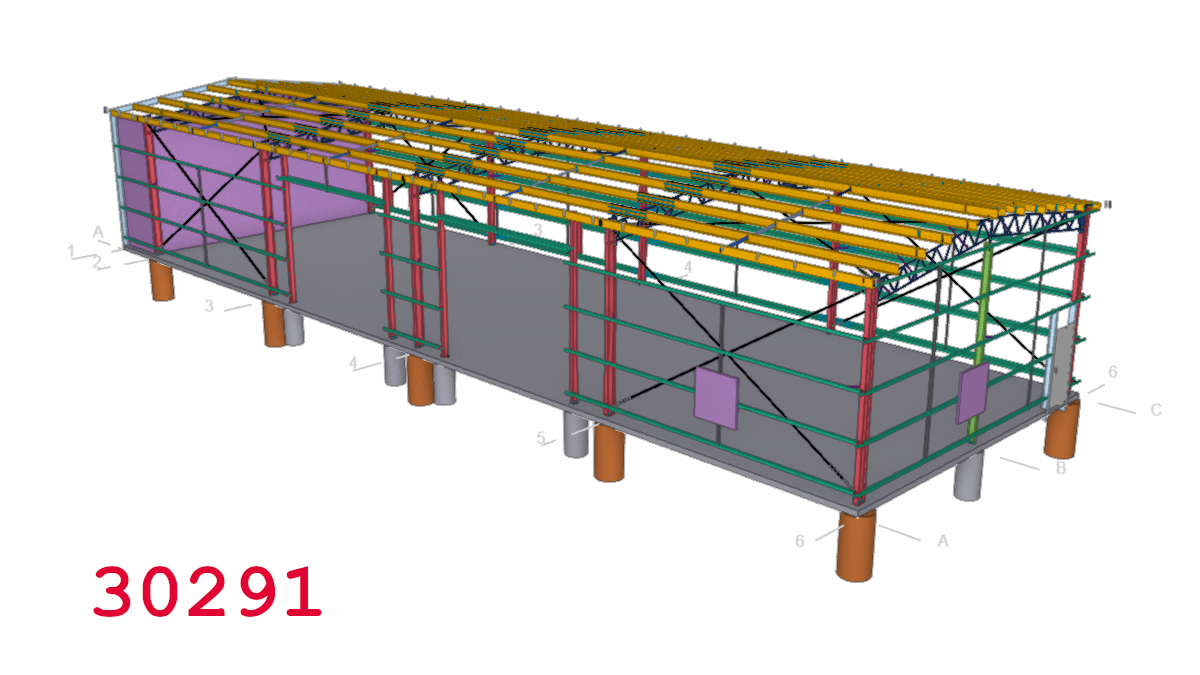
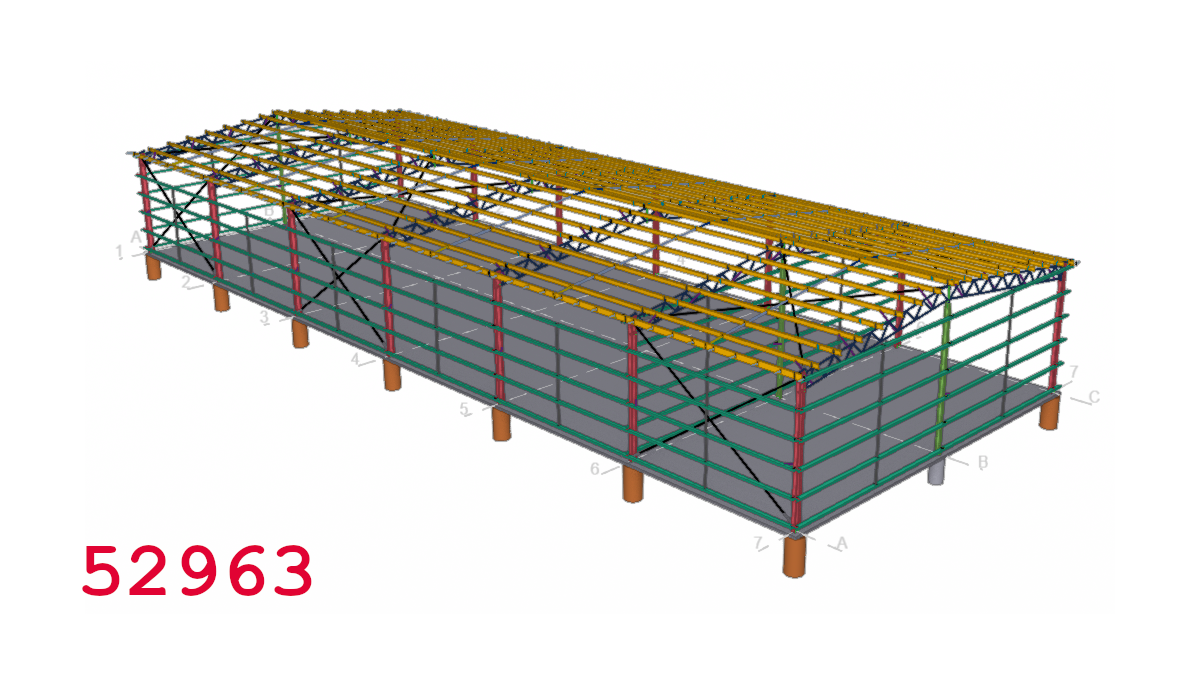
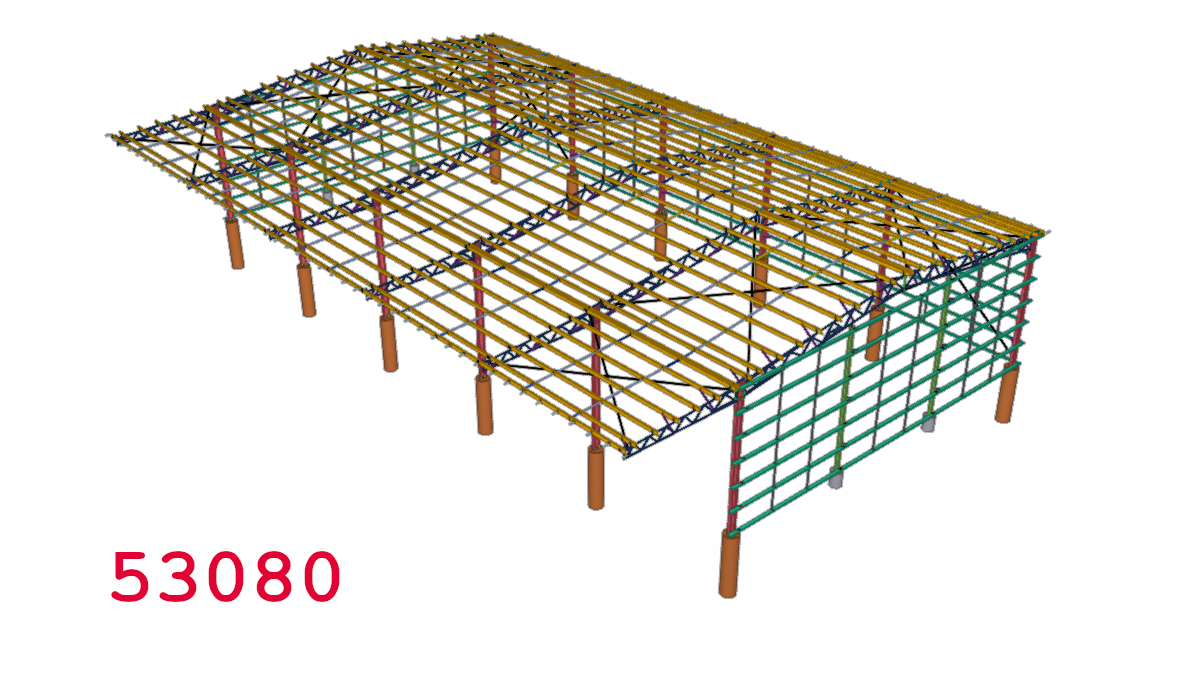
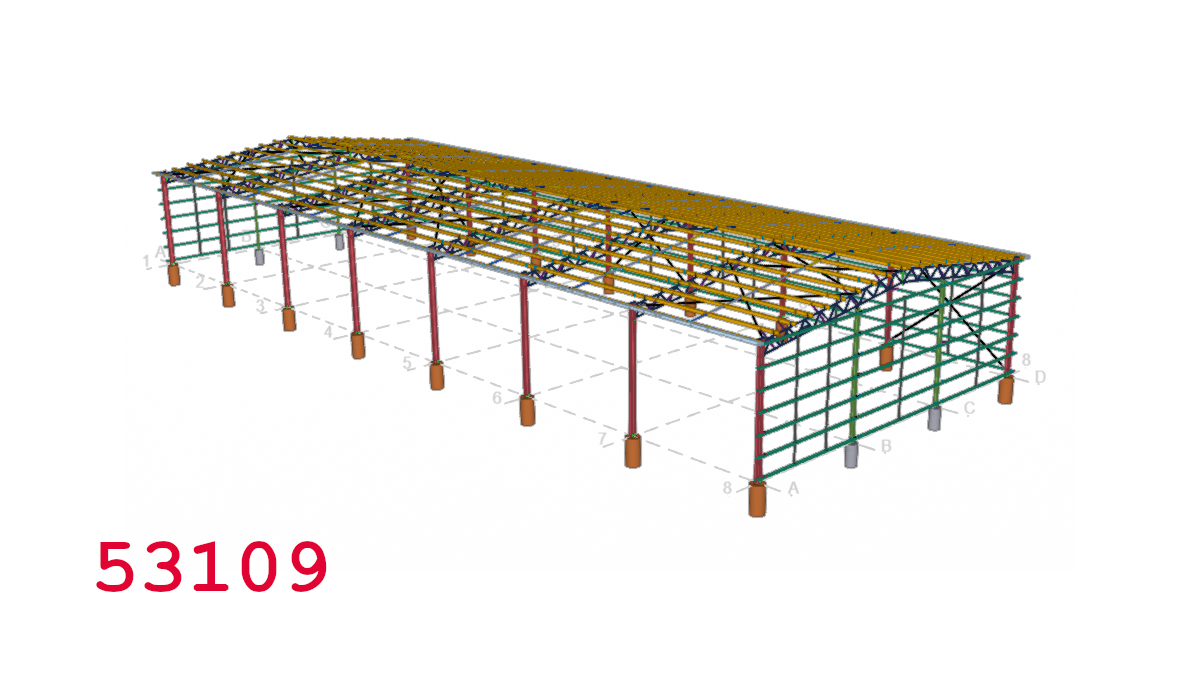
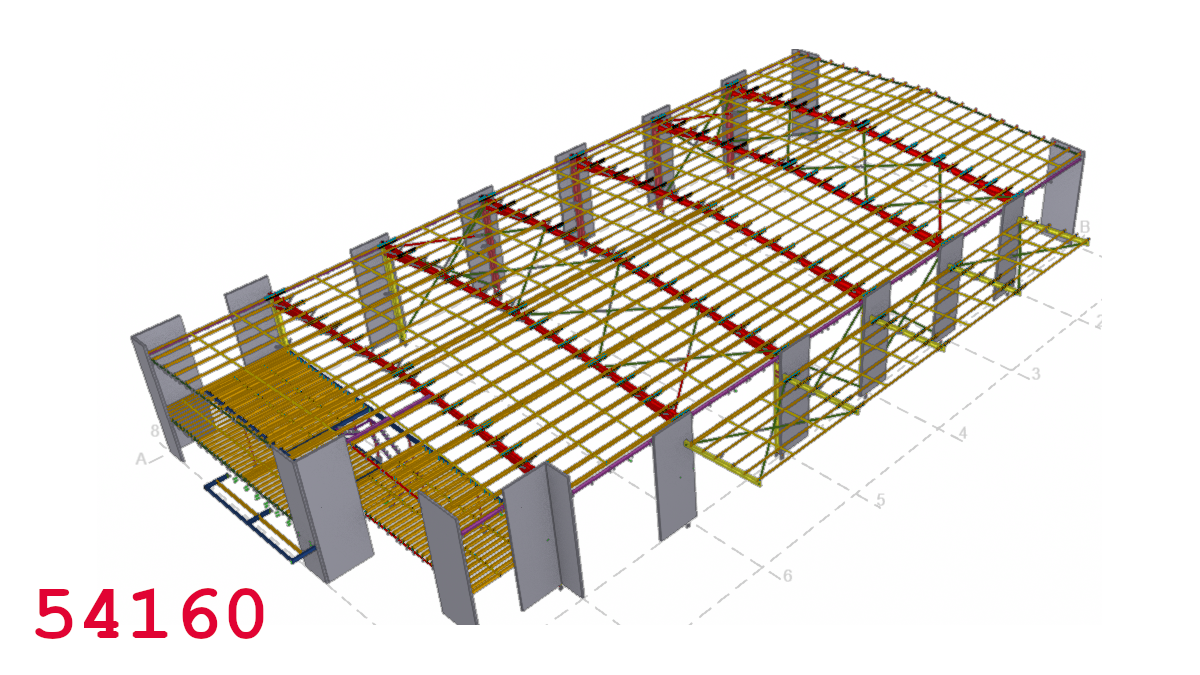
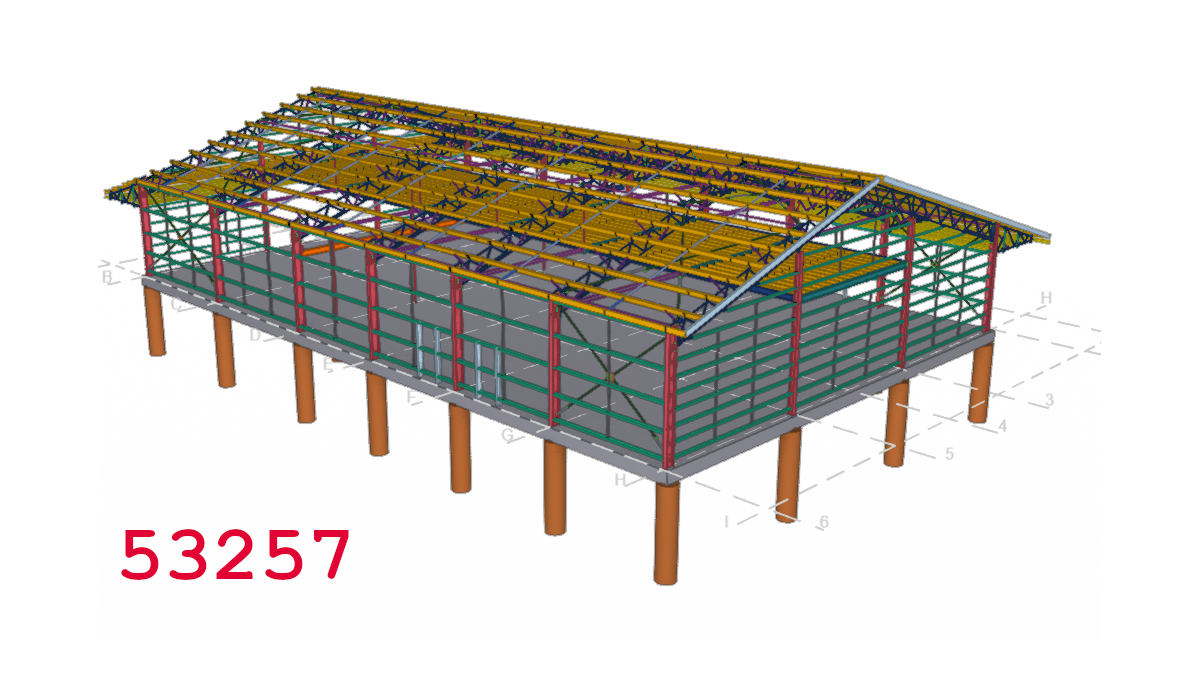
Tek1 now provides Shed Engineering and detailing
Here is examples of some jobs we have modelled or detailed all from single client
We also provide Engineering Design for sheds at fast turn around time
What does do not start mean?
Reason:
Juniors enter the firm. They complain they have “low wages”. Then they also complain that their earnings are “not stable”……but others are earning HUUUGE dollars.
Please note – as we improve in our firm, we are always looking towards better pay. But better pay can only come with better skills. And more innovation for the benefit of clients.
Bonuses
Wages
But why am I not earning that much?
How can I earn more?
For Bonus Points:
How to maintain a low wage for life:
We will rapidly increase your bonuses / billables if you rapidly learn: We’ve done this with at least two guys. I can’t name them publicly.
June 2026 – Top Bonuses for Juniors
Employee A:
Employee B:
June 2026 – Top Gross Take Home for Juniors
Employee C:
Employee D:
This is just a random month. Some months may be higher. Some lower.
Consistency
The best way to have a consistent income is to do consistently great work. There is no other way.