How to choose an architect?
We will now focus on architectural competence in those post – particularly on the tools they use. My invective is necessarily harsh on architects at certain times: bad architects are the bane of the industry, and are part of the reason why building and construction is notoriously expensive. Ask around and you’ll hear stories about guys getting screwed over by: builders and you guessed it….! Having said that, architects are very, very important and are an essential component of the building and construction industry.
Look at their Tools
Does the tool make the workman?
The Mathematician Example
A good mathematician is a good mathematician whether she uses a slide rule, an abacus or a calculator. The tool doesn’t really matter so much.
The Surgeon Example
Imagine if you were going to consult a surgeon and she tells you that she’s using tools and techniques from the 18th/19th century. Wouldn’t that strike you as a little odd if a modern day surgeon was given over to hacking off limbs with a common carpenter’s saw?
What if you asked the surgeon why she doesn’t use a scalpel – and if the response was that:
- Scalpel’s are expensive, and/or
- Learning how to use a scalpel takes a very long time to learn (‘ain’t nobody got time for dat’)
….What would your response be?
As a general rule, A good workman will have good tools
That’s not to say that a surgeon who uses a saw to hack of a limb is necessarily a bad surgeon, nor can it be definitely said that a surgeon who uses a scalpel is a competent one. But we can definitely say, conclusively, that it’s easier to make a small incisions using a scalpel than if one was using a chain saw.
The same analogy applies to architects.
Architects are very, very important and are an essential component of the building and construction industry
What tools do architects use?
Generally their tools fall into two classes:
- Generic CAD tools (which are just glorified pen/paper systems on a computer).
- Building Information Modelling (BIM) software systems. Rather than using pen and paper, BIM based software allow you to basically use Lego to design and build things electronically, rather than using pen and paper.
The Danger of Change – And How Tools Manage Change
- How CAD tools manage change?
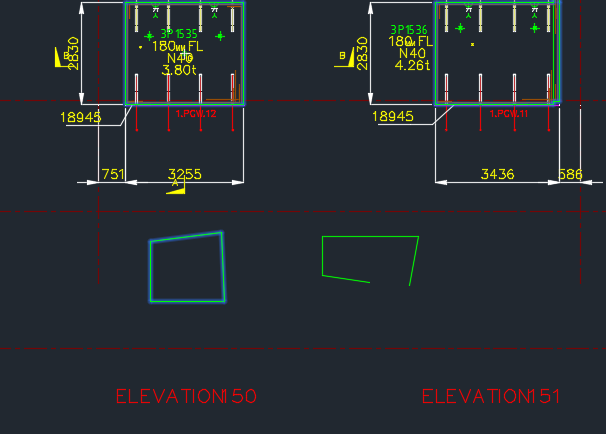
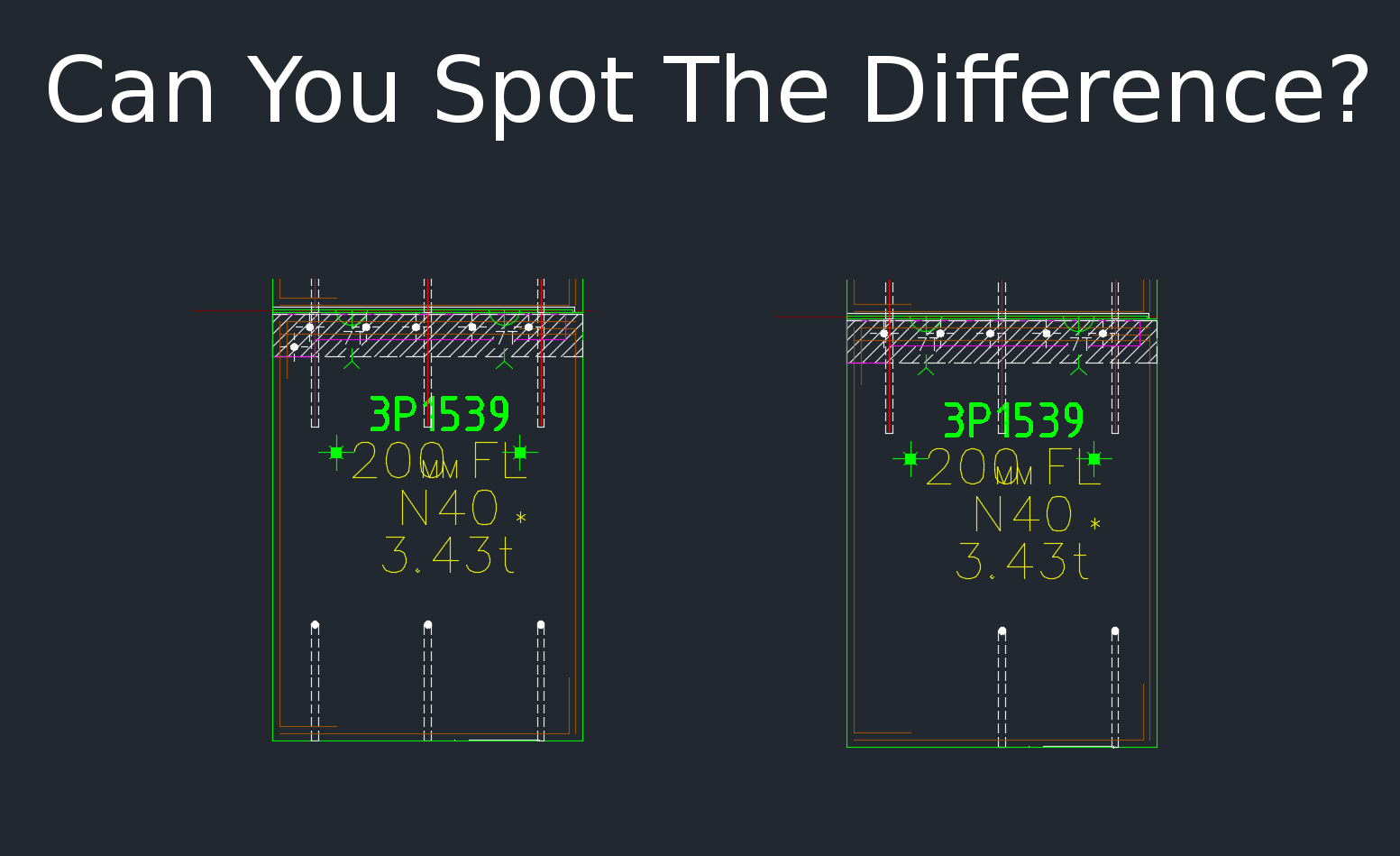
Suppose, as an architect, you decide to shorten the design of a room. If you’re using a pen and paper – you’ll have to change the layout view of the structure, then you’ll also have to change two elevations, and then you’ll also have to change all section views. It’s gonna take you a while, and moreover, it’s really, really easy to miss things. I see mistakes. I see mistakes all the time. All the time. That’s the problem with pen/paper/general CAD systems.
- How BIM tools manage change?
But if you are using BIM based software then it’s much more difficult to make that type of mistake. The software basically eliminates it. BIM tools manage change particularly well.
What is the better software solution?
For an architect, in my opinion, its better to use a BIM based software solution unless you have cogent reasons for using a generic CAD system. If you use a system like ArchiCAD or Revit, then life will be significantly easier.
Revit was born out of a need to avoid mistakes in the management of change, and in the management of different models and revisions used by various trades at the design stage. I cannot see a good reason why an architect should not use a tool like Revit when it is available.
Why would an architect use generic CAD tools and not use Revit instead?
There are reasons, but none of them good:
- Learning Revit takes a lot of time
AutoCAD in its various forms has been around for a long time – since the 1980s. But Revit is the new kid on the block. If it took 20 seconds to learn Revit/ArchiCAD etc then the entire industry would switch in a heart beat. So why don’t they? It’s a simple case of: “cannot be bothered,” most fundamentally. Learning Revit etc takes a lot of time and patience. The old skoolers are familiar with their slide rules and generic CAD solutions and cannot be persuaded to change – nor will they probably be inclined to do so. If that’s the case then they’ll probably be disinclined to spend too much time in other areas of expertise pertinent to their trade.
Each to their own, but the problem is that their disinclination to devote time and effort to master their trade will cost you money.
- Revit is expensive
It is expensive – to own and to learn. But that shouldn’t bar an architect from making that investment and recouping the benefits of improved efficiency and better designs with less errors. It’s a no-brainer to me.
So What if an Architect uses AutoCAD? What is the cost of architectural mistakes?
It’s easier to make mistakes if you’re using AutoCAD. And the problem with mistakes – incorrect/missing information – is that it is very costly and confuses everyone down stream of the architect. Architectural mistakes are like a tsunamis – they gather momentum very quietly at the design stage, only to destructively wipe out those involved later on in the project – and they’re the ones who pay the cost – not the architect!
Summary
- Good architects will generally use tools like Revit or other BIM based tools.
- The use of Revit / ArchiCAD etc does not guarantee the competence of the architect.
- Be cautious if an architect insists on tools like AutoCAD for mid-sized projects (or larger), without cogent reasons for doing so.