-

Cloning of Assembly Drawings in Tekla
-
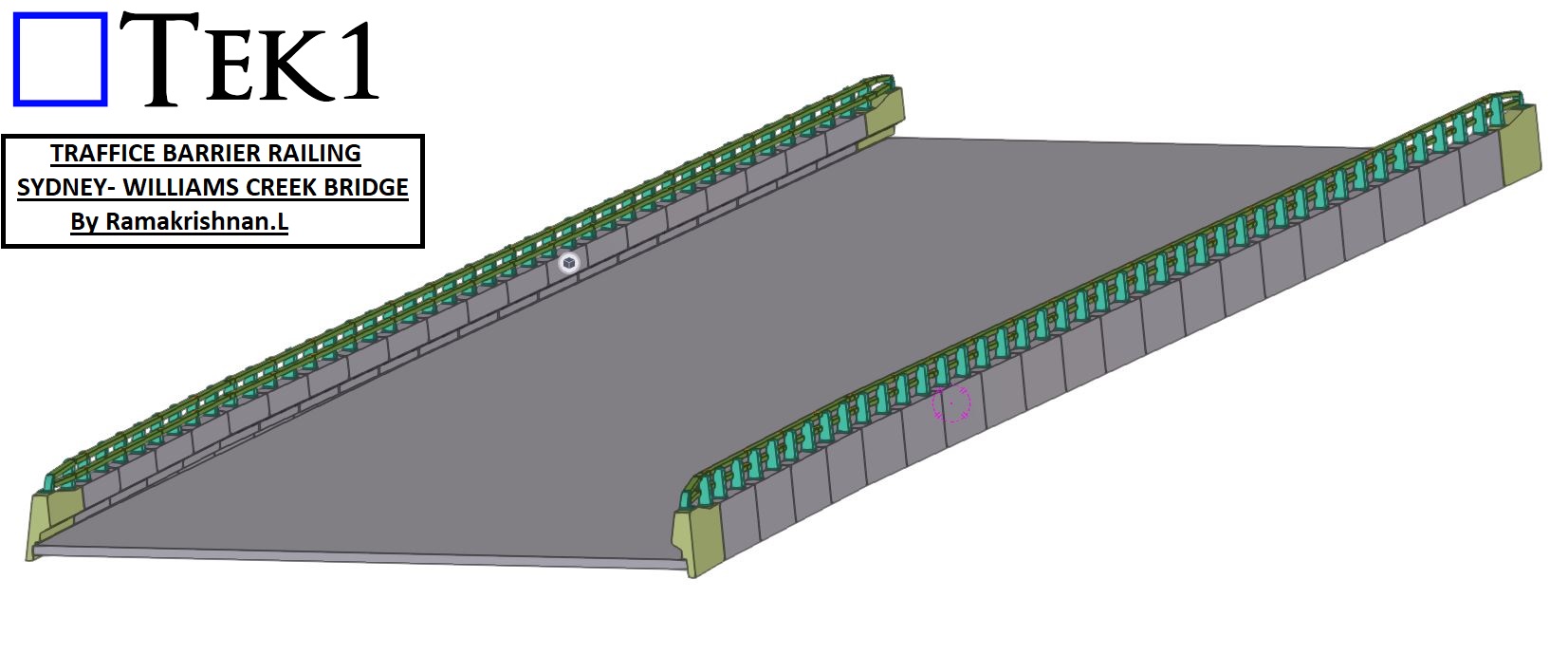
TRAFFICE BARRIER RAILING
-
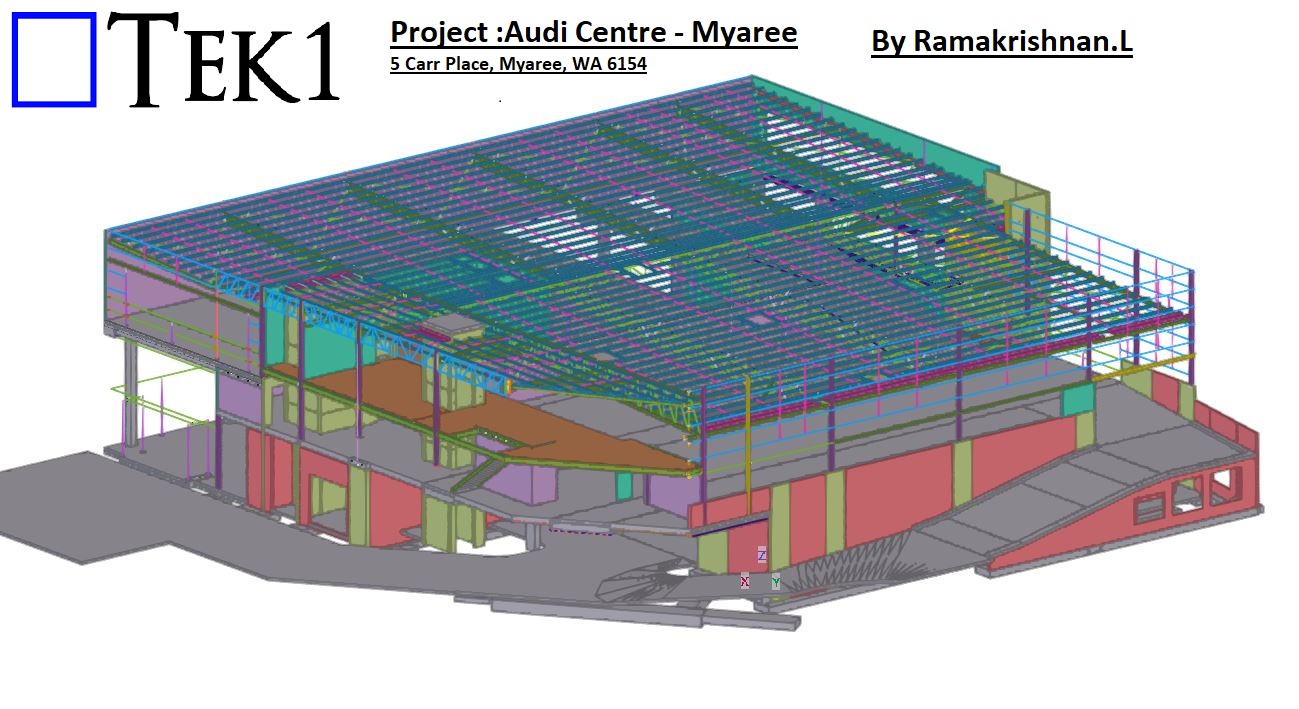
Project :Audi Centre – Myaree
-
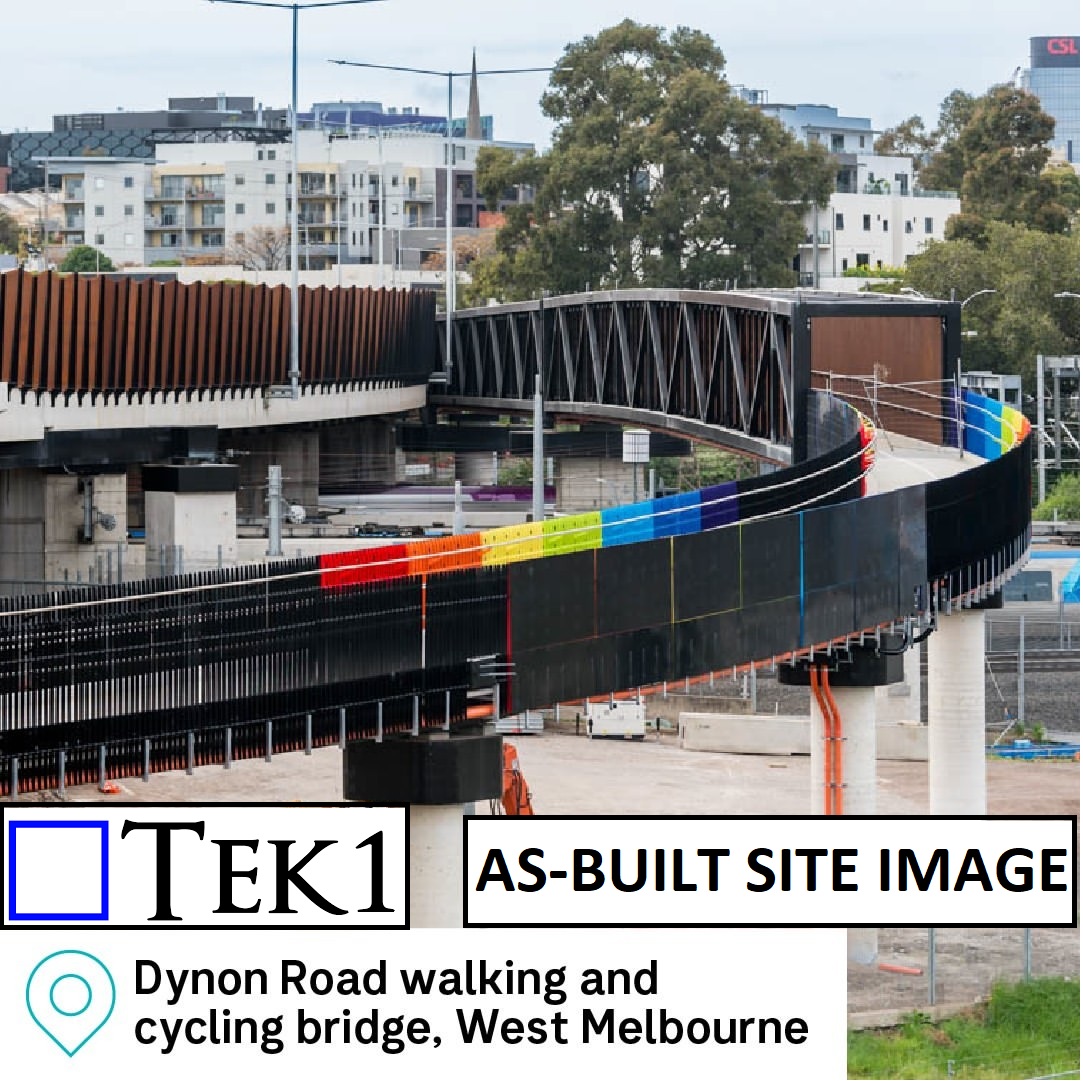
Steel Fabrication Drawing
-
How We are helping our Client Save $100,000s on the Iconic “EMU IN THE SKY” Project
Author: admin
-
Projects by Rama Krishan
-
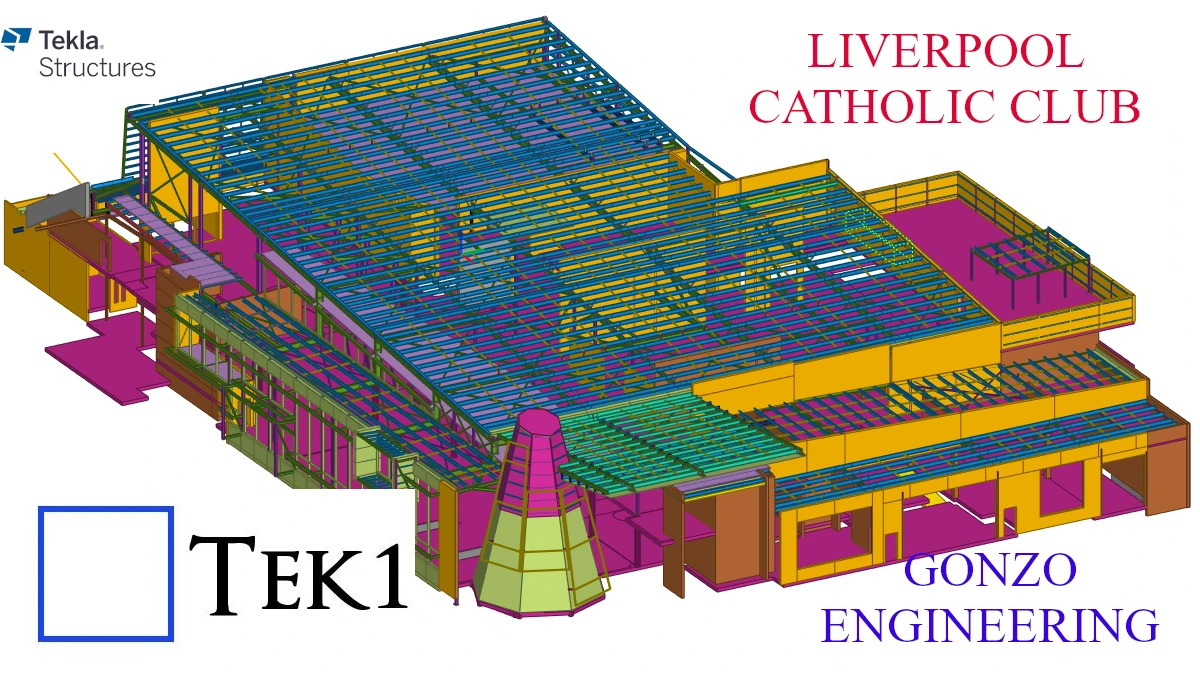
Steel Detailing Projects | Melbourne | Sydney | WA
-
Accessible Amenities
-
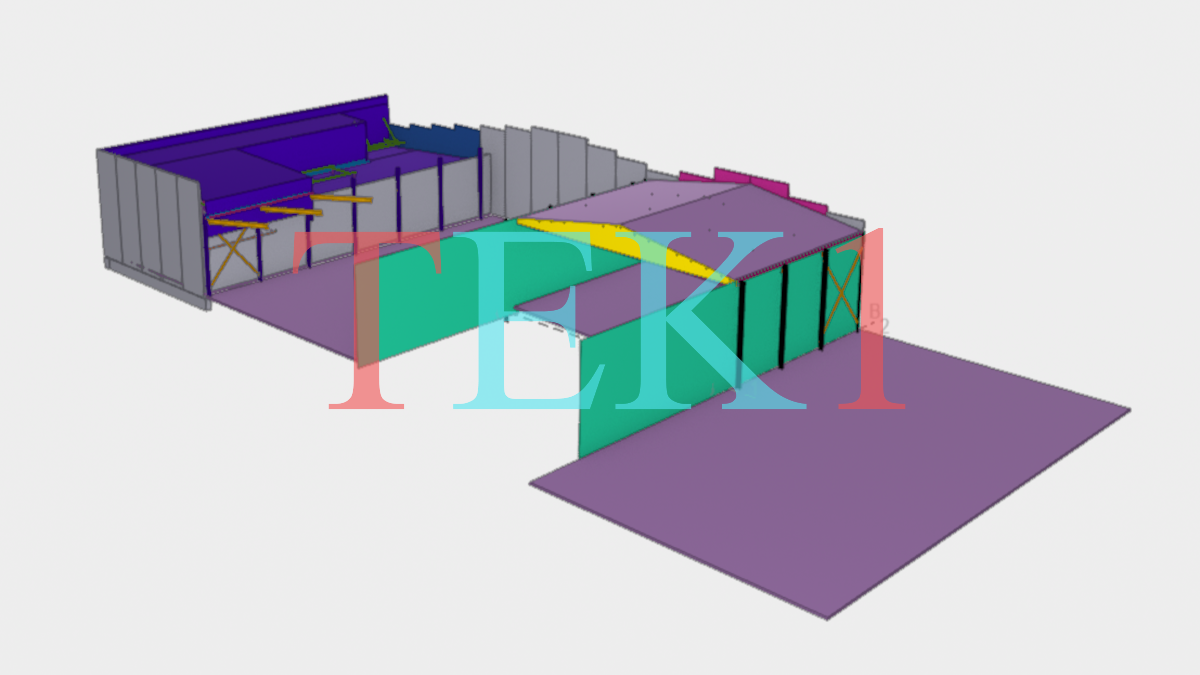
Show Room Extension
-
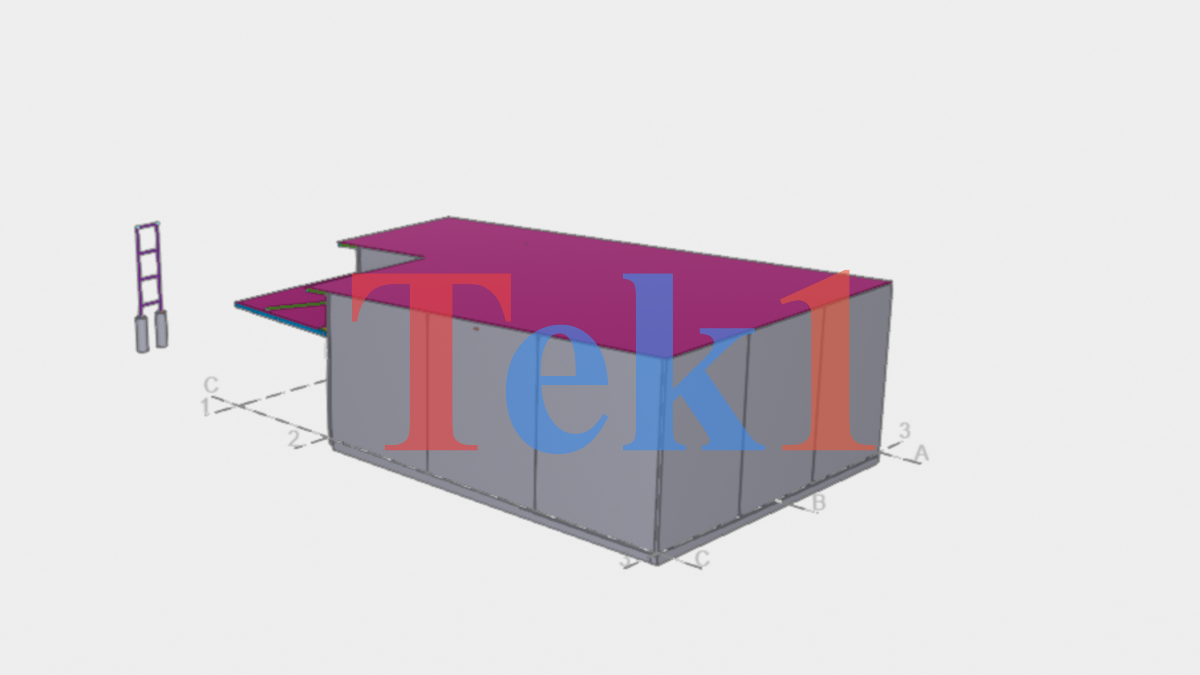
Jardine
-
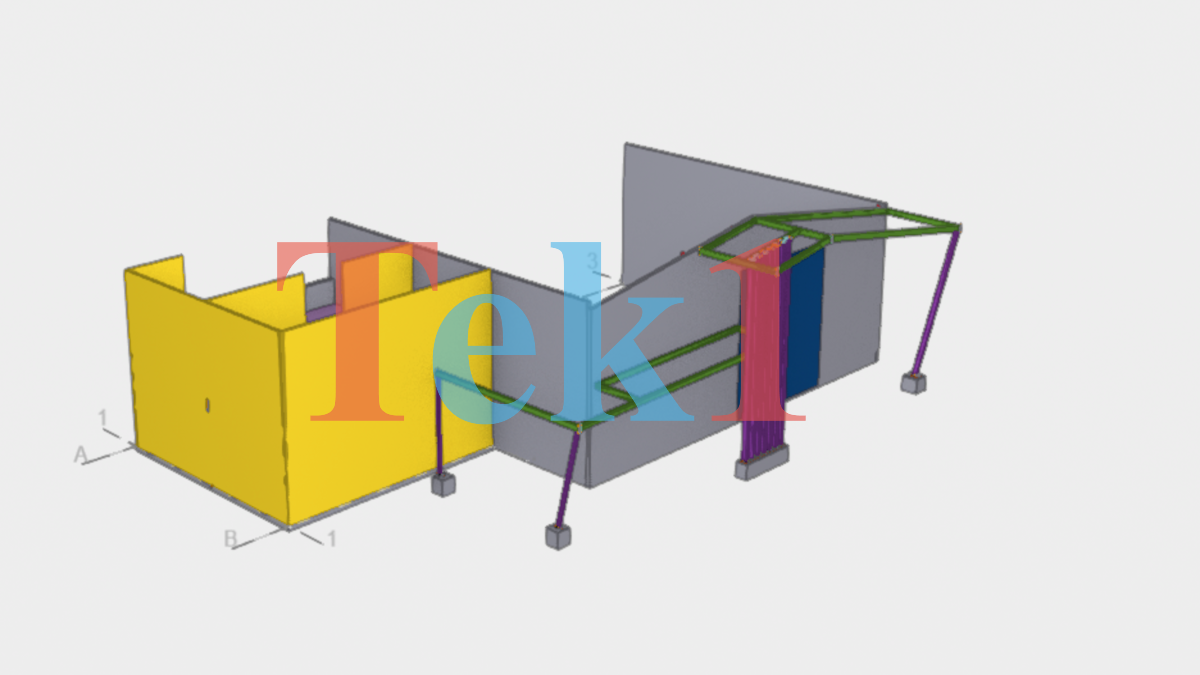
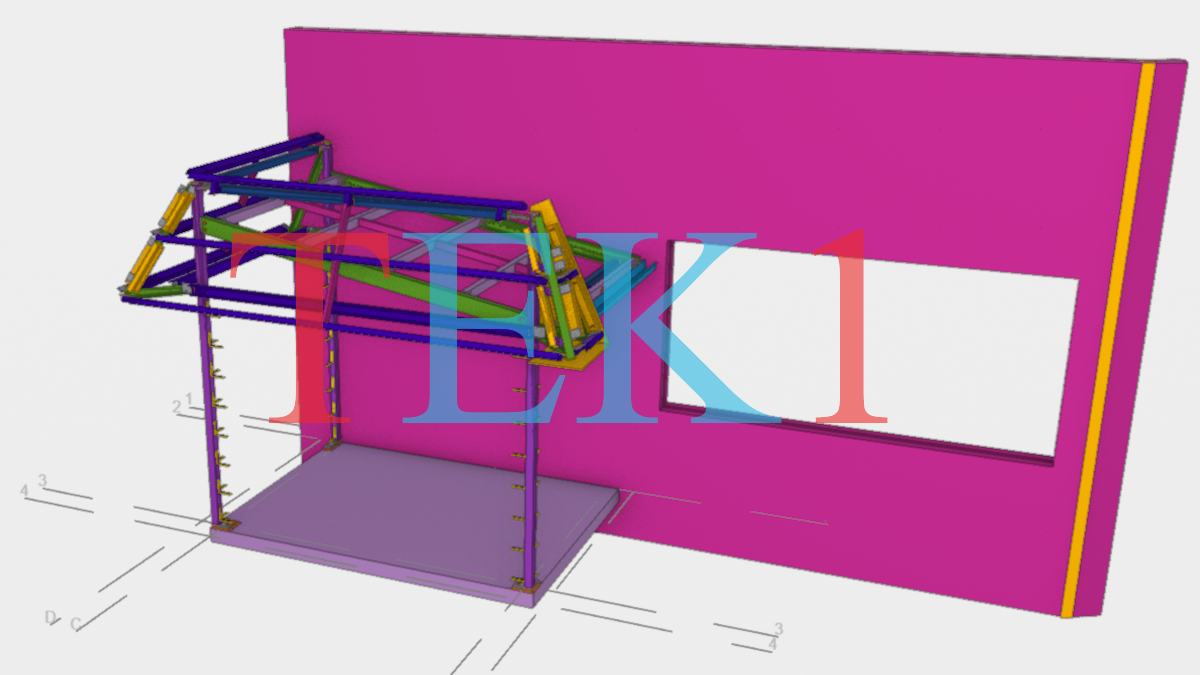
Awning-88 Yallah Road
-
-

Staff Memos
-
Memo 44 – Formatting Required for MTOs (Checklist for Material Take Offs)
Read more: Memo 44 – Formatting Required for MTOs (Checklist for Material Take Offs)Key links: Please supply checklist and special notes with every take off report you complete. What is the purpose of an MTO? The Actual MTO report: (a) Full Material List (b) The second: Excel – Material List – which shows all sub-totals. (c) IFC file – we no longer give IFC files. (d) db1 file…
-
Staff Memo – Webmail Login
Read more: Staff Memo – Webmail LoginPlease use the following link to login to your tek1 engineering services mail: https://gvam1290.siteground.biz/webmail/mail/
-
Adding details without approval which affects other trades
Read more: Adding details without approval which affects other tradesThis memo clarifies the process for handling drawing approvals and issuance to ensure project coordination and minimize potential errors. Drawing Approval Reviews: When receiving approved drawings, carefully review them for any markups that may significantly impact other trades or existing structural elements (e.g., slabs, foundations, anchor bolts). Example: If an approved drawing introduces a slab…
-
Memo 43 – The Process of Invoicing – Check if Invoices have been raised
Read more: Memo 43 – The Process of Invoicing – Check if Invoices have been raisedWhat is the problem What is the process? Things may vary, depending on the job, but that’s it in a nuthsell. Check Payment terms before: Alert someone if you see that invoices have not been raised: But the Managing Director said: “we have been paid” therefore I sent the drawings: How do I check? Check…
-
-

Fast Track to a Tekla Career
Ready to trade that graduation cap for a career in 3D modeling?
🎓🏗️ If you’re looking to break into the world of structural steel as a Tekla Detailer, we’ve got the ultimate “cheat code” to get you hired
Here is your step-by-step roadmap to joining the Tek1 team:
Get the Keys 🔑
(more…)Ready to trade that graduation cap for a career in 3D modeling?
🎓🏗️ If you’re looking to break into the world of structural steel as a Tekla Detailer, we’ve got the ultimate “cheat code” to get you hired
Here is your step-by-step roadmap to joining the Tek1 team:
Get the Keys 🔑
(more…)Ready to trade that graduation cap for a career in 3D modeling?
🎓🏗️ If you’re looking to break into the world of structural steel as a Tekla Detailer, we’ve got the ultimate “cheat code” to get you hired
Here is your step-by-step roadmap to joining the Tek1 team:
Get the Keys 🔑
(more…)
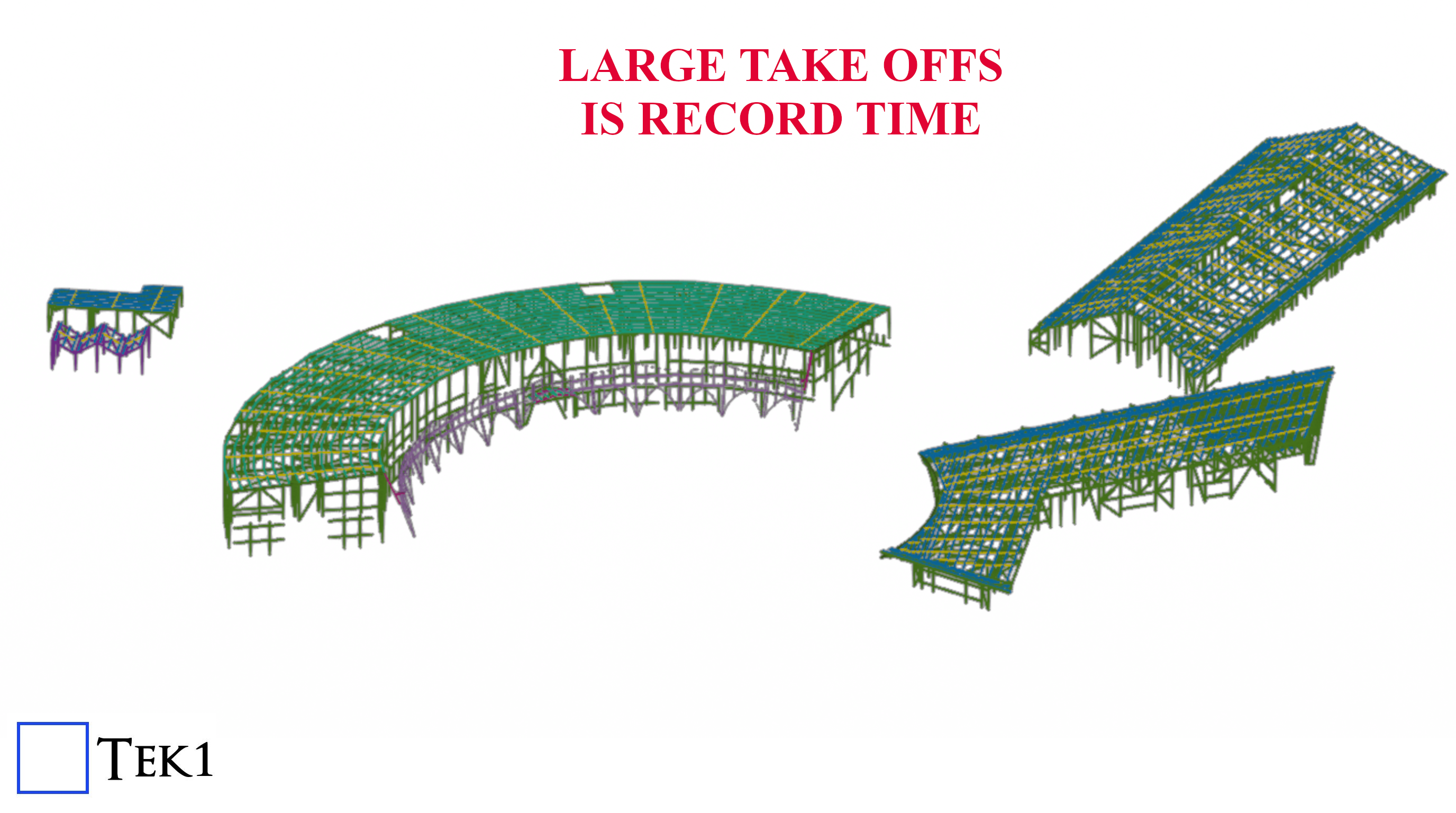
Large Material Take Off
McKillops Take Off
A 240 ton Material take completed in a very short time, accurately modelled.
Estimation Accuracy and Speed
With tested a tried processes, Tek1 offers fast turn around and accurate take offs. Your Estimation time is cut by weeks.
Installing Moodle on Lightsail
| database | mysql (10.11.8-MariaDB-0ubuntu0.24.04.1) | must be installed and enabledWrong $CFG->dbtype. You need to change it in your config.php file from ‘mysqli’ to ‘mariadb’ |
| site not https | if this test fails, it indicates a potential problemIt has been detected that your site is not secured using HTTPS. It is strongly recommended to migrate your site to HTTPS for increased security and improved integration with other systems. |
Adding Ferrule Bolt
How to create a Ferrule Bolt and Use it.
Steps Edit Bolt Catalogue. Add the Ferrule bolt in this case we are going start from BOLTFB1640 and create BOLTFB1655 Then we add a bolt Assembly catalog. Again we start from Bolt BOLTFB1640 and create BOLTFB1655 Then we use that in tekla to model the bolt. When you model the bolt make sure 1. No nut is used 2. Washer is on the head side. 3. Cut length is negative of the length you want. This decides the length of the bolt in report. Most important do not ignore — Take report and check.
Use Trimble Connect for Quick Checking
Trimble Connect for Checking
Upload the reference models when you upload the model to trimble connect.
Now any one can make some quick checks.
You can turn off/on the reference models for quick checks.
May adjust the transparency too
#Trimble Connect #Tekla