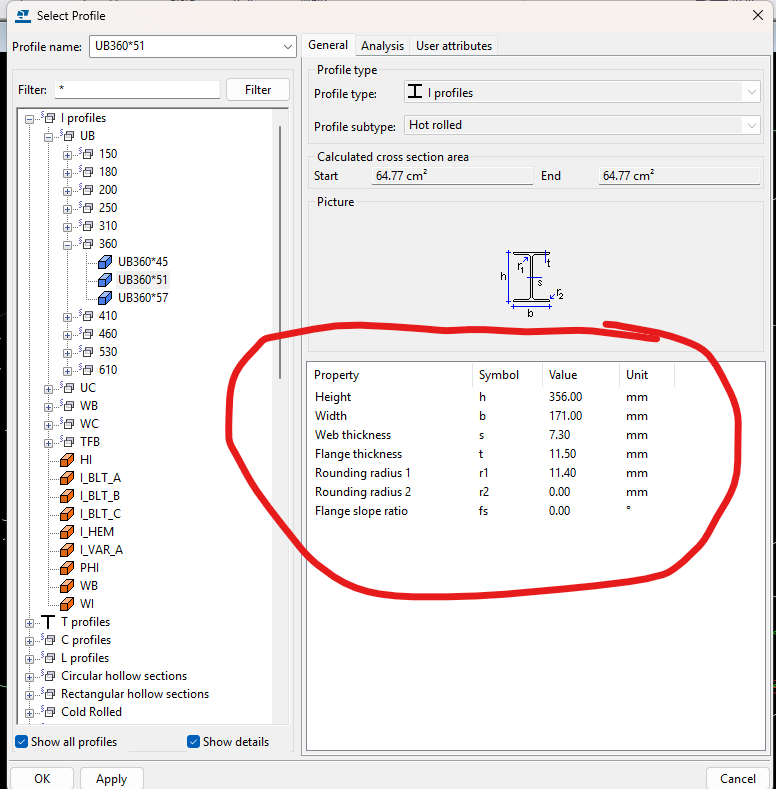
You have a profile e.g. “CC200755.0″ obtained via the Tekla API. How can you extract it’s HEIGHT or WIDTH or other parameters (or properties) such as density? The Tekla Documentation is not good on this point, and it took me some time to find this out. I have documented the methodology, so hopefully that will save you some time.
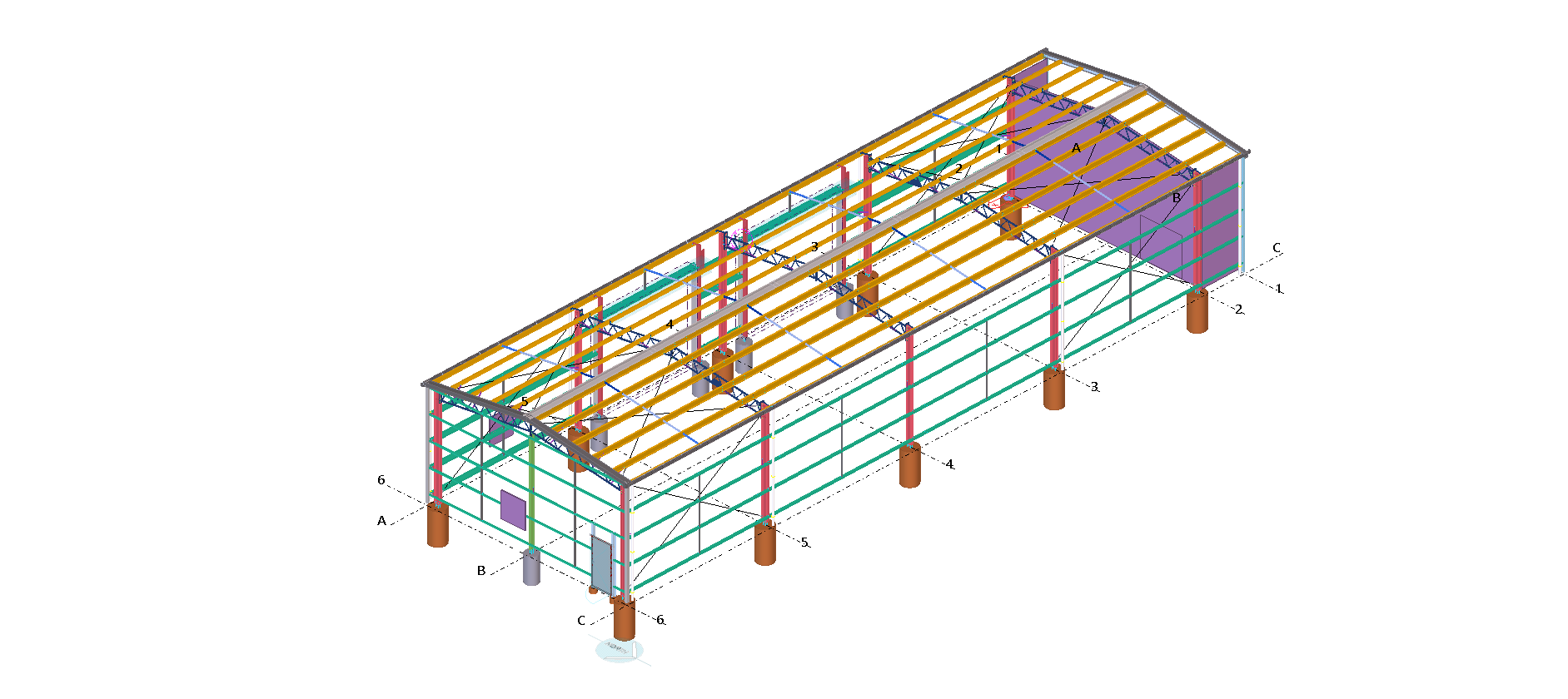
In our use case, users select a profile via text (or rather via a CLI). How we need to build a shed from it. In order to build that shed, we need to know the specific properties of the profile that is selected. How do you do that via the Tekla Open API?
Tekla Open API: How to access a Tekla Model Object from the Equivalent Object in a Drawing?
The trick is to use to the drawing’s “PartIdentifier” to select the relevant object in the model space. Once you’ve done that, you can query the model object for whatever you want. Here is a code sample I’ve extracted from one of our Tekla API Applications. The basic steps: SinglePartDrawing singlePartDrawing = (SinglePartDrawing)drawing;Tekla.Structures.Model.ModelObject modelObject =…
QR Code on Drawings
We are now placing smart QR codes on drawings. Why? What benefit is accrued by doing so? Instructions on how to make it work Rules – To prevent obsolete data from being used or shown Updating the Drawings: Setting up the template
Dont Lose time with missing dimensions
Do you loose time with missing dimensions Have you ever used the wrong revision? Here is what is cooking at Tek1. If you would lik to to know more Here is a solution where you can scan the QR code and bring up the assembly model. know the revision number of the drawing which you…
Precast Panels with Tekla Structures
This is probably first precast project we have attempted with tekla structures as the tool. We have done a few with Revit, and lot with Autocad. There is raging argument with no one really know (unless one has walked in the weeds) which is a better tool I believe no tool as out of the…
Why aren’t the user defined attributes being defined – in Tekla’s “Open” API
If you want to waste time on a poorly documented API (which doesn’t make any sense) I would highly recommend getting on Tekla. I’m documenting this so some poor soul doesn’t waste a day trying to debug this: Do you see the problem? First insert the beam, and then apply the UDA and it should…
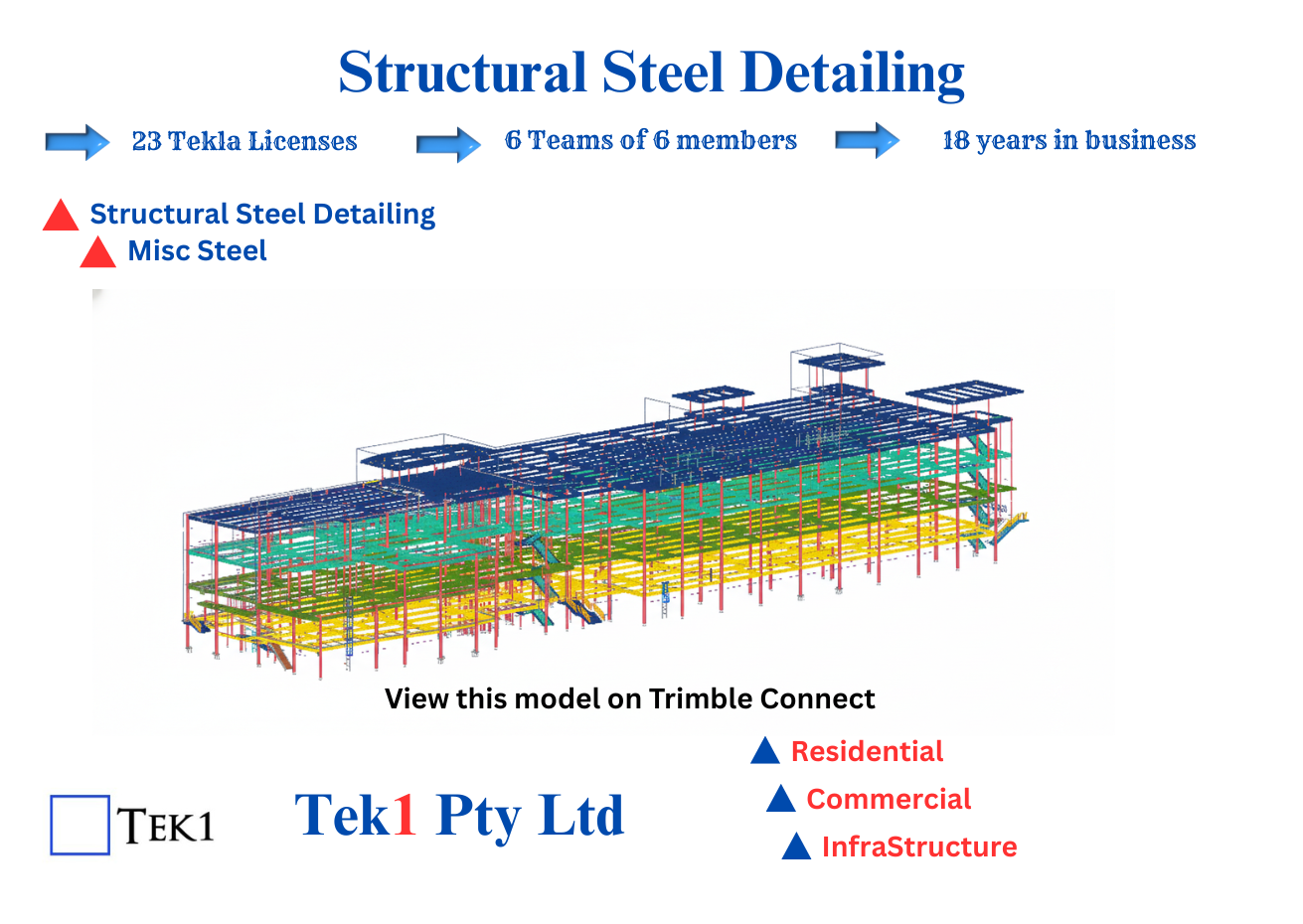
Steel Estimation We build a tekla model from Structural drawings in Tekla Produce the reports, give you the model and the reports with expert comments.
Standards we follow
Steel detailing AISC 360 (Specification for Structural Steel Buildings): The foundational standard for the design, fabrication, and erection of structural steel.
ASTM Specifications: All materials must be identified and traceable to specific ASTM standards (e.g., A992 for wide flanges, A36 for plates).
OSHA Standards
We follow OSHA Standards -1926.754, 1926.755, 1926.756
Introduction – Setting up your Environment (Tekla Open API Course)
This is a course on how to program using Tekla’s Open API. We will start from the very beginning and get into some complicated topics. These are the principles I use when developing Tekla API applications. The following posts a video tutorial on how to get started using the Tekla Open API. The first thing…
Memo 51: When recording a video and posting online, don’t forget to…
Ideally we want to add on youtube AND vimeo. Sample Description below: Pon description Visit https://www.tek1.com.au/category/steel-detailing/ if you wish to learn more about steel detailing, and Tekla. Video by Dhileepan (senior team lead) and Dinesh. Visit https://www.tek1.com.au/author/pon_dhileepan/ for more details about my work. If you’re interested in Tek1 to do your steel detailing, please email:…
Memo 50: When coordinating with others, you have to charge; When the scope changes, your price need not change simply
When coordinating with others, you have to charge; When the scope changes, you price need not change simply; (A) Prices need not be reduced by crossing out a line item Please see below: Hi Koshy, Sorry to do this, but we will need to remove line item 5 from the invoice. The structural steel components…