
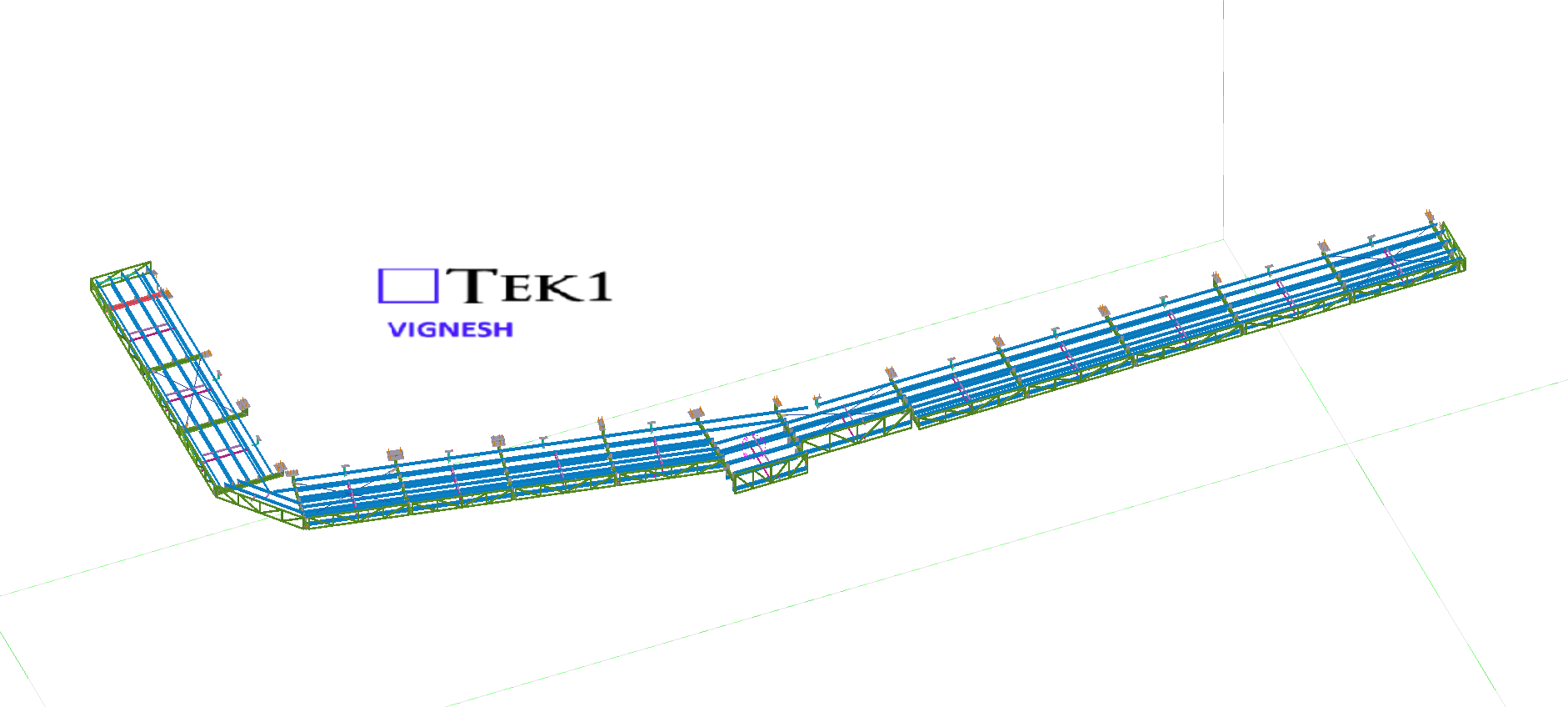
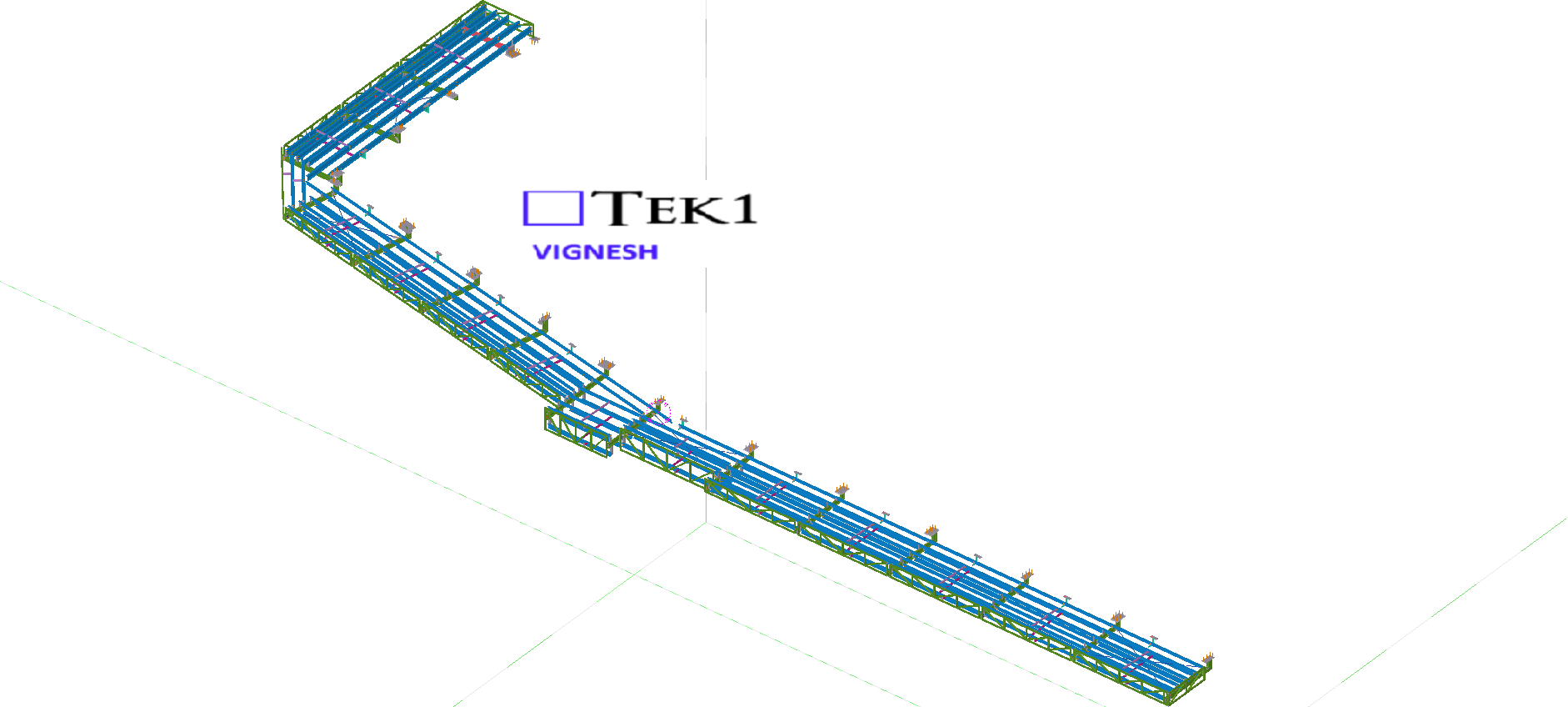
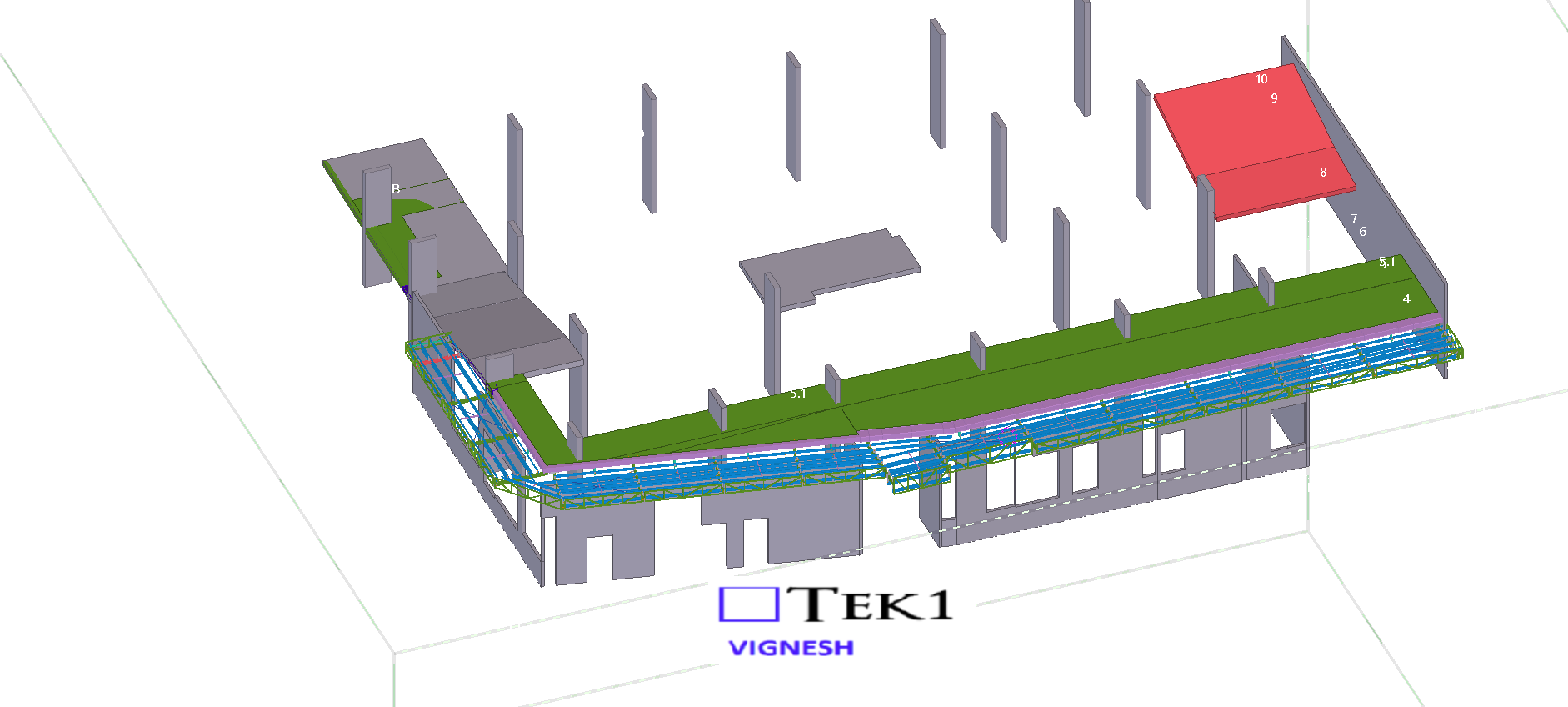
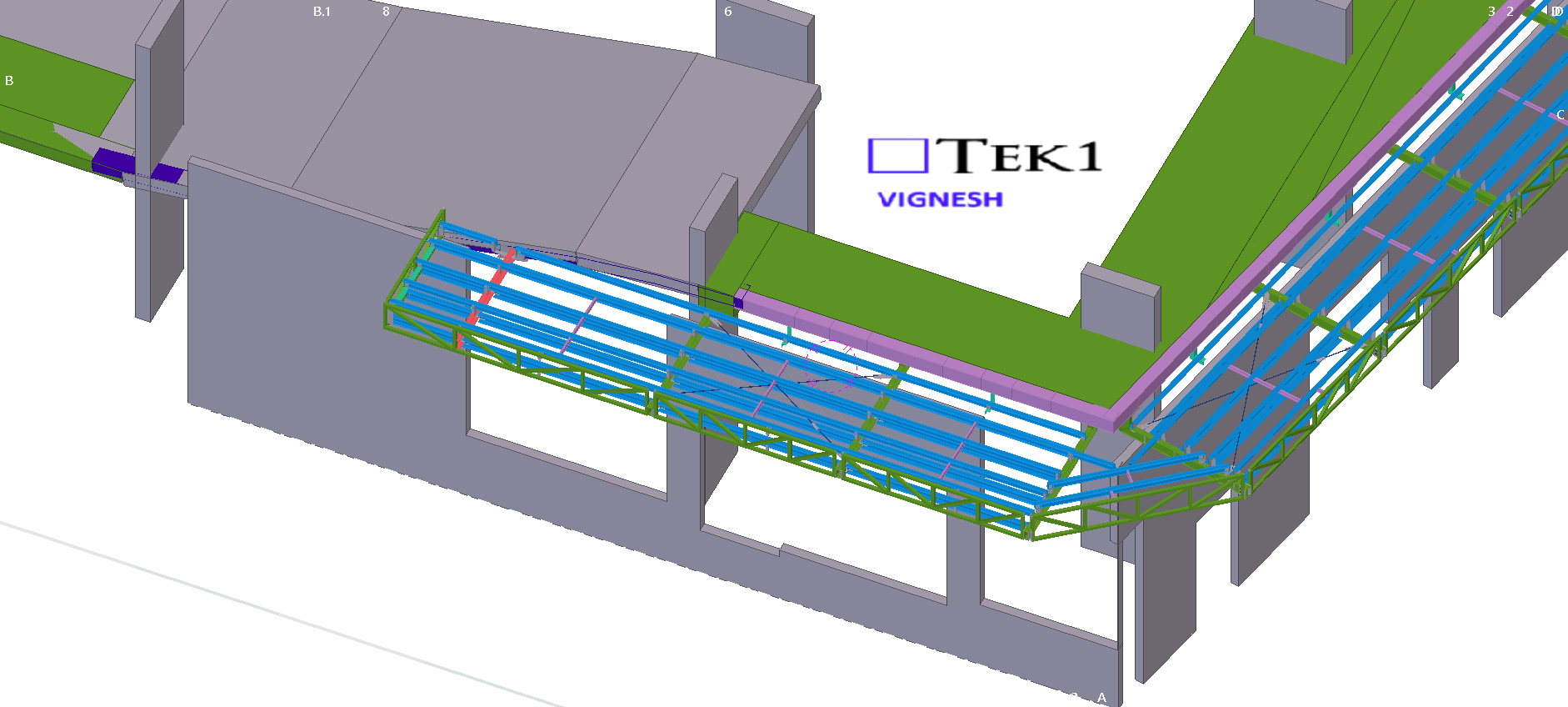
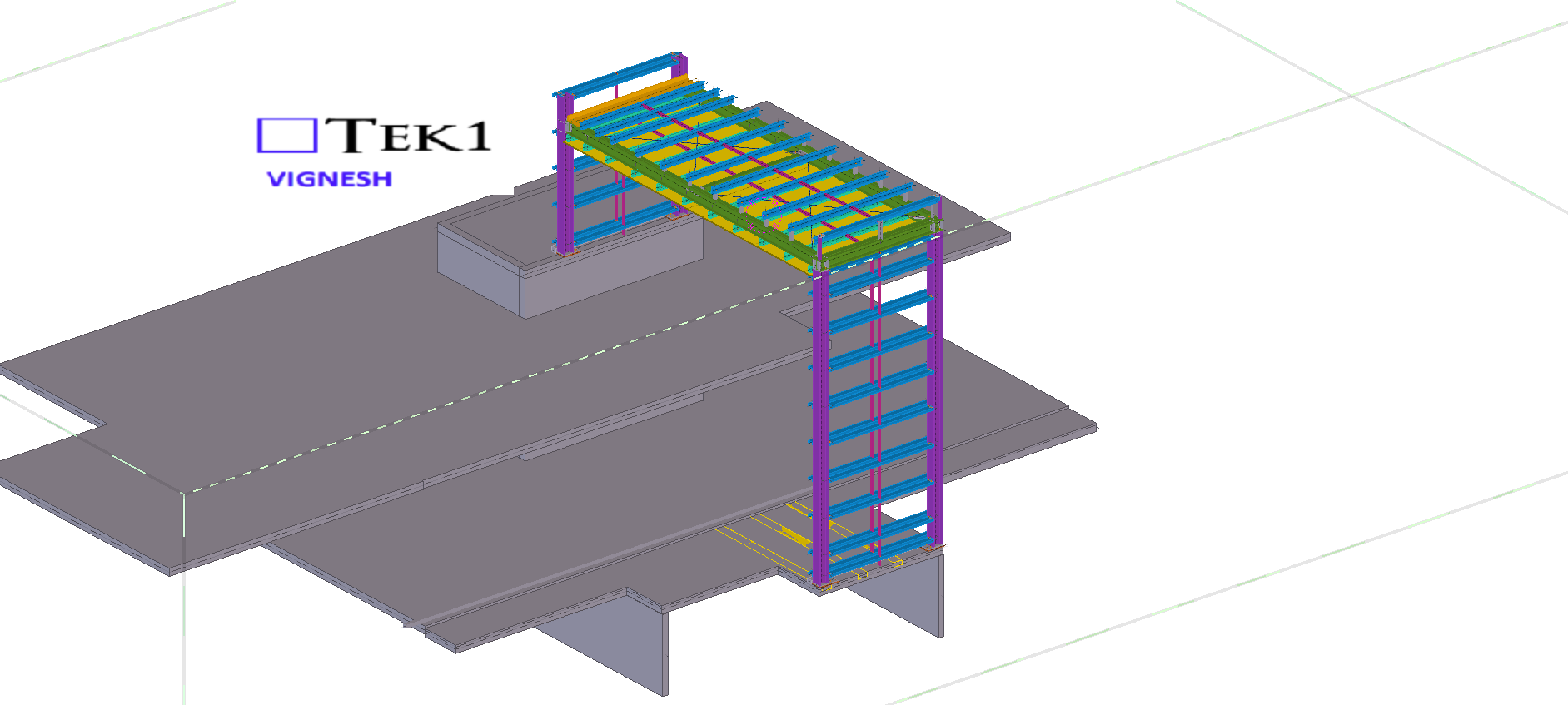
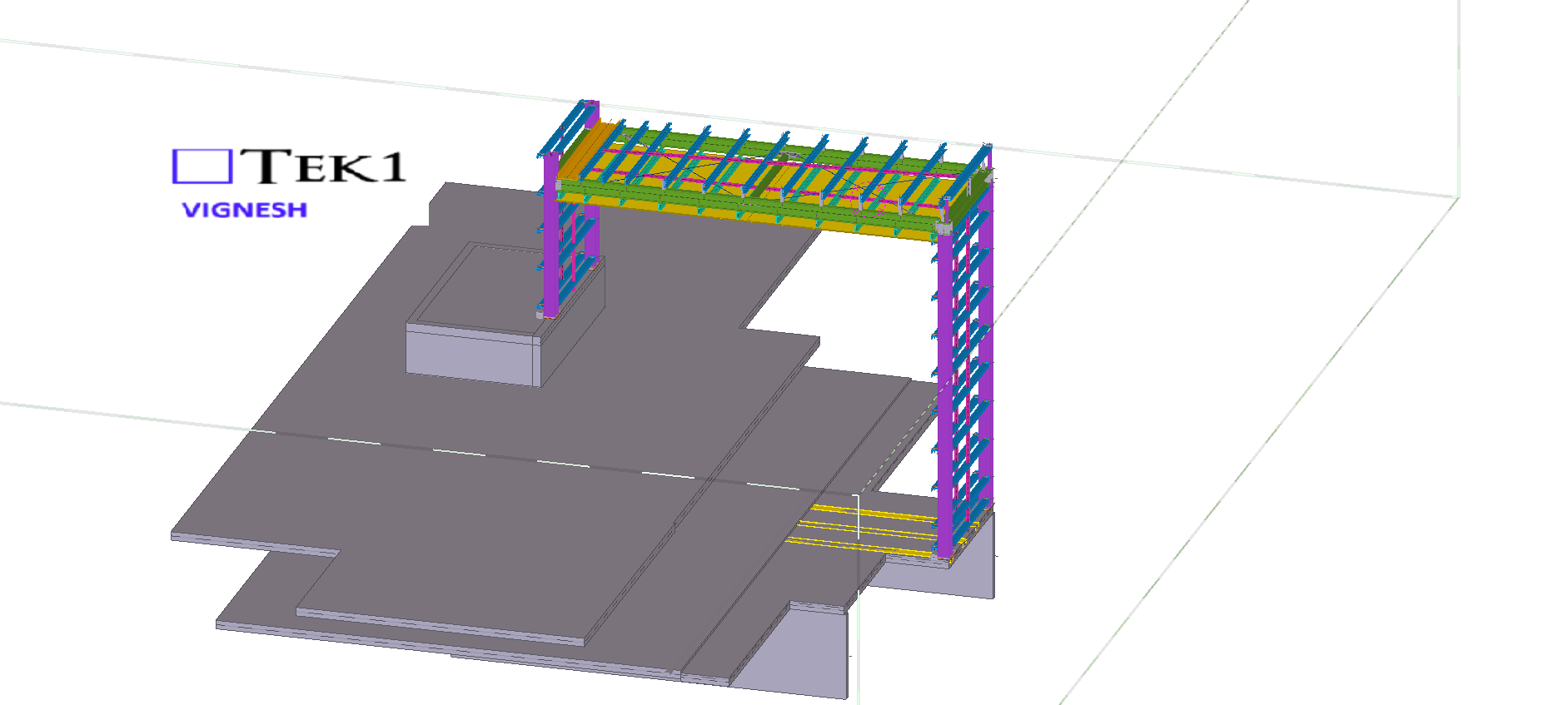
This page show cases some of the Steel Detailing projectgs completed in Melbourne, Sydney, WA, Brisbane Tek1 has completed
When detailing steel, one important factor that’s often overlooked is the stock length of the beams. Confirming this early can prevent major rework later in the project.
Recently, we worked on a façade support steel project that involved several CHS beams. Normally, CHS sections are available up to 12 meters in length. However, in this case, the client informed us that for smaller CHS sizes, the maximum available length was only 6.5 meters.
Please see the below email from the client.
“Hi Ganesh
Have just noticed some of your Member lengths for the 101 CHS are longer than 6.5m stock lengths.”
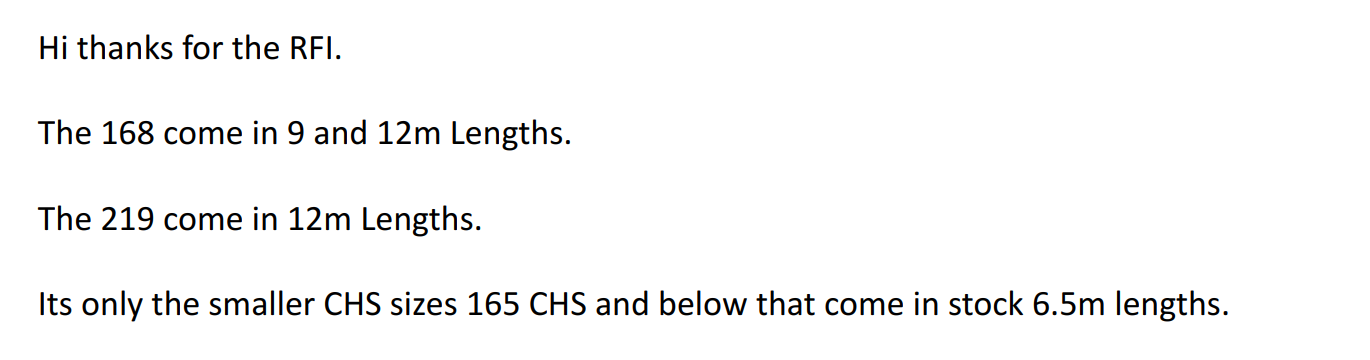
Then we have raised RFIs for the stock lengths. See the below replies from the client.
Always confirm the available stock lengths with the client or fabricator before starting the detailing. Early coordination like this saves time, reduces rework, and ensures a smoother fabrication process.
In this blog, I’d like to share an issue we faced related to hanger locations.
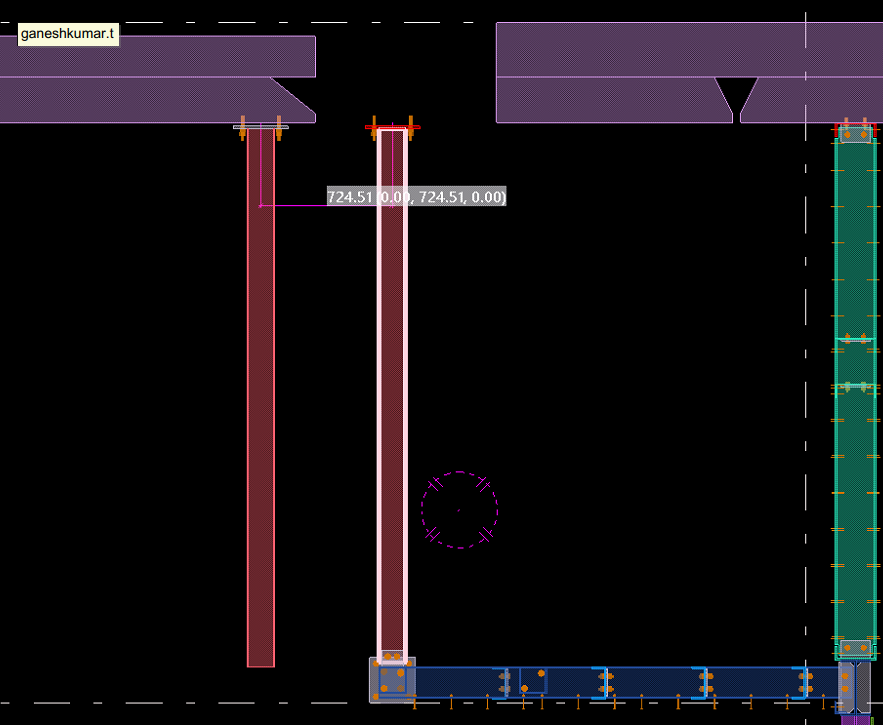
In this job, the floor steel was supported from the slab soffit. Initially, we placed the hangers as per the design drawings. However, during coordination with the concrete model, we discovered a slab void exactly at one of the hanger locations — meaning there was no concrete support available for that hanger.
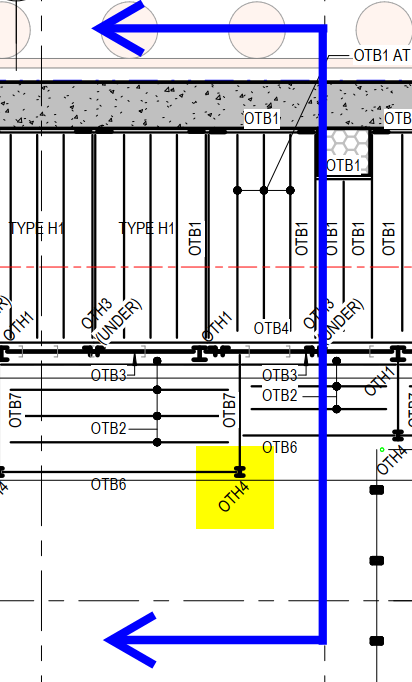
Fortunately, we identified the issue before fabrication and raised it with the respective manager for correction.
When detailing steel, especially hangers or supports connected to concrete, it’s crucial to check the concrete model. Focusing only on the steel scope can lead to such clashes. Always verify slab and concrete details at the steel connection points to avoid costly rework later.
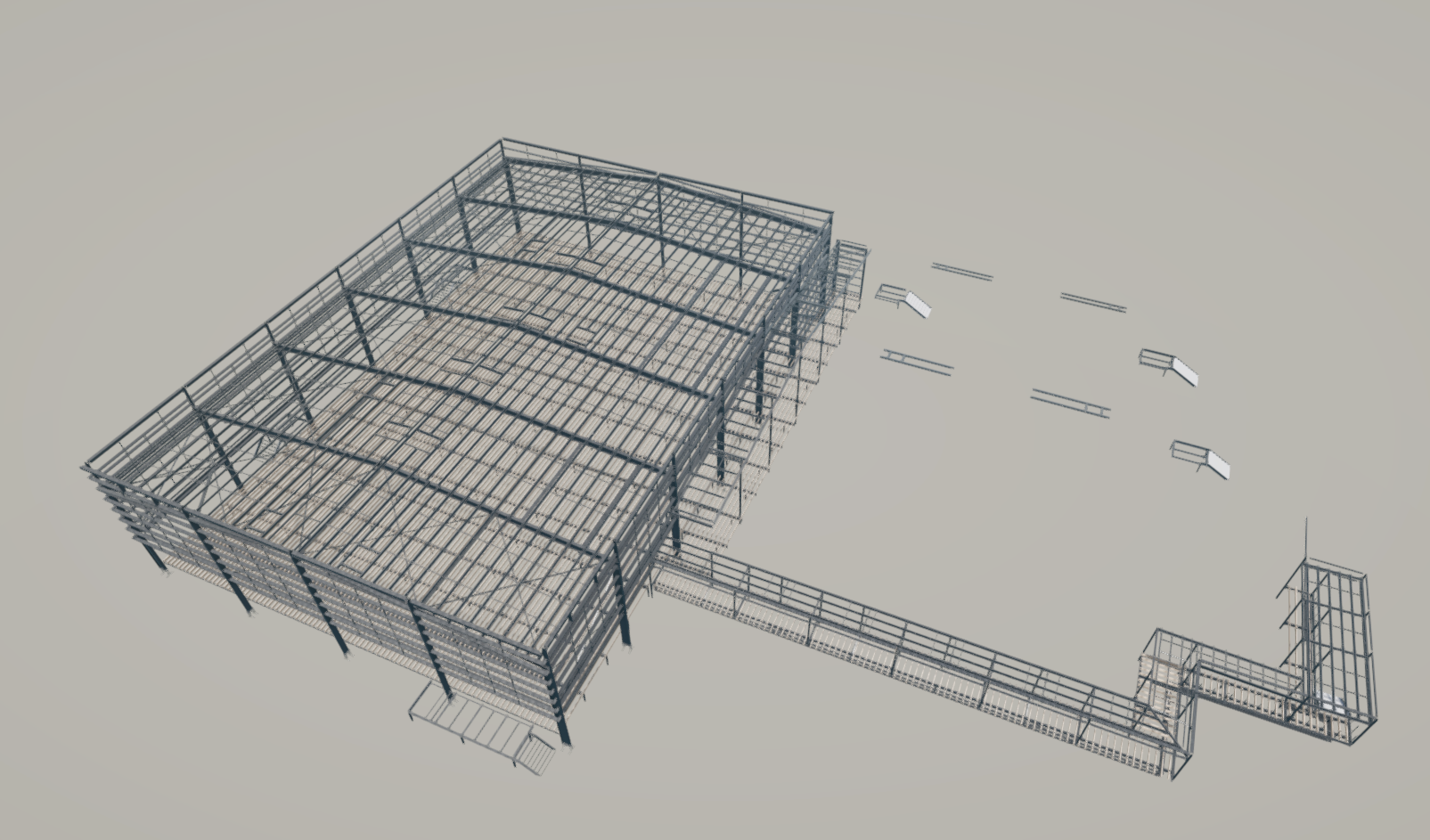
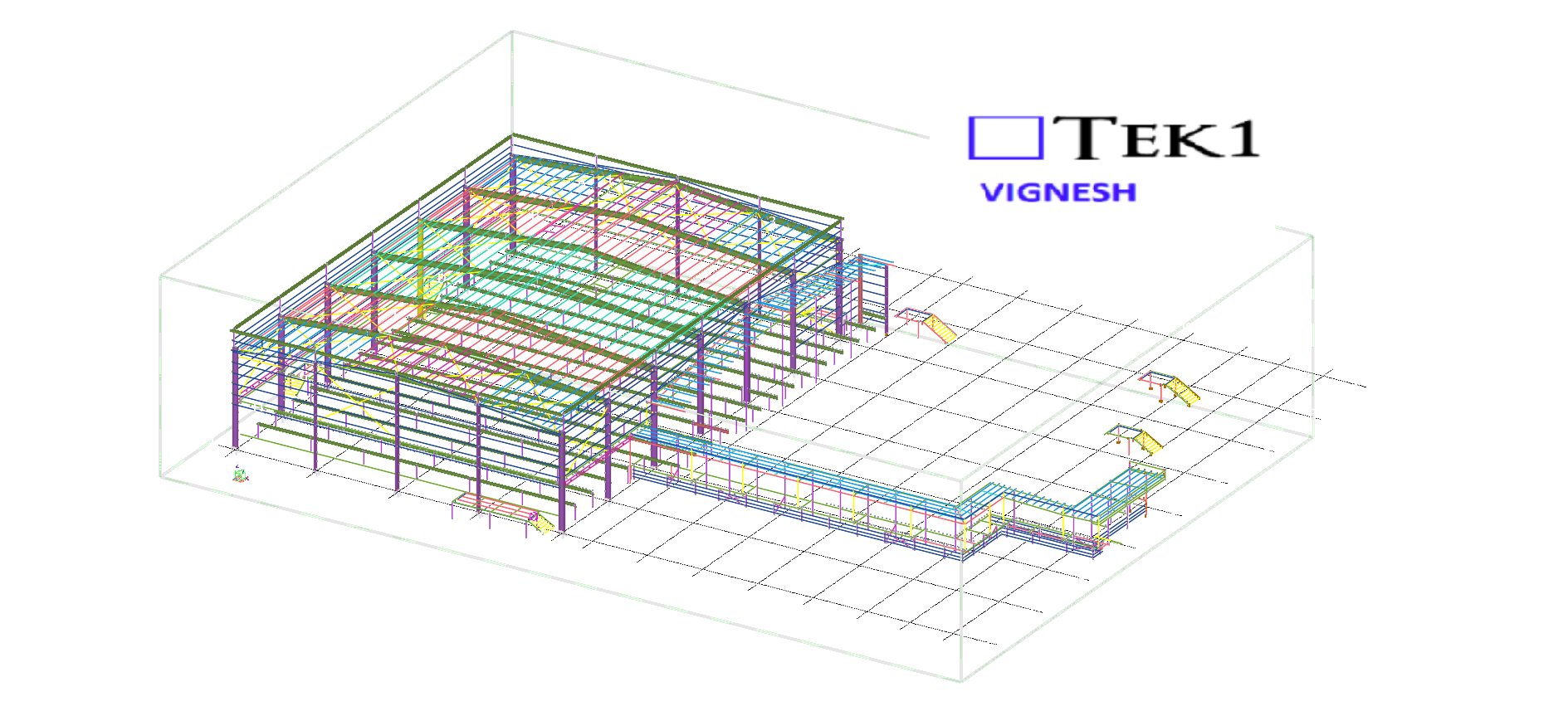
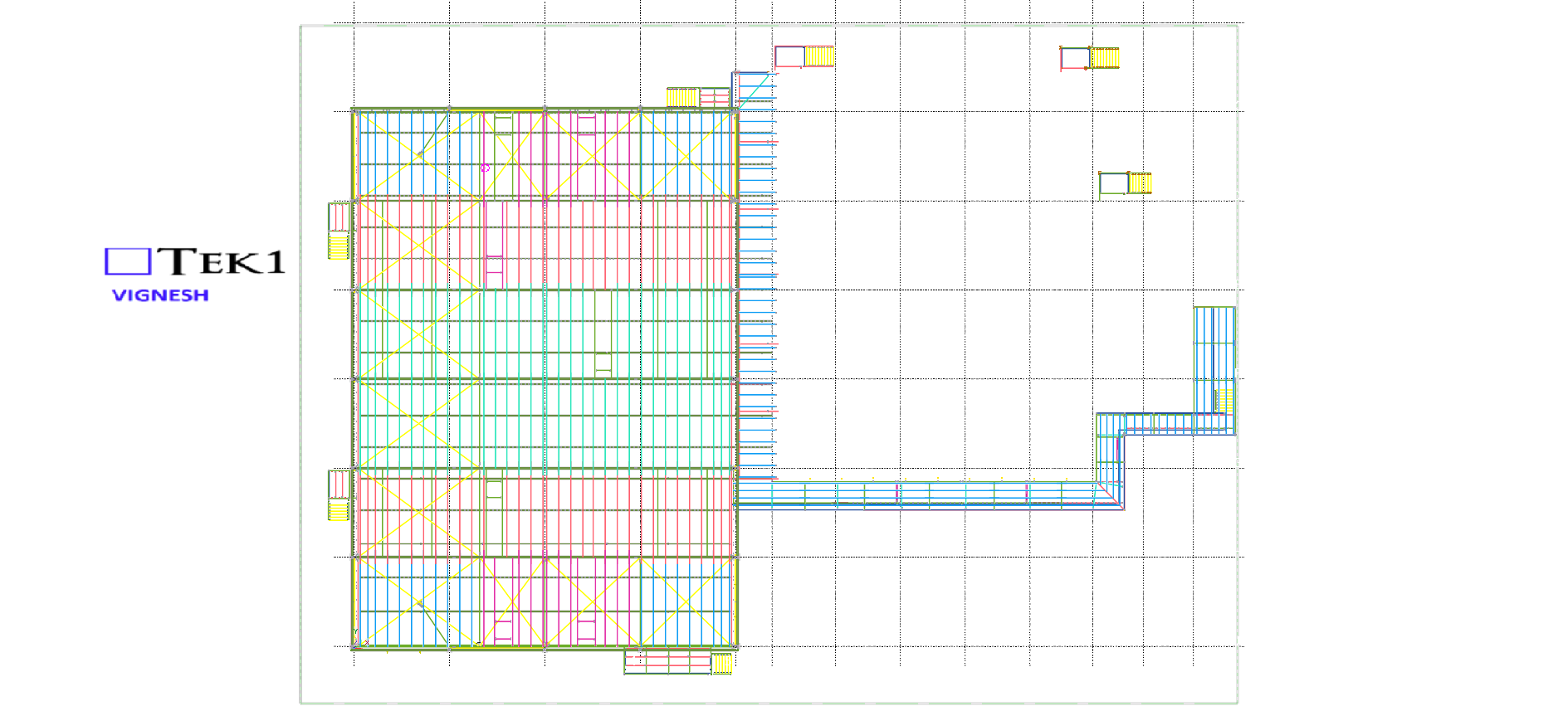
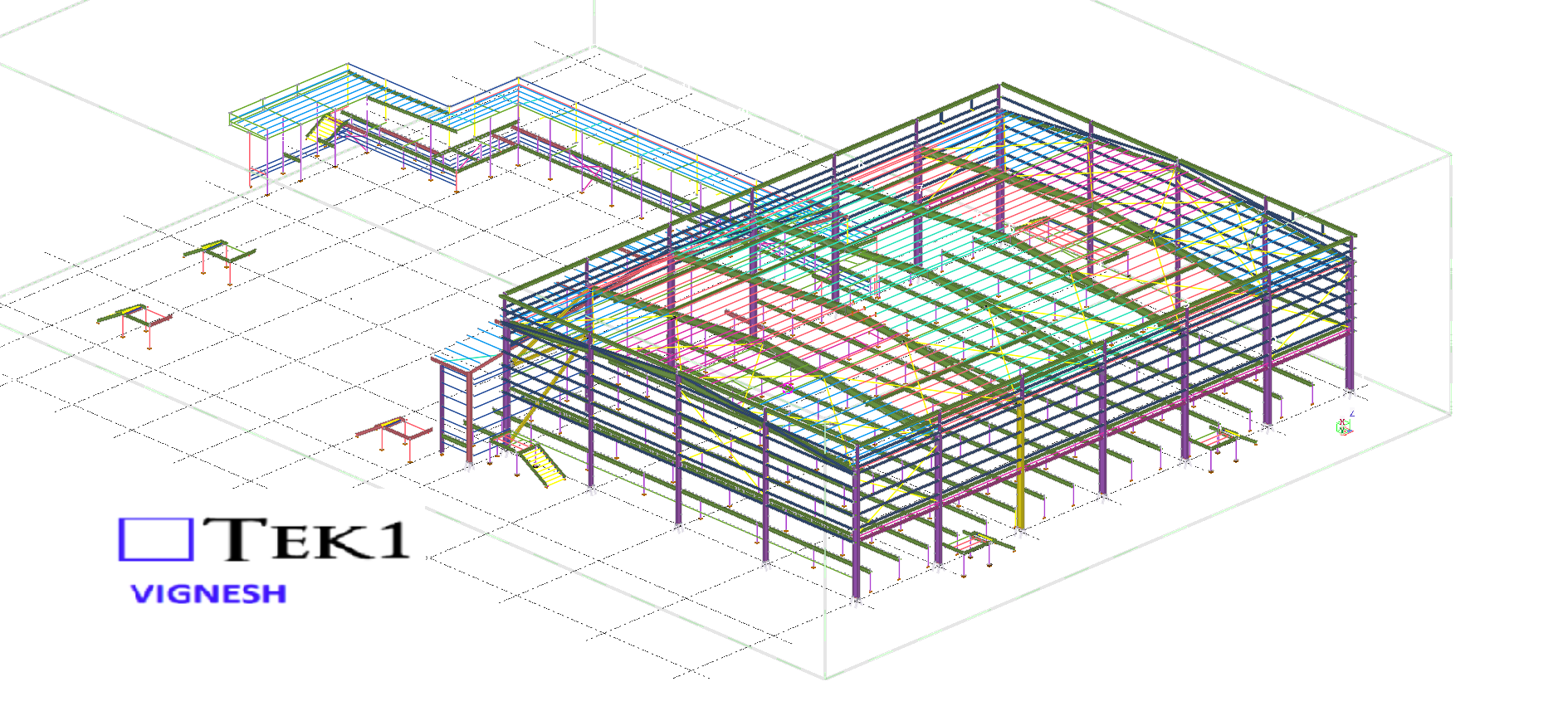
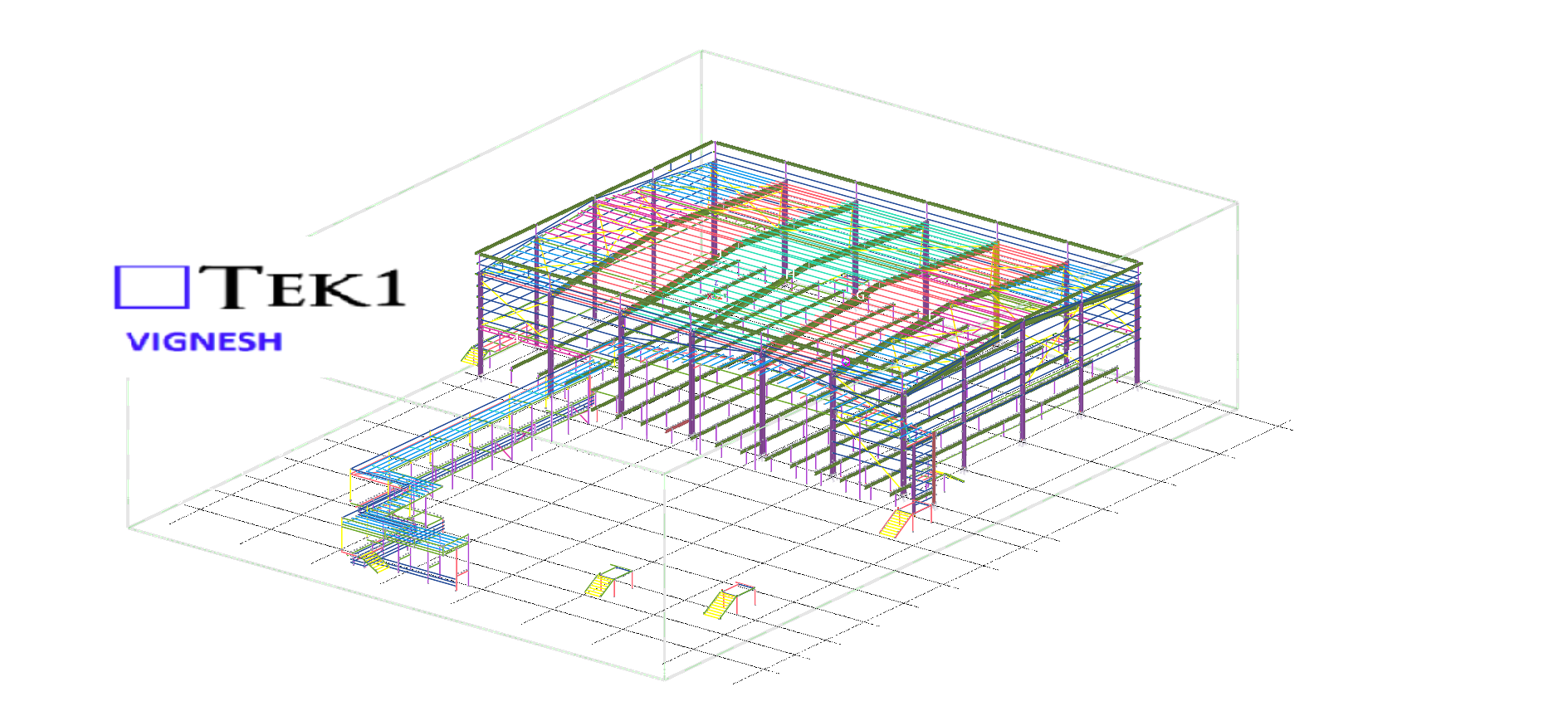
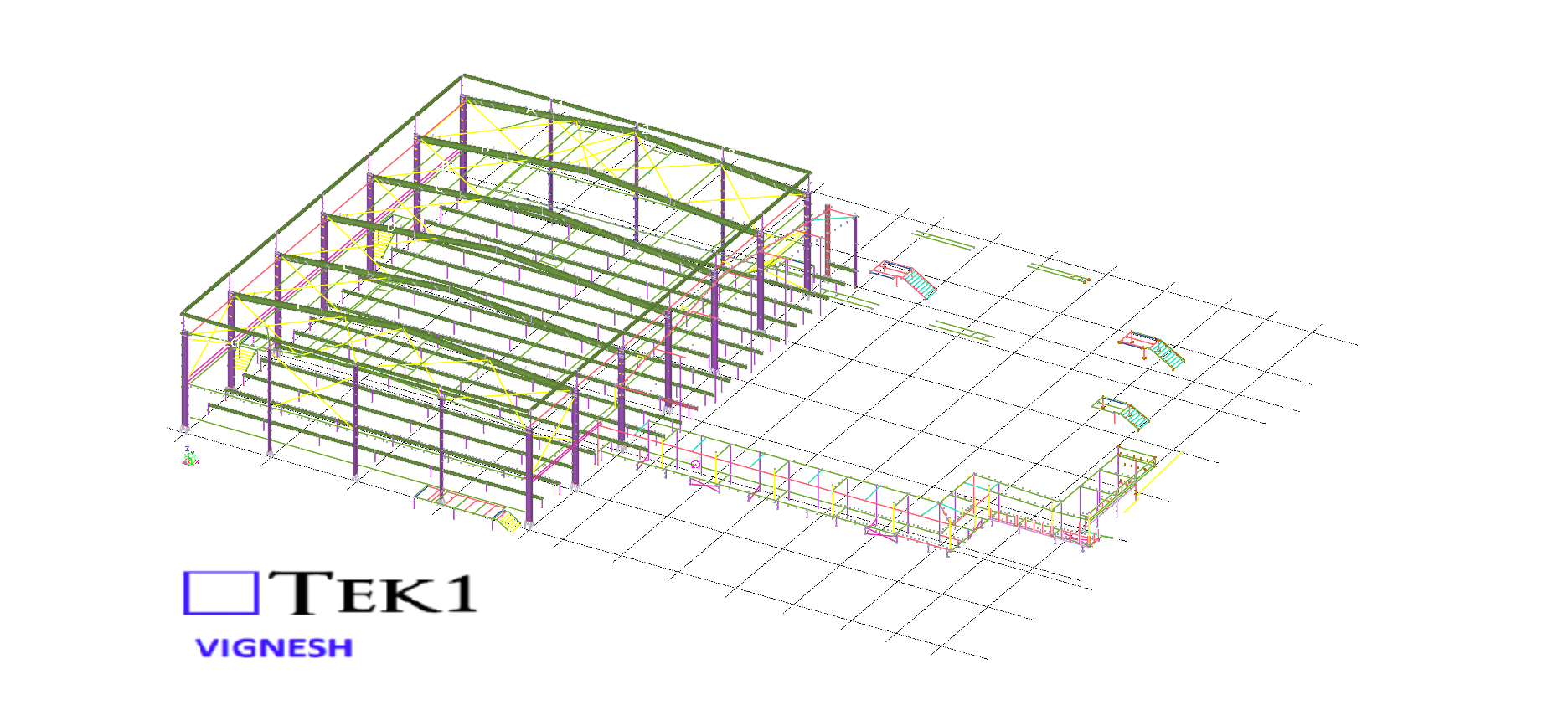
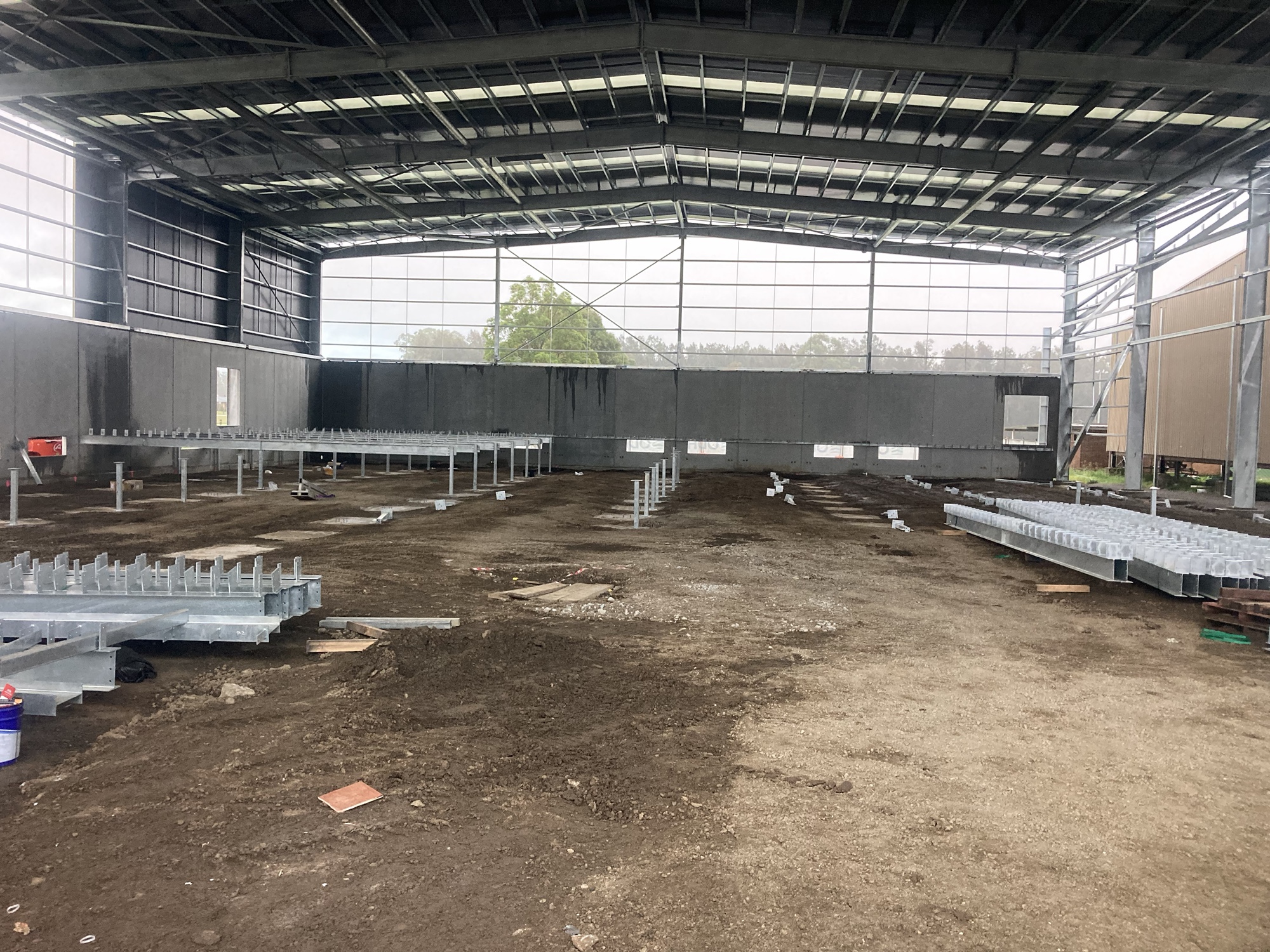
Our detailing team worked closely with architects to ensure tolerances and offsets were met without compromising design intent With a limited fabrication and erection window, our detailing team adopted a fast-track workflow using Tekla Structures for 3D modeling.
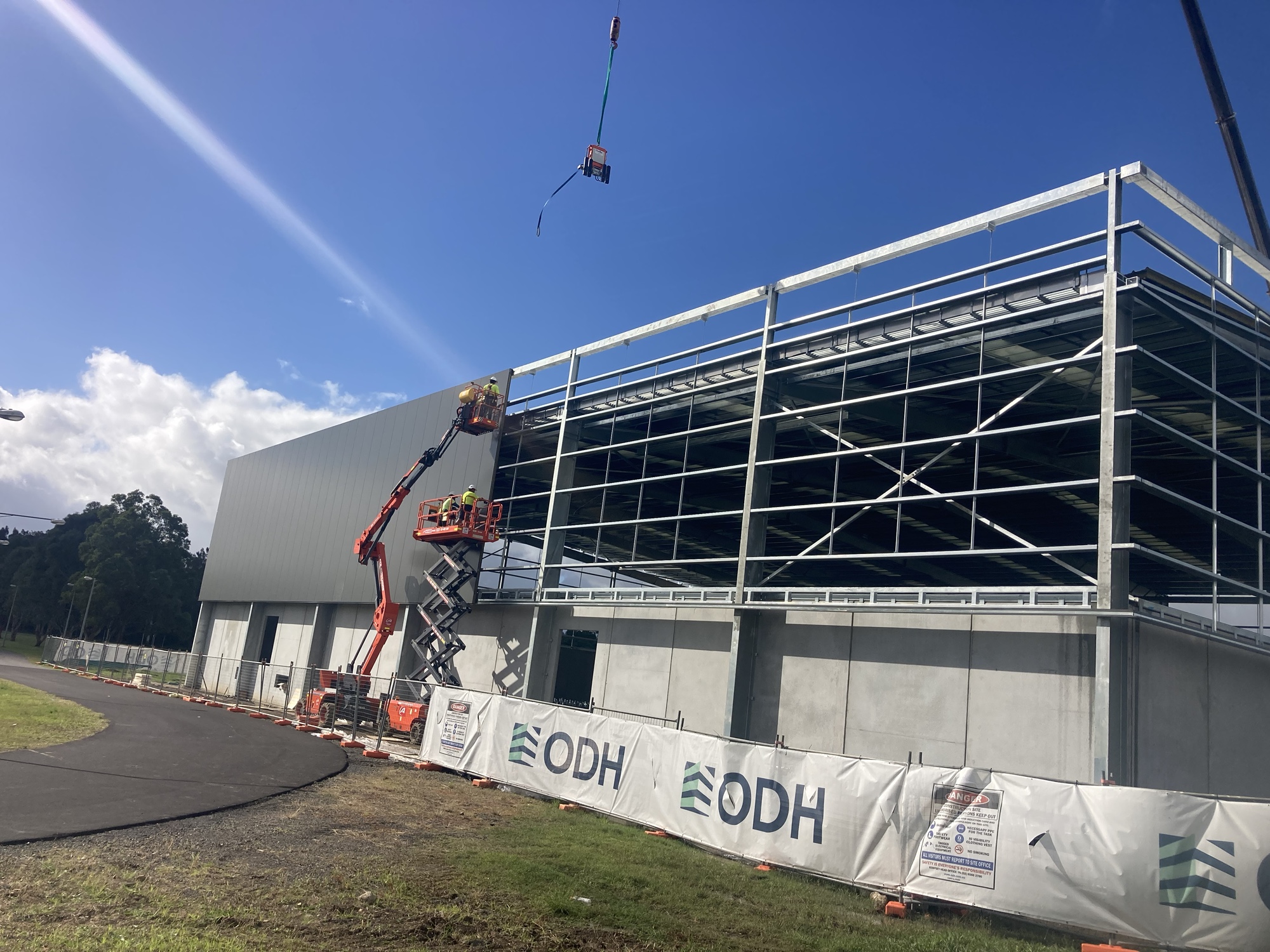
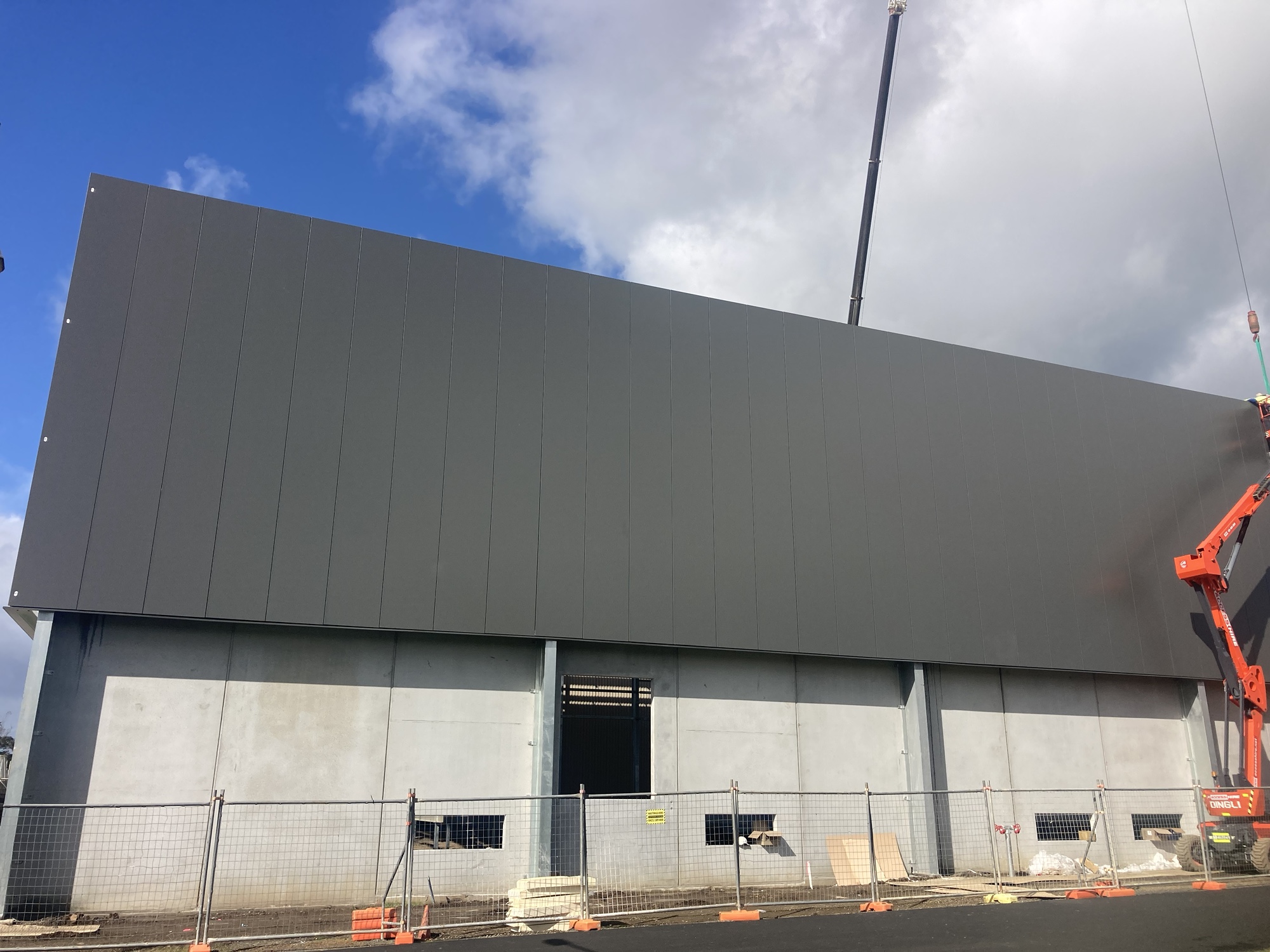
We are proud to be a part of the team in IRON_ARENA_SPORTS_CENTER project.
This allowed us to provide early shop drawings for procurement and parallel review of sections still under coordination.
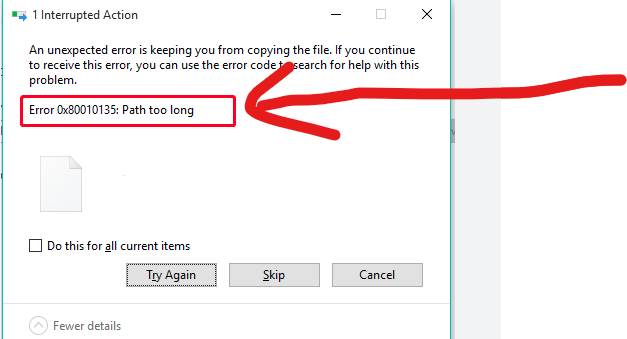
In the construction business – you will often find yourself zipping / unzipping large sets of documents, and copying them from A to B etc. Often when dealing with deeply nested folder structures, you will get an error – regarding long path names. Like this:
This is especially annoying if you are copying large sets of documents.
Ordinarily I would suggest that clients avoid deeply nested folder structures – but then I thought: who am I to presume to how anyone should structure their affairs?
Why not allow for long file paths in the first place? This is how you can do it?
Set-ItemProperty 'HKLM:\SYSTEM\CurrentControlSet\Control\FileSystem' -Name 'LongPathsEnabled' -Value 1
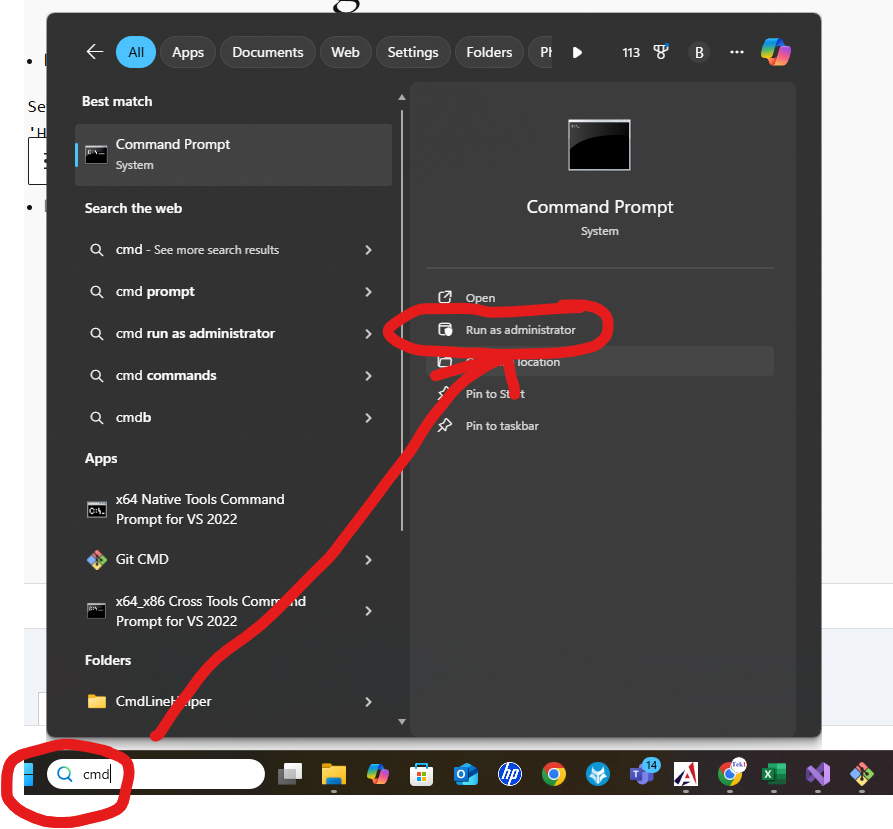
Here’s how to open the terminal in admin mode:
How you can unzip deeply nested folder structures, in your own deeply nested folder.
We hope you found our previous blogs on the Sydney Metro project insightful. If you missed them, check them out.
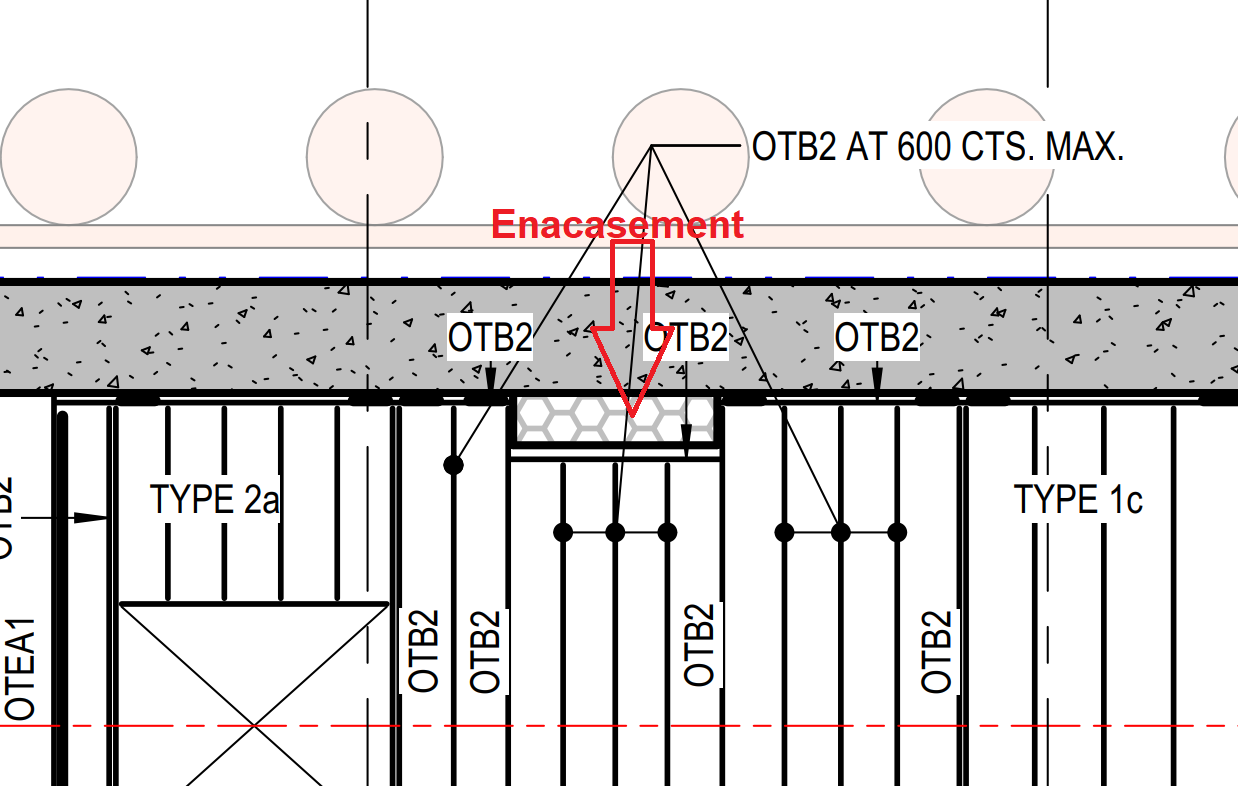
In this blog, I’d like to share an important lesson about concrete encasement for conduits that every steel detailer should keep in mind.Normally, conduit encasement falls under electrical scope, so detailers don’t focus much on it. However, the encasement’s location and size can directly affect the steel layout — as we discovered in one of our projects.
We detailed the steel as per design drawings, but on-site, the encasement dimensions varied. Some conduits were larger, others smaller, which caused clashes between the steel and the encasement, and in some areas, created unwanted gaps. This required on-site modifications to our steel.
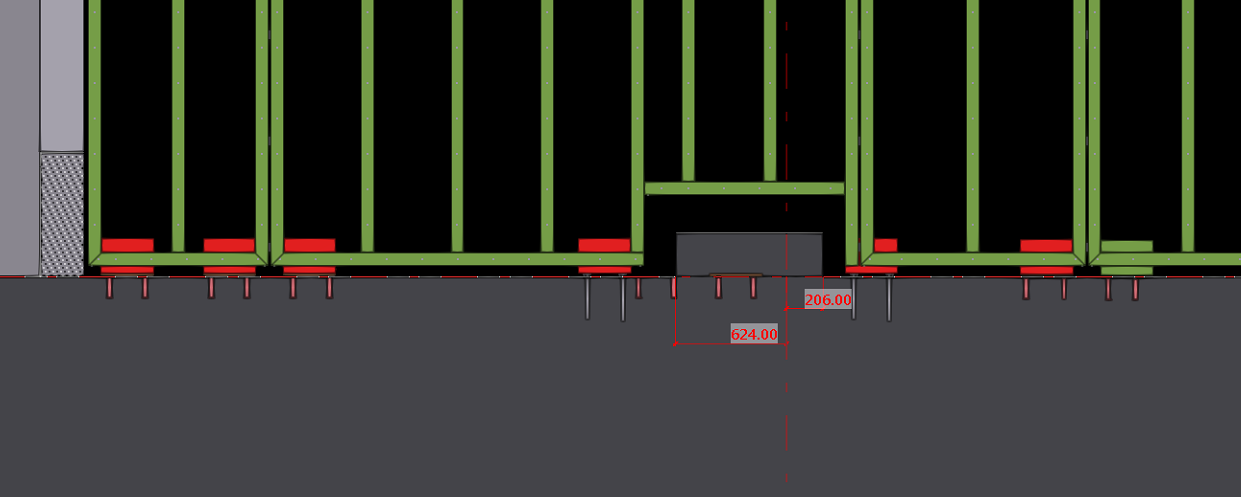
When detailing steel near conduit encasements, always verify the actual encasement size and location before releasing fabrication drawings. Small checks early in the process can prevent major issues and rework on-site.
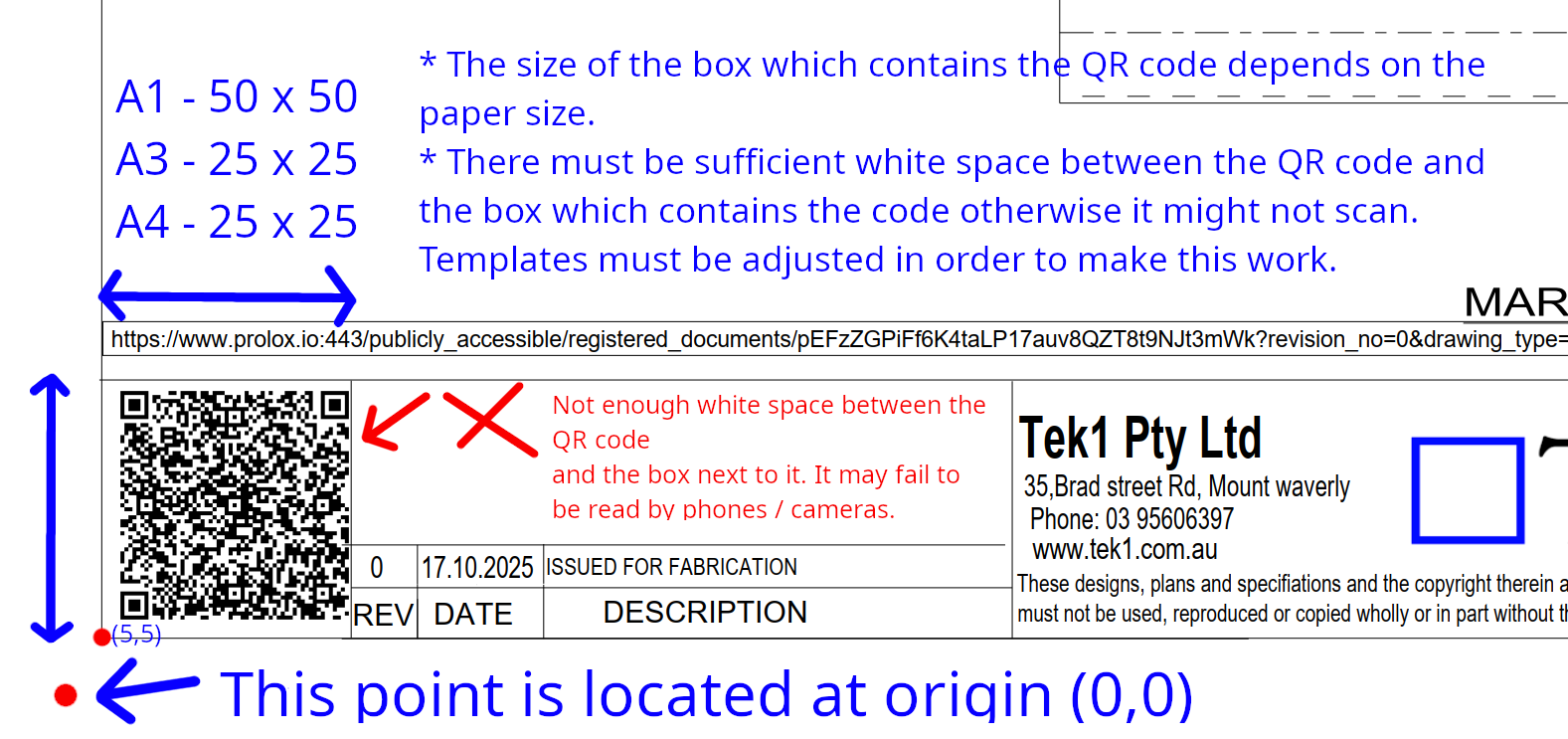
We are now placing smart QR codes on drawings. Why? What benefit is accrued by doing so?
Instructions on how to make it work
Rules – To prevent obsolete data from being used or shown
Updating the Drawings:
Setting up the template
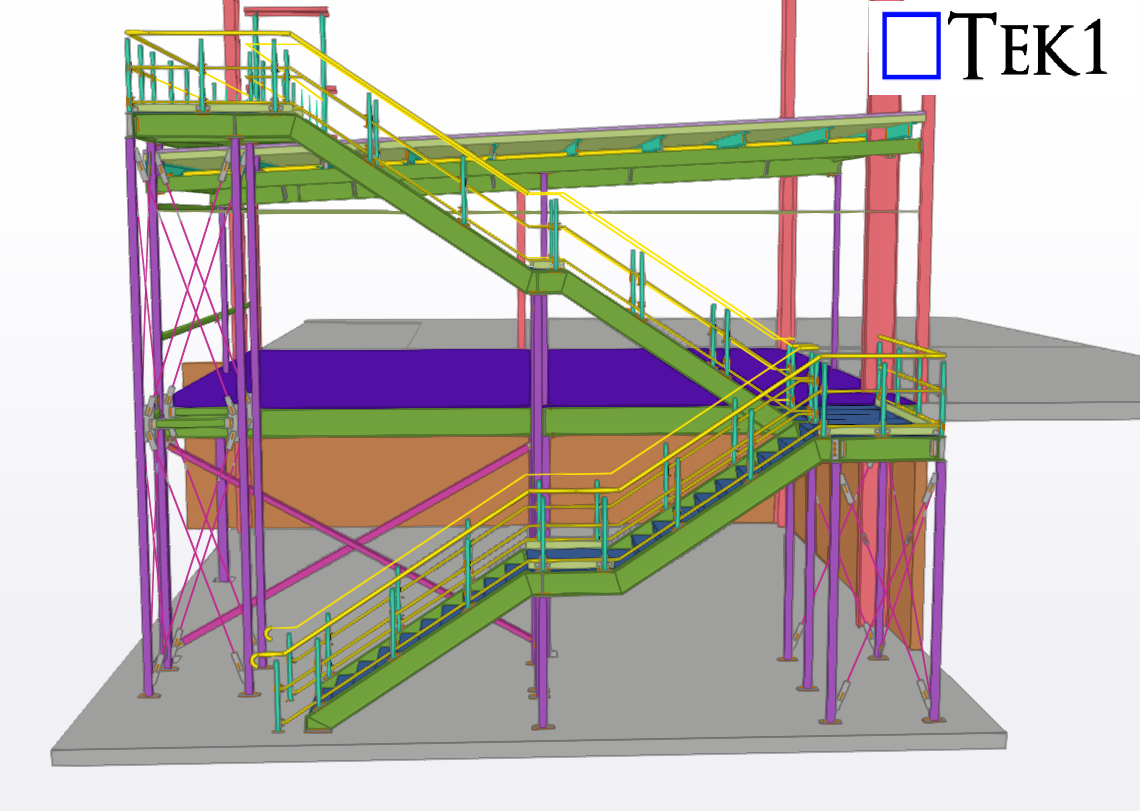
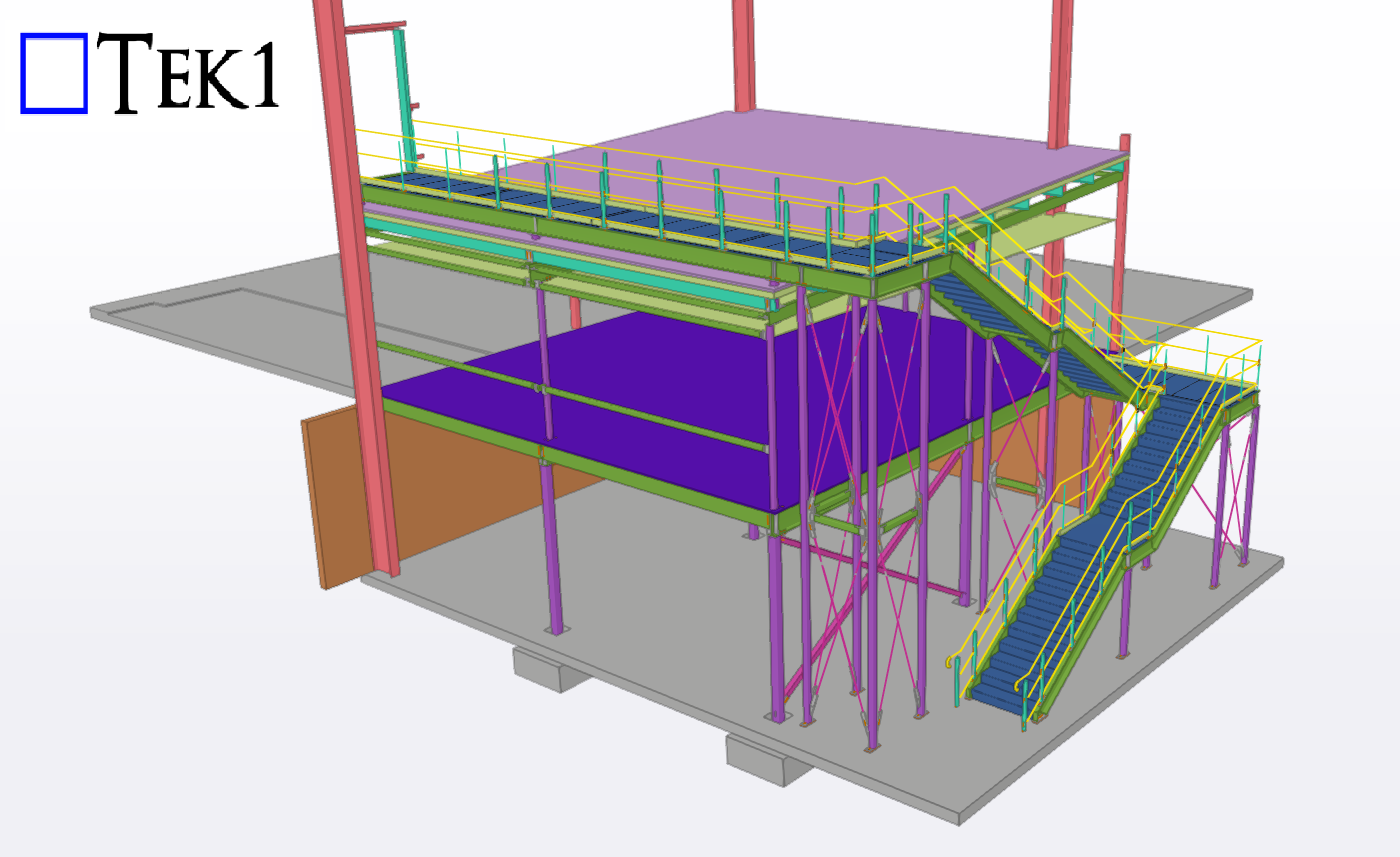
TEK1 recently completed a Mezzanine steel & stair for a prominent organization in Australia. The goal was to provide detailed support steelwork for mezzanine floor & stair including handrails.
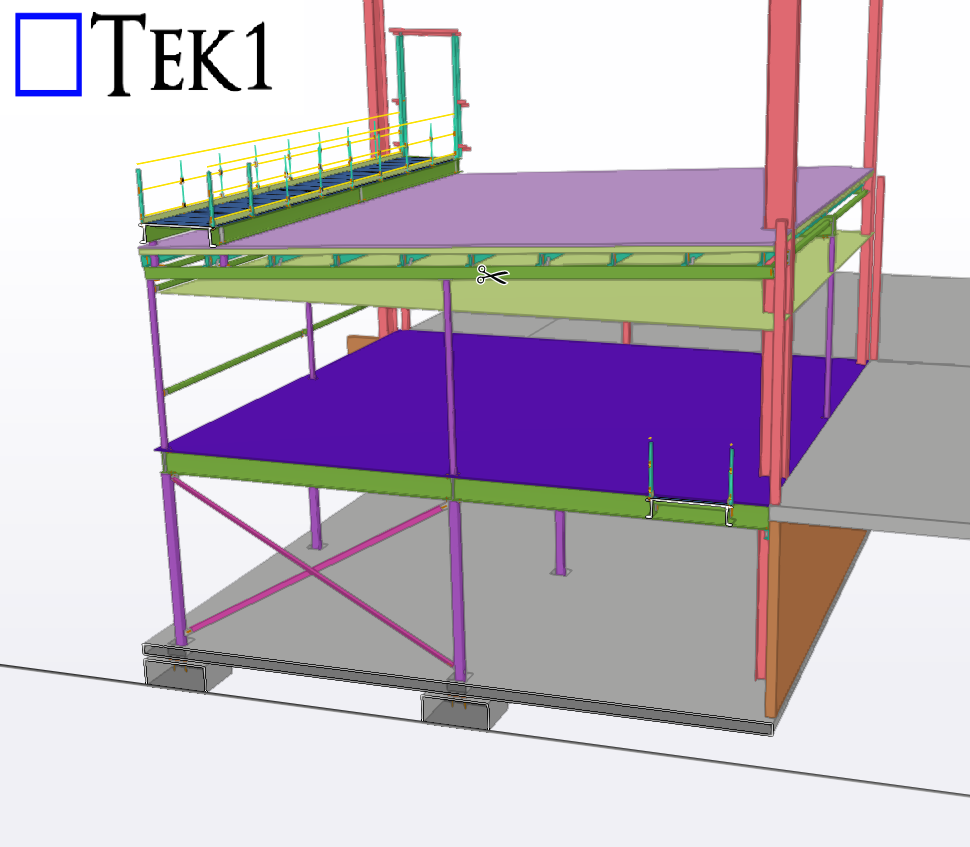
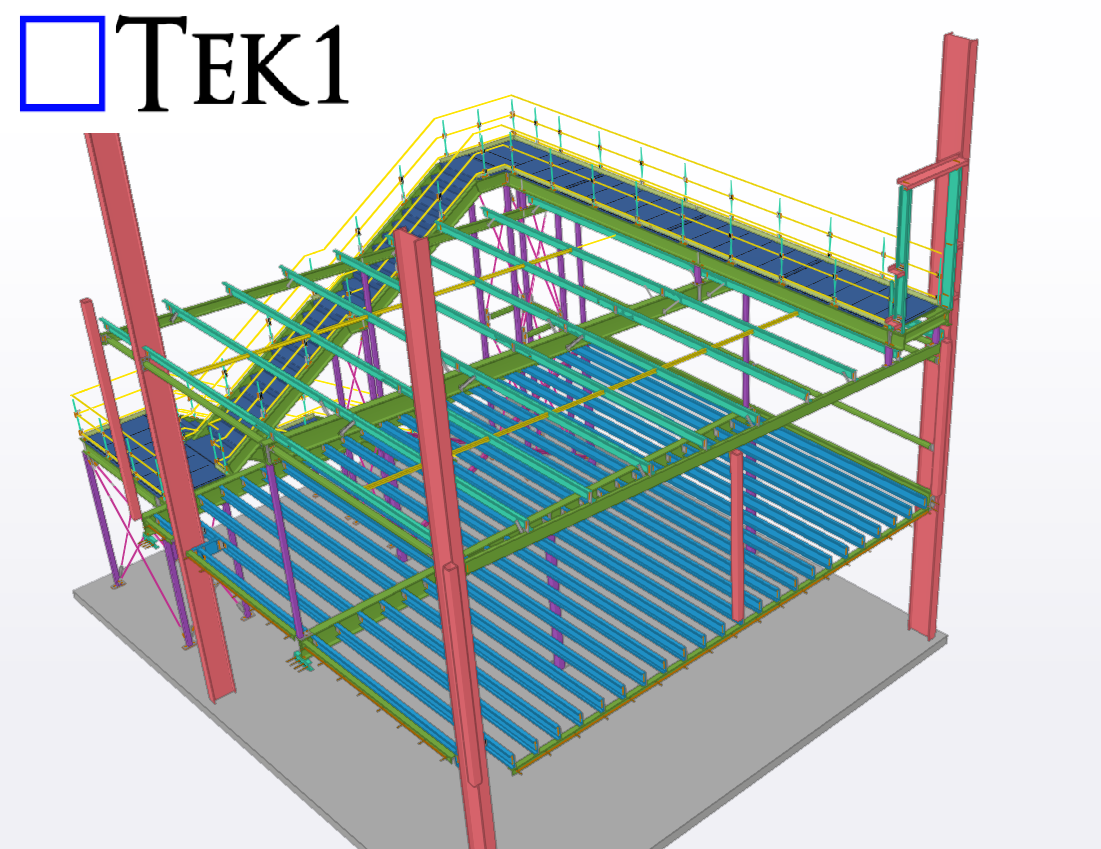

While detailing a project for a leading organization in Australia, the client asked us to calculate material quantities for production and procurement.
However, this involves high risk.As detailers, we don’t control the nesting process — which depends on factors like sheet size, scrap management, and fabrication methods. Each fabricator uses different nesting techniques. If we provide material calculations without knowing their exact process, the numbers could be inaccurate.Any miscalculation could lead to over- or under-procurement, and the blame may fall on the detailer.
Even if the client is willing to pay for it, detailers should avoid taking on such high-risk tasks. Stick to your scope and let the fabricator handle material estimation based on their own nesting and production methods.