Category: Steel Detailing Blog

This page show cases some of the Steel Detailing projectgs completed in Melbourne, Sydney, WA, Brisbane Tek1 has completed

  • Avoiding Errors In Updating Modified Drawings

    Avoiding Errors In Updating Modified Drawings

    When the model is amended after issuing the first set of drawings, the affected assembly drawings will appear as “Parts Modified” after numbering is completed. While updating such drawings, certain considerations are important to ensure effective and quick detailing.

    1. Freeze Option

    When Freeze is OFF, Tekla automatically updates dimensions according to the movement of parts. While this may seem convenient, the decision to turn Freeze ON or OFF depends on the nature of the amendment.

    • If no new members are added to the assembly and only existing parts are moved, it is recommended to keep Freeze OFF, as Tekla will correctly update the dimensions.
    • If new parts are added to the assembly and Freeze is turned OFF, Tekla will automatically generate additional dimensions for the new members and may also alter existing dimensions. This can result in extra work to restore the original dimensioning arrangement.

    Guideline:

    • When no new parts are added, turn Freeze OFF.
    • When new parts are added, turn Freeze ON.

    2. Snapshot Option

    Among the drawings marked as “Parts Modified,” not all drawings necessarily contain actual changes. Some assembly drawings may appear as modified because they share common connection components with other assemblies that were amended.

    In such cases, the drawing may not have any visible changes and may only require an open-and-close action. However, there is a risk that certain dimensions may be automatically deleted or altered by Tekla during the update.

    To avoid missing dimensions or unintended changes, the Snapshot option is highly useful. It allows detailers to compare the drawing before and after the update. By reviewing the differences, any unnecessary or unintended modifications can be identified and corrected, thereby minimizing the risk of errors.

  • Muswellbrook Tafe

    Muswellbrook Tafe

    The Stage 3 Works at Muswellbrook TAFE, located on Maitland Street, NSW, represent a significant milestone in the campus’s ongoing development and modernization.

    The new development comprises a storage warehouse, a curved amenities area, and multiple classrooms housed within a large integrated structure. The project involved a complex structural steel framework designed to support diverse functional spaces under one roof.

    A key challenge during this stage was coordination with the mechanical services contractor, as several ducts and ventilation systems initially clashed with the structural steel members. Through collaborative design reviews, practical solutions were agreed upon—relocating steel members at certain locations and adjusting duct routes at others—to achieve optimal constructability without compromising structural integrity or service performance.

  • How to Scope your project, and why?

    Why scope?

    • To define an outcome, and to define a problem.
    • To give clients certain on what they’re getting: price, quality and timeline.
    • To sell yourself as capable to do the job.
    • To fix resources. Everything costs time, money and skill. You will need to allocate resources to get the outcome.

    Scope must be white listed in.

    • If you don’t white list something IN, then new items will CREEP in. This is called “scope creep”. If this happens, and you are being constrained by resources, this means you haven’t accounted for it in the above step(s). Perhaps the entire job needs to be de-scoped.
    • Without a scope, you are handing over a blank cheque. DON”T DO THIS. Clients want people to make a good margin.
    • White-listing also forces everyone to be clear on what they want.

    Clear Unambiguous Objective:

    • If you can’t quantify it, then you have a problem.
    • Scoping will help the client to be satisfied, which is the ultimate objective.

    Summary:

    • Scoping allows you to make resourcing decisions to meet an outcome.
    • Gives you happy clients.
  • Design Guide for Galvanizers for Design Guide for Hot Dip Galvanizing – best practice venting and draining.

    Design Guide for Hot Dip Galvanizing - best practice venting and draining
    Design Guide for Hot Dip Galvanizing – best practice venting and draining

    This document outlines the design guide for detailers to provide venting and draining holes for galvanizing.

  • Difference Between TEKLA “Export IFC” and IFC4

    Difference Between TEKLA “Export IFC” and IFC4

    When we export models from TEKLA Structures, we mainly see two options:

    • Export IFC (this mostly means IFC2x3 format)
    • IFC4 Export

    Both formats serve the same purpose—model interoperability—but they work differently, support different levels of data, and offer different quality of geometry.

    In this blog, we explore the key differences, benefits, and when to use each format.

    1. What is “Export IFC” (IFC2x3)?

    This is the old IFC format used by most companies for many years.

    Key points

    • Works in almost all BIM software
    • Shows Geometry is basic and sometimes rough
    • Limited property information
    • The File size is Bigger

    Best For

    ✔ General coordination
    ✔ Clients who request IFC2x3
    ✔ Old software compatibility

    2. What is “IFC4 Export”?

    This is the newer and more advanced format.

    Key Points

    • Geometry looks cleaner and smoother
    • Curved members (Hollow sections, pipes, elbows, etc.) look perfect
    • More detailed data (bolts, welds, assemblies)
    • Smaller file size in many cases
    • Better for new BIM tools

    Best For

    ✔ Modern BIM tools
    ✔ Better visual quality
    ✔ Detailed model sharing

    3. Quick Comparison

    FeatureIFC2x3 (Export IFC)IFC4
    GeometryBasic (Rough)Smooth & Accurate
    Curved ShapesApproximatePerfect & Precise
    File SizeLargerSmaller
    CompatibilityVery HighMedium
    Details LimitedMore Detailed
    convert IFC object to Steel MemberWork wellCan’t convert

    4. Which One Should You Use?

    • Use Export IFC (IFC2x3) if the client asks for it or if compatibility is important.
    • Use IFC4 if you want cleaner geometry and more detailed information.

    5. Final Summary

    • IFC2x3 (Export IFC) → Best for compatibility
    • IFC4 → Best for quality and smooth geometry

    If your client or BIM Execution Plan (BEP) does not specify the format, use IFC4 for best geometry

  • Always Check Beam Stock Lengths Before Detailing

    Always Check Beam Stock Lengths Before Detailing

    When detailing steel, one important factor that’s often overlooked is the stock length of the beams. Confirming this early can prevent major rework later in the project.

    Recently, we worked on a façade support steel project that involved several CHS beams. Normally, CHS sections are available up to 12 meters in length. However, in this case, the client informed us that for smaller CHS sizes, the maximum available length was only 6.5 meters.

    Please see the below email from the client.

    “Hi Ganesh

    Have just noticed some of your Member lengths for the 101 CHS are longer than 6.5m stock lengths.”

    Then we have raised RFIs for the stock lengths. See the below replies from the client.

    Always confirm the available stock lengths with the client or fabricator before starting the detailing. Early coordination like this saves time, reduces rework, and ensures a smoother fabrication process.

  • TEK1’s Steel Detailing for Sydney Metro – Resolving Design Challenges – 6

    TEK1’s Steel Detailing for Sydney Metro – Resolving Design Challenges – 6

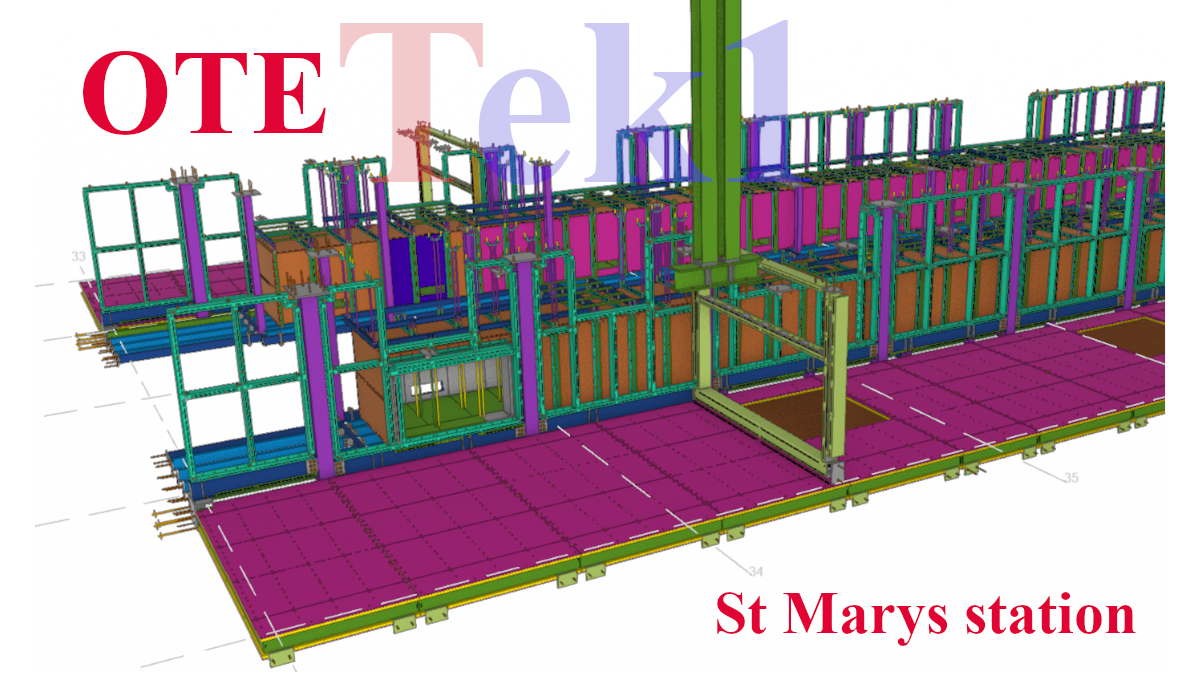
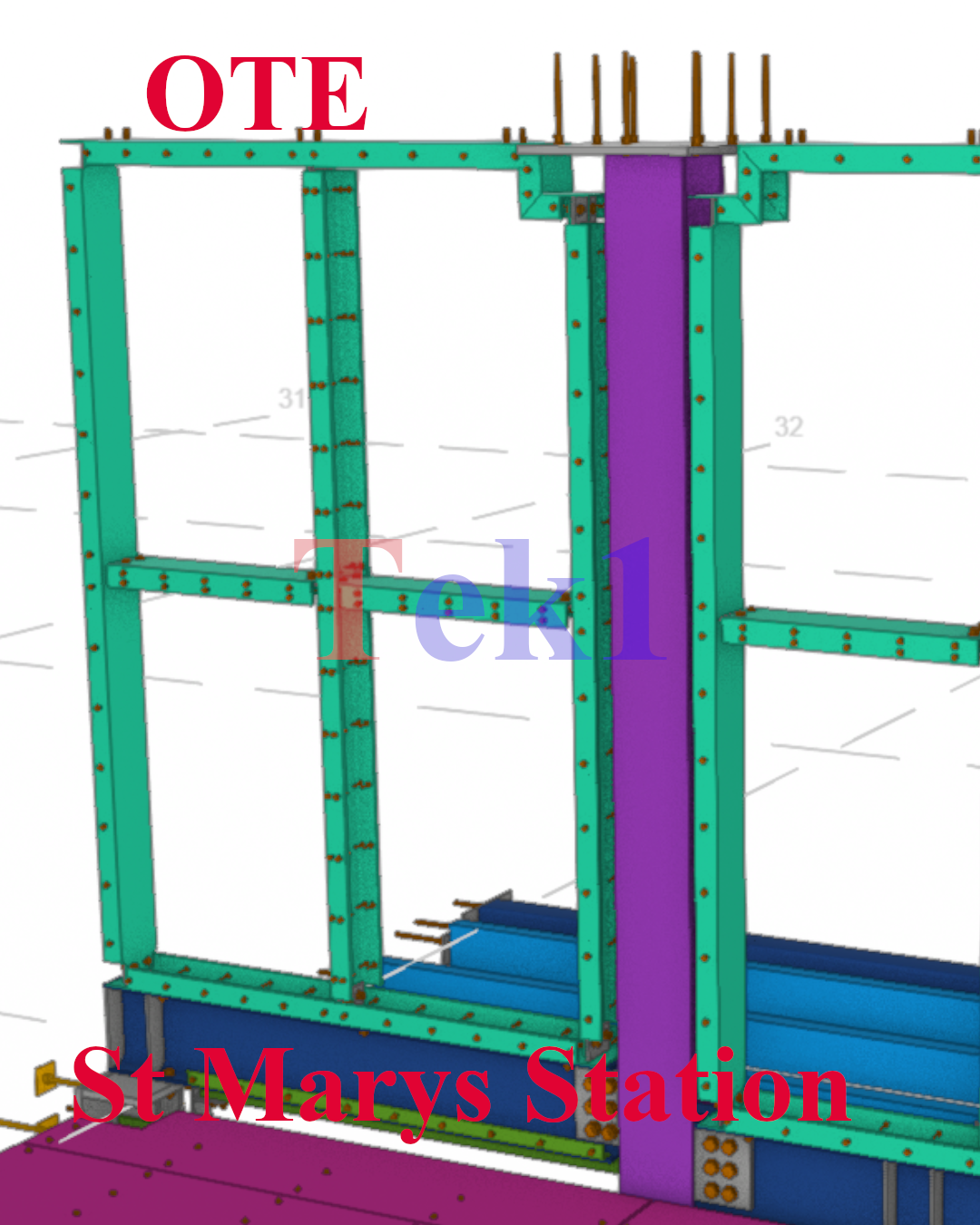
    In this blog, I’d like to share an issue we faced related to hanger locations.

    In this job, the floor steel was supported from the slab soffit. Initially, we placed the hangers as per the design drawings. However, during coordination with the concrete model, we discovered a slab void exactly at one of the hanger locations — meaning there was no concrete support available for that hanger.

    Fortunately, we identified the issue before fabrication and raised it with the respective manager for correction.

    When detailing steel, especially hangers or supports connected to concrete, it’s crucial to check the concrete model. Focusing only on the steel scope can lead to such clashes. Always verify slab and concrete details at the steel connection points to avoid costly rework later.