If you want to waste time on a poorly documented API (which doesn’t make any sense) I would highly recommend getting on Tekla. I’m documenting this so some poor soul doesn’t waste a day trying to debug this:
// what’s wrong with this?

  Beam b = new Beam();

  b.SetUserProperty("USER_FIELD_1", "your data");

  b.Insert();
Do you see the problem? First insert the beam, and then apply the UDA and it should work:
// it only works AFTER you insert

  Beam b = new Beam();

  b.Insert();

  b.SetUserProperty("USER_FIELD_1", "your data");
What glorious waste of time trying to work out why it failed!
But the problem is not with you – the problem is with the API. It fails silently, and the documentation is poor. Hopefully this note saves someone a lot of headaches.
Detailers copy / paste profiles from structural drawings into a CSV file.
This CSV file is then used to create a model.
It is essential that the profiles are recognisable by Tekla.
How can we check?
Through a data validation directly in Excel. Or
By validating the data directly in your code.
using Tekla.Structures.Catalogs;
// download this dll from Nuget

                public bool CSVProfilesAreCorrect(List<CSVFieldsImplemented> dataRows)
        {
            HashSet<string> csvProfiles = dataRows.Select(row => row.Profile).ToHashSet<string>();
            HashSet<string> teklaProfiles = getAllTeklaProfiles().ToHashSet<string>();

            if (_areCSVProfilesCorrect())
            {
                return true;
            }
            else
            {
                throw new SystemException($"The CSV files have these profiles which don't exist in Tekla: {String.Join(", ", string.Join(", ", csvProfiles.Except(teklaProfiles)))}");
            }

            bool _areCSVProfilesCorrect()
            {
                // all the csv profiles
                // must be contained in tekla profiles

                return csvProfiles.All(profile => teklaProfiles.Contains(profile));
            }
        }

// and we call it like so:
CSVValidator validator = new CSVValidator(db);

if (validator.CSVProfilesAreCorrect(extractor.CSVRecords))
{
    // do the modelling
}
Voila! Now it’s hard to make a mistake.
If you want to get all materials – it’s very similar to the above. Use the CatalogHandler.GetMaterialItems() method along with the materialItem.MaterialName property. The code to actually do that – I will leave as an exercise to the reader.
ABC’s entirely production line and jigs are optimised for a specific workflow. DO NOT deviate from their requirements. There is a need to be pedantic because otherwise things won’t work – beams and steel will be wasted, delays will result, and we will be cursed to the high heavens.
Rules:
Do not edit model.
Do not renumber anything.
Do not rotate ANYTHING.
Do not change the names of drawings. Name of the drawing should be the name of the truss.
If there are any issues, msg client.
Rotationand Flipping – check if rotation / flipping has happened
Check if any rotations happened. How?
(1) Everything with our client works: Left-to-Right. If something is not Left to right – then it may have been rotated. We need to alert our client to this.
(2) We have the PDFs. We must check the drawings against the pdfs and note where they are any discrepancies. If there are discrepancies – alert our client. Because Tekla may be rotating the drawing.
(3) After we do the drawings – then we should send the PDFs back to the client.
Blue Angle Issue
When dimension beams, dimension just beams. Do not dimension to the end plates. Probably because they are cutting the beams and adding the end plates later. (i.e. their production facility is optimised for this workflow).
Information
Pink Notes: pink notes in the model which mostly has information like weld types and other information that are not necessary for a detailer.
Length of Purlins / Girt
CSB can handle purlin / girts up to 16m. So you don’t need to question anything under that length.
Fly-Bracing
No need to model holes. CSB using self tapping Tek screws. If you want to see a video of how this is done checkout the example here.
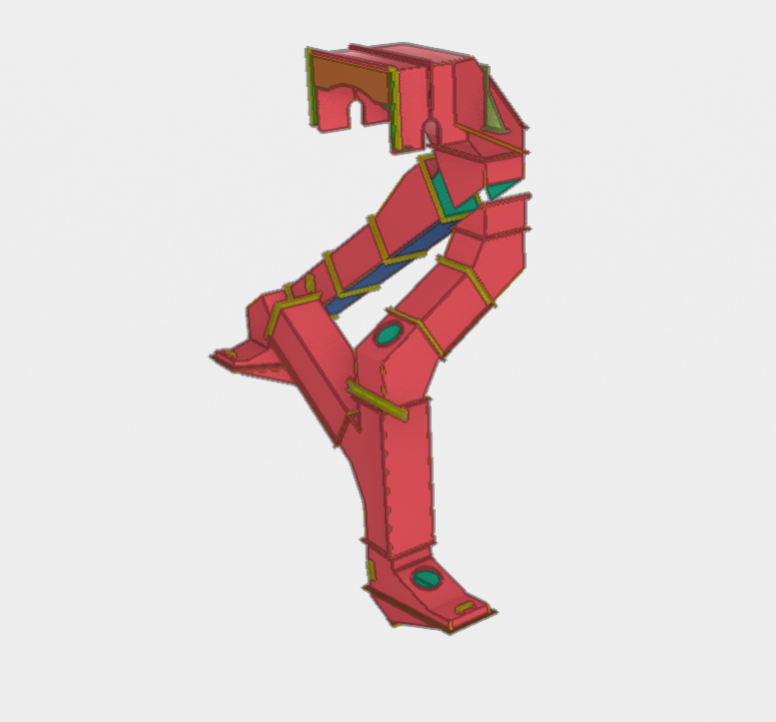
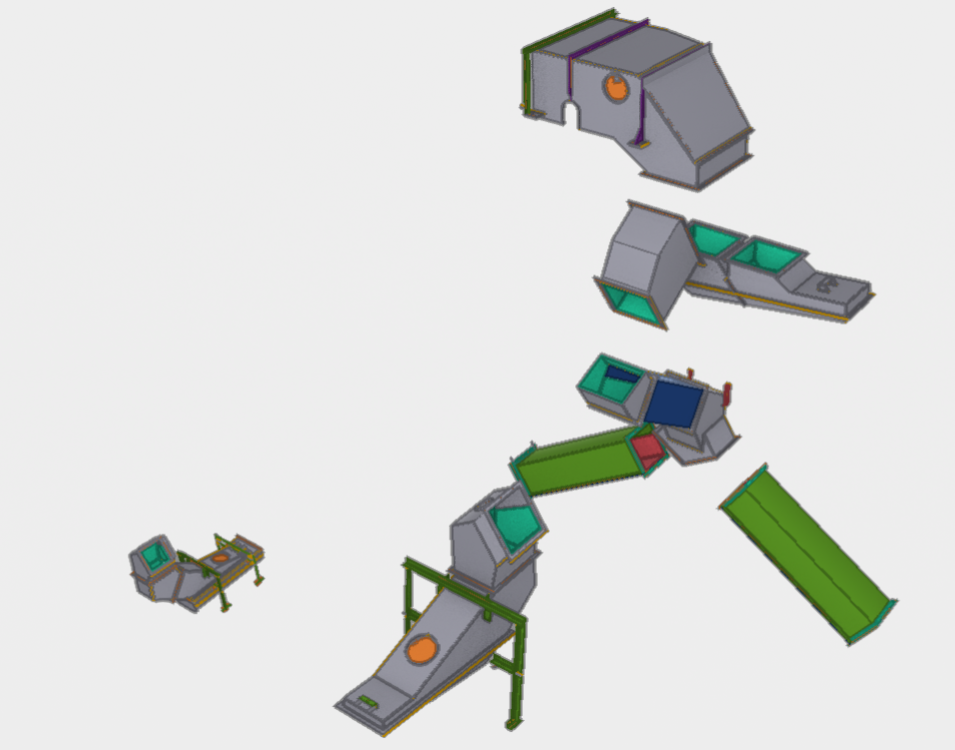
Input information was an Inventor model and pdf drawings
We have extracted the information from inventor, cross checked with pdf drawings, Checked constructurability, Resolved design details so that items can be fabricated at lowest cost.
These chutes were submitted for approval, and was approved without any issues.
Eventhough these chutes are for grain transfer, mining projects have similar requirements.
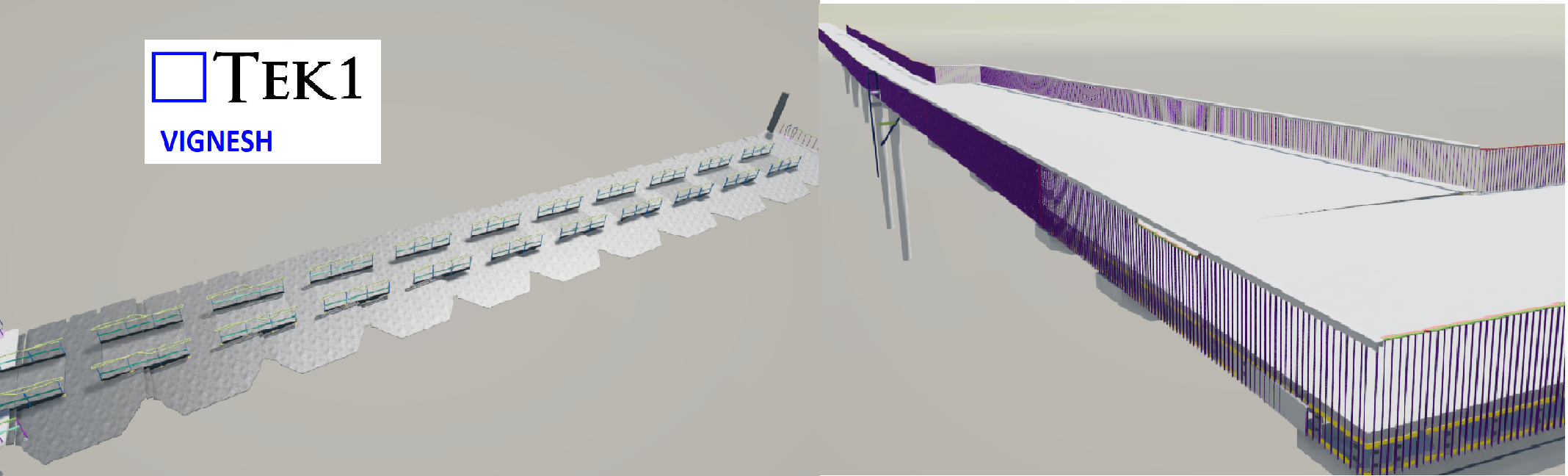
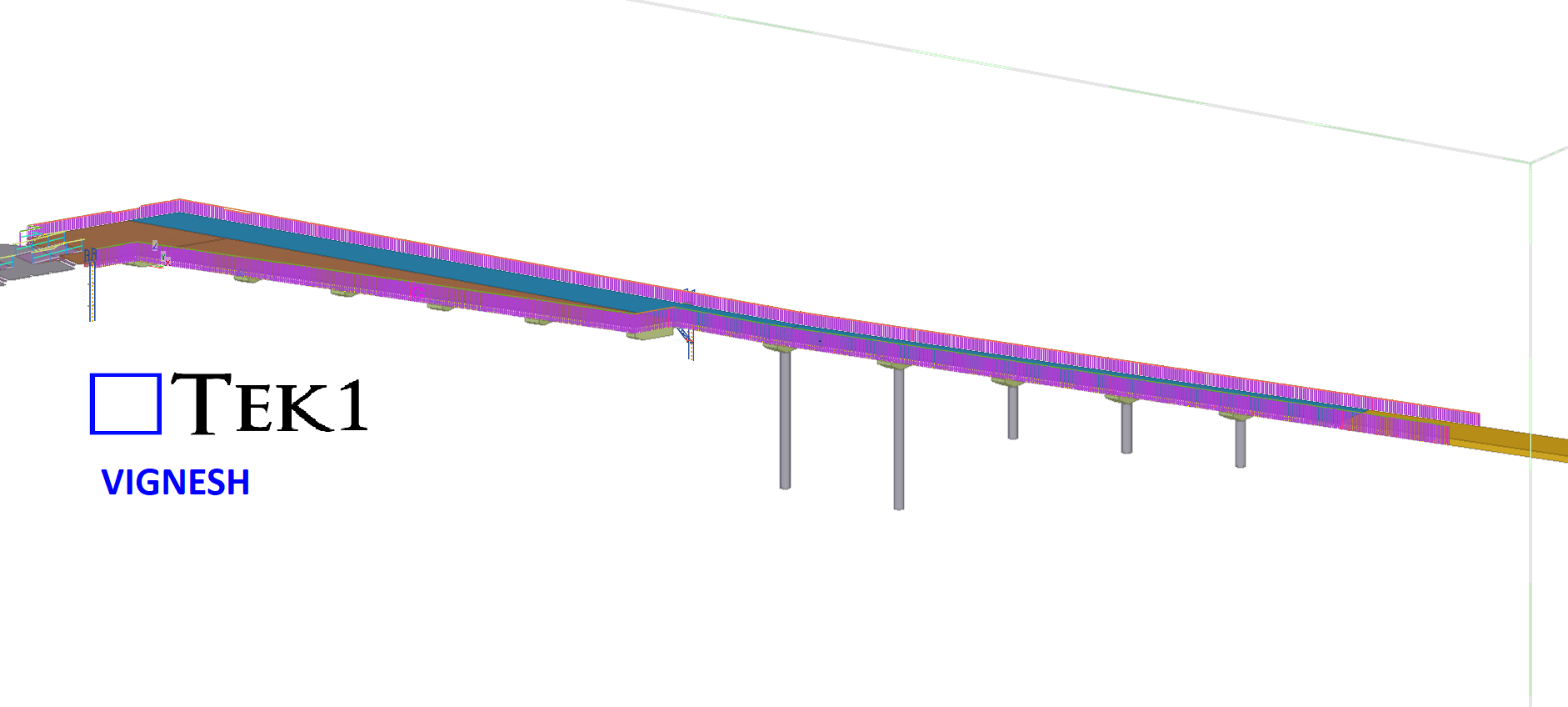
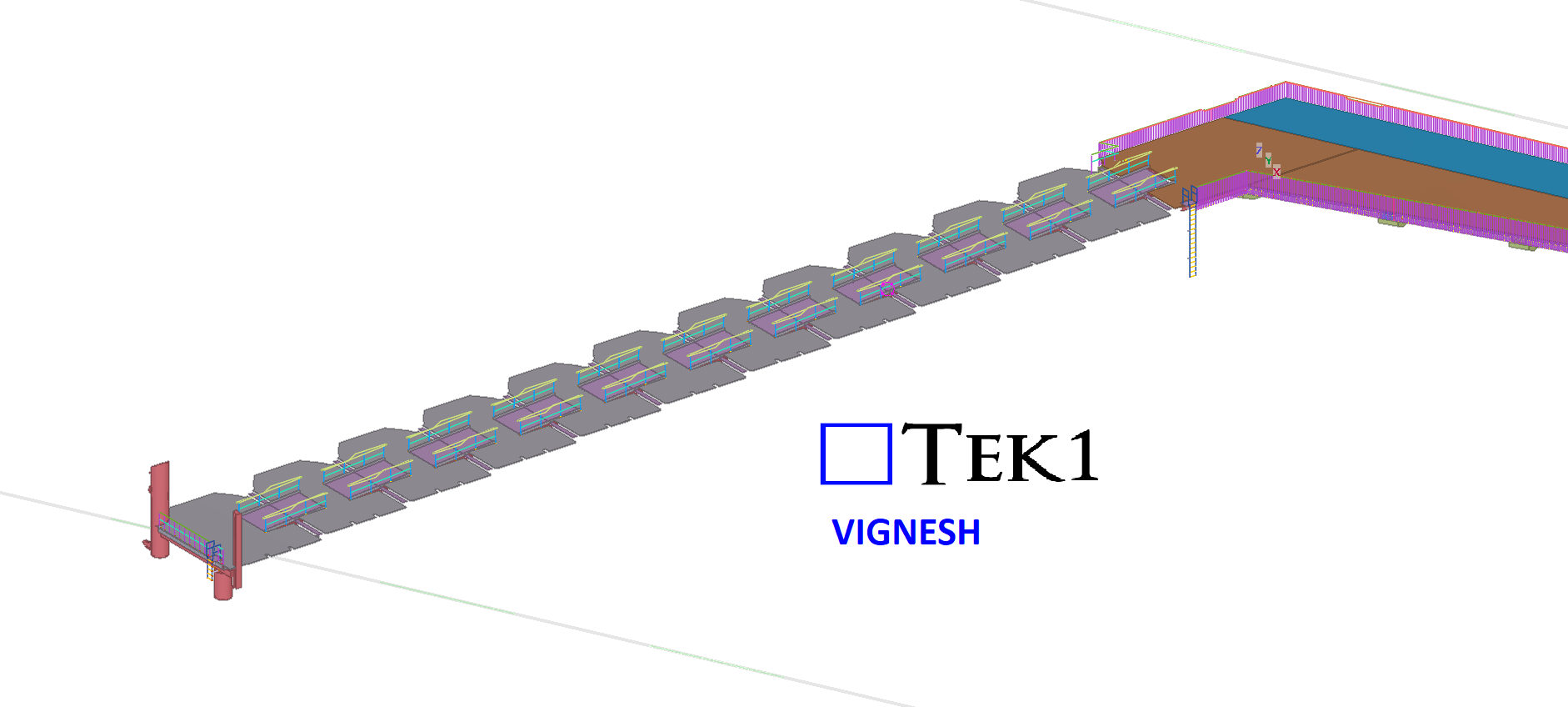
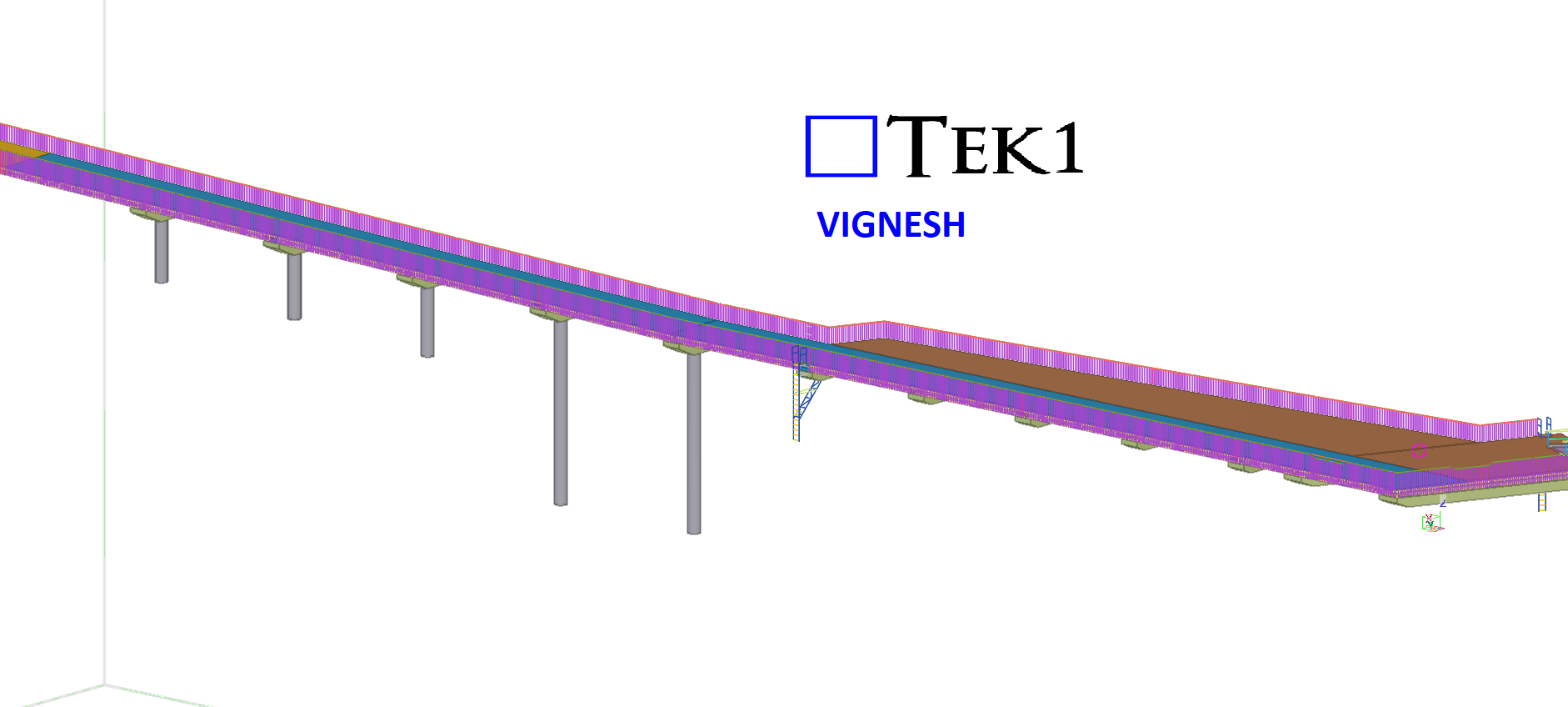
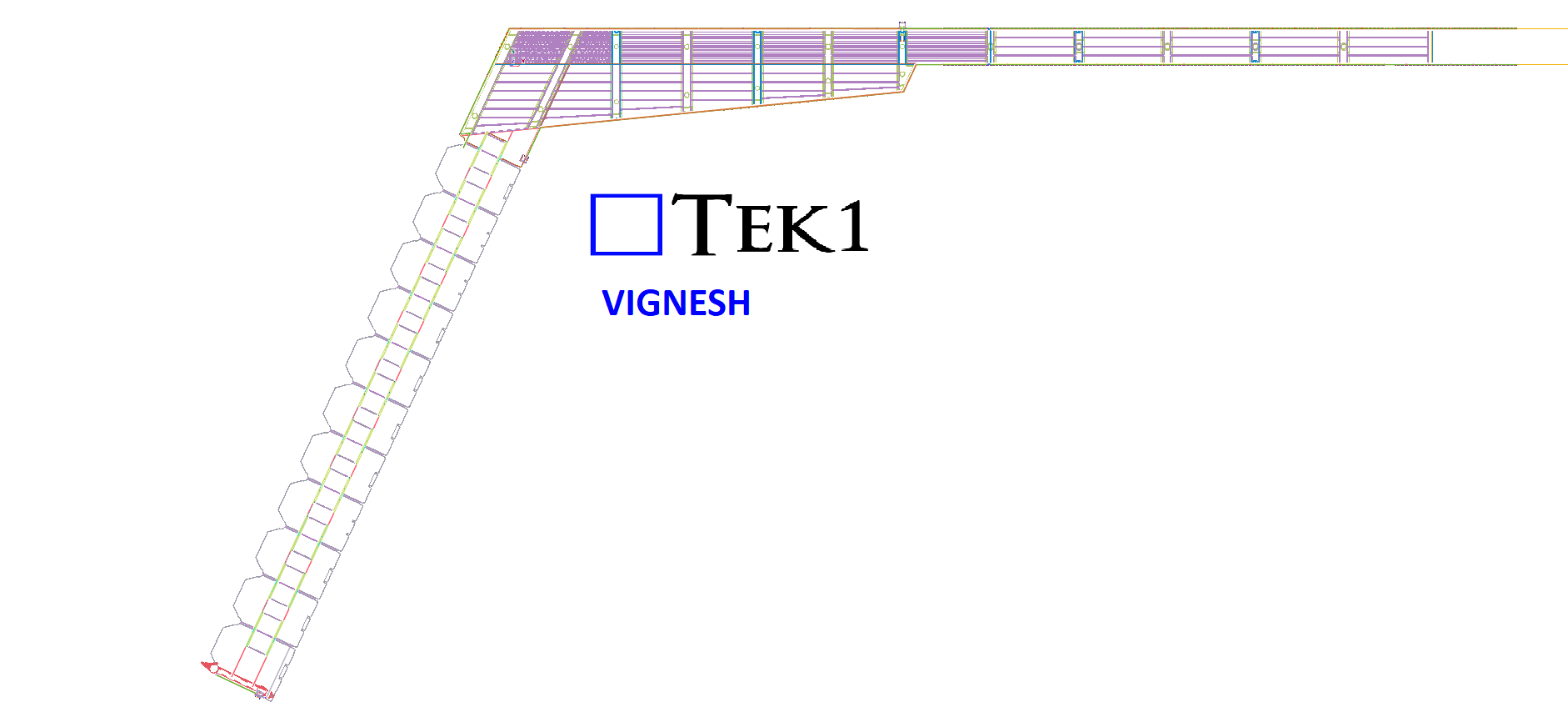
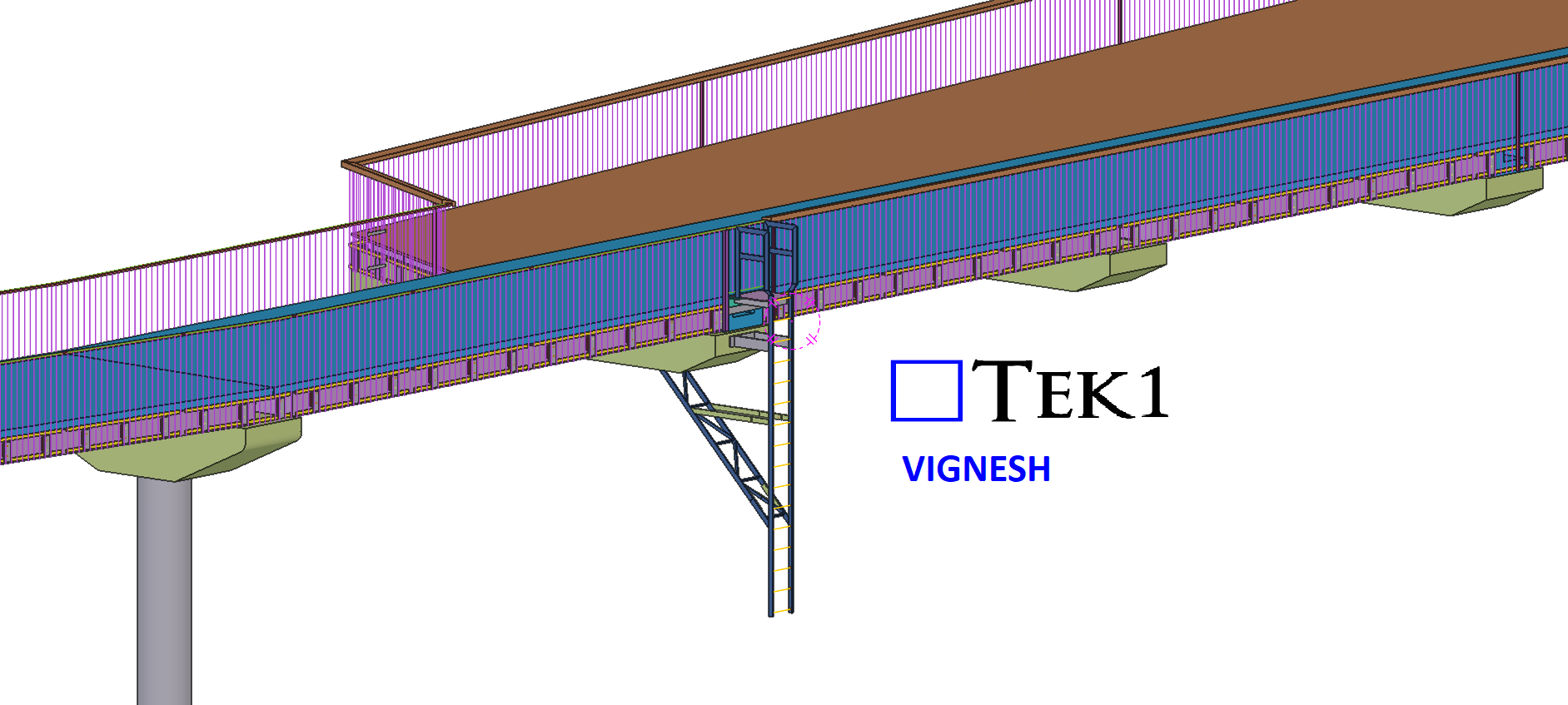
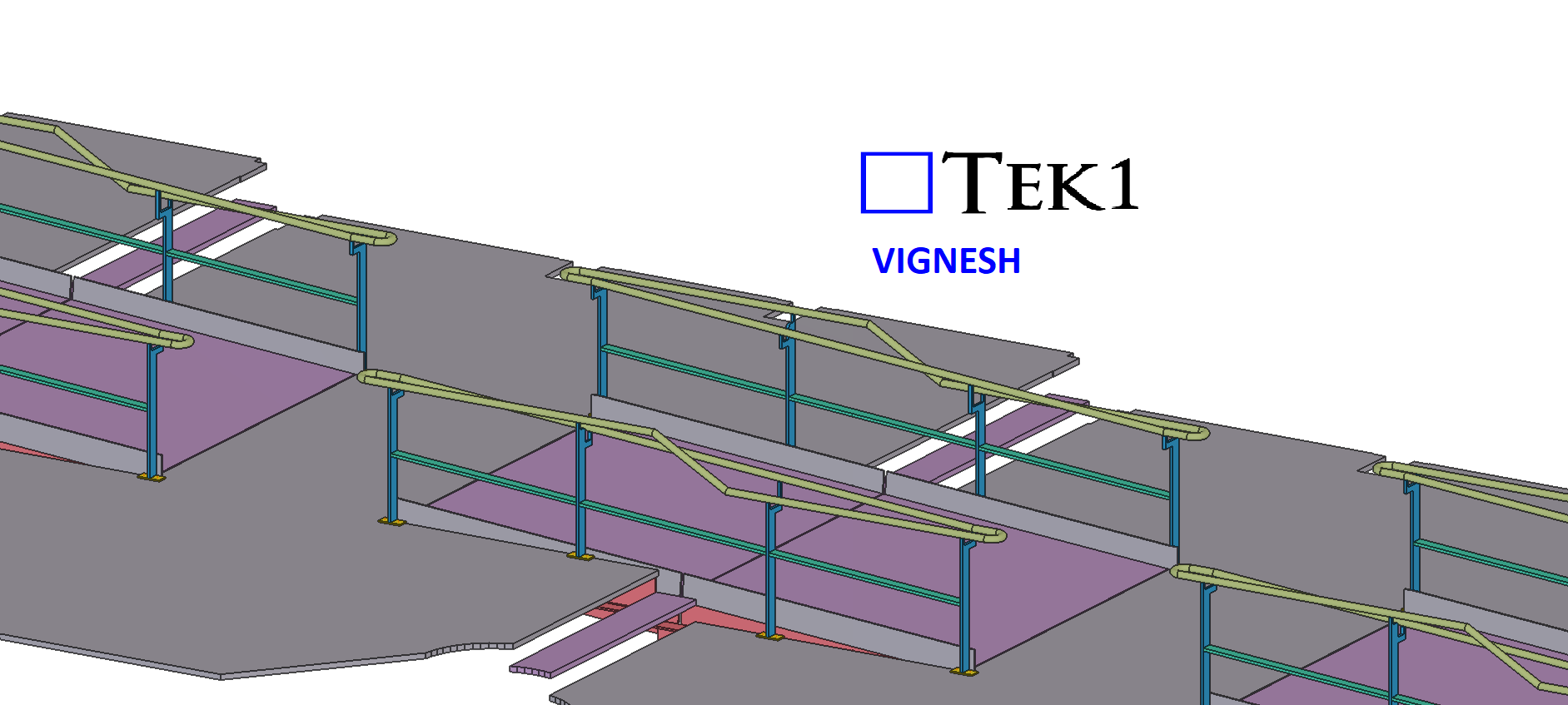
This was a complex project, but we successfully delivered it. Our scope included the balustrade around the bridge, which needed to be provided in multiple panels. By utilizing advanced modeling techniques, we were able to complete it within a significantly shorter timeline.
Since the structure is above the sea, we provided several cost-saving ideas for both erection and fabrication to optimize the process.
This was drawn by Tek1 (Vignesh), if you want shop drawings for a project you are working on, feel free to call Koshy on: (03) 9560 6397.
I spoke to a TL re: something that was missed on an MTO. The reason given was that it was a junior who did the work, and that this work is not usually checked.
That is not a great answer.
Any work done by a junior must be checked until you are confident that you don’t need to check it anymore. And even then, you still need to check occasionally.
You are responsible for your junior.
The Consequences of Bad Work?
You will lose the client, and all the work / bonuses which come from that client – whom you threw away before they never came into the door.
Bad workmanship is not a joke.
How to avoid “missing things”?
Document it via a checklist: It is much harder to “miss” if you work through a checklist. For example, here is the checklist for Material Take Offs (MTOs): https://www.tek1.com.au/staff-memos/memo-44-formatting-required-for-mtos/
Someone asks you for a professional opinion on an area that is not your area.
Should you give an opinion?
Should you give your opinion for free?
Should you give an opinion and charge for it?
Rule 1: If it is not your area of expertise: don’t give your opinion
Do not give an opinion on something that is not your area, or not your responsibility: if you give the correct advice, then you will not gain, but if you give the wrong advice, they will use this as an opportunity to charge you (or back charge you).
In this country, you need a license in order to give engineering advice. If you give engineering advice without a license:
(i) there are potential criminal issues
(ii) there are potential liability issues (huge costs and penalties for the firm).
Rule 2: If it is your expertise: make sure you charge for it
We charge for our expertise.
And we don’t charge by the hour.
I have made available a “design review” fee. Put in your number and that’s what the client will get.
As part of our policy – on anything which may give rise to a claim you are not allowed to admit liability or mistakes. In fact, people will try to get you to admit – to make you the person at fault – when it could be the system at fault, or themselves:
Suppose there are 120 emails exchanges and conversations with engineers + architects over 3 weeks. Phone conversations, markups, various revisions.
You miss one email.
Then an engineer will say: “Aha! It’s your fault” when there is an error.
Is it really your fault? Or is it the fault of the engineer / architect / builder to have designs so bad, that they necessitate umpteen emails going back and forth: and revisions on top of revisions. Perhaps it may be your fault, but it becomes an argument.
If you admit to mistakes then you lose insurance coverage. You will be violating your own insurance contract.
Let the insurers debate the matter.
Insurance: Court Cases
Leave it to the insurers to decide or argue this. They are looking for an “easy admission”. Judges are not welders or fabricators. They don’t know how builders can send you a million emails / revisions due to their bad designs – that does not matter if you “admit” something. You’re probably wrong anyways.
Let the insurance company handle it.
It’s very easy to miss mails and emails.
Fighting things out in court is super expensive.
If you miss an email / letter – then in a few months, the courts could “garnish” your bank account. This means they take money out of your account while you are asleep at night. Almost like a theif.