
Here is a numbering Quiz for advance steel learners
Author: admin
-
Exporting Anchor bolts to Total Station
Here is a video on how to export Anchor bolt positions to Total station. This option is available in Tekla as well. But it is surprising that no one has yet asked us for this export.
We have so far only provided CAD layout of anchor bolt position. May be we must provide the point export from advance steel as well as Tekla
Here is the video of how to export from Advance steel
-
10.2 Create Beams
This tutorial is about creating beams. The main take away here is
1. Manage UCS.
2.Manage Layers
3.Manage View Cube and Work Area
4.Manage Rotation and insertion point of Beam Section so that later on Advance copy can be used effectively
5. Us Construction Lines.
-
08-01-Create Work Area
Create work area in Advance Steel
visit https://www.tek1.com.au for full list of Advance Steel and Tekla Tutorials
Points to note
Work area can be used to reduce clutter in the model
Visibility of elements outside the work area can be set to desire level by controlling the level of details
Only one work area is active at any time.
Create work area on the XY plane after setting the UCS to the desired value.
-
07-02-Quick View Tools
Advance steel Quick View Tool bar tools to show and hide elements. Also, deals with 2d snap which is very much like Tekla Workplane Viewplane switch.
-
07-01-Quick View
Advance Steel tutorial on Quick View
-
06-02-Copes and Cuts
Advance Steel Copes and cuts. Similar operations are for beams and plates. Hence only beams are demonstrated
-
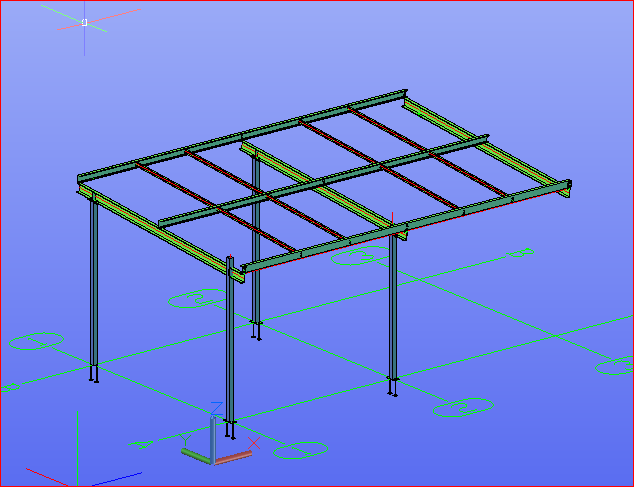
05-Trim Extend
Advance Steel Tutorials for Tekla Users
In this video we are going to look at trim/extend tool. I could not make the extend tool work. Could not find any documentation
-
04-Advance Steel Mitre Join
There are 2 methods of creating Mitre from standard tool bars. One adds a center plate Here is the video