
I struggled a bit on finding the tool palette and switch it on and off. But once you know it is a no brainer. Here is a video on how to switch on and off the tool palette in advance steel
I struggled a bit on finding the tool palette and switch it on and off. But once you know it is a no brainer. Here is a video on how to switch on and off the tool palette in advance steel
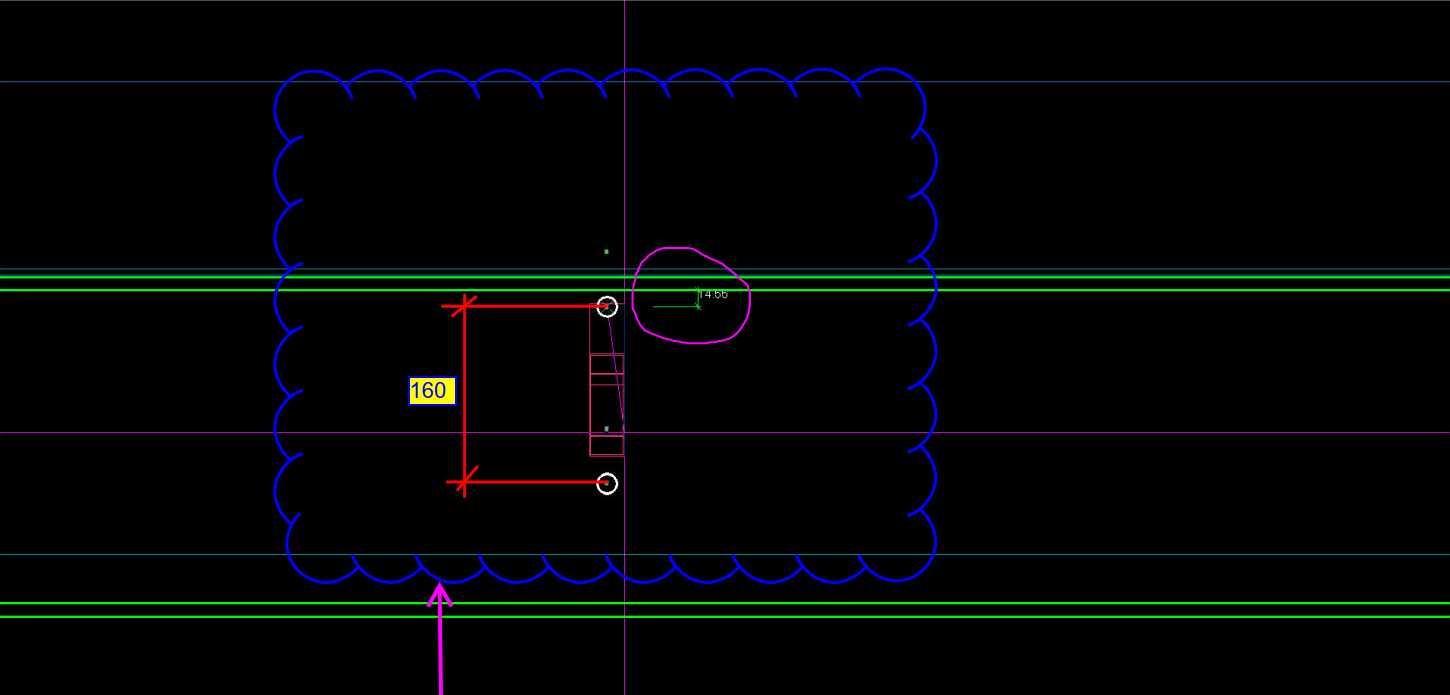
Erection Feasibility must always be considered when creating shop drawings. Consider the diagram below:
(Scroll down for the answers)
(Scroll down for the answers)
(Scroll down for the answers)
Drilling a hole so close to the flange is not easy, neither will it be easy to pass a rod through when it is so close to the flange. You only have 14 mm till the edge of the flange. What if you used the standard pitch of 160 by route – but you’ve also got to consider erection feasibility!
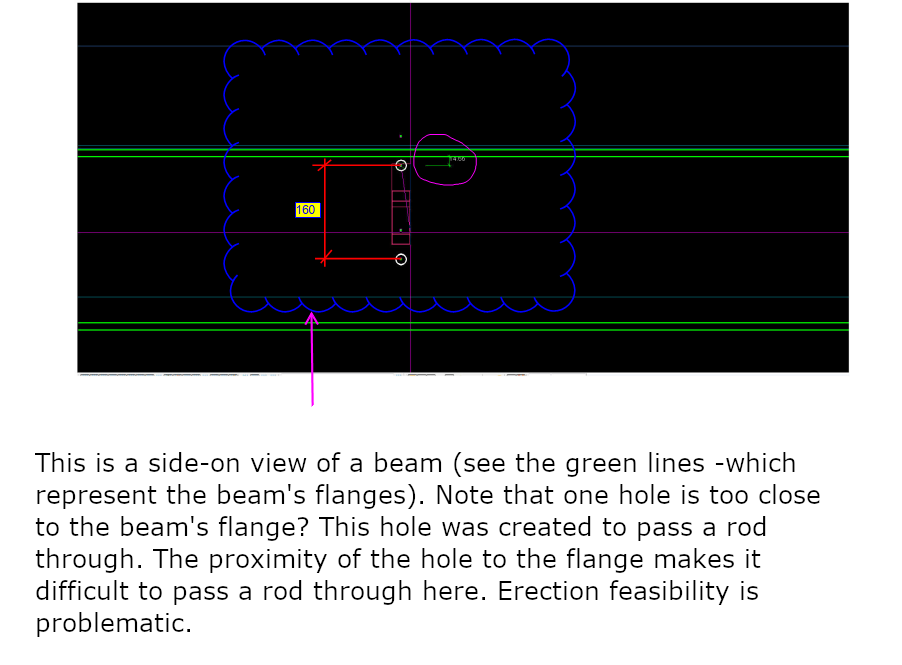
We continue our Tekla training series. This time, it’s on how to create construction circles.
Tekla Tutorials: Construction lines from Tek1 on Vimeo.
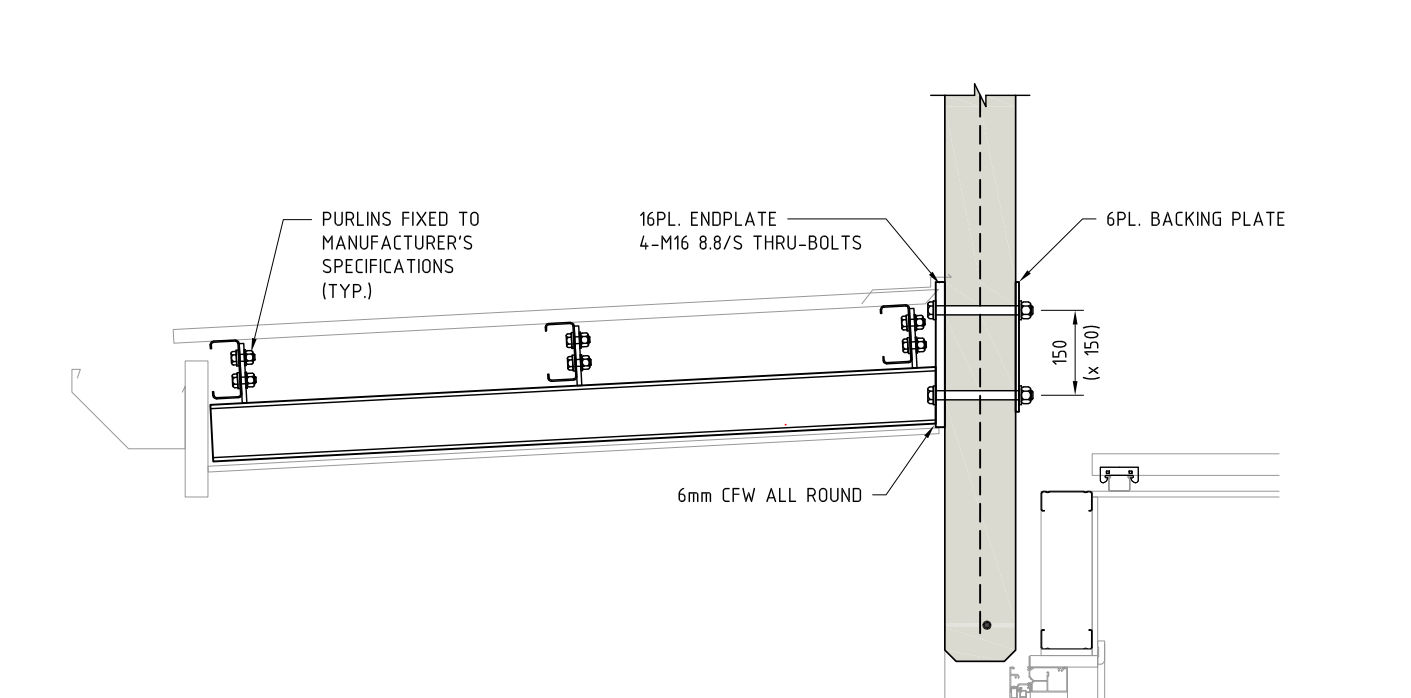
Have you ever considered a purlin’s orientation while detailing?
In the pic above, the structural engineer shows the purlin direction along the roof slope. Is this the correct way of orienting the purlin? i.e. Has the engineer made a mistake, and if so, why? (Answers below)
(Keep scrolling down…)
(Keep scrolling down…)
(Keep scrolling down…)
(Keep scrolling down…)
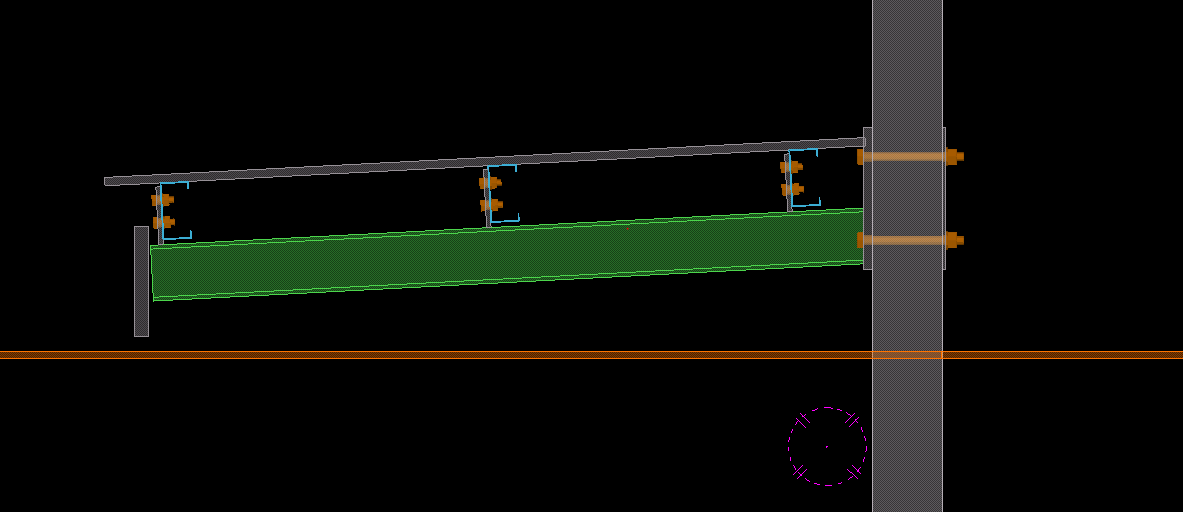
Definitely, this is an error on the structural drawing. Generally, detaliers have to consider a purlin’s orientation before placing it. Why? When the load applies on roof sheets , a twisting moment will occurs on the purlins. If we place the purlin direction along the roof slope then it will cause instability. So, the purlin direction should be always kept against the roof slope (as indicated in pic), even if the design indicates along the roof slope. Keep that in mind when you are detailing your next job. It’s a subtle but very important tip.
To export Tekla drawings to PDF, various converter applications are available in the market. One of them is PDF creator by PDF forge. This is a free product and can be downloaded and installed directly to your system.
The following is the step by step procedure for pdf creator which can be used to set up your export files directly to a specific location.
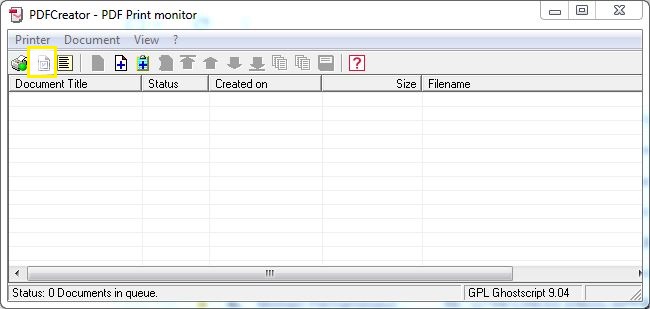
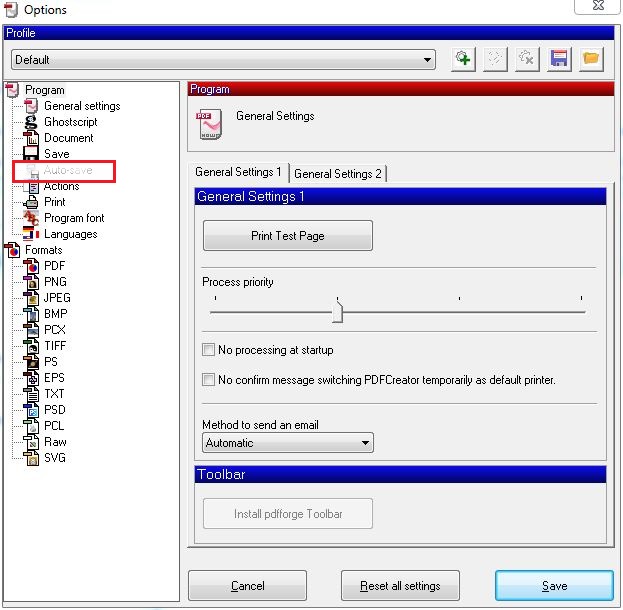
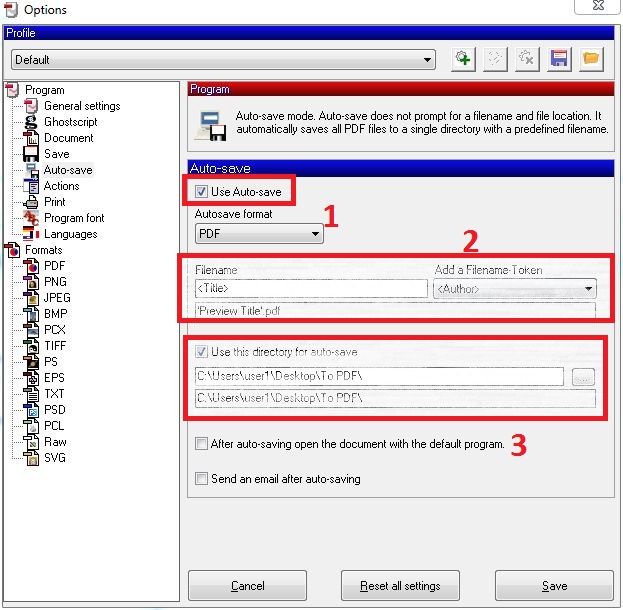
You can download the free product from the following link: http://download.pdfforge.org/download/pdfcreator/PDFCreator-stable
(But be careful what you download: you do not want to get an internet transmitted disease by downloading from an irreputable source. Practice safe downloading: use anti-virus protection! Don’t hold me to account for that link).
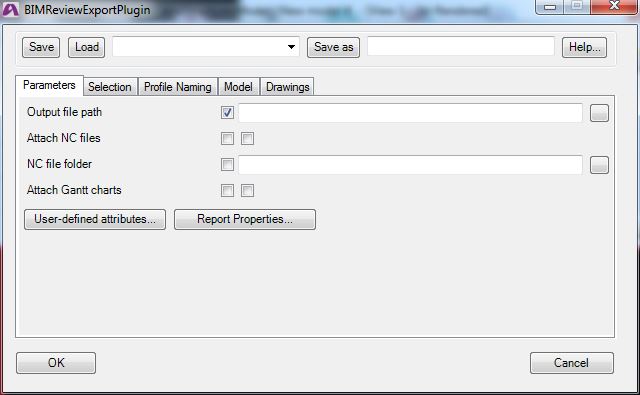
BIM review is a desktlop software application by Strumis. It is similar to to Trimble’s Tekla BIMsight, having features such as: (i) clash checking capabilities, (ii) camera path viewpoints, and multiple format are supported including ifc xml step etc.
However we have to work to our clients requirements and at many instances they may not have access to Tekla BIMsight which is our standard protocol for model review. That can directly affect us.
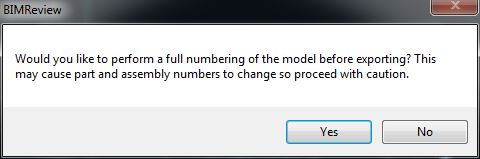
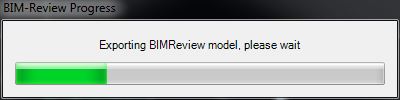
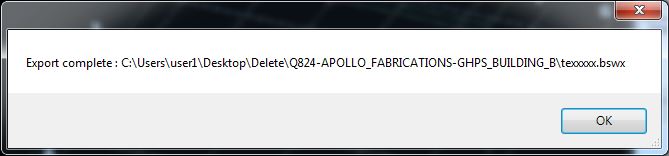
Thus an simple installation of the BIM review application and Tekla plugin for extraction of BIM review compatible files may be necessary.
The BIM review application is a free product and can be downloaded and installed directly with an active internet connection.
Installation Procedures:
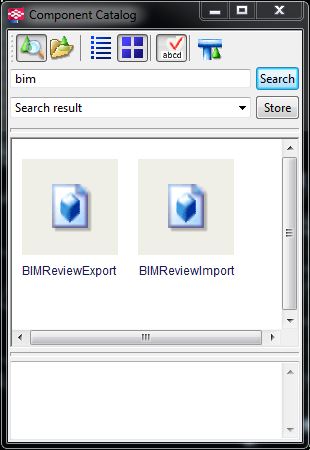
I hope this helps!