Month: April 2025

  • Smooth Start: Step-by-Step Guide to Installing Tekla Structures with Environment, Catalogue & MTO Setup

    Smooth Start: Step-by-Step Guide to Installing Tekla Structures with Environment, Catalogue & MTO Setup

    Whether you’re reinstalling Tekla or setting it up on a fresh system, getting everything aligned for our internal workflow – including the Material Take Off (MTO) process – is crucial for smooth operation.

    Here’s a complete, easy-to-follow guide to installing Tekla Structures, configuring the Australasia environment, and setting up our Effective MTO DLL for seamless detailing work.

    Installation Steps:

    1. Download Tekla Structures:
    2. Download the Australasia Environment:
    3. Download the Required Catalogue Files:
    4. Install Tekla Structures:
    5. Install the Australasia Environment:
    6. Install the Catalogue Files:

    For Access Shared License Requirements:

    VPN Access:

    • Connect to the Melbourne office VPN to access the shared License for Tekla

    Setting Up MTO Conversion Tools (AutoCAD Integration):

    1. Download the Latest MTO DLL:
      • Obtain the latest version of the MTO DLL file for AutoCAD-based conversion.
    2. Load the DLL in AutoCAD:
      • Open AutoCAD.
      • Use the command: NETLOAD and browse to load the downloaded DLL file.
    3. Open Existing MTO File:
      • Open a previously or any sample created MTO file in AutoCAD for testing and verification.
    4. Verify Profile Table:
      • Ensure the MEMBER-SCHEDULE is properly filled and in the same location as MTO file.
      • Confirm all profiles are copied correctly from the our Bepin site.
    5. Unlock Layers and Validate:
      • Freez or isolate all layers in the drawing file and test with the single beam or column
      • Test the conversion with a single profile.
    6. Run MTO Command:
      • Use the command: ConvertToTeklaWCS to generate the conversion output.
    7. Check the Tekla Model:
      • Open Tekla and verify that the steel items have been correctly converted and appear in the model space.

    Important Note:

    For further clarification or formatting guidelines related to MTOs, please refer to our internal:

    This memo contains essential information for ensuring accuracy and consistency in your MTO files.

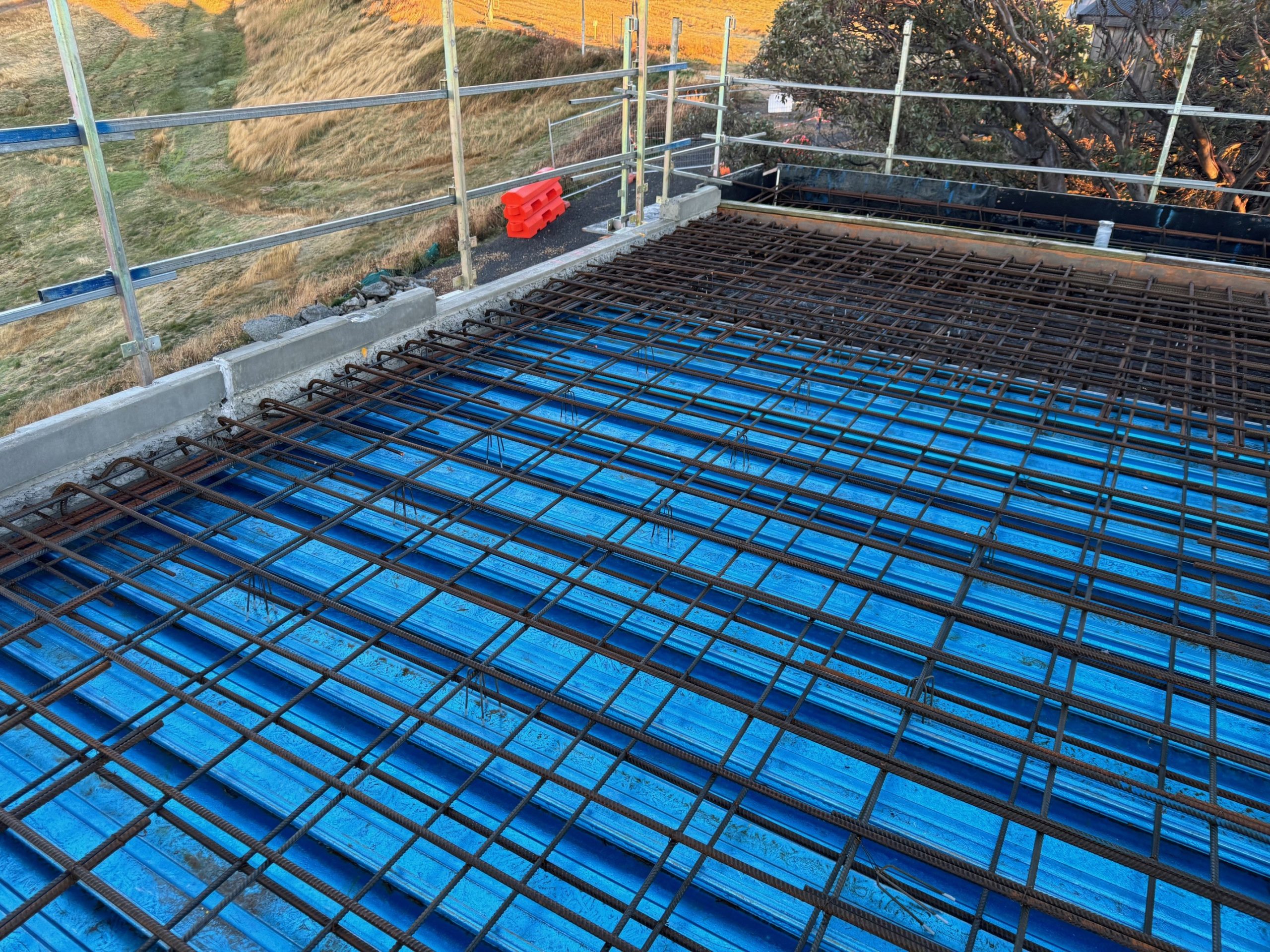
  • Chalet 1 – White Horse Village

    Chalet 1 – White Horse Village

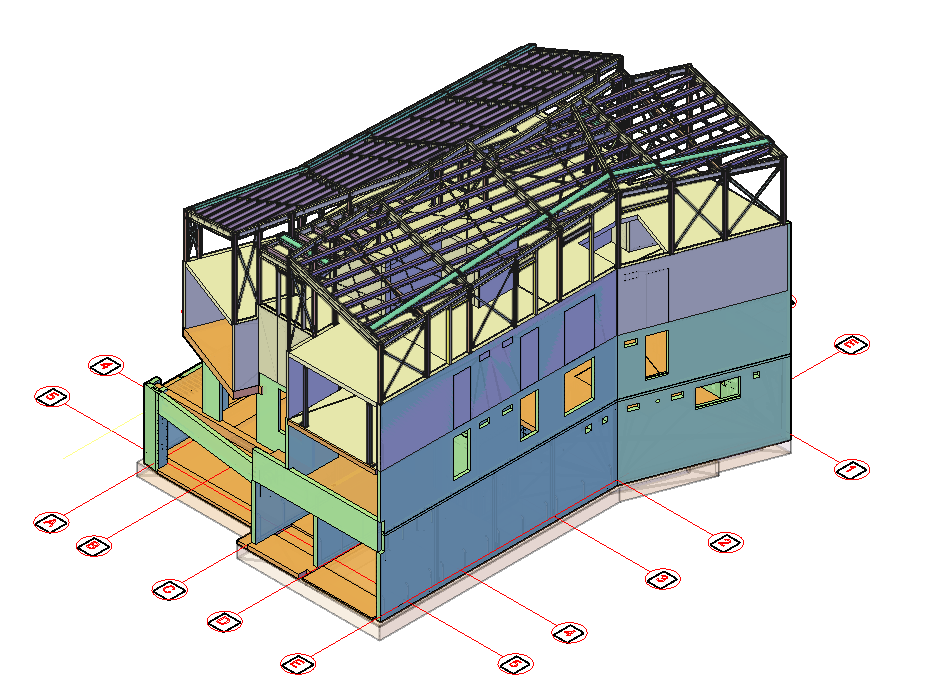
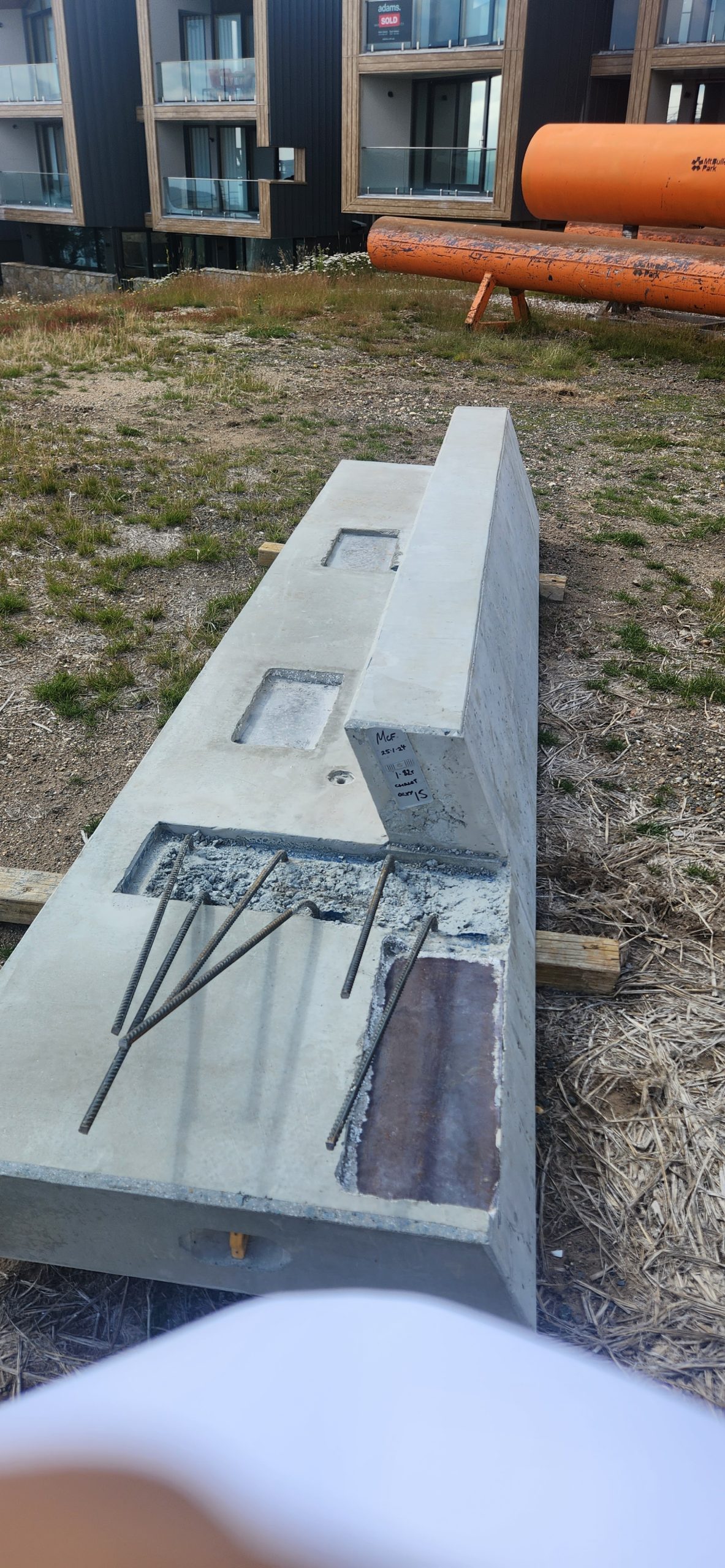
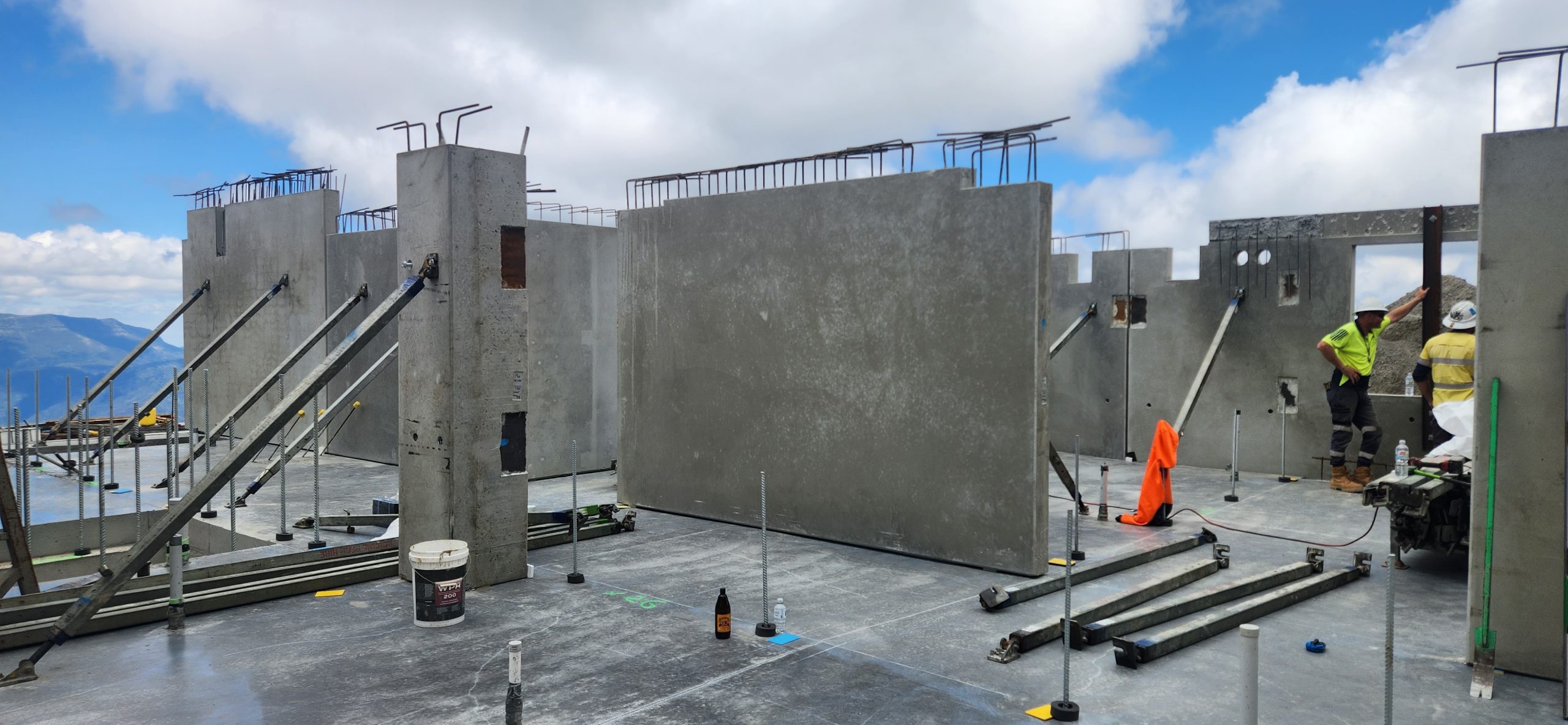
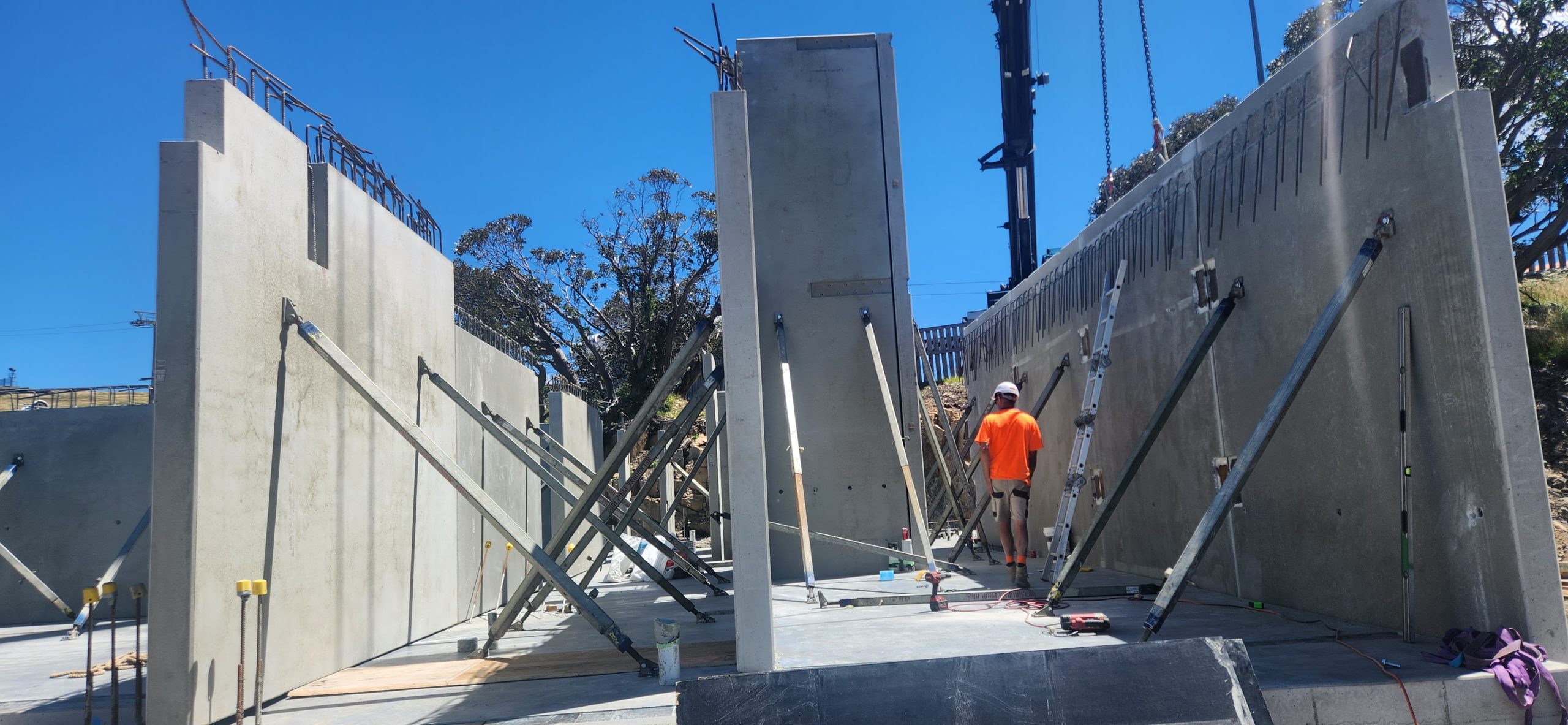
    We are proud to showcase our contribution to Chalet 1 – White Horse Village, a unique and technically demanding project located in a mountainous region. This development presented several engineering and detailing challenges, and our team was honoured to be part of the solution — delivering precision, coordination, and innovation from start to finish.

    Technical Challenges

    This project stood out due to its unique geometry and remote location. The major challenges included:

    • Angled Upstand Panels: Required precise detailing to ensure proper alignment and installation
    • Angled CIP Connections: Demanded detailed planning and coordination for constructability
    • Hybrid Slab Systems: Seamless integration of different slab types needed high-level coordination between trades
    • Mountainous Terrain: Site conditions added complexity in anchorage planning, tolerance adjustments, and logistics

    Tools & Collaboration

    • Software Used: Revit & AutoCAD
    • Team Collaboration: Close coordination with structural engineers, architects, and production teams ensured accuracy, clarity, and timely delivery of shop drawings

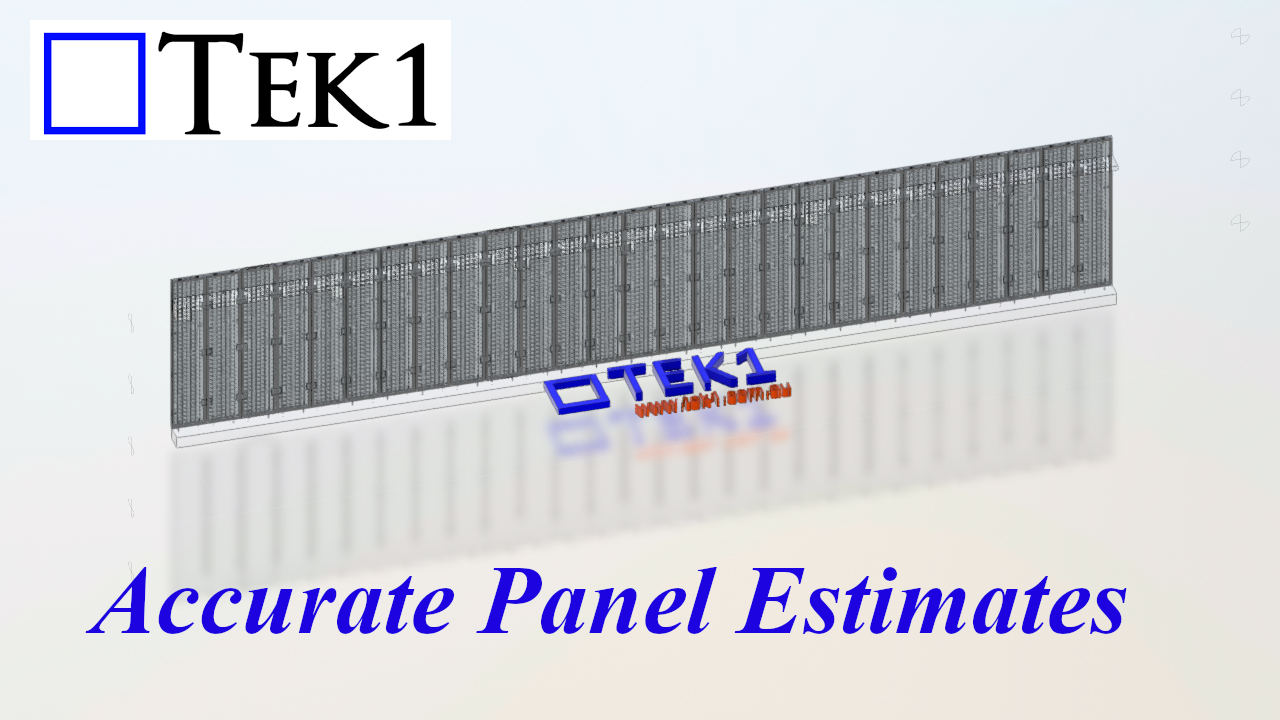
  • Our process of Precast Estimation

    Our process of Precast Estimation

    Are you finding precast estimation a demanding task?

    Imagine offloading the time-consuming aspects of this process, freeing you to focus on more critical activities. At Tek1 Pty Ltd, we excel in providing fast and accurate takeoffs for precast projects, often at a fraction of the cost you might expect. You can rely on our expertise and extensive experience to deliver exceptional results.

    Our process begins with your structural and architectural PDFs. Utilizing the panel spliting details from the structural precast elevations, we proceed with a detailed analysis.

    We meticulously number all panels, assigning crucial data such as thickness, material, and panel type. This intelligent data within our takeoff model allows for comprehensive report generation later in the process.

    The panel type information also captures reinforcement details, including rebar weights, perimeter bars, and any additional mesh. For panels requiring patterned or special moulds, including brick snap panels, we identify and mark them accordingly, even specifying the number of special moulds needed.

    Our summary report provides a comprehensive overview, including:

    • Number of panels
    • Thickness summary
    • Gross and net area calculations
    • Concrete volume
    • Panel weight (concrete + reo)
    • Number of meshes and reo weight (excluding ligatures)
    • Perimeter bar weight
    • Caulking and grout lengths
    • Panel types and strengths
    • Concrete mix and any colored concrete specifications
    • Quantities of Bricsnap, Reckli, and Feature panels
    • Number of moulds required
    • Maximum panel size and its corresponding number
    • IFC model compatibility with Trimble or Autodesk
    • A QR code linking directly to the model for easy viewing
    • Thickness summary

    Furthermore, we proactively identify any potential for optimization or issues related to buildability and transportation, providing comments along with the relevant panel mark numbers.

    If you believe our services can bring significant value and allow you to concentrate on higher-priority tasks, please don’t hesitate to call or email us.

    You will be surprised how economically we can do the take off for you

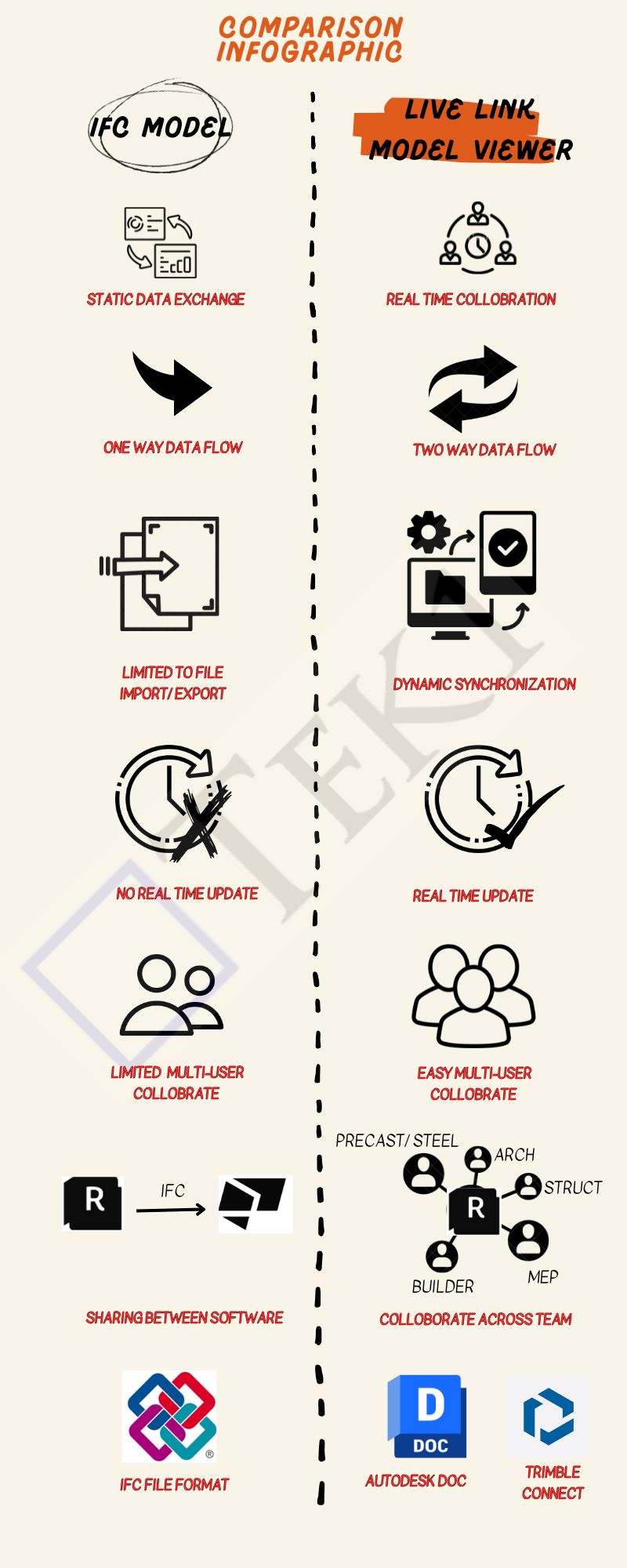
  • Key Differences Between IFC Models and Live Link Model Viewer

    When To Use Each

    Use an IFC Model When:

    • If You Have to share a Model With Consultants, but they do not have the Same Software.
    • To guarantee that your content File format is compatible with several tools.
    • You are creating a static data exchange project, not real-time collaboration.

    Use Live Link Model Viewer When:

    • You want real-time collaboration between two to n users or teams.
    • Save time and effort lost to exporting/importing files from one software tool to another
    • You are working on a multi-disciplinary project that needs coordination, such as Arch, Struct, and Service Engineer design.

    Conclusion

    If you’re looking for a simple, static way to share data between software tools, IFC is the way to go.

    However, if you need real-time collaboration, dynamic data sharing, and seamless teamwork across disciplines, a Live Link Model Viewer is a better choice.

  • Double-Story Precision: LGS Framing at Osgood Street, Guildford

    Double-Story Precision: LGS Framing at Osgood Street, Guildford

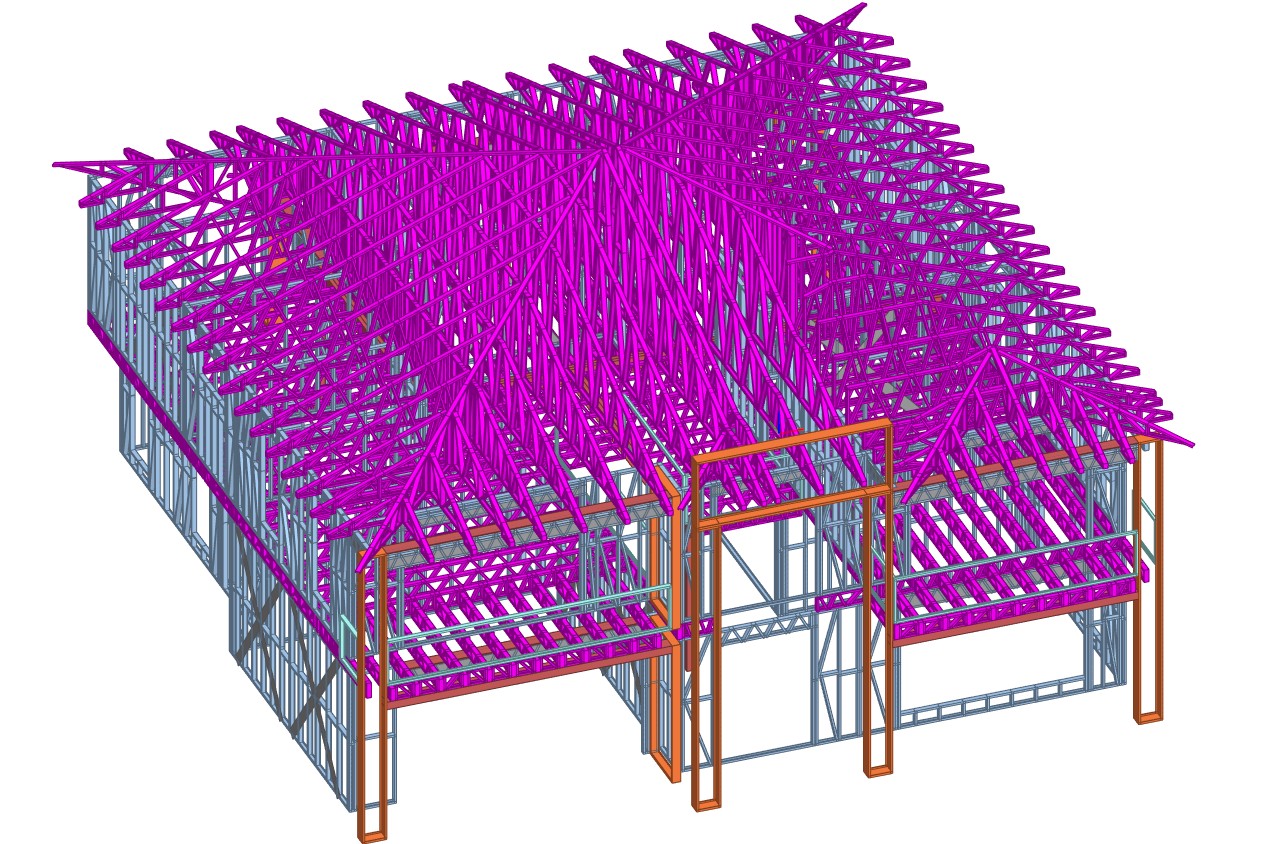
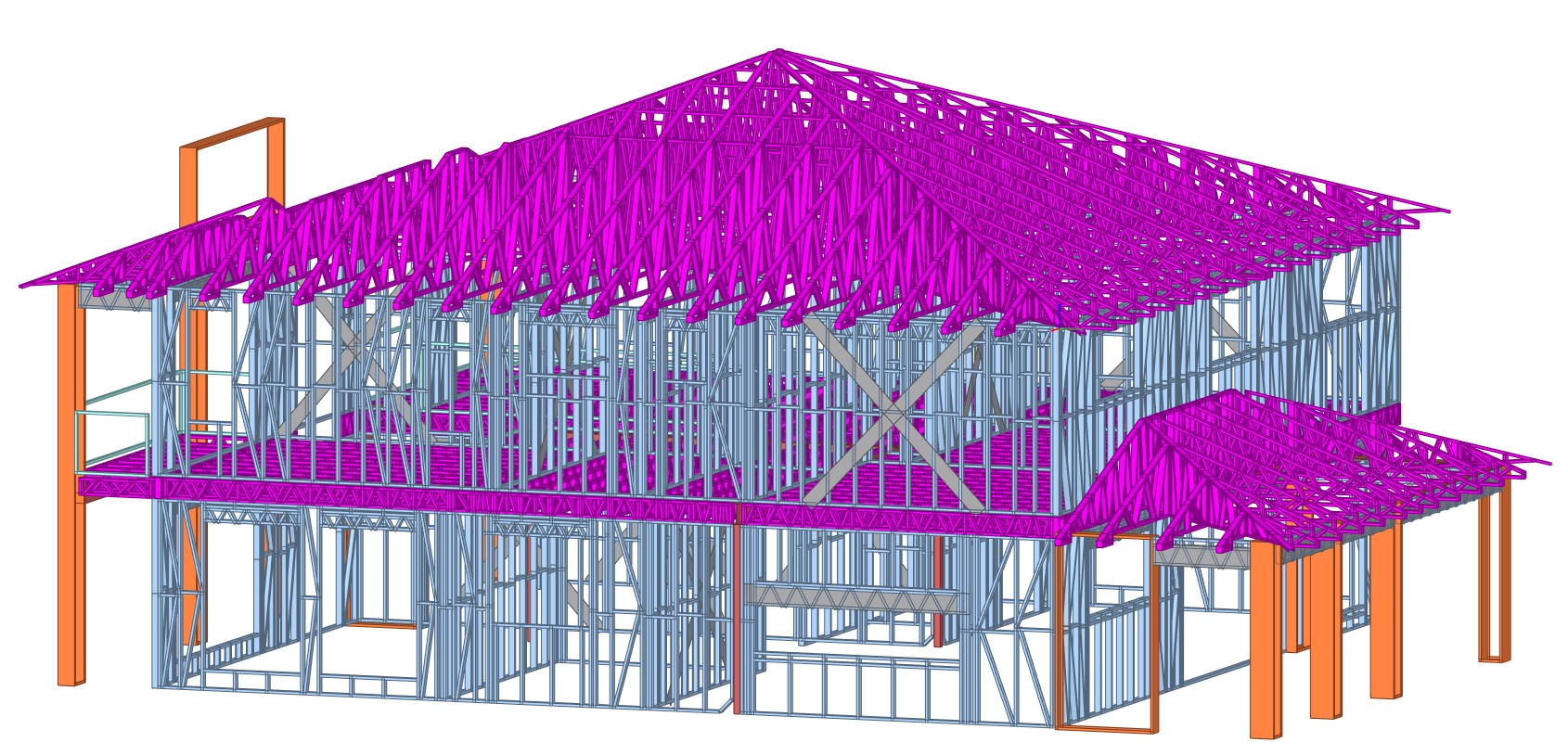
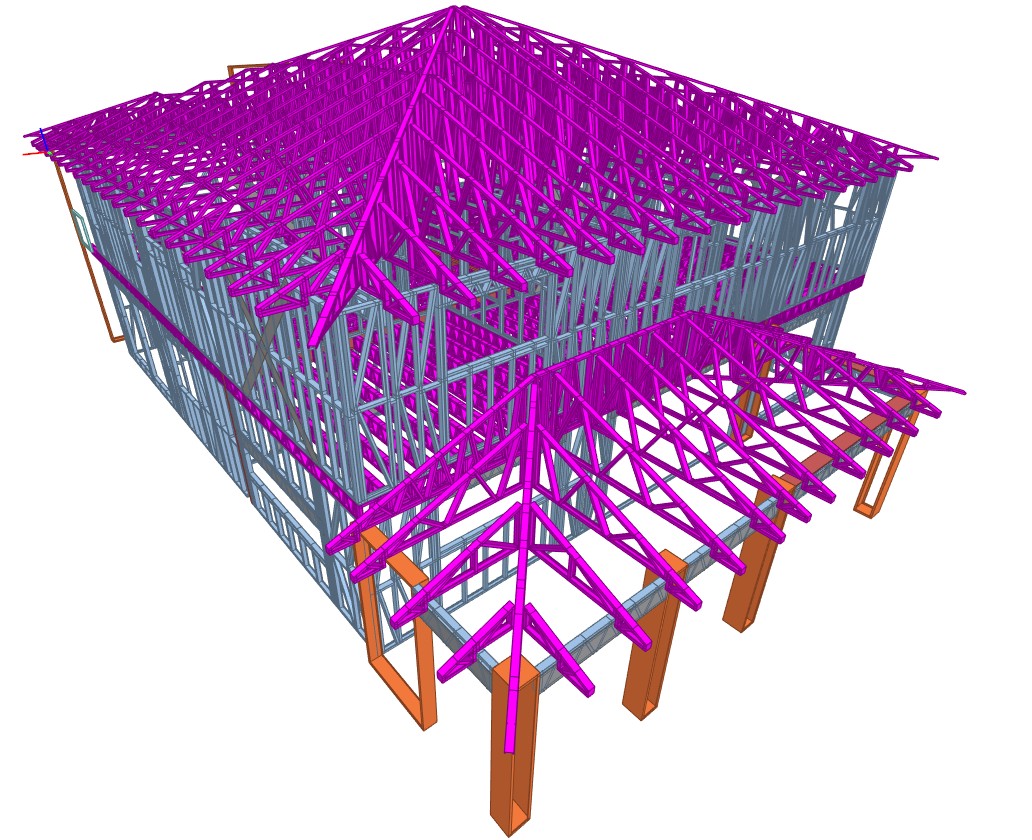
    Project Overview – New Double-Story Dwelling, Osgood Street

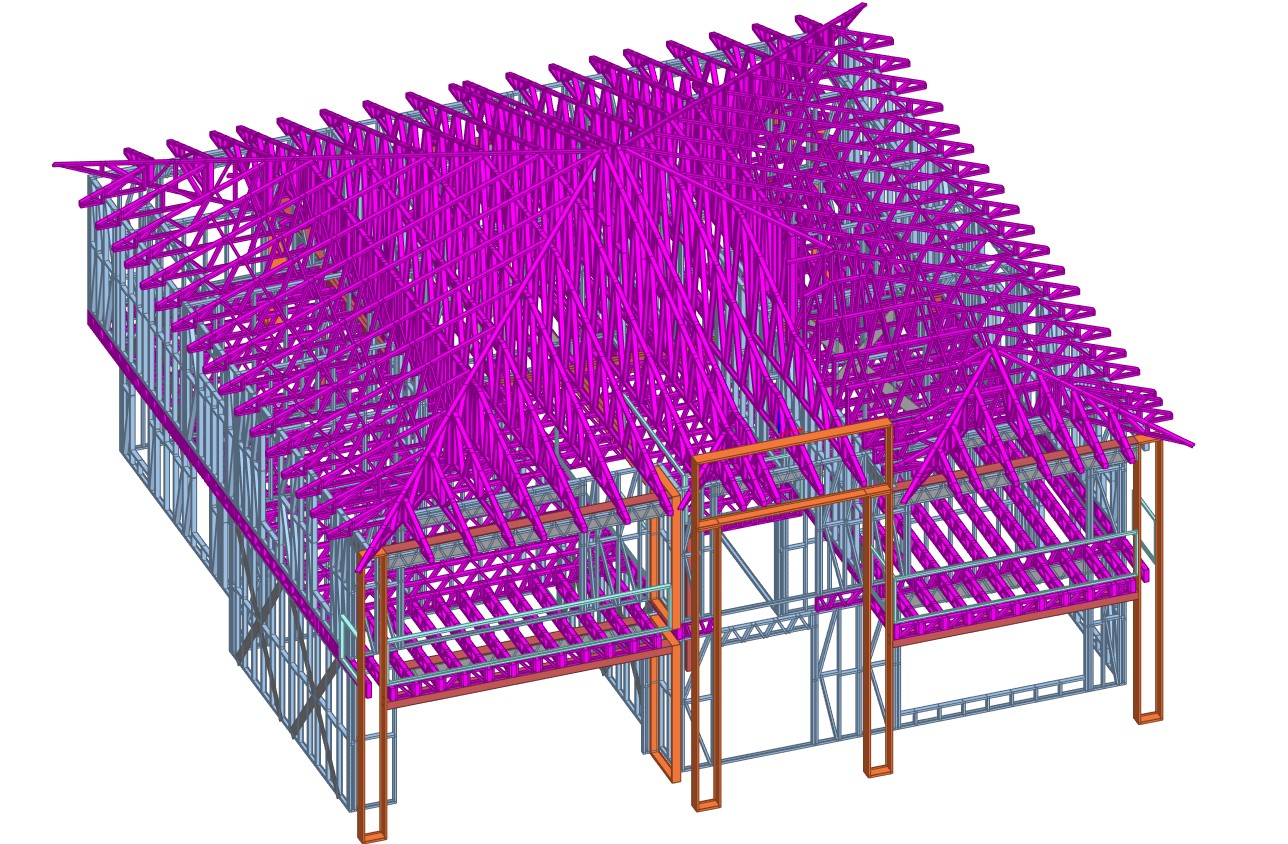
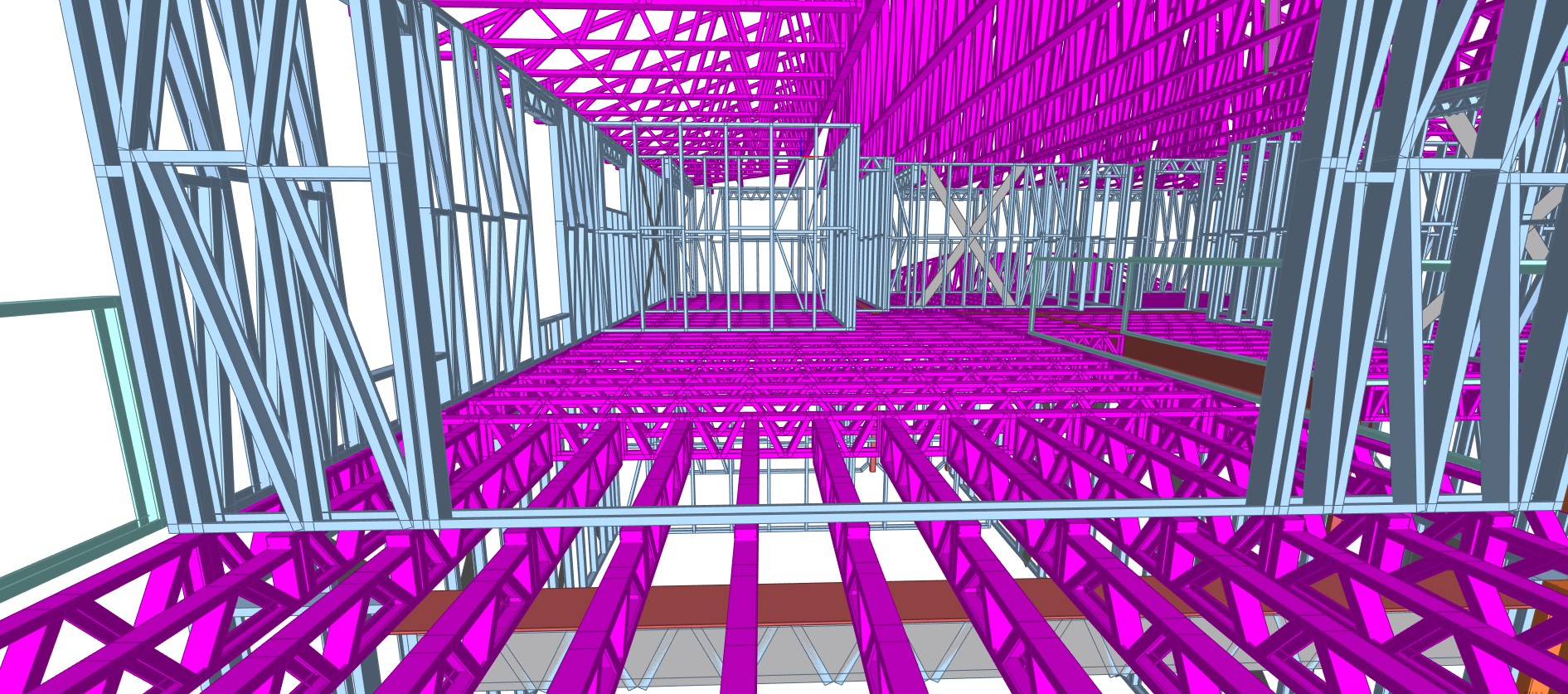
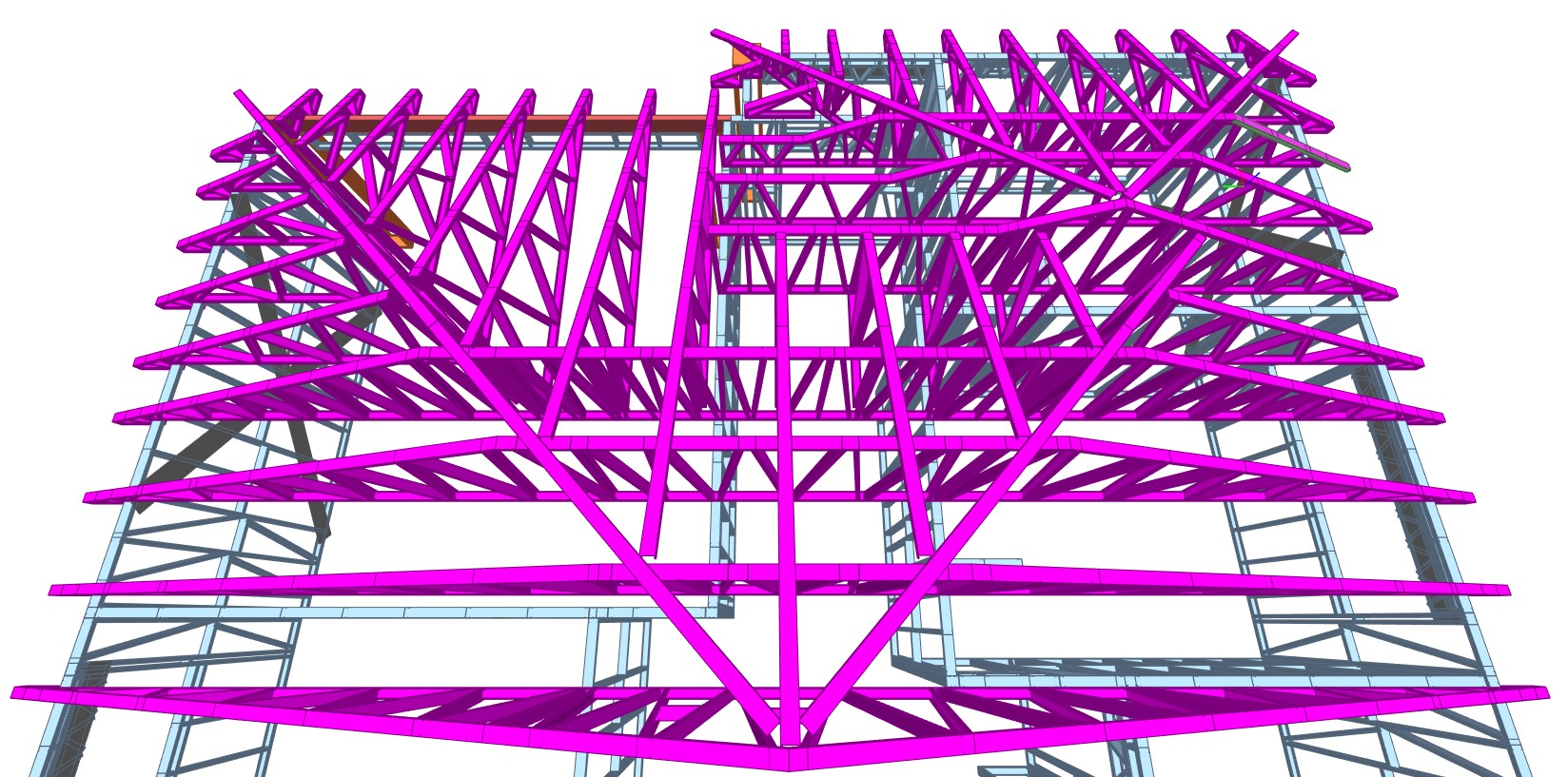
    This residential project at 14 Osgood Street, Guildford, NSW, exemplifies the smart use of Light Gauge Steel (LGS) framing to meet both structural and design expectations. Delivered in collaboration with Ausgreen Steel Frames, the scope included the supply and detailing of LGS floor joists and roof trusses.

    The two-storey dwelling covers a total area of 210 sq.m, and a hip roof design was selected for both aesthetic and practical advantages. With a total LGS tonnage of 10.2T, this project was efficiently framed for long-term durability and simplified on-site assembly.

    📌 Project Details:

    • Client: Ausgreen Steel Frames
    • Location: 14 Osgood Street, Guildford, NSW
    • Total Area: 210 sq.m
    • No. of Levels: 2
    • Total LGS Tonnage: 10.2T
    • Roof Type: Hip
    • Scope: LGS floor joists and roof trusses

    This project is another example of how LGS systems streamline the framing process in modern home construction, especially for multi-level builds requiring speed, precision, and consistency.

  • Proposed Additions & Balcony – Seamless LGS Integration with Existing Dwelling

    Proposed Additions & Balcony – Seamless LGS Integration with Existing Dwelling

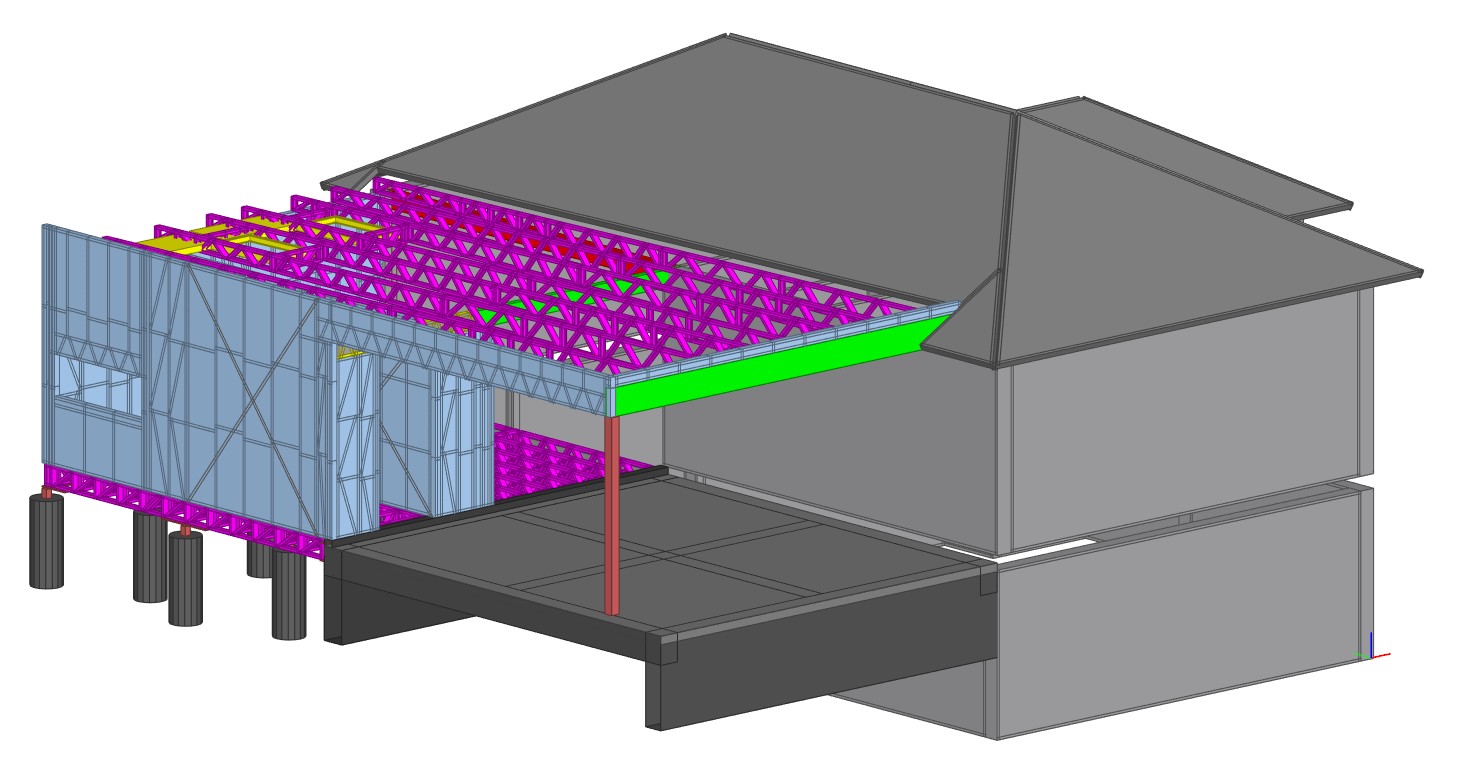
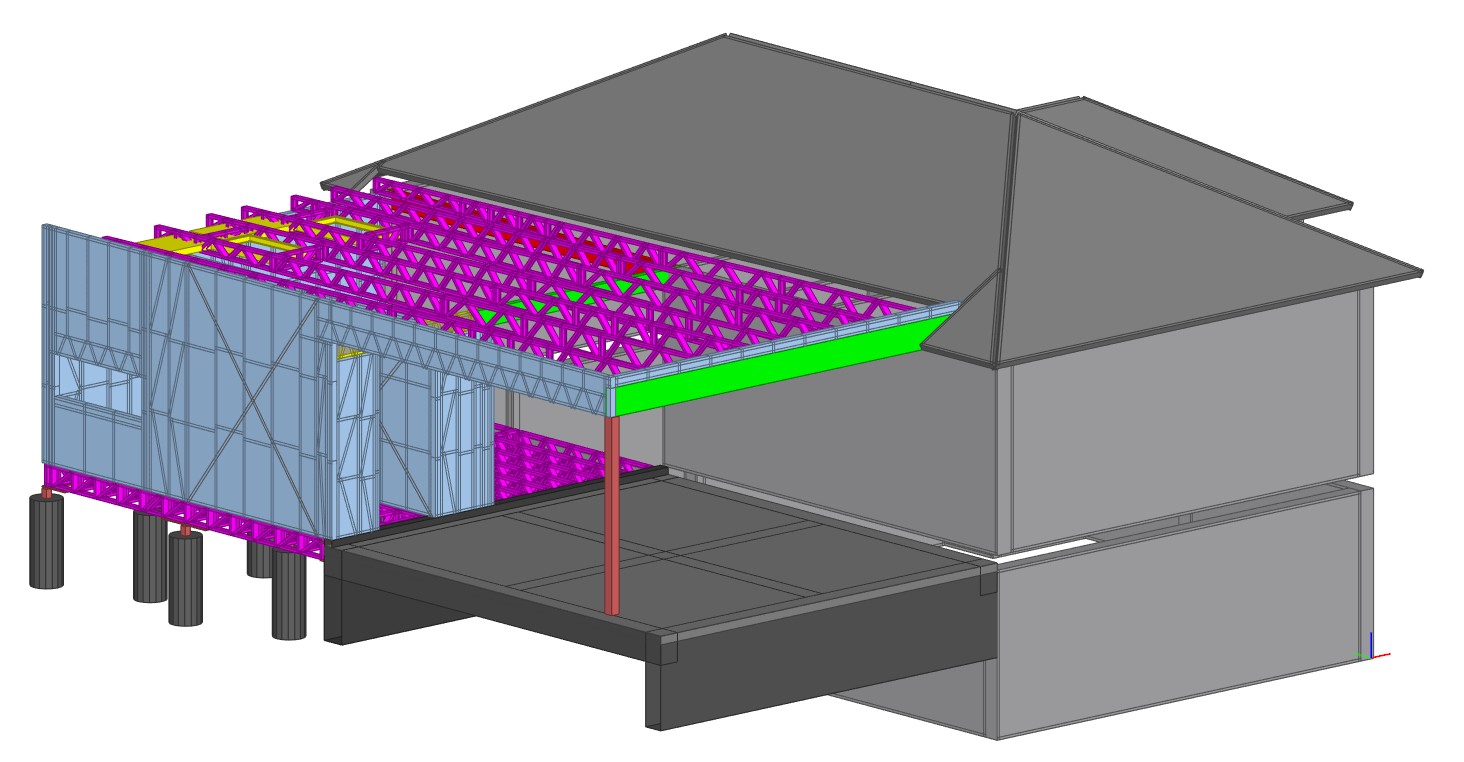
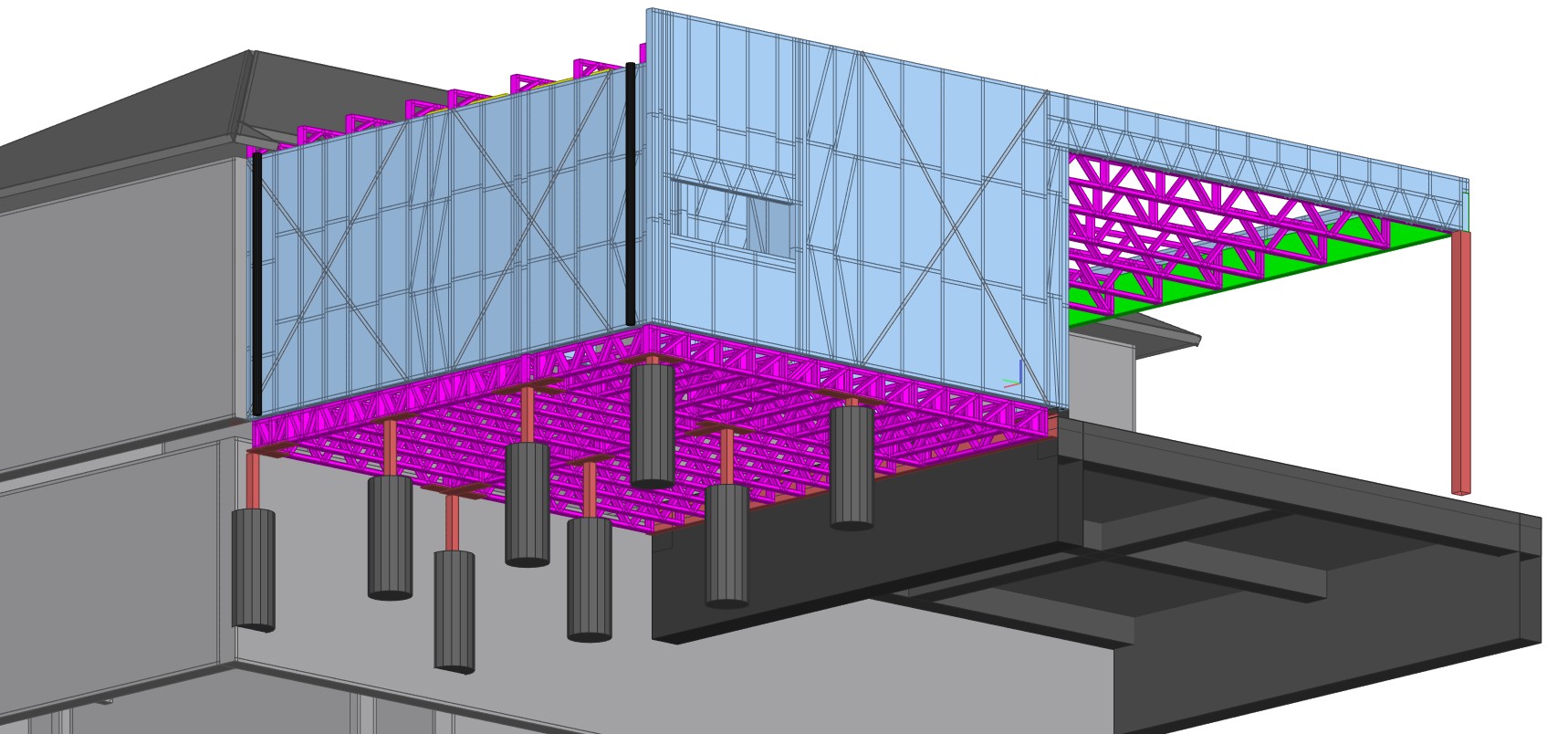
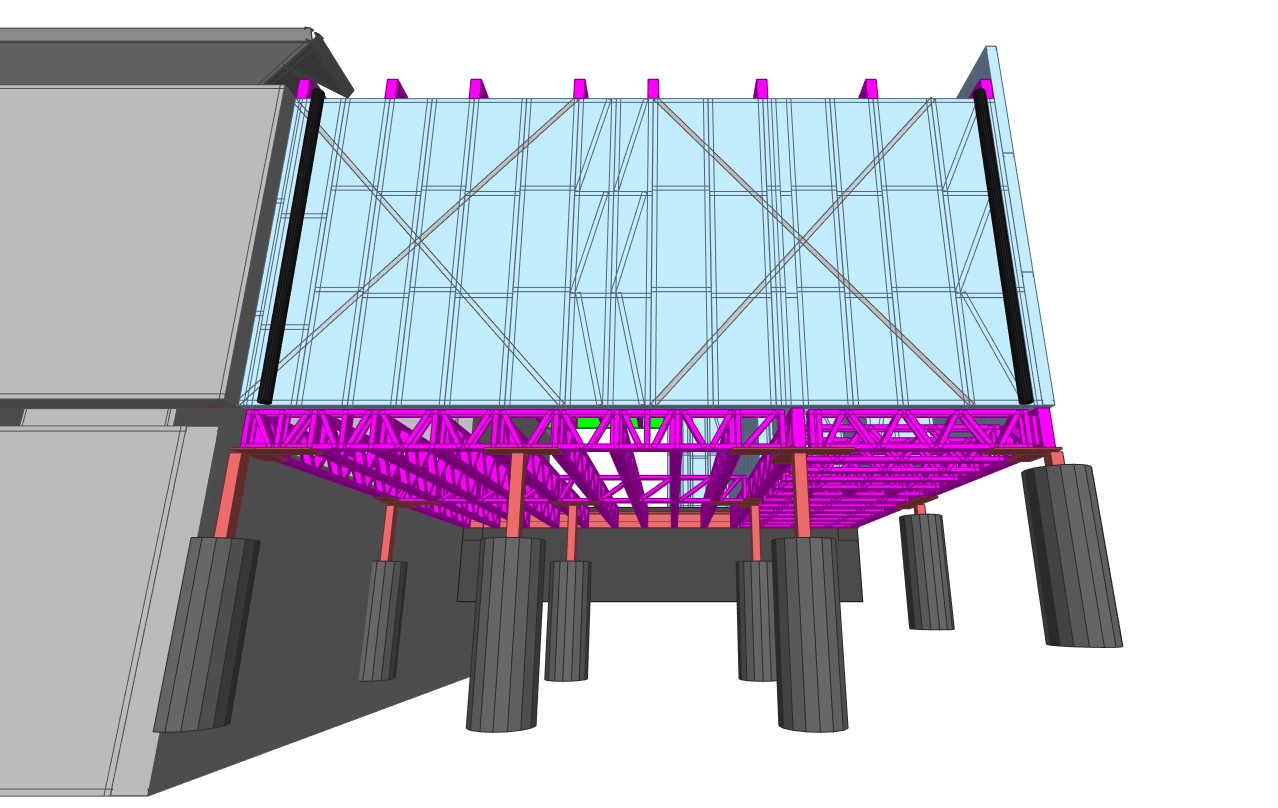
    Project Overview – Proposed Additions & Balcony, Mount Keira

    This project at 141 Mount Keira Rd, Mount Keira NSW demonstrates the adaptability and precision of Light Gauge Steel (LGS) in residential renovations and expansions. The scope covered proposed additions and a new balcony structure, designed to integrate seamlessly with the existing dwelling.

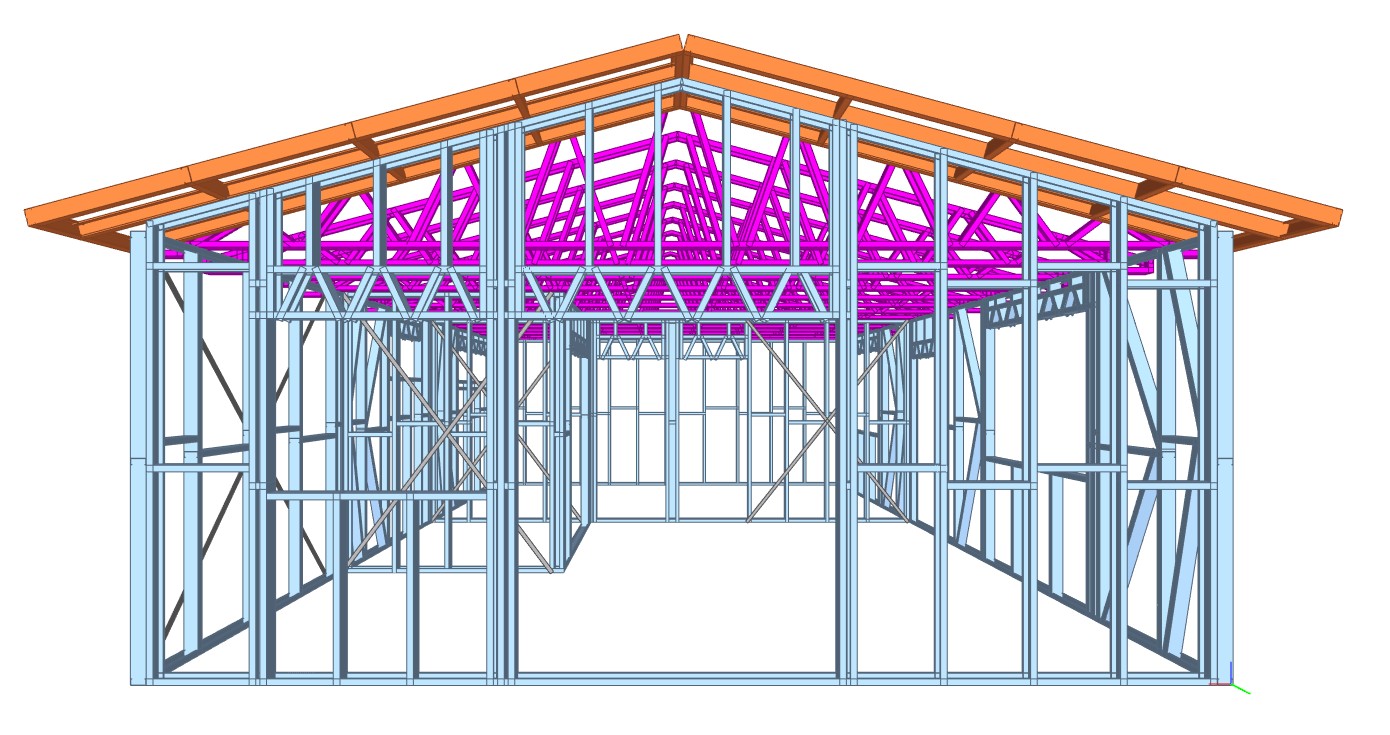
    With a total area of 74 sq.m, this project focused on the full LGS framework, including roof trusses and floor joists, meticulously connected to the existing structure. The gable roof type was efficiently framed to ensure both structural strength and architectural harmony.

    📌 Project Details:

    • Client: Contractors United
    • Location: 141 Mount Keira Rd, Mount Keira NSW 2500
    • Total Area: 74 sq.m
    • No. of Levels: 1
    • Total LGS Tonnage: 1.76T
    • Roof Type: Gable
    • Scope: Full LGS framework including roof trusses and floor joists connection to the existing building

    This renovation emphasizes the adaptability of LGS framing in renovation and retrofit applications, particularly where traditional materials may fall short in precision or turnaround.

    This project showcases how LGS construction offers an efficient solution for adding structures like balconies and extensions, especially in homes where structural continuity and fast installation are critical.

  • Multan Street: Modern & Efficient LGS Roof Framing

    Multan Street: Modern & Efficient LGS Roof Framing

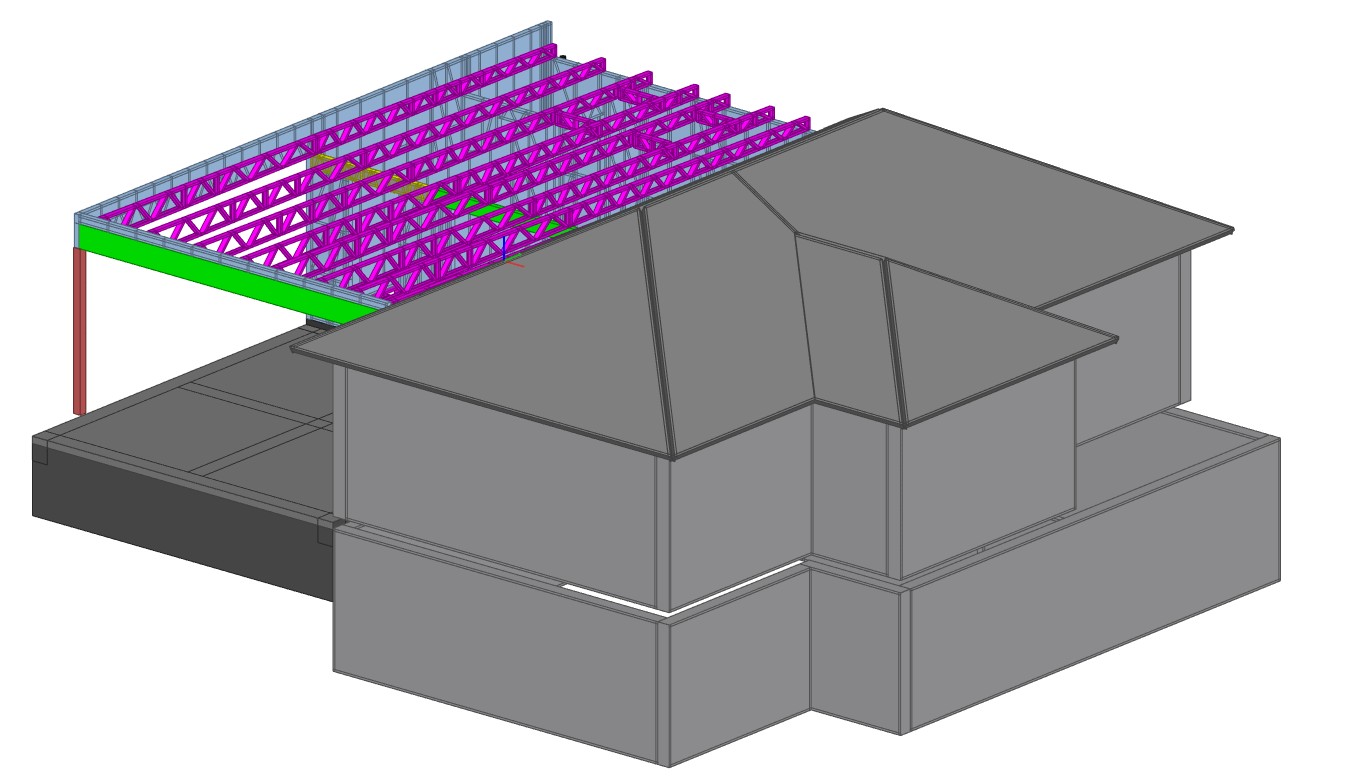
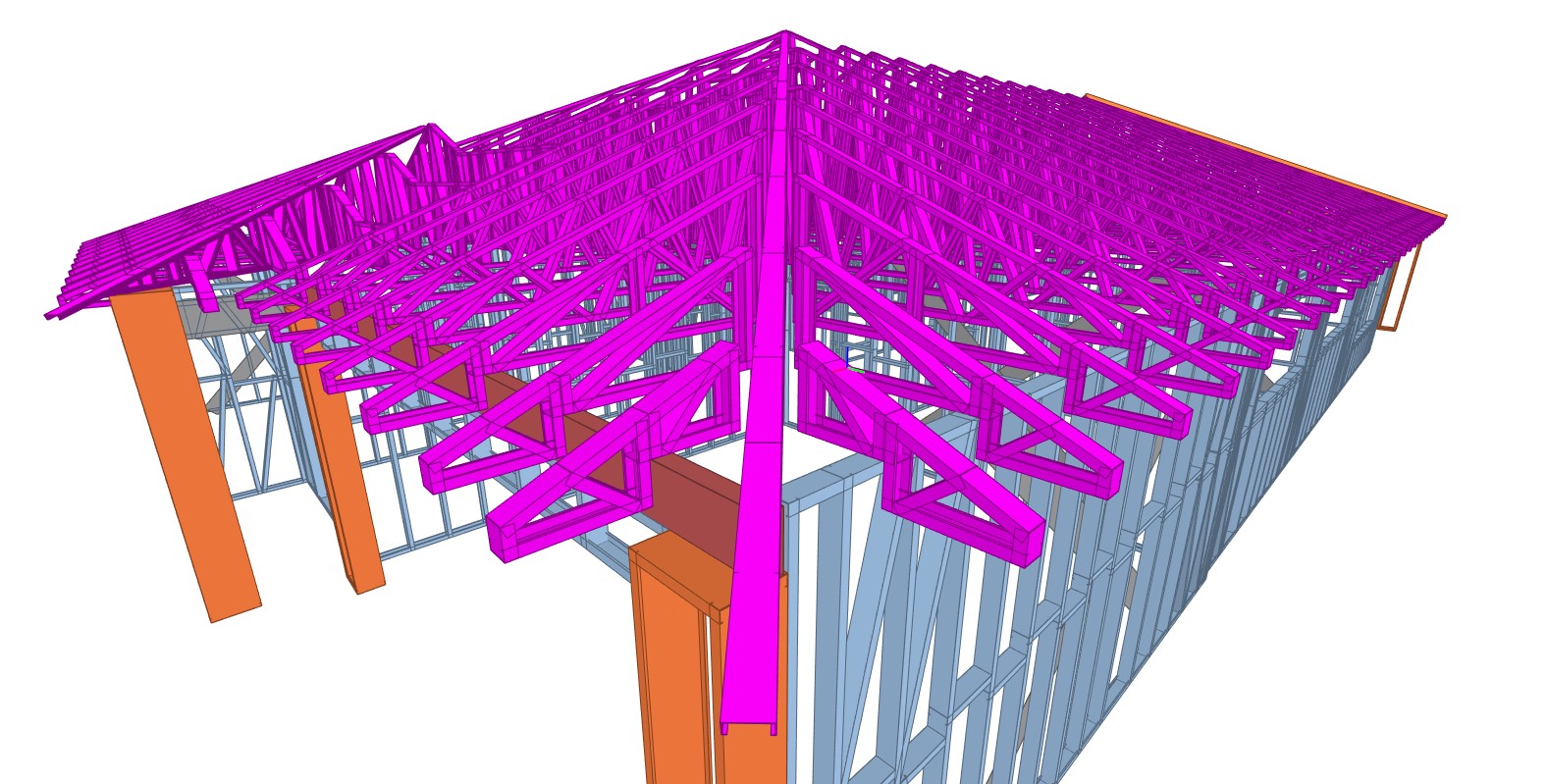
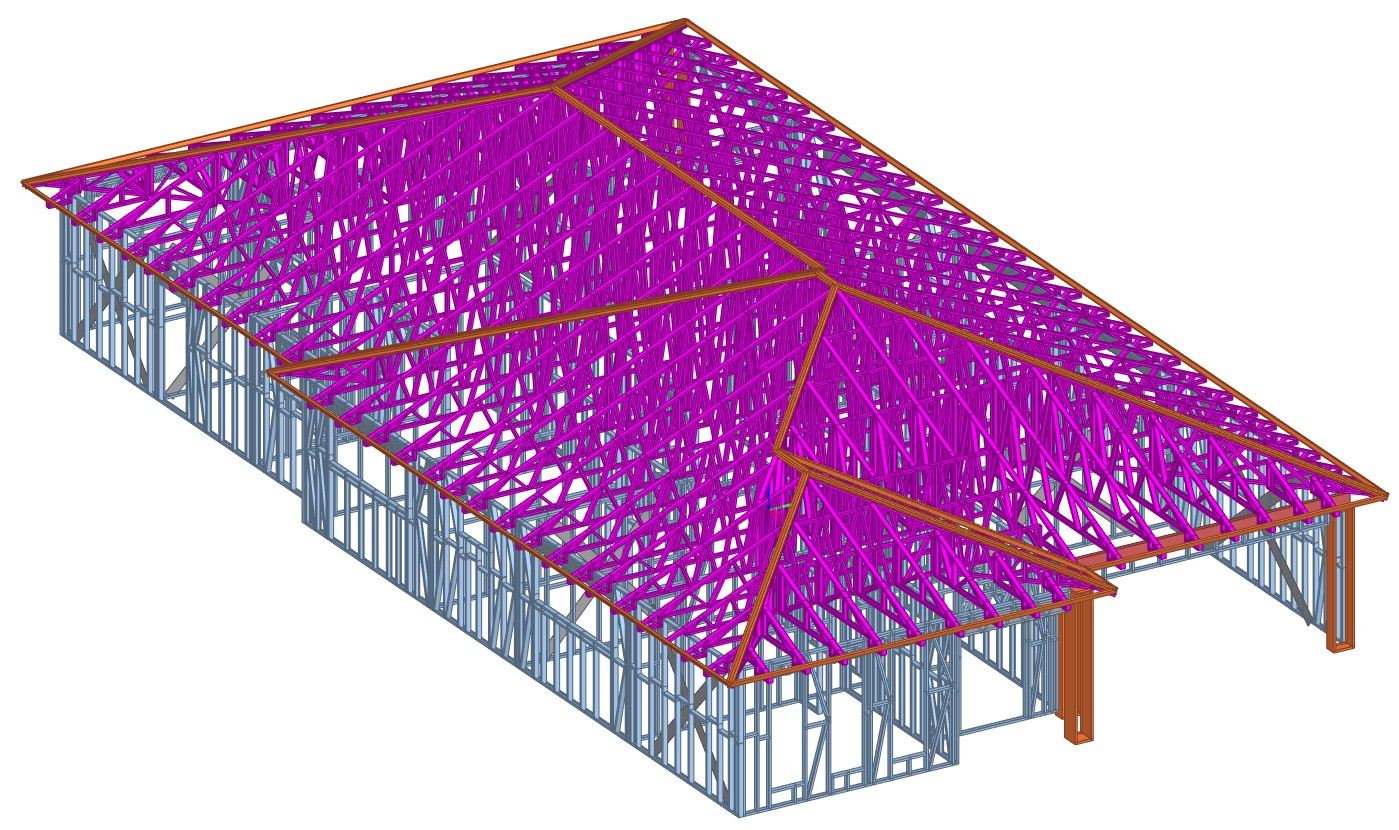
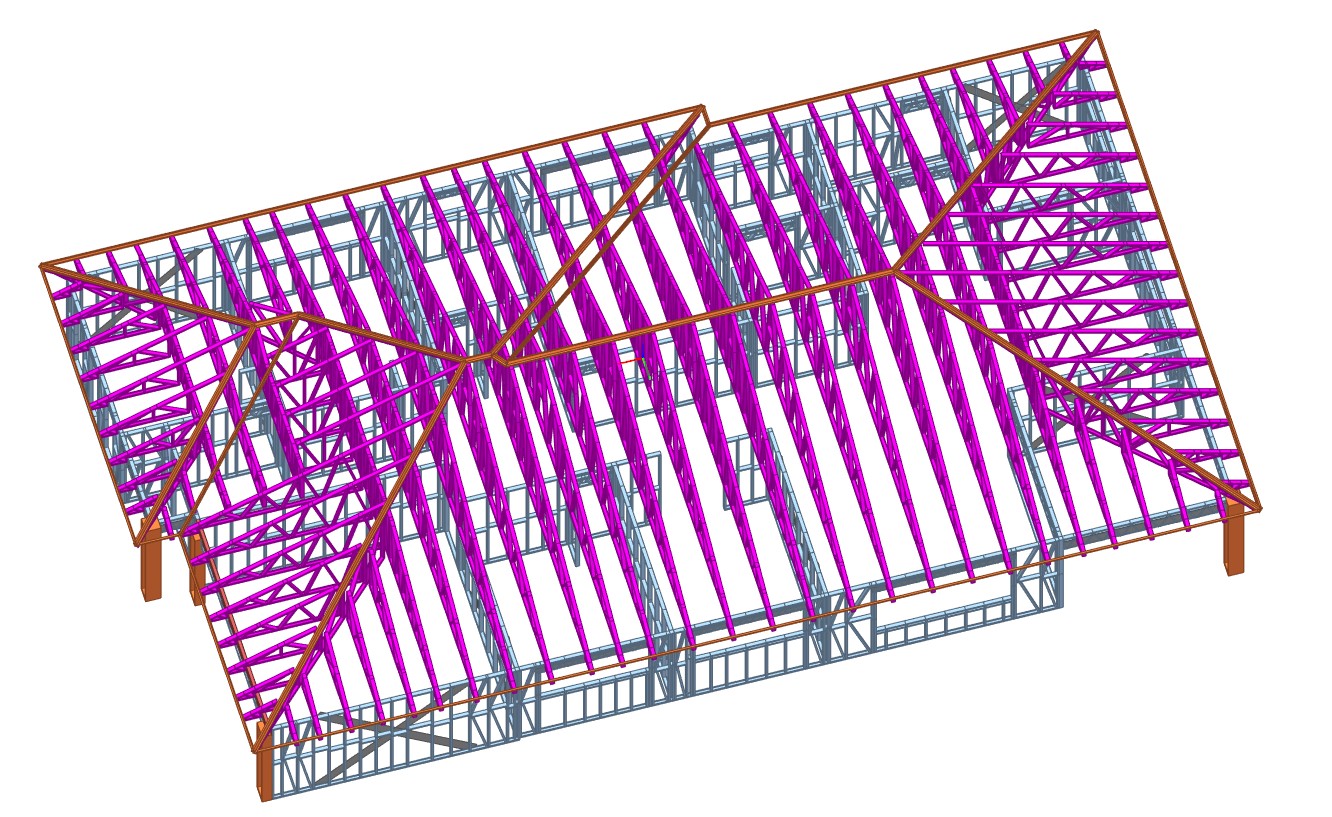
    Project Overview – Multan Street, Riverstone

    A seamless blend of modern design and structural efficiency defines this residential project at Lot 3, Multan Street, Riverstone. The build focuses on durability and speed, achieved through the strategic use of Light Gauge Steel (LGS) roof trusses tailored for a single-storey layout.

    📌 Project Details:

    • Client: Ausgreen Steel Frames
    • Location: Lot 3, Multan St, Riverstone
    • Total Area: 307 sq.m
    • No. of Levels: 1
    • Total LGS Tonnage: 5.7T
    • Roof Type: Hip
    • Scope: LGS roof trusses

    With a hip roof design, this home combines aesthetics with strength. The 5.7 tonnes of LGS used in the roof truss layout ensured structural consistency, efficient installation, and minimal on-site waste. LGS framing continues to be the preferred solution for residential builds demanding precision and performance.

  • PREFABRICATED CONCRETE ELEMENTS

    (Temporary Fixing Inserts for As-Cast Element Tolerances)

    INTRODUCTION:

    To ensure proper alignment and structural efficiency in the handling and installation of prefabricated concrete elements by placing temporary fixing inserts within the allowable as-cast dimensional tolerances as specified in Australian Standard AS 3850.2:2015.

    Inserts for the temporary attaching of prefabricated concrete elements shall be placed within the nominal dimensional tolerances provided by the as-cast state, in order that there is proper alignment and structural efficiency for handling and installation.

     INSERT LOCATION TOLERANCES FROM A SPECIFIED POSITION

             TYPE OF INSERT     TOLERANCE, mm
                  Face lifting            
    Bracing           
    Strongback            
    Edge-lifting            
    Longitude            
    Thickness  
    ±20                   
    ±50                   
    ±5                   
    ±5                   
    ±20                   
    ±5

    The temporary elements are only used for demoulding, transport, erection.

    Once the panel shop drawing is issued for construction (IFC), the manufacturing process begins.

    However, the elements may not exactly match the shop drawing dimensions due to factors such as concrete pouring and vibration.

    These factors can lead to dimensional variations. In Australia, precast concrete manufacturing follows the standard AS 3850.2:2015, which provides insert location tolerances relative to the specified position.

     (For Example):

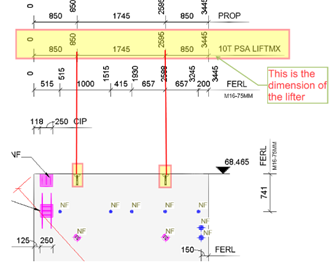
    This is the actual dimension of the Edge lifter

    This shop drawing is for IFC; after that, it will be used for the manufacturing process.

    (For Example):

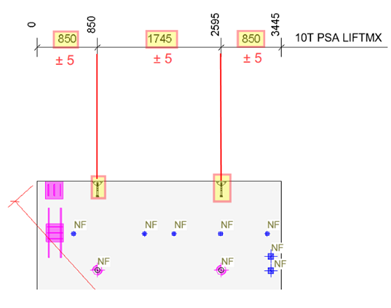
    The edge lifter dimension after curing:

    After curing, the edge lifter dimension is acceptable with a tolerance of ±5 mm, as specified in the Australian Standard AS 3850.2:2015 (refer to Table 2.7)

  • Granny Flat Excellence – Smart LGS Framing in a Compact Space

    Granny Flat Excellence – Smart LGS Framing in a Compact Space

    Project Insight: Granny Flat – Elgin Avenue

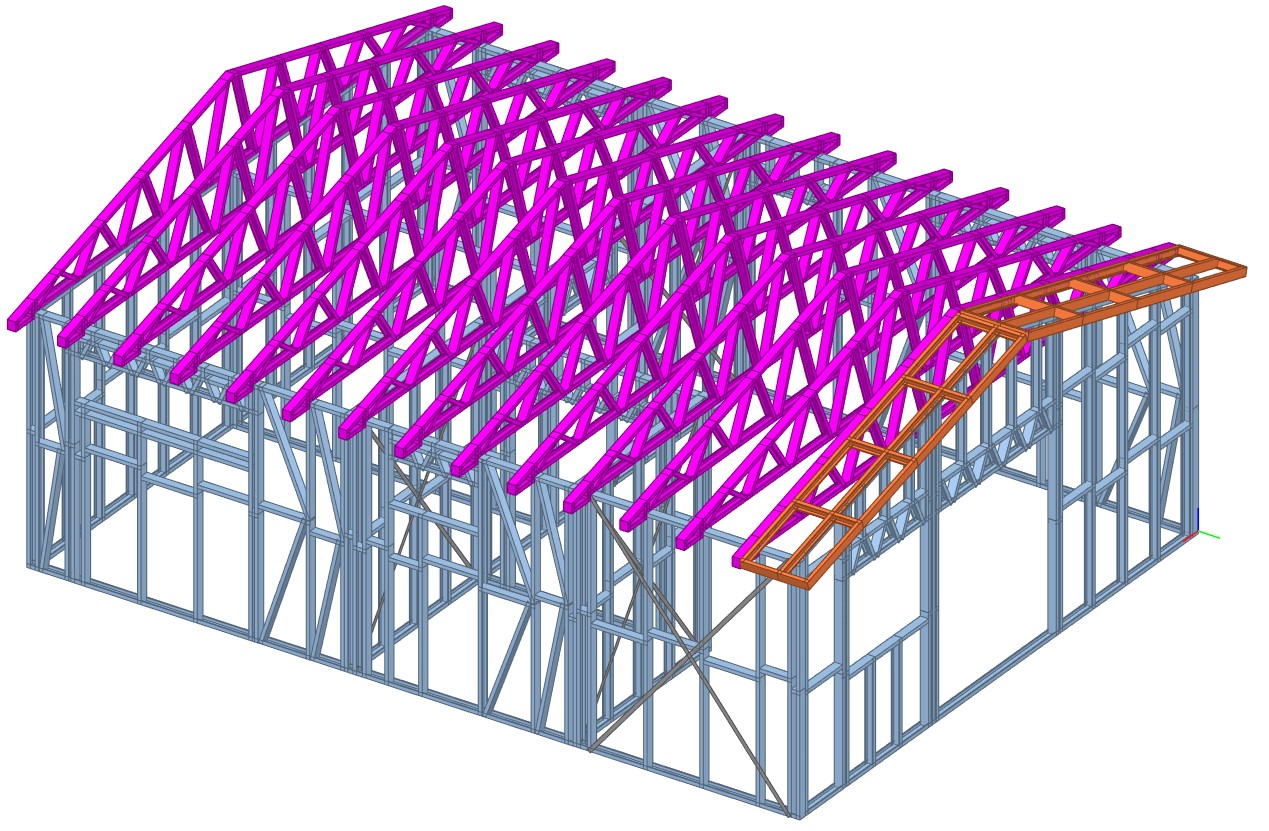
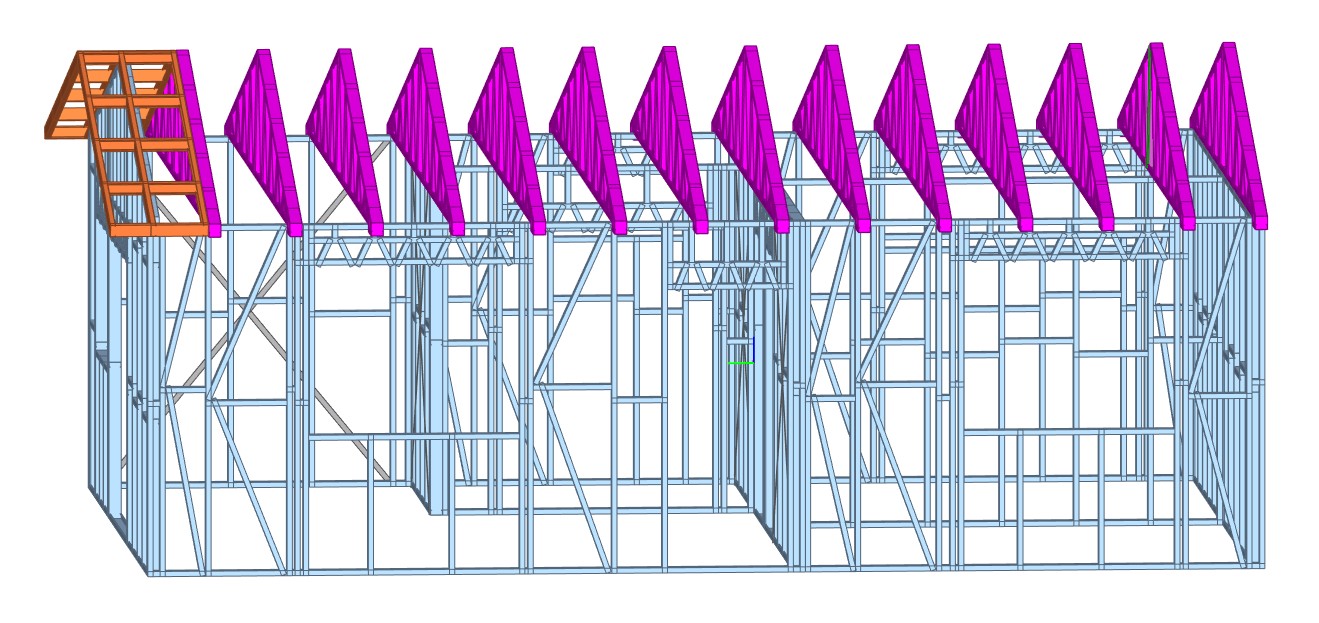
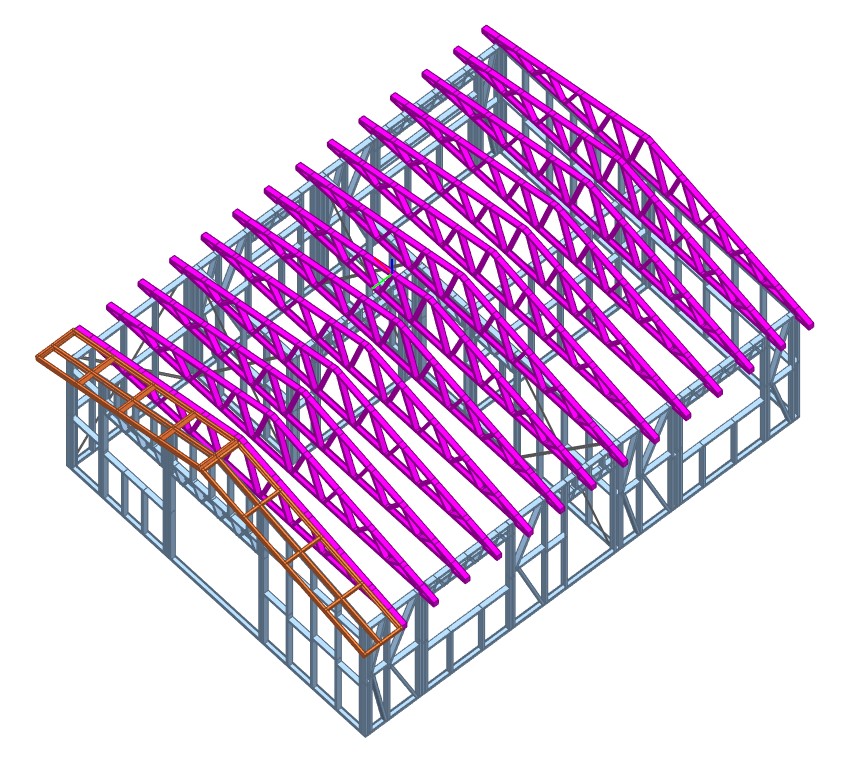
    Smart design doesn’t always require large space—and this granny flat project at Lot 23, Elgin Avenue St is a perfect example of maximizing structural performance in a compact build. With just 52 sq.m of total area and a single-storey footprint, this unit stands firm with a well-designed Light Gauge Steel (LGS) roof framing system.

    📌 Project Snapshot:

    • Client: Ausgreen Steel Frames
    • Location: Lot 23 Elgin Avenue St
    • Total Area: 52 sq.m
    • No. of Levels: 1
    • Total LGS Tonnage: 1.1T
    • Roof Type: Gable
    • Scope: LGS roof trusses

    The use of 1.1 tonnes of LGS ensured strength, straightness, and durability, despite the limited footprint. The gable roof design allowed for simple but efficient truss implementation, speeding up construction while keeping quality at the forefront.