In this video we will cover Cuts and fits. Please review this video before attending
Exercise files to create some cuts https://www.dropbox.com/sh/01828m6bh48y528/AACZz0XB_skUl8Mz5k0PWZEva?dl=0
In this video we will cover Cuts and fits. Please review this video before attending
Exercise files to create some cuts https://www.dropbox.com/sh/01828m6bh48y528/AACZz0XB_skUl8Mz5k0PWZEva?dl=0
Following items will be covered in the introduction
Introduction
Panning and Zooming
Switching to Normal View
Creating Views
Download dropbox model https://www.dropbox.com/s/a2vztcbxc3buadb/USER-INTERFACE.zip?dl=0
The best way is via demonstration. Please see some of the video demos we have put together. It is not by accident that our drawings come to you quickly. There are 10 distinct stages. We will upload the rest of the stages as we get and when we get an opportunity.
The full list is here:
Many commands do not have any video documentation attached. Some of the ones we have are documented below:
We have updated our Insert Panel Lifters command:
Dimension Tooling
enter help info here
enter help info here
enter help info here.
NCDXF Files and & CSK Bolt Holes (in Tamil) from Tek1 on Vimeo.
Hi team, please review the video for CSK bolt holes and NCDXF Files – language is Tamil.
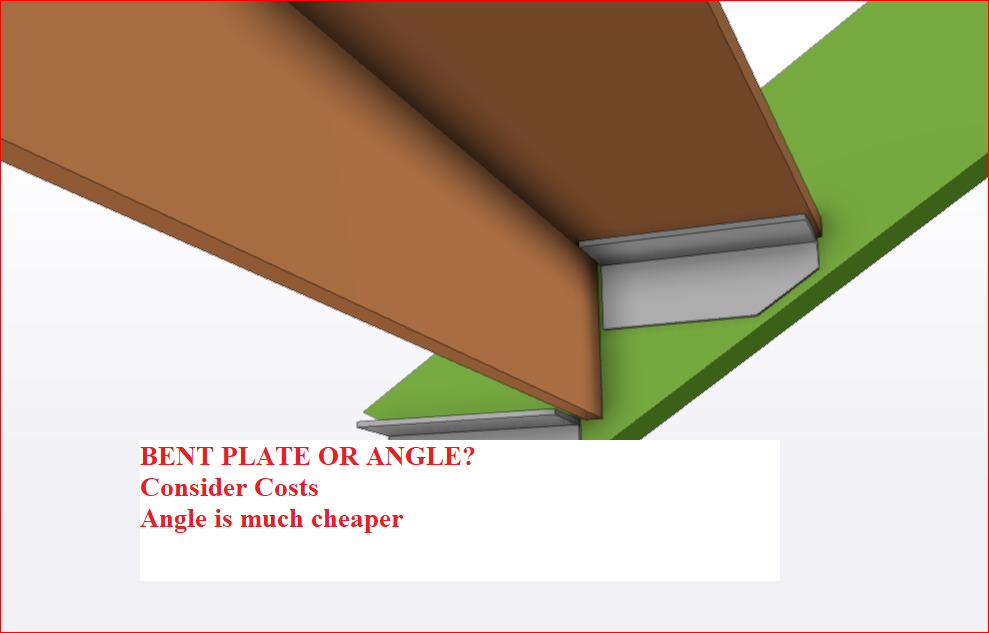
When possible use Angles because
Bent plate is more expensive, more time
GA Checks
Modeling checks
Modeling checks for Houses
Bridging check
Facia Purlins
Modeling checks for Stairs.
Bolt Checks (New)
Dxf files
Minimum 2 Points should be aligned and identfied in drawings and model. One point is not enugh.
How we have used the site measure should be clearly shown in the drawing
Site measure should never be scaled. If the .dwg file turns up with no units, then set the units as appropriate to mm or meters. Never scale meters to mm or in anyway modify site measure. Site measure should be used as is
Chequer Plate Checks
Existing Members
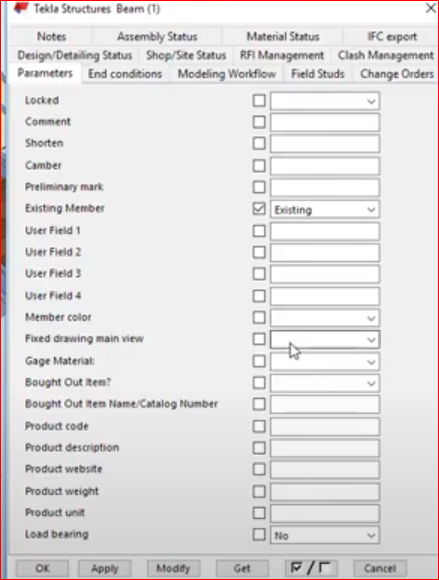
Did you set the existing member user attribute to Existing so that no mat list, Drawing will be created
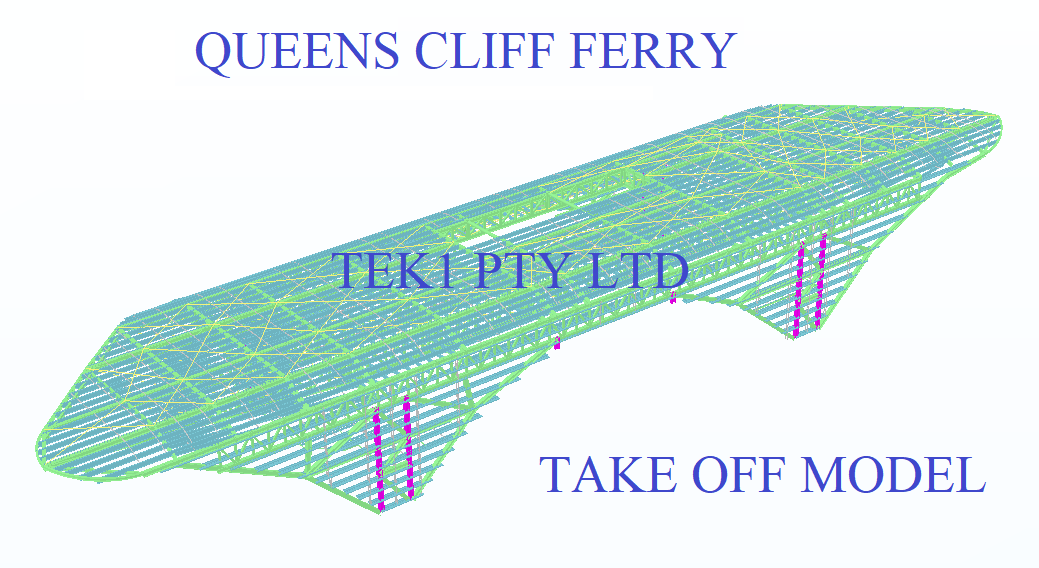
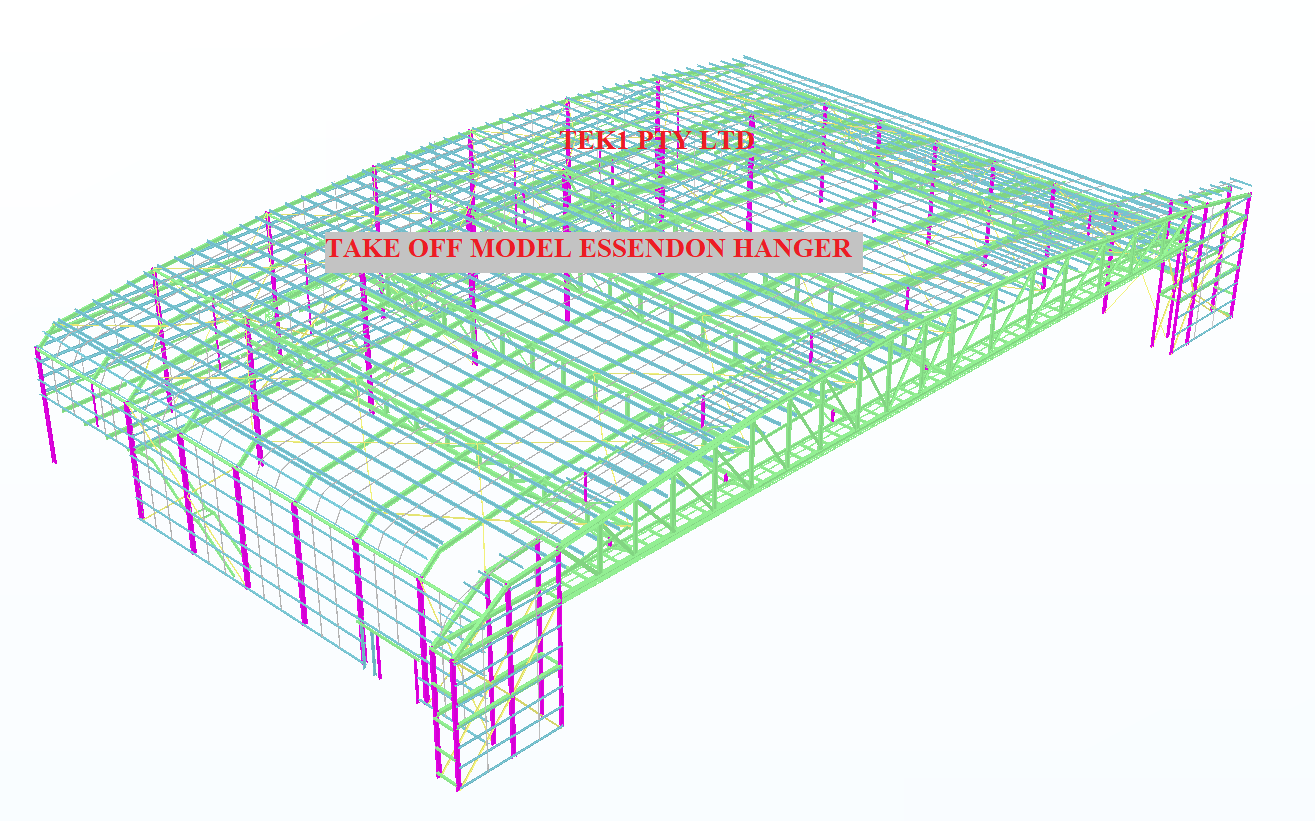
Tek1 has developed plug ins with IntelliCAD based systems to create take off models from PDF drawings. The PDF drawings are brought into the intellicad based cad systems. Columns and Beams are modeled over the PDF drawings.
This method is significantly faster than undertaking blue beam takeoffs. The accuracy of the take off is much better than what is possible with blue beam or any other PDF based take off system.
The inellicad model is then exported into Tekla using an in house plug in. Material Lists, and GAL lists can be taken out of the Tekla Model.
An IFC model is exported from Tekla. Along with a 3d model, this type of take off provides great value of the estimator.
Pricing is very competitive since we are using our in house offshore team. The take off team is now of a significant in size. Because IntelliCAD software is cheap, and given our in-house plug in, we are able to provide, fast and very cost effective services in take off modeling.
Fittings and bolts are not normally included in the take off.
Here is an example of the Essendon hanger we completed today (29/1/2020).
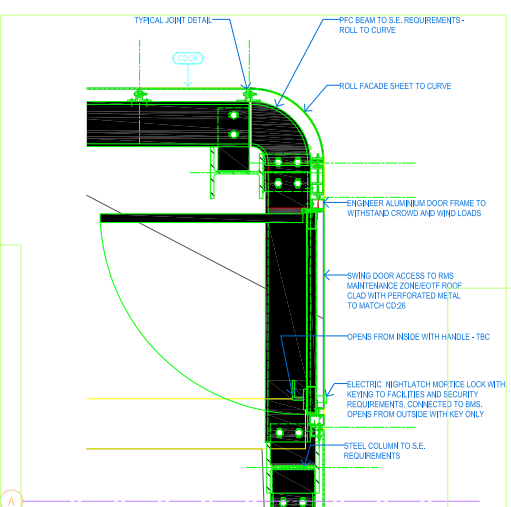
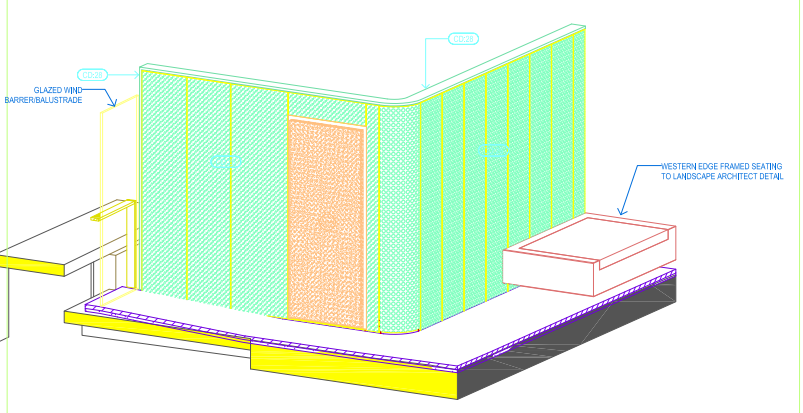
It’s one thing to model something on your computer. It is yet another thing to fabricate what’s drawn in 3d-land. Given the designs that we seen come through, I doubt very much whether the modern day architect has ever stepped foot in a workshop, or has fabricated anything in their lives.
Consider the below example and see if you can find any issues that should be blaring at you like a fire alarm.
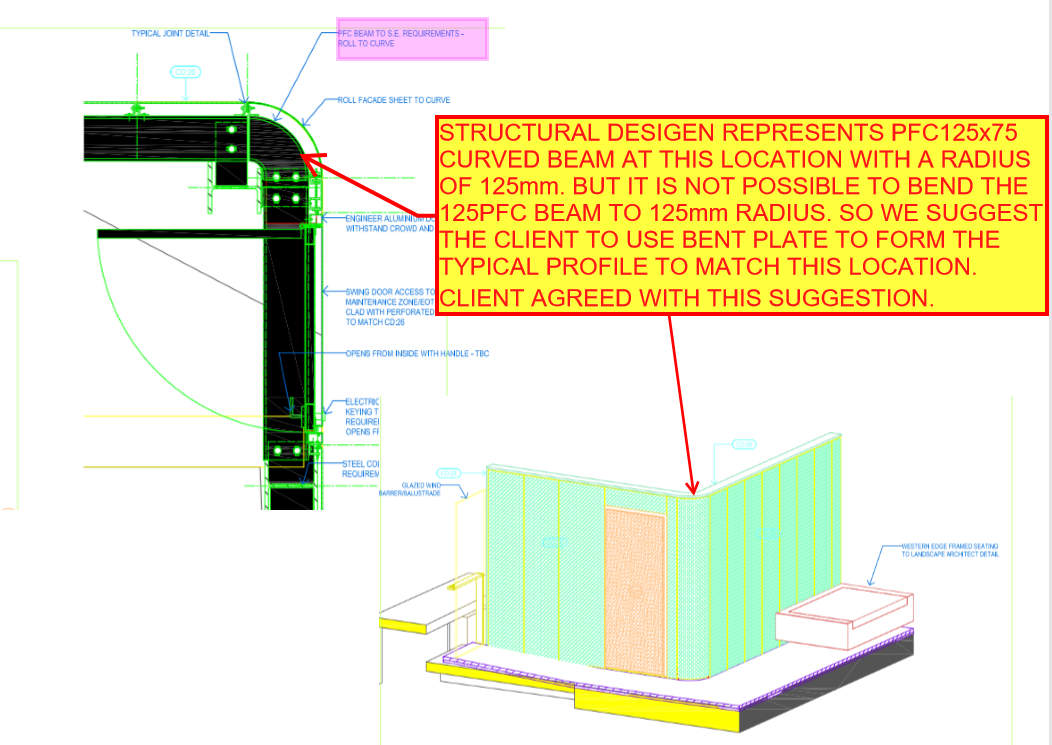
Written by Gopal D.
Tek1 has developed .dwg based plugins which talk to Tekla to carry out take-off efficiently
Take off is completed in .dwg based Cad systems very similar to modeling in Tekla. For BIM model the model is converted to Tekla
Reports can be taken either from .dwg system or Tekla. Right now reports are being taken out of Tekla. Our next effort is to develop a plugin which will convert the .dwg model into an IFC model.
If anyone is able to help us in this developing the plug int convert .dwg based model to an IFC model we will be very interested.
Here is a sample file.