
Drafting Services | Melbourne
When drafting for precast panels, there is need to check differences with different versions of the shop drawing. Manual checking a bit difficult. Automation tools help
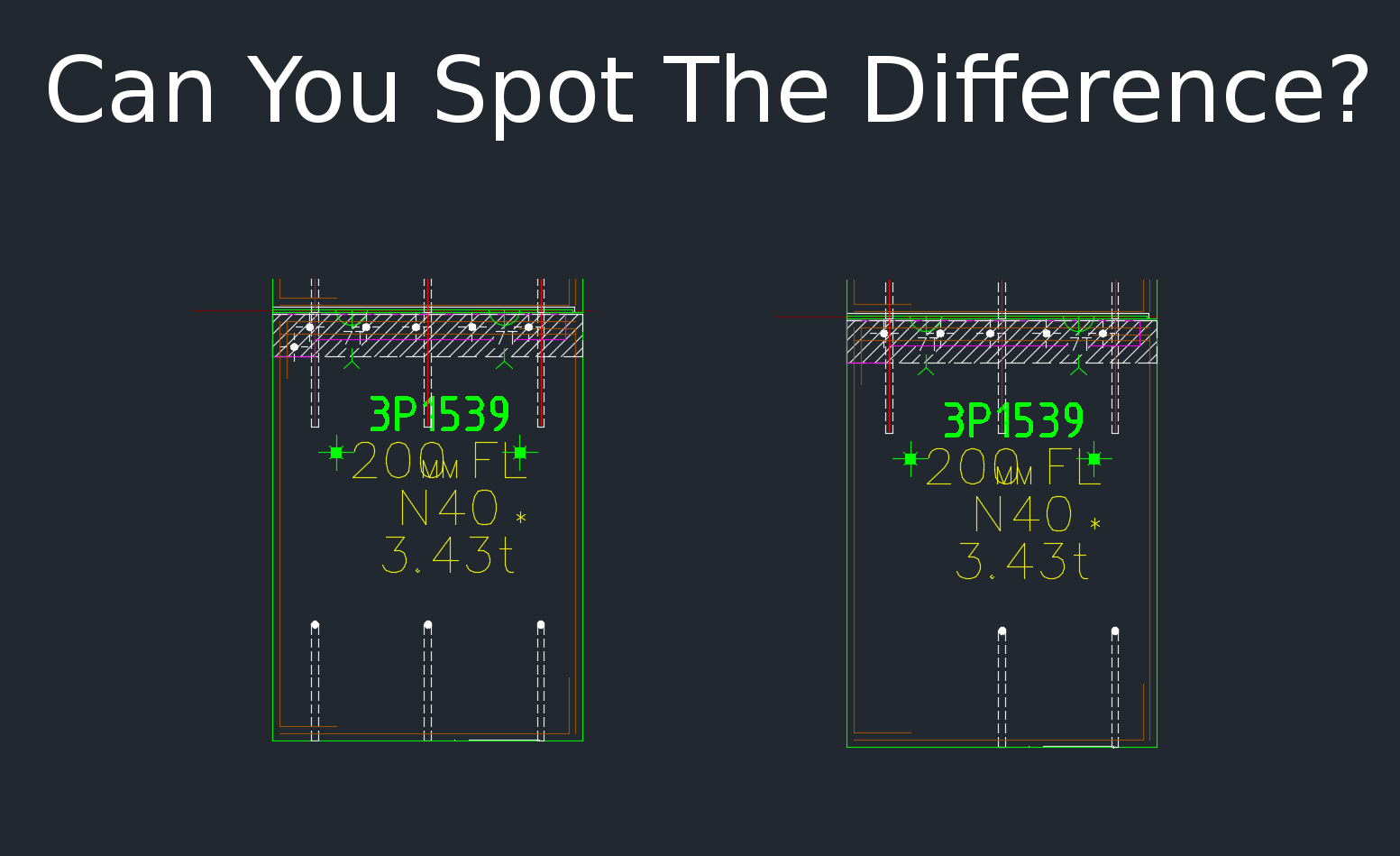
Shop drawing / Layout panel discrepancies are a thing of the past.
Suppose someone makes a change in the layout but forgets to do so in the shop drawing (and vice versa). If you move a cast in plate, and if it’s actually produced and taken to site, then you have a big problem, and a big cost. How are you going to identify the differences which exist in the thousands of panels that you make? What if you had a tool which allowed you to easily identify differences between the two drawings?
This is what this Panel Comparison tool does. It gives you confidence that somebody hasn’t made a boo-boo. And moreover, if somebody has made one, then this tool identifies sloppy shop drawing practices.
Here is the demo. I hope you enjoy it!
Gif Demo with User Interface:
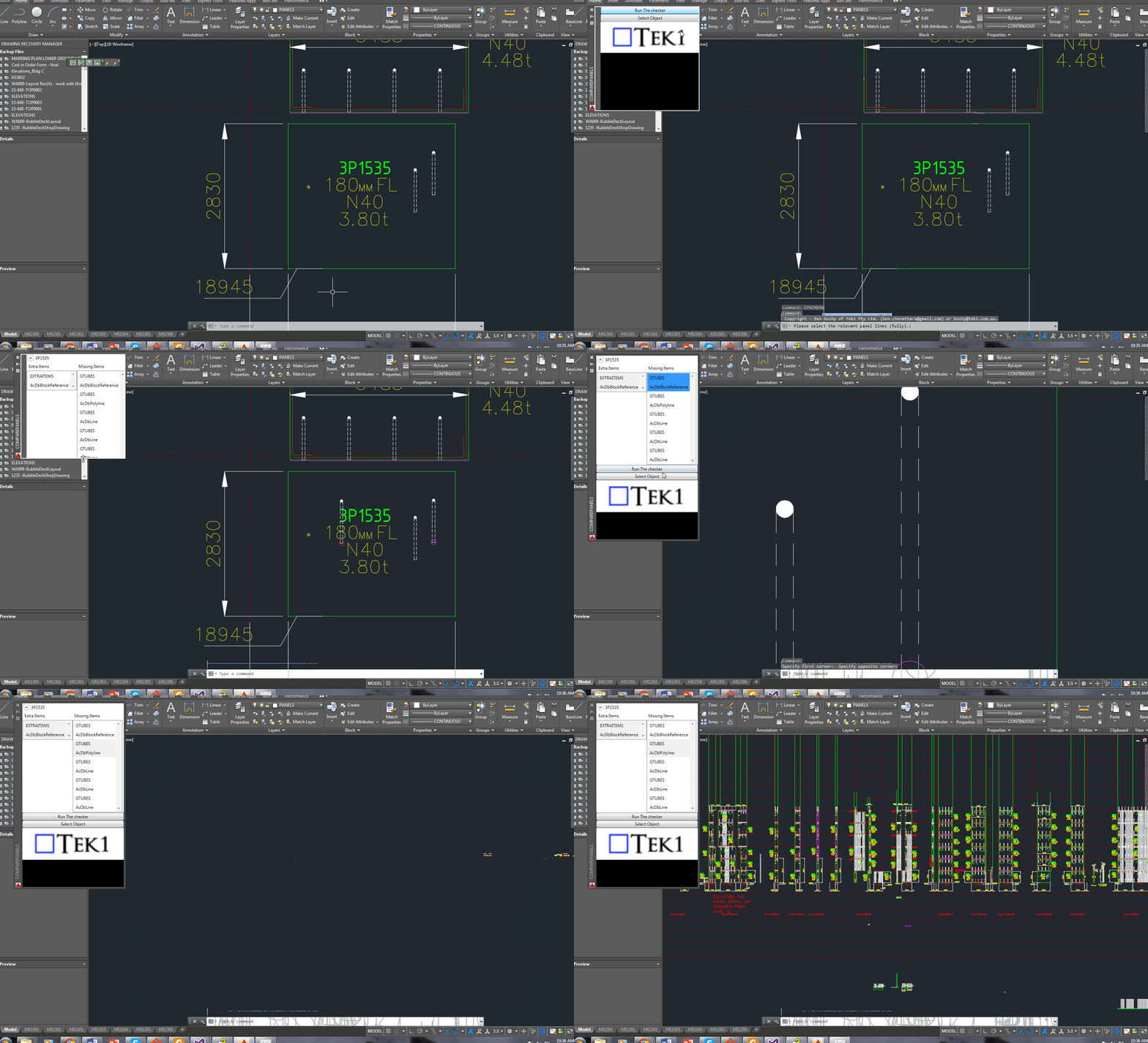
Video Demo without a user interface:
Compare Panels Demo – Import Panel Difference from the Shop Drawing to the Layout from Tek1 on Vimeo.
Features:
- It can work for all clients with only very minor modifications. Very well abstracted out in the code.
- It is super fast. Comparing the thousands of elements in each drawing takes a bit of computing power – but with smart algorithms, you can cut down the time.
- It works for all sorts of edge cases – what if the panel was made up of arcs, polylines and straight lines – this plugin can handle all sorts of things. It can also handle voids in the panel?
- What if an item is on the edge of a panel line – it can handle that was well.
Every single panel that we draw will go through the above practices. It should give you a lot of confidence that we’ll get the drawings right. Yet another tool in the Tek1 arsenal that allows this firm to lead the industry in Precast Panel drafting.
Leave a Reply