Author: admin
-
Importance of Gap between Slab Edge and Panel Face
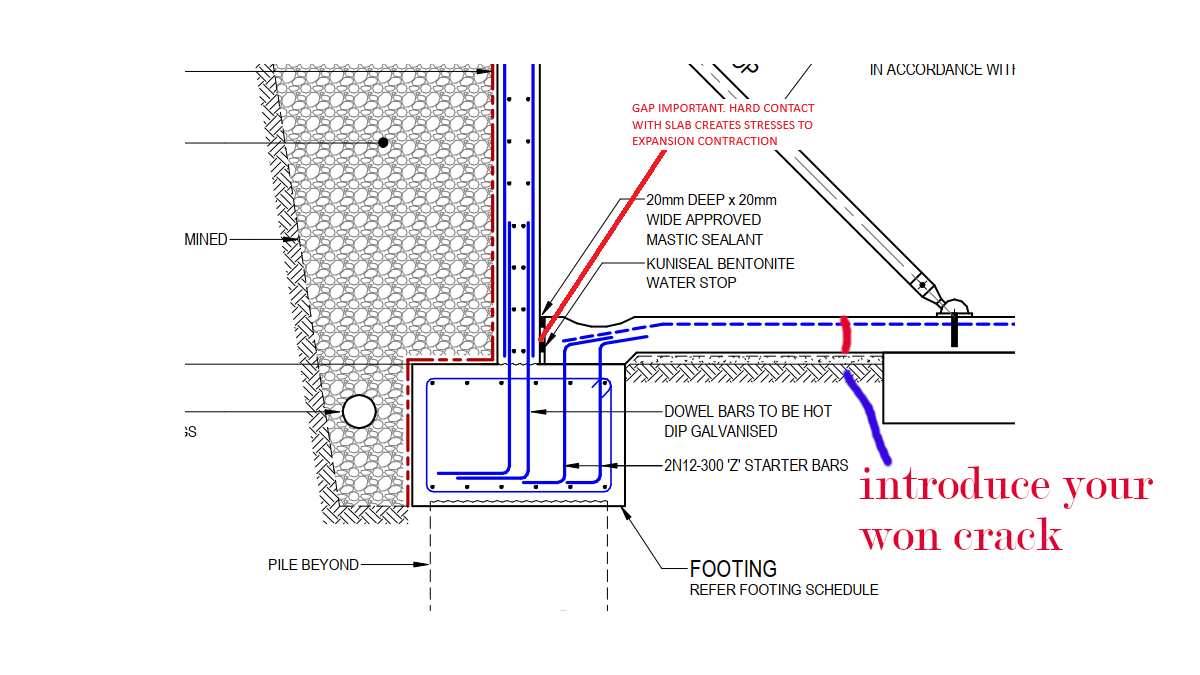
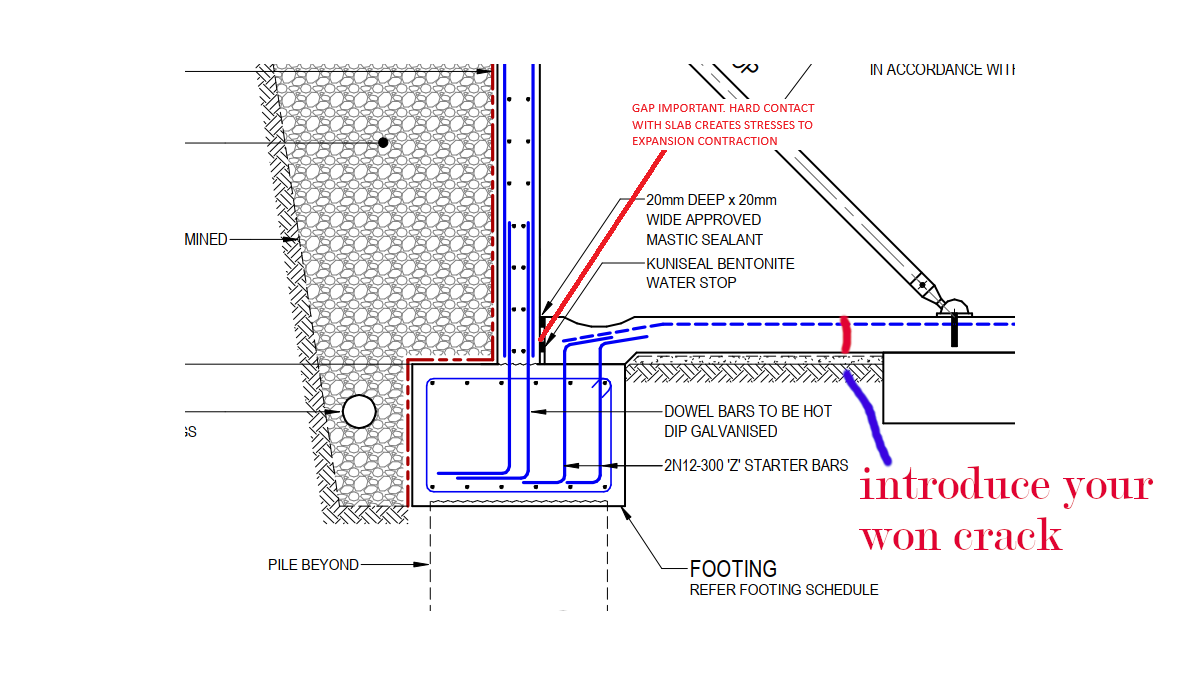
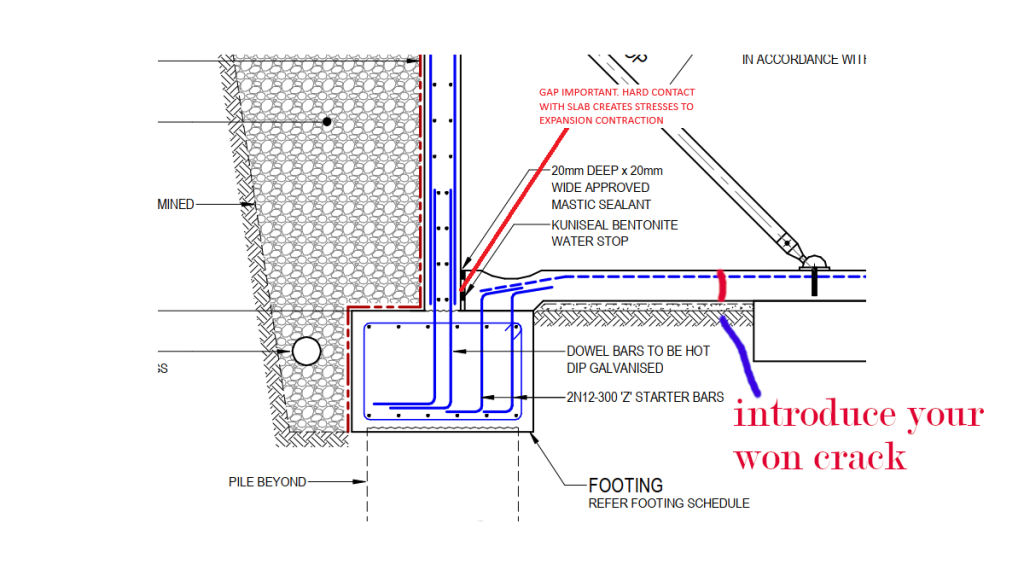
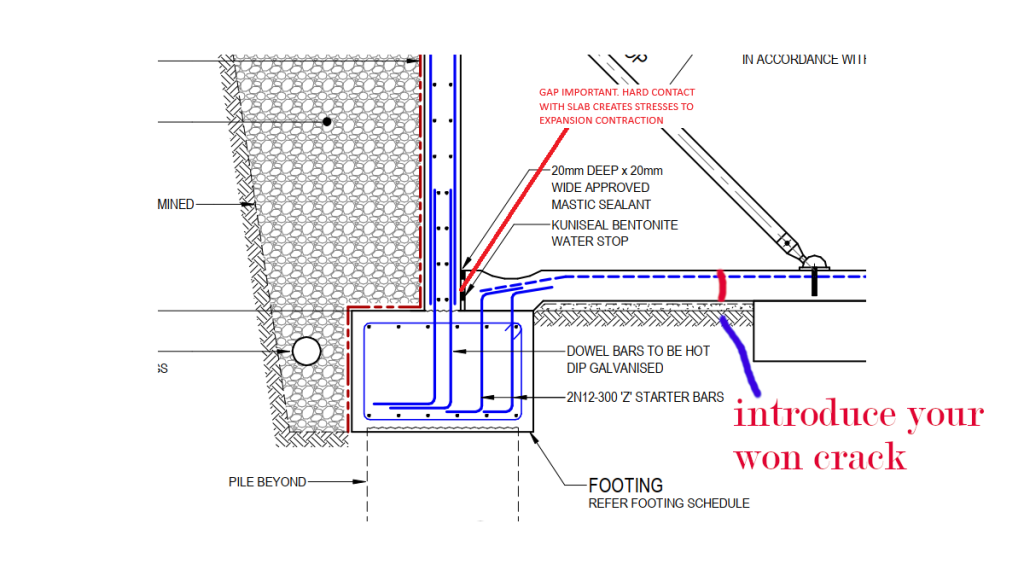
It is important to leave a small gap between precast panel face and slab edge to avoid unnecessary stresses on the panel and the slab.
Keeping the slab edge incontact with the panel causes thermal expansion stresses both on the slab and Cocnrete.
To avoid crack in the slab, it is recommended to introduce an artificial crack about 1 meter from the panel
-
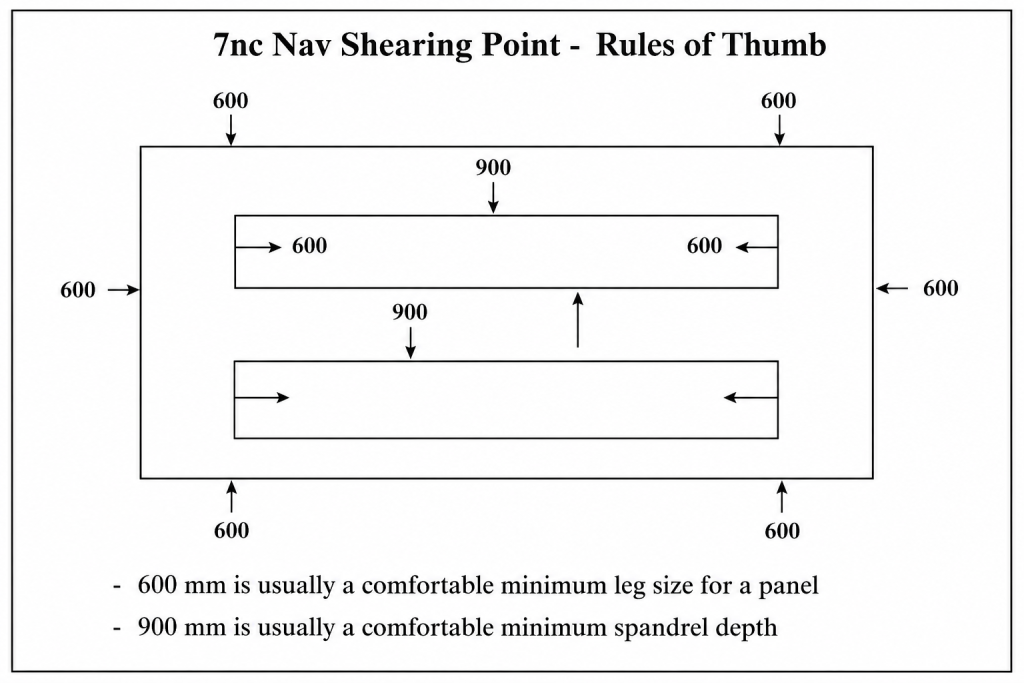
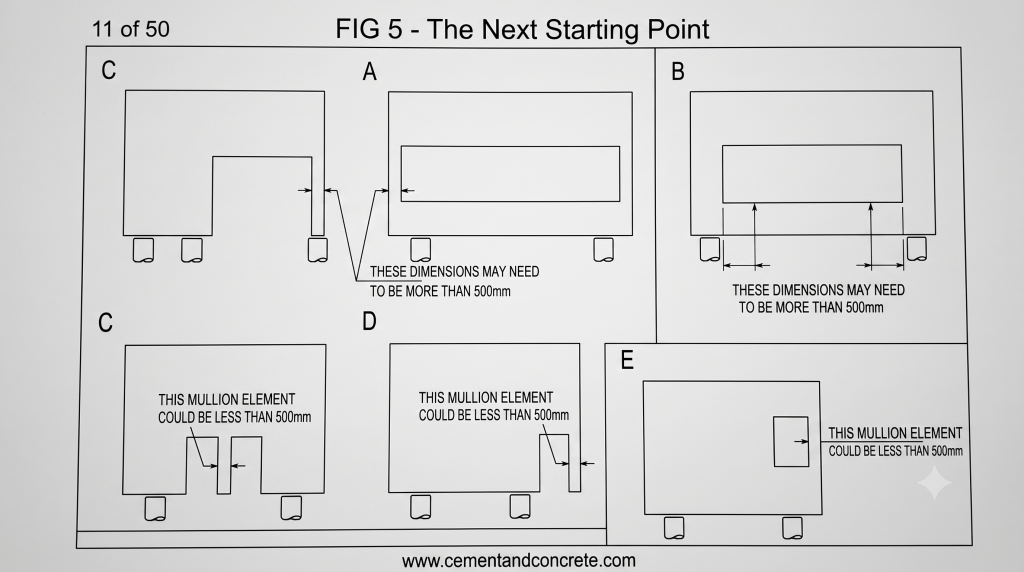
Minimum Recomendeds Sizes for Precast Panels
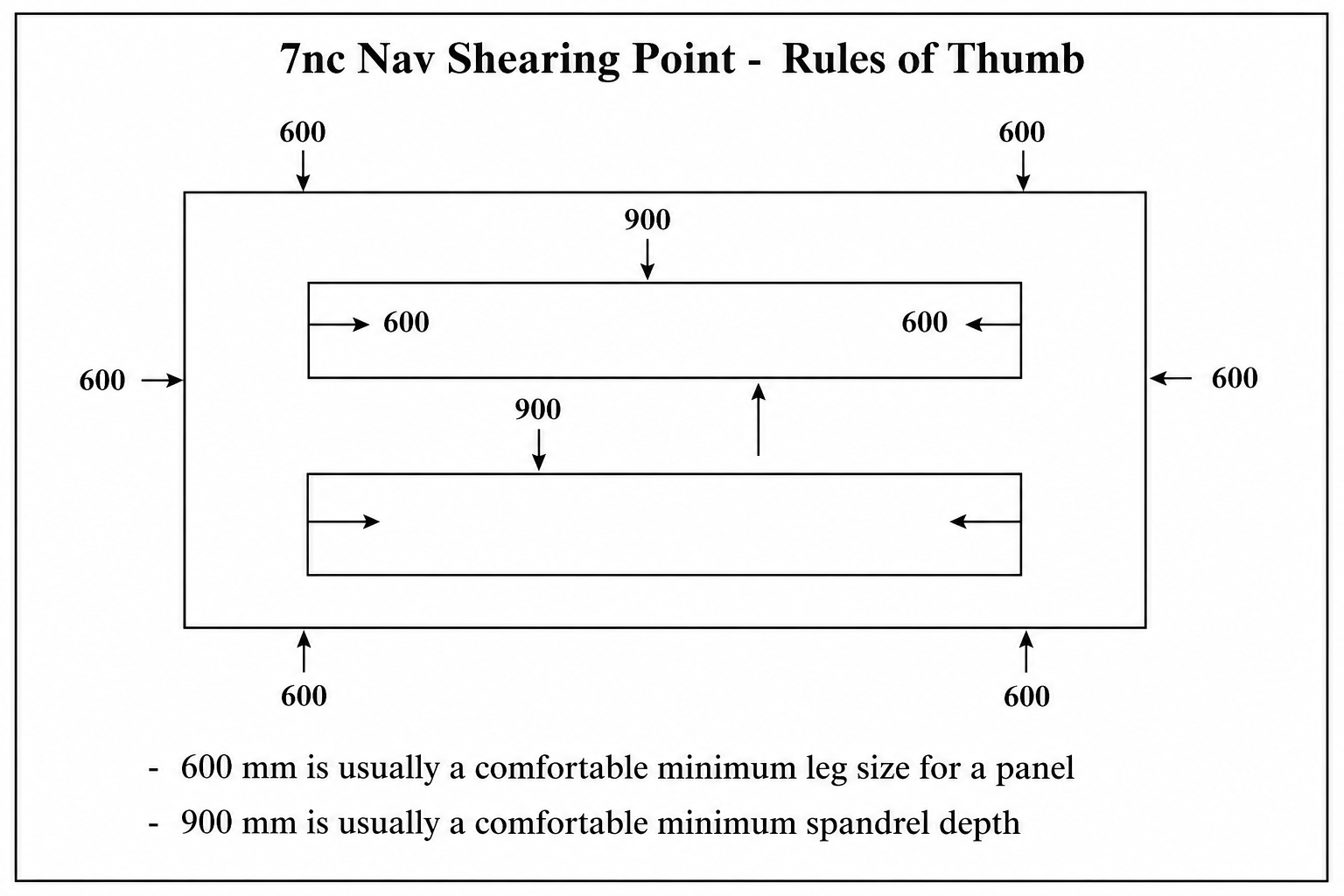
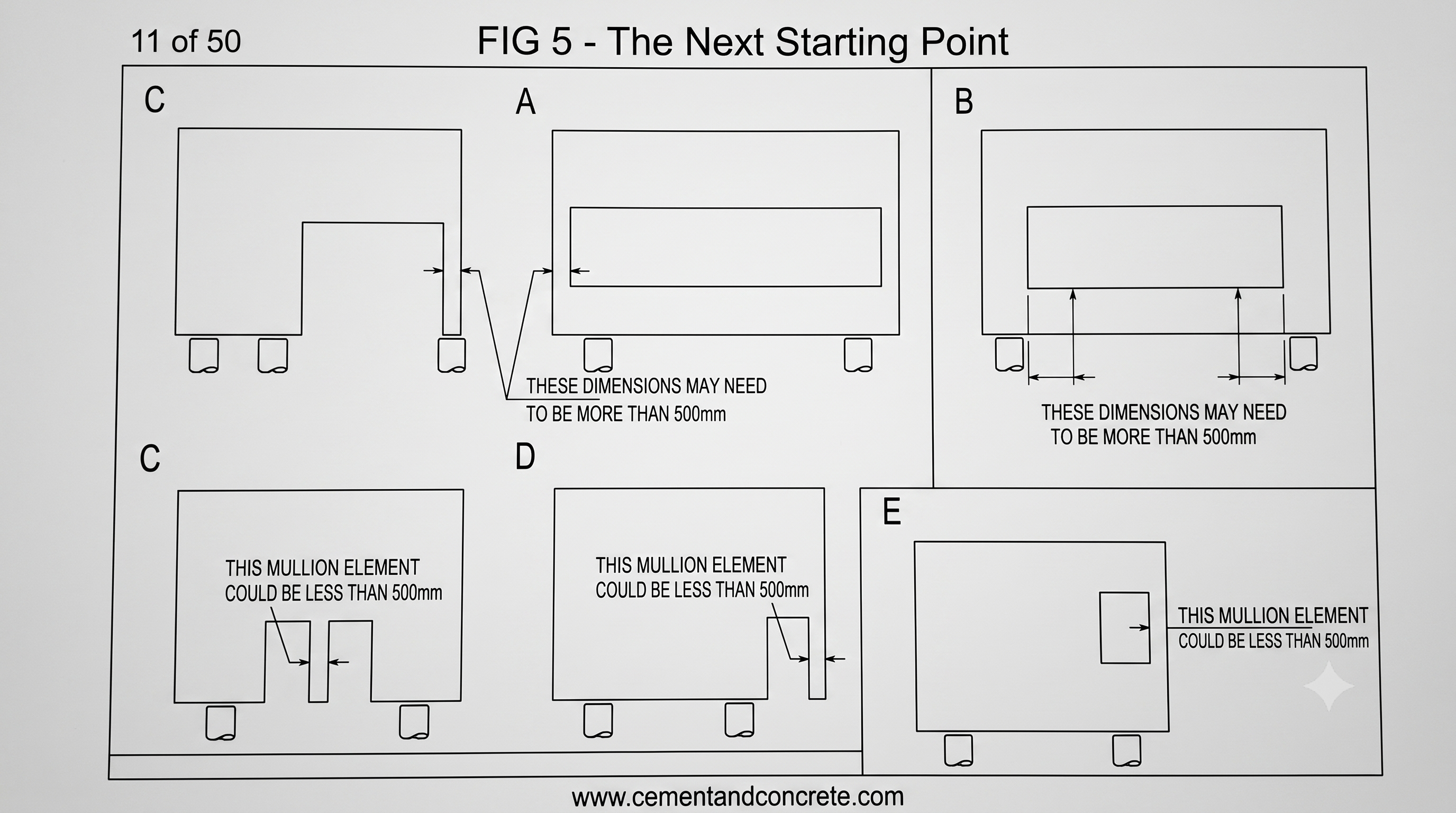
Given below si minimum recommended sizes for Precast Panel legs and spandrels. However if the sizes are smaller the detailer will have query with the engineer.
Minimum recommended leg width – 600 mm
Minimum Spanders depth 900 mm
They also depend on what is the length.
-
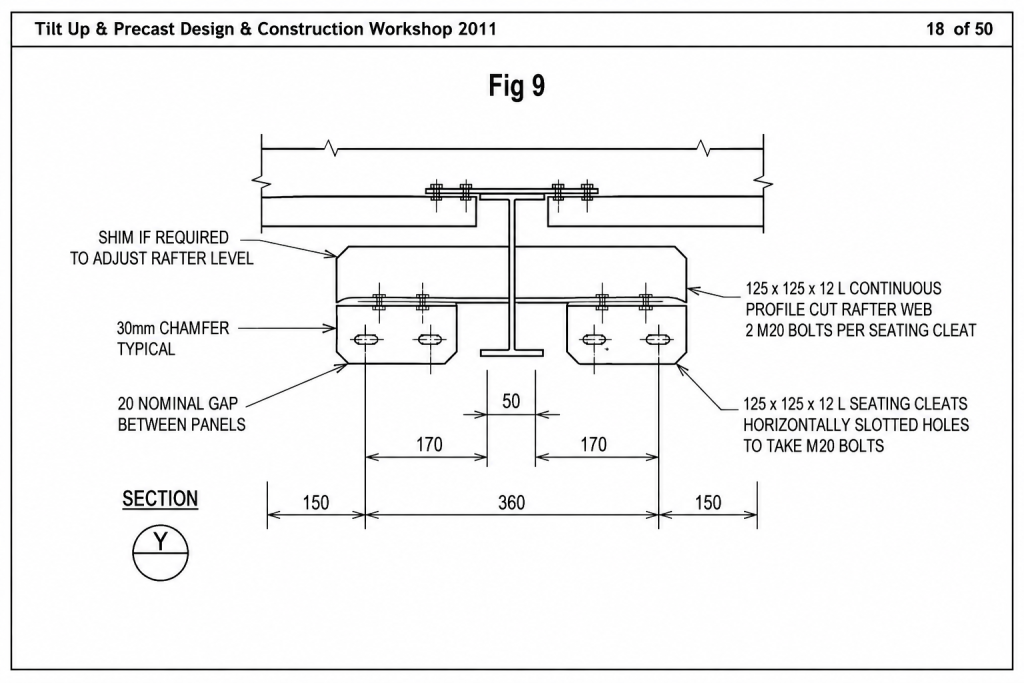
Panel To Rafter Connections
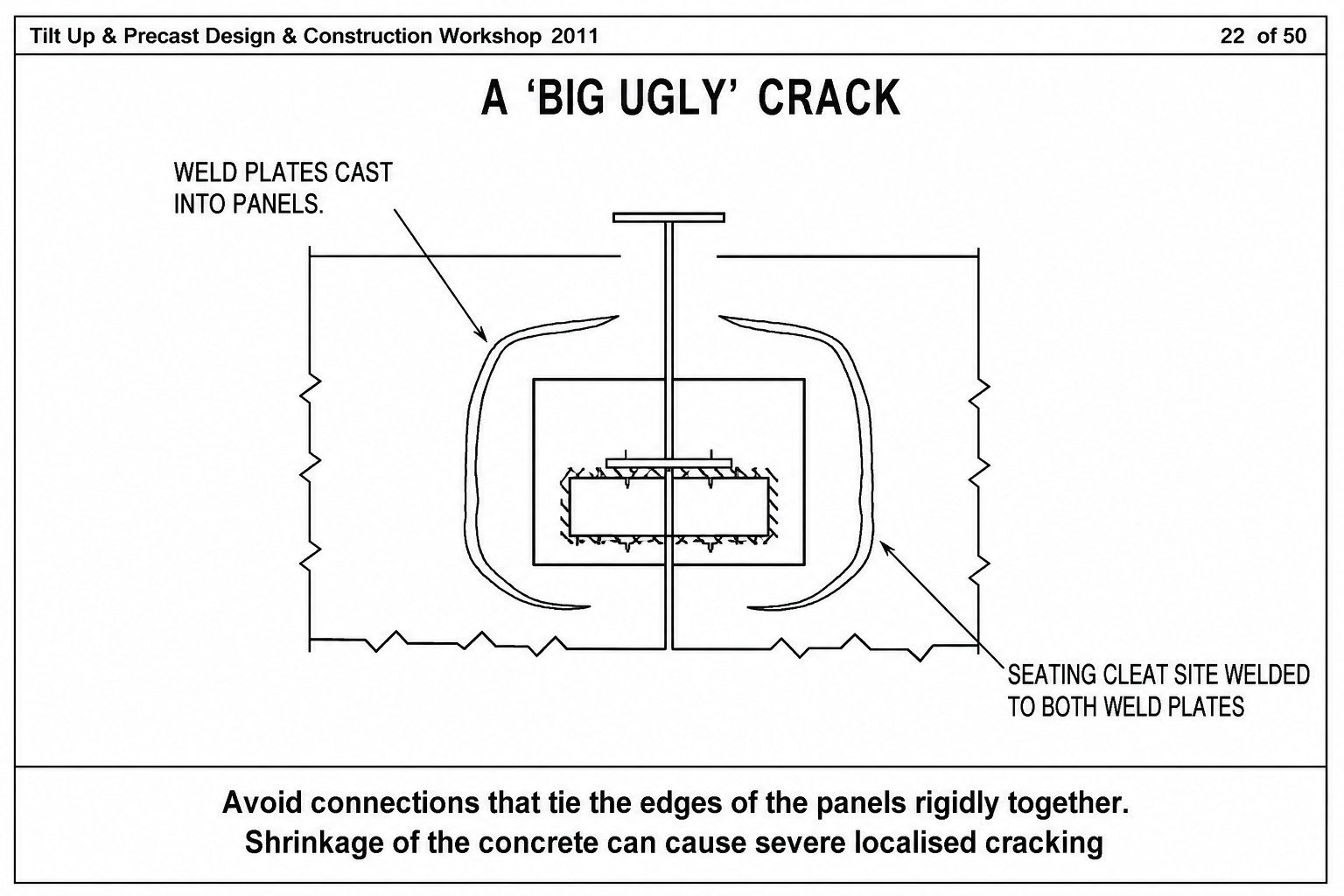
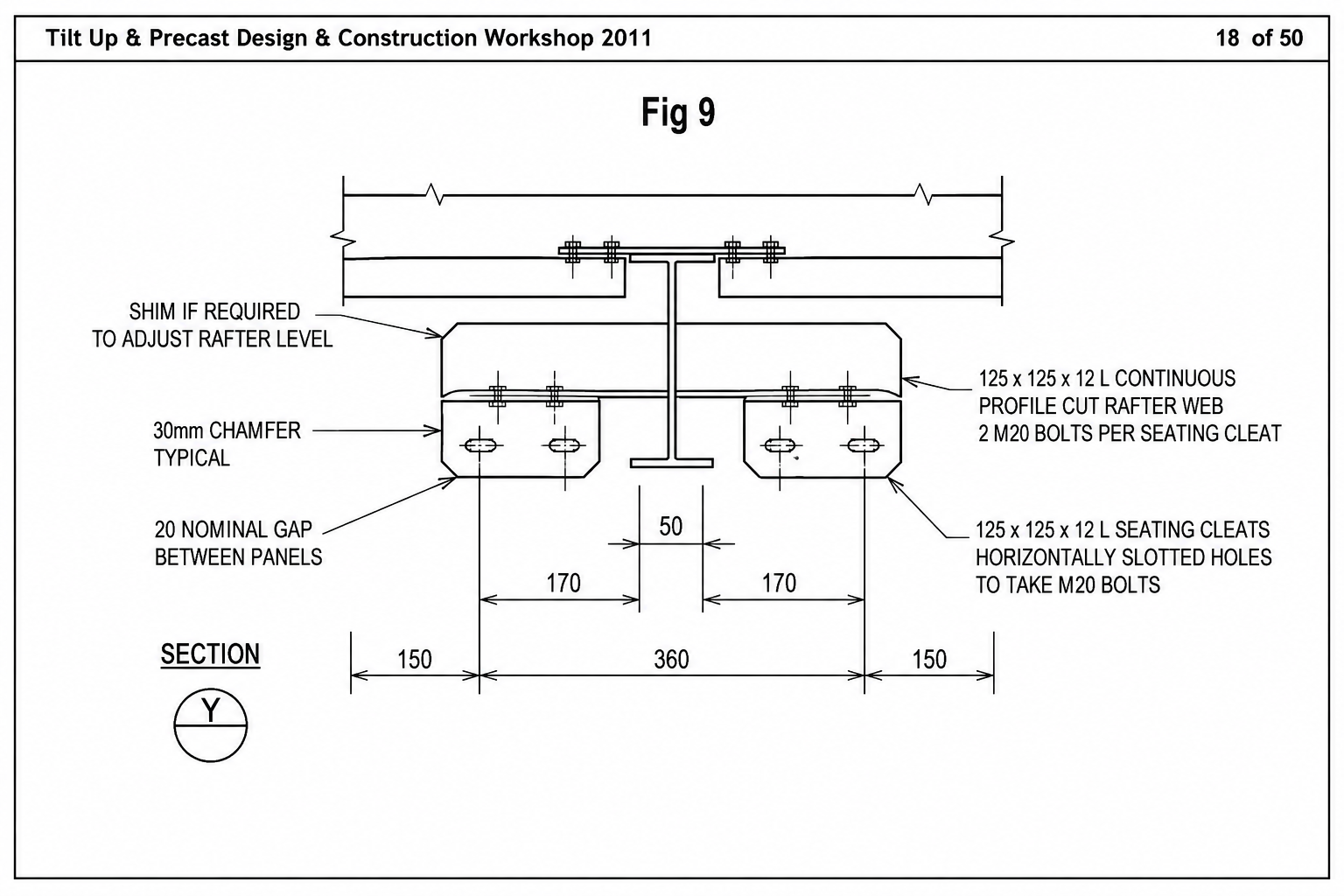
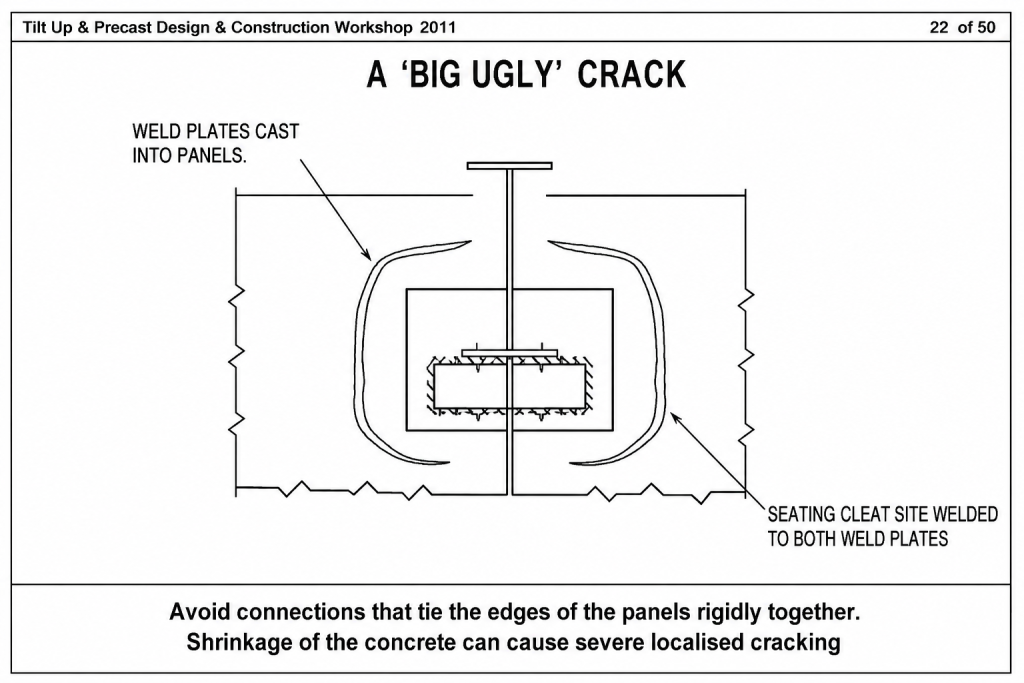
Bad connections can cause precast to crack.
Here is and example of a bad precast connection.
Avoid connections which Tie Precast panels rigidly not giving any room for shrinkage expansion
-
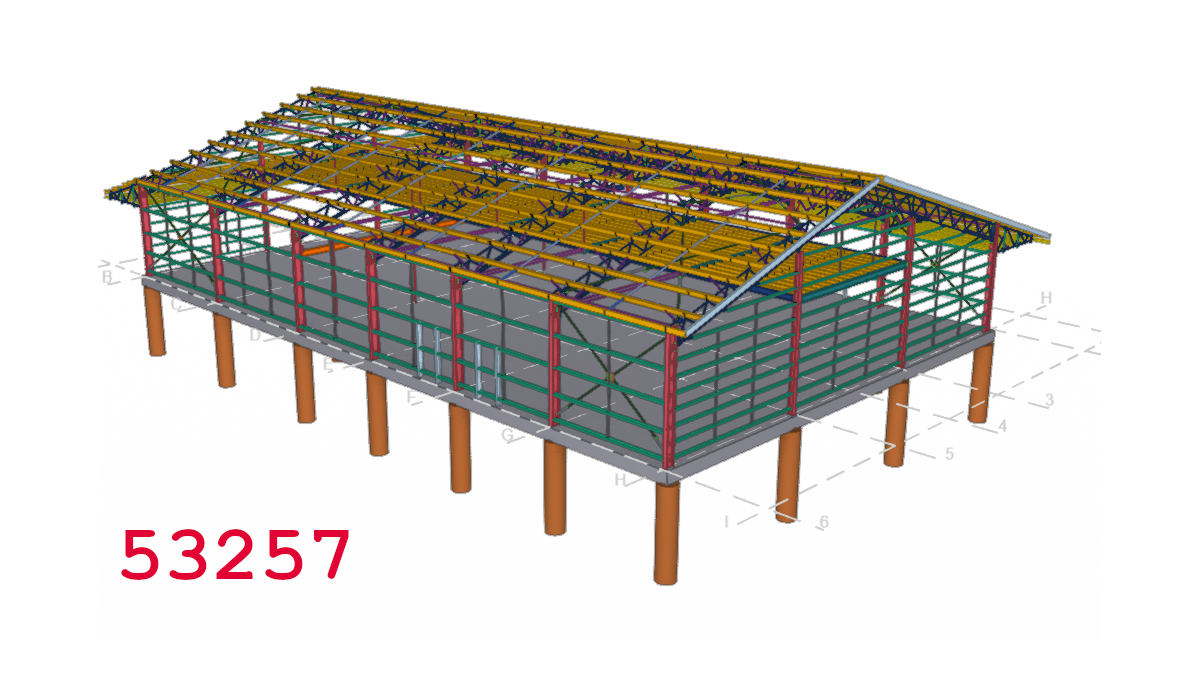
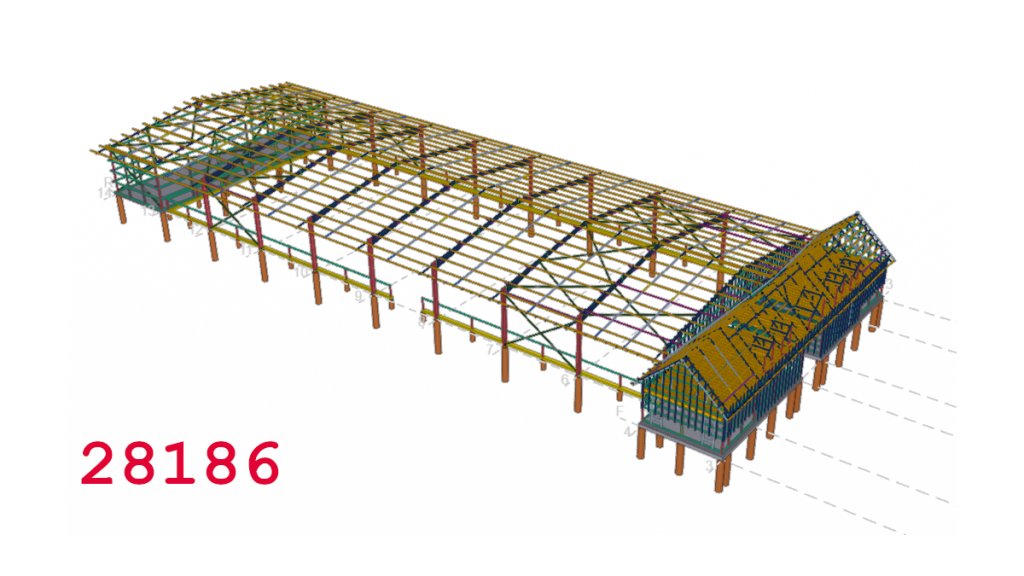
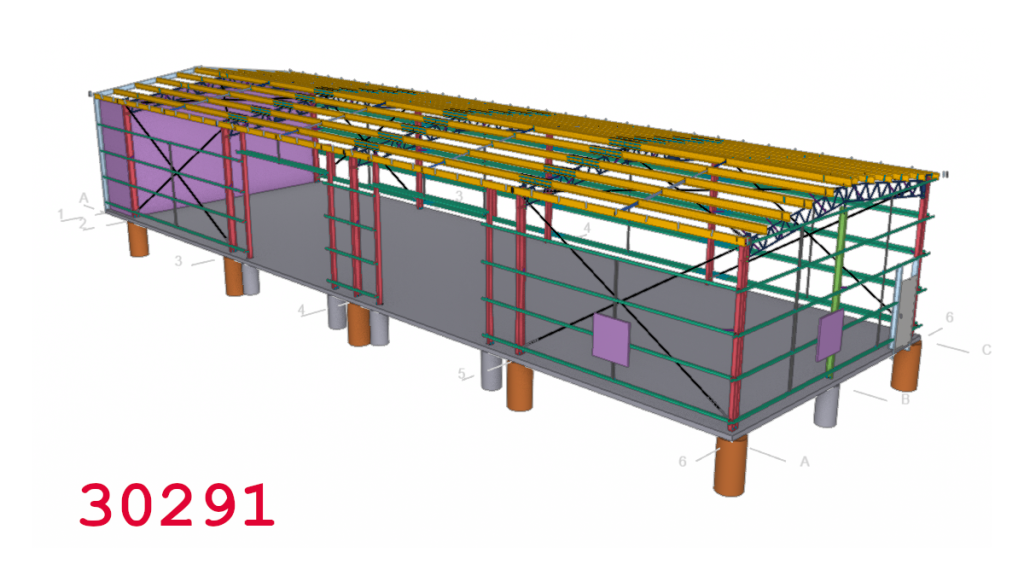
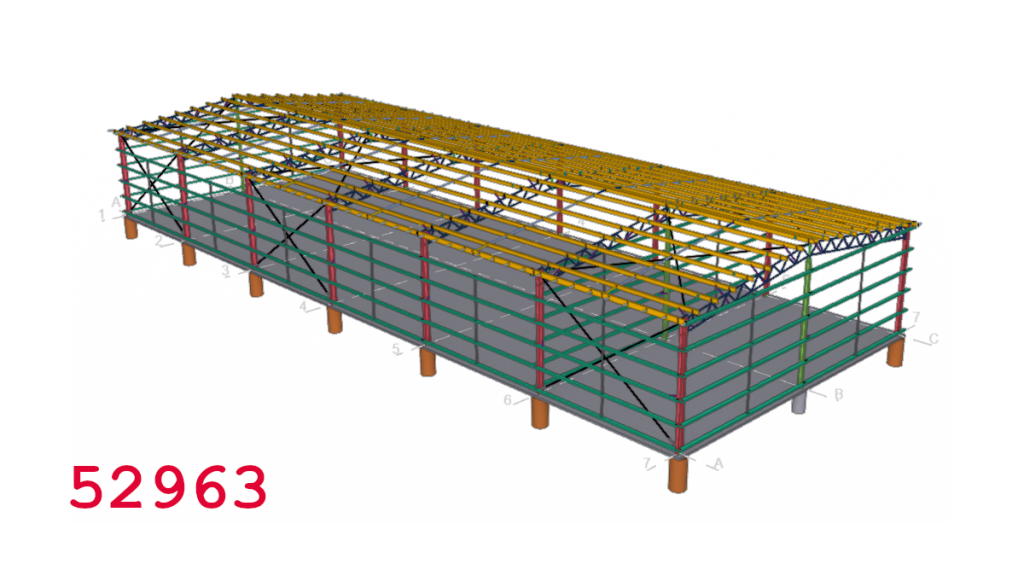
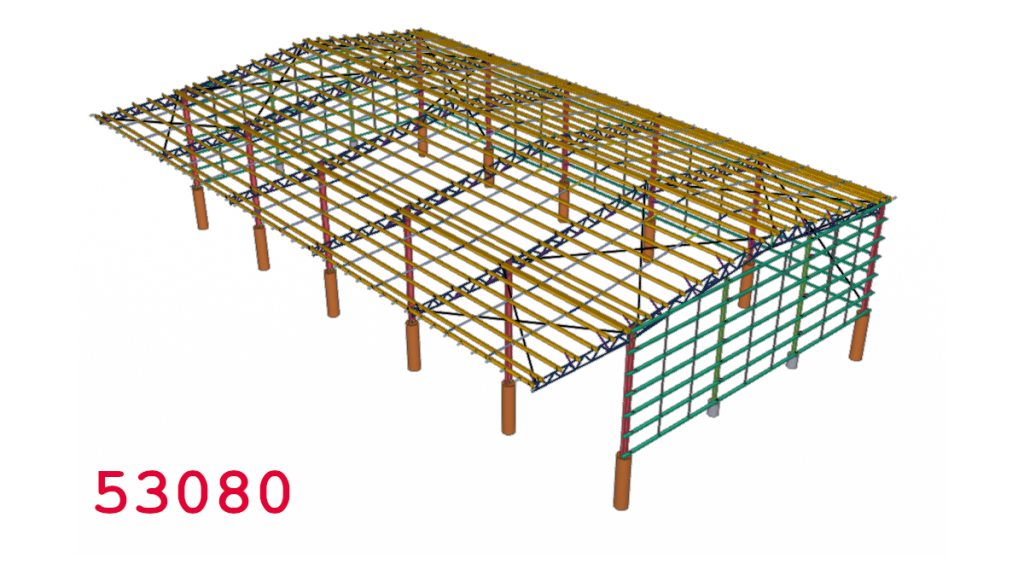
Shed Detailing
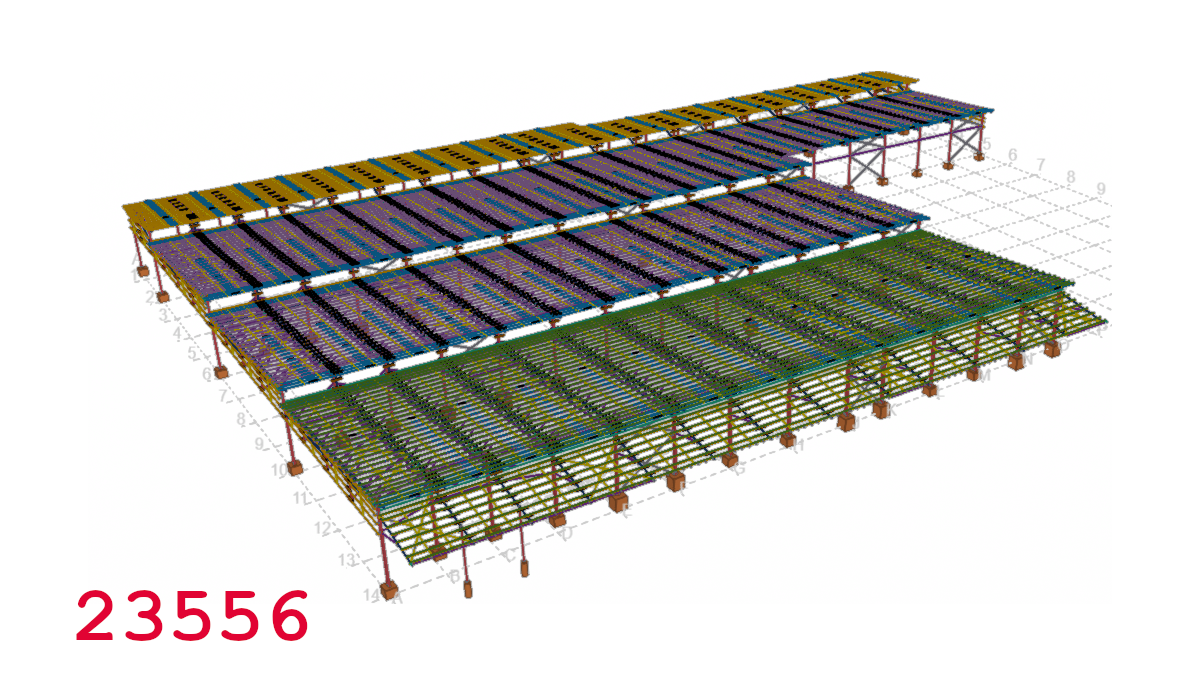
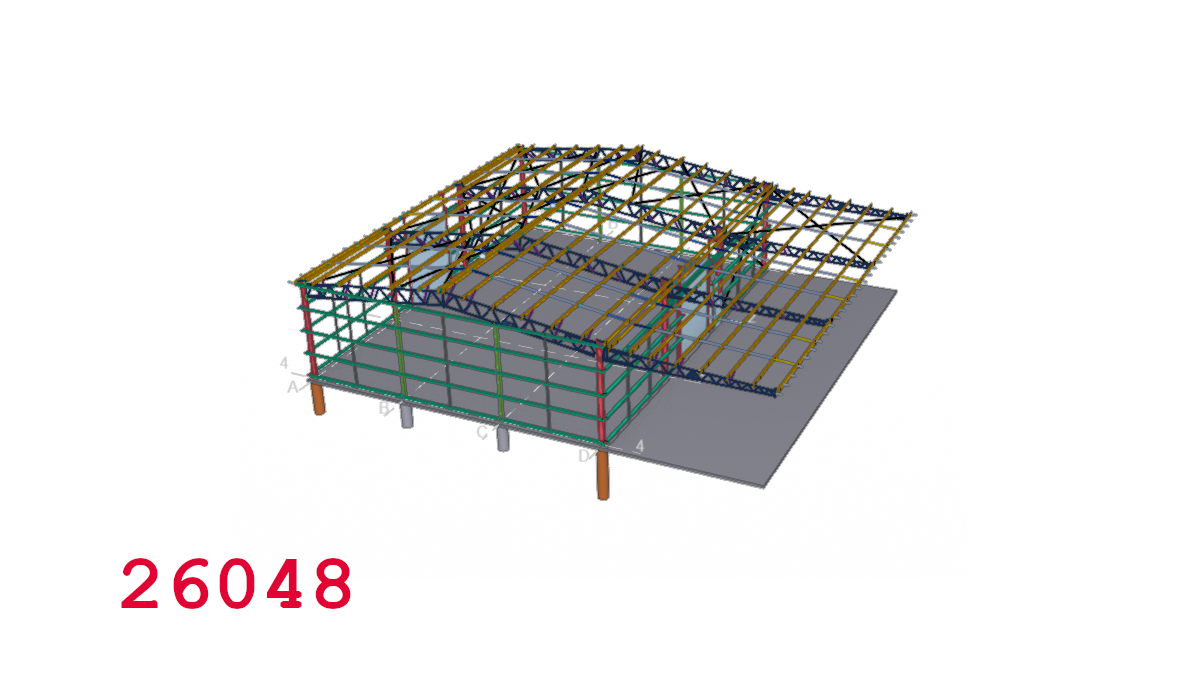
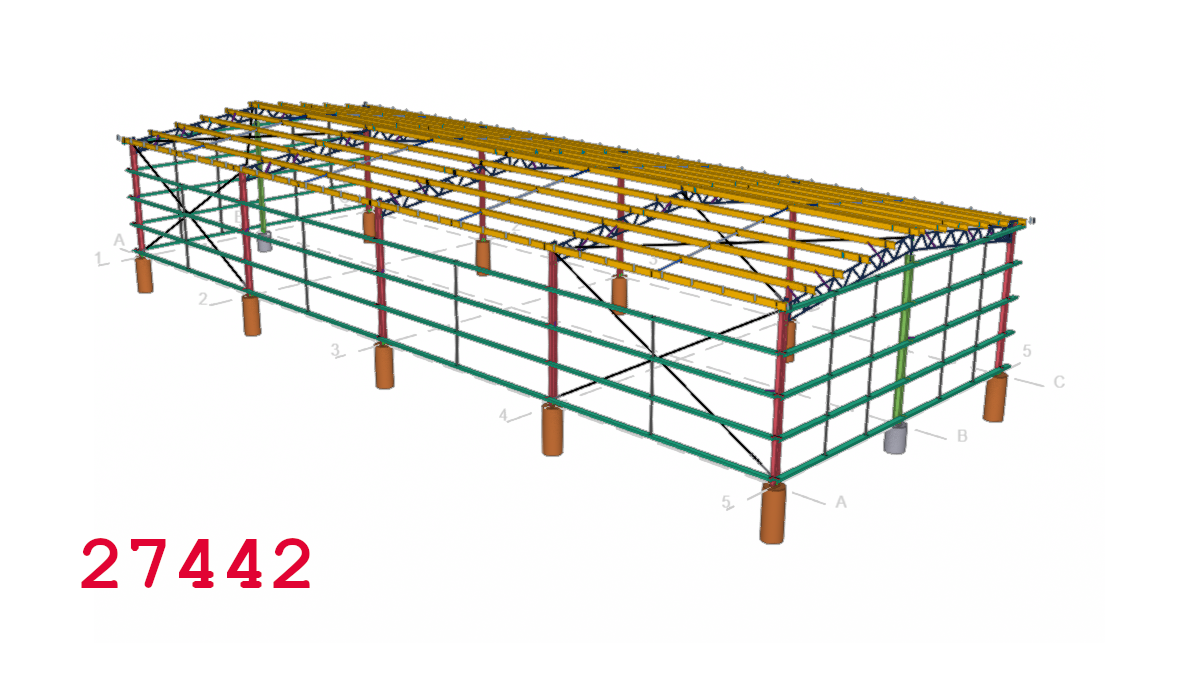
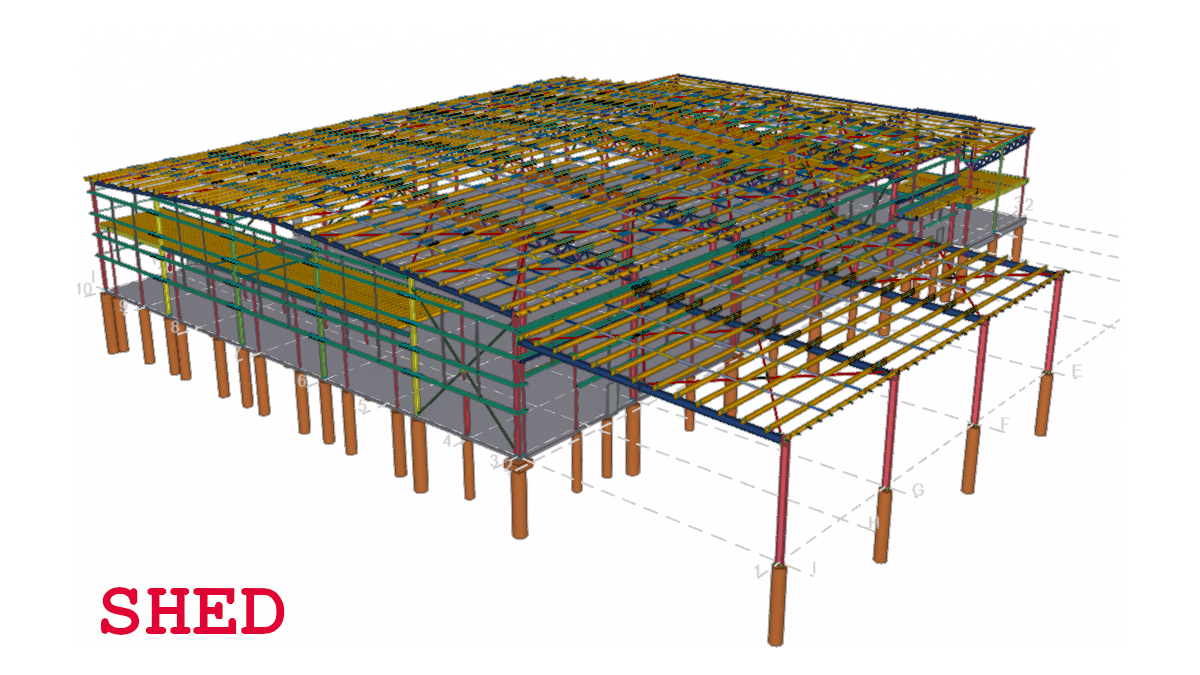
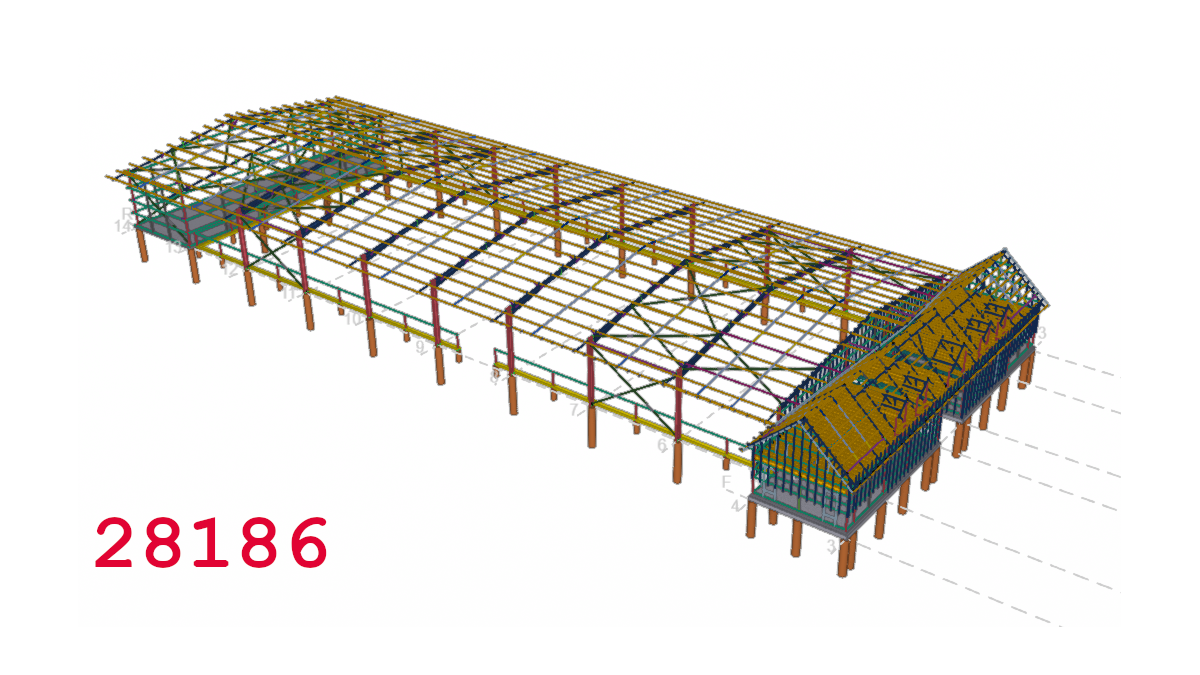
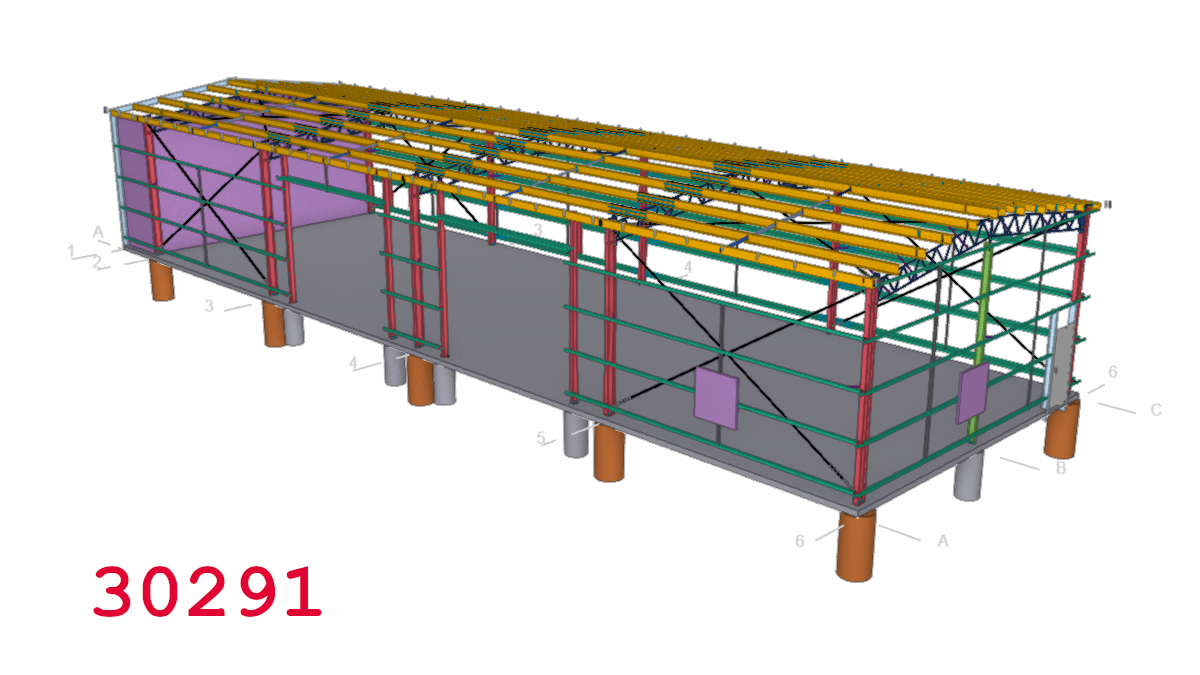
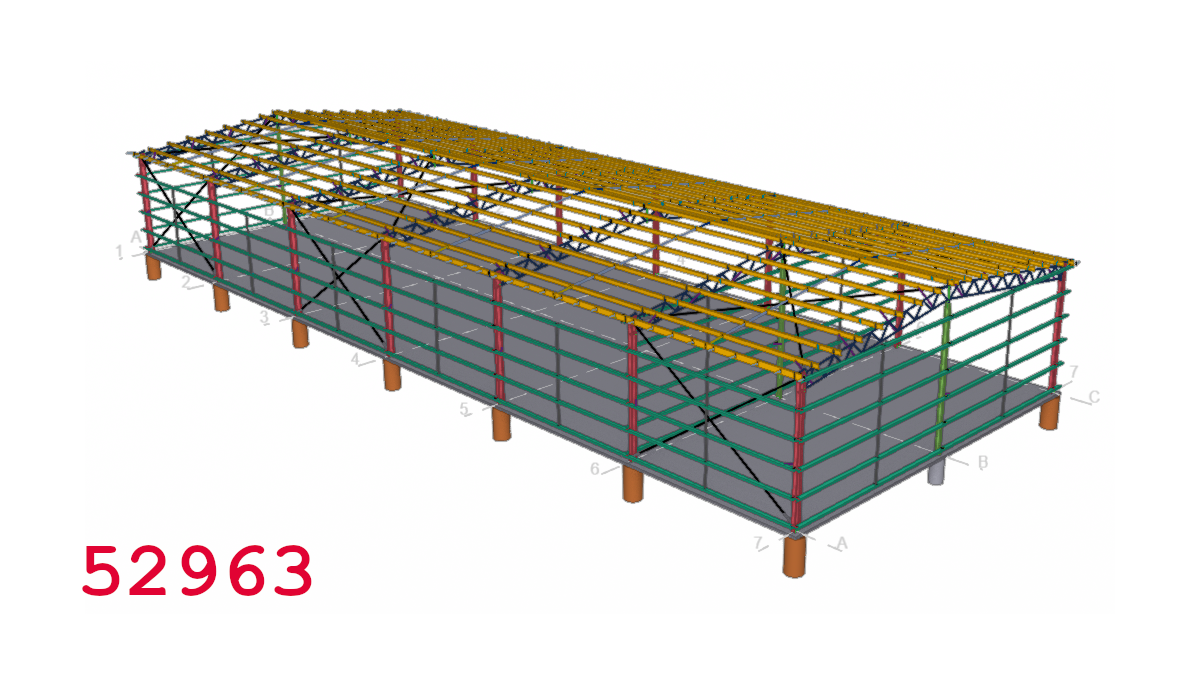
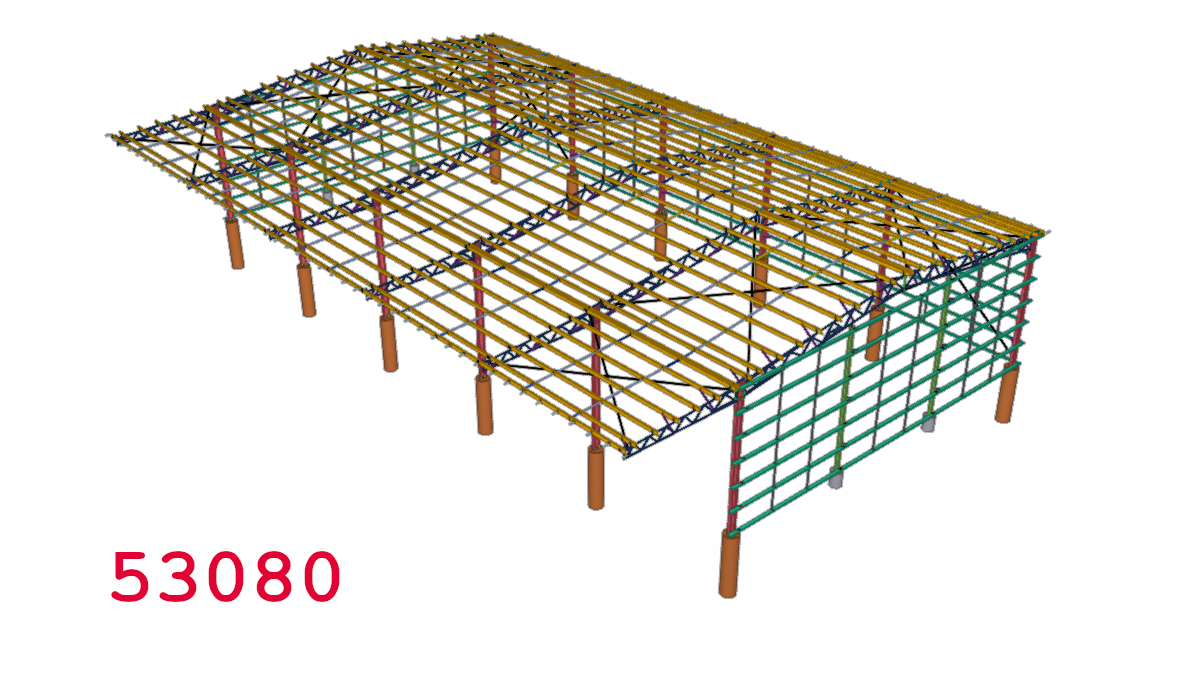
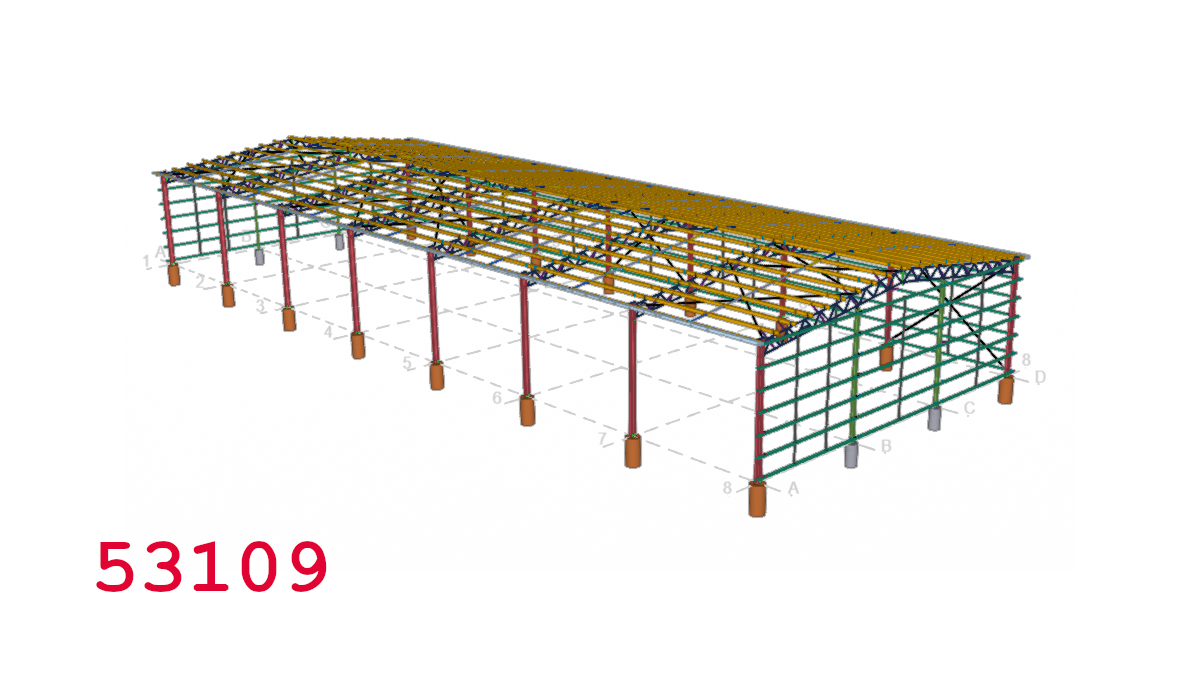
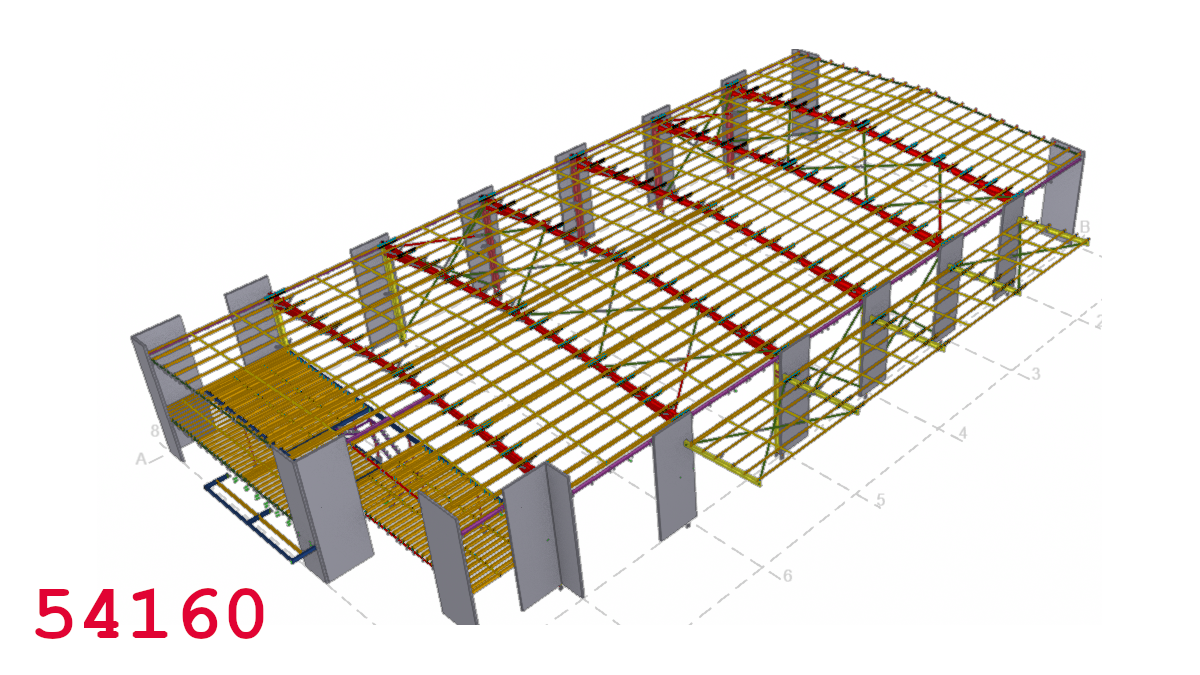
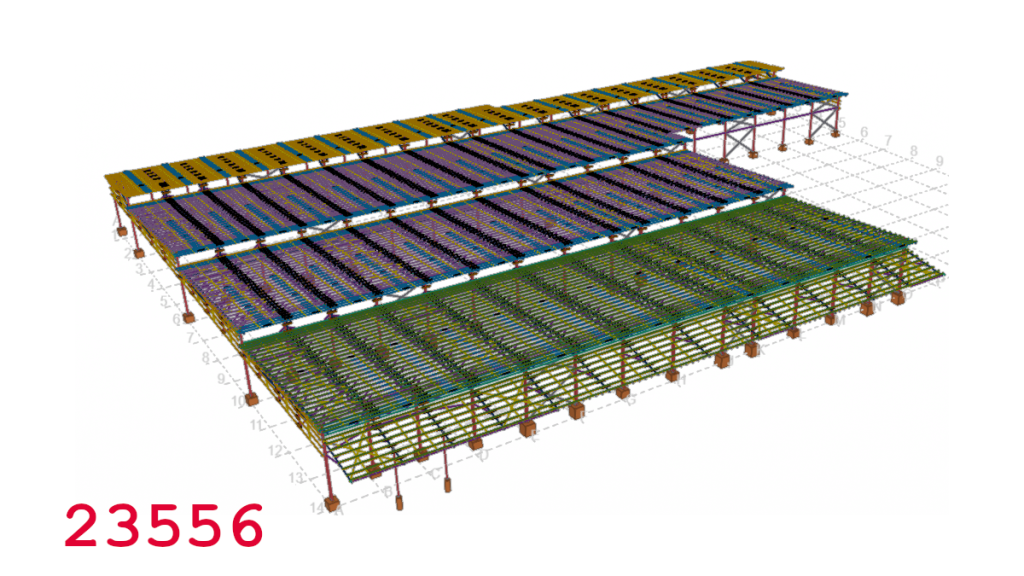
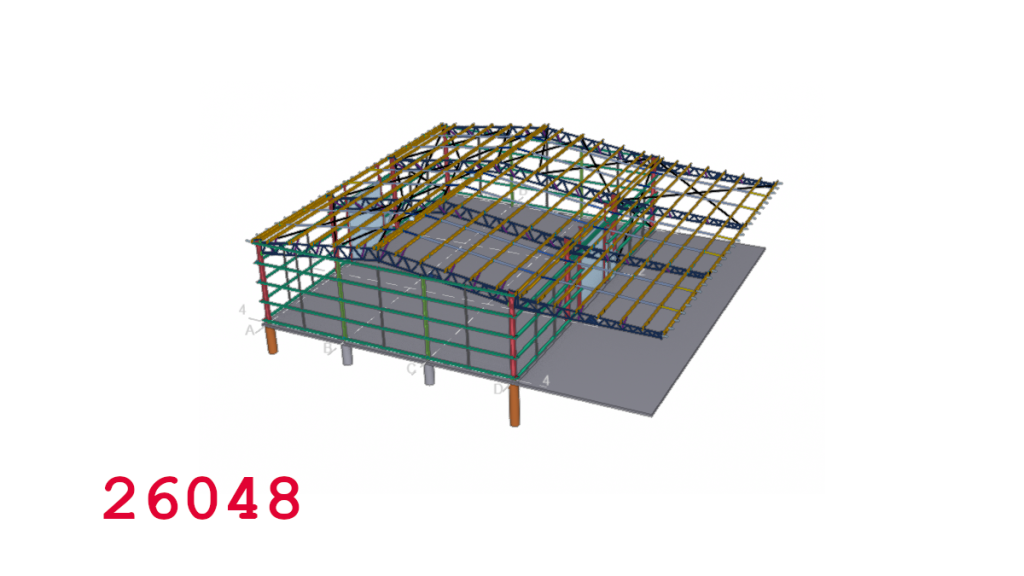
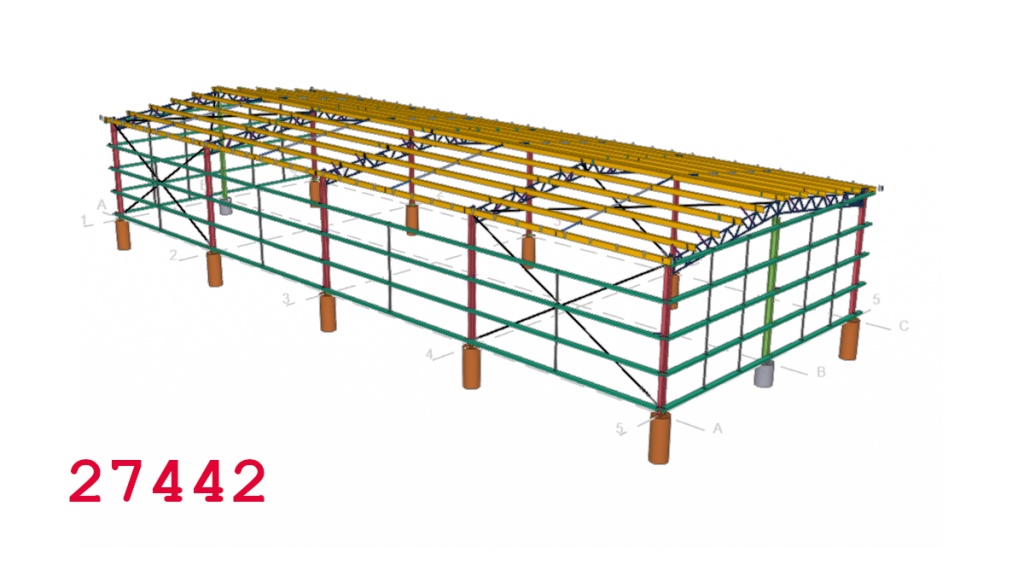
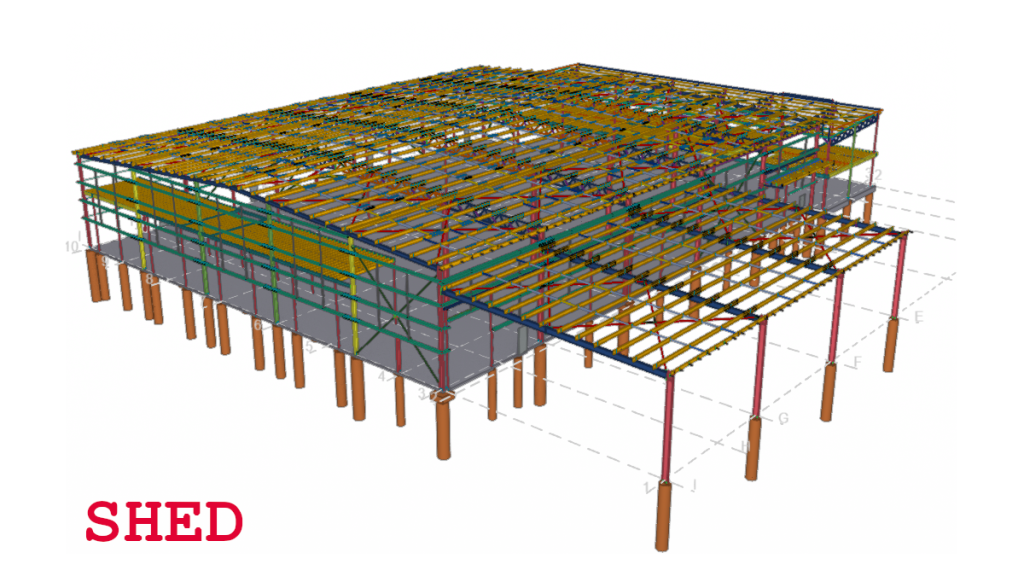
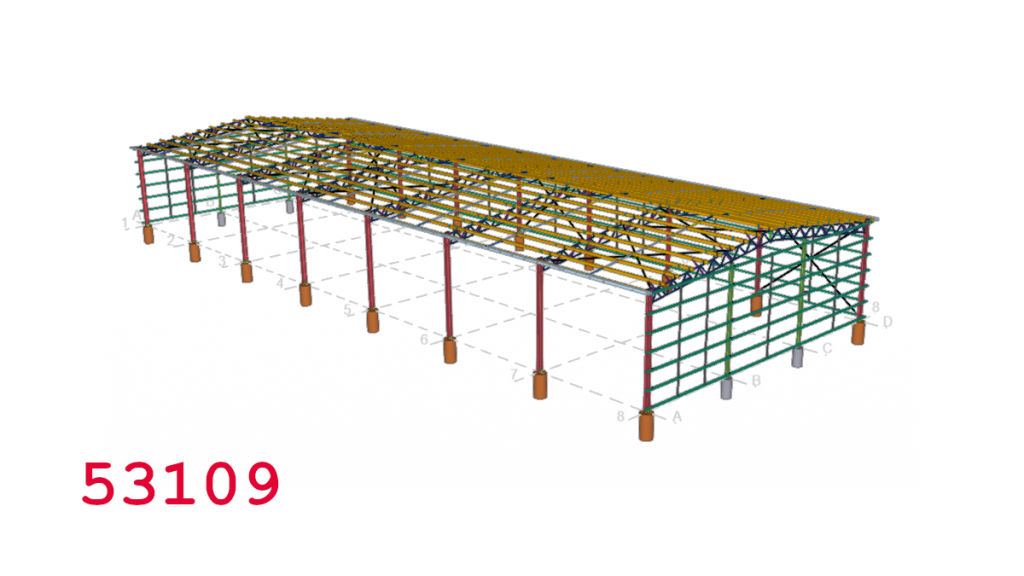
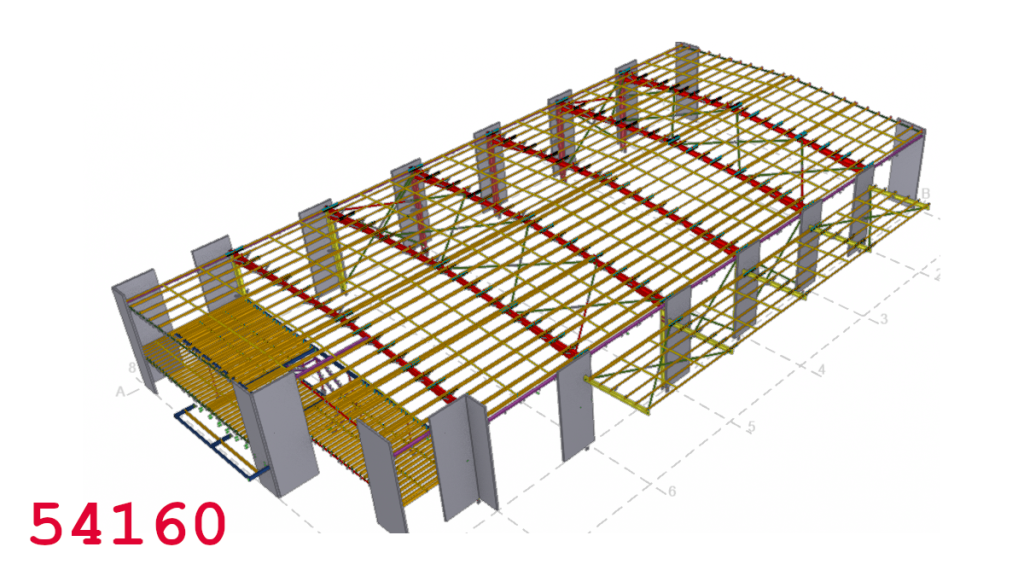
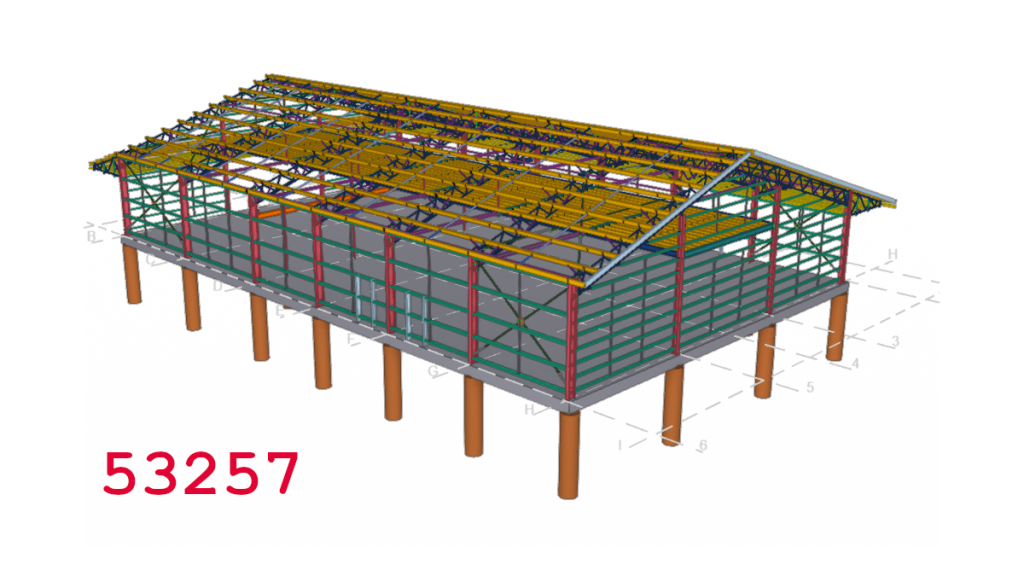
Tek1 now provides Shed Engineering and detailing
Here is examples of some jobs we have modelled or detailed all from single client
We also provide Engineering Design for sheds at fast turn around time
-
Procedure for starting jobs
- Check the terms.
- If the terms demand a deposit DO NOT START. Please check with Ben periodically to see when you can start.
What does do not start mean?
- Do not open the drawings.
- do not read the drawings.
- do not write RFIs.
- Do not communicate with the client.
- Do not do any modelling.
- And DEFINITELY DO NOT SEND DRAWINGS.
- Do not start means DO NOT START.
Reason:
- If you start, without getting the deposit paid, then you will not get the deposit paid.
- And clients will know that they can take us for a ride.
- Because we will not be internally consistent.
-
How can I earn the Big Bucks at Tek1?
Juniors enter the firm. They complain they have “low wages”. Then they also complain that their earnings are “not stable”……but others are earning HUUUGE dollars.
Please note – as we improve in our firm, we are always looking towards better pay. But better pay can only come with better skills. And more innovation for the benefit of clients.
Bonuses
- Biggest bonus we’ve ever paid in one month to one senior guy was about $6000. Which is a huge, huge bonus. For one month. Add on the wages to that. That’s not bad.
Wages
- Top TLs earn anywhere between 1.7 – 2.6 lakhs per month.
- Then EBs and bonuses come on top of that.
But why am I not earning that much?
- It is because you don’t know (much), if at all anything.
- If you KNOW – then CLIENTS will pay you for your knowledge.
- If you don’t know then clients will not pay for mistake and ignorance.
- Clients hire us to help make THEM money.
How can I earn more?
- Learn. If i ask you to read a memo – read it and learn it. Don’t pretend you read it, and then lie to cover up your ignorance.
- Learn the standards: we have standards available. Learn them. Read them.
- Read Tek1 Memos: We write memos so you can learn and improve.
- Follow TL instructions: a great way of learning.
For Bonus Points:
- Publish what you learn: Every time you learn something that is useful – help other people learn by publishing your learnings on our blog!
- Publish tutorial videos on Loom: this helps our staff internally and builds confidence with clients.
- Publish a portfolio of your work: Firstly for your own benefit, and also for clients who will hire you, after seeing your work.
- And if nothing else – you can use your online presence to BID UP offers from other firms if you want to leave.
How to maintain a low wage for life:
- Don’t bother learning.
- Don’t read standards.
- Make mistakes, destroy your clients and and apologise and say: “i will take care next time” without actually changing anything.
- Rather than learning and improving at Tek1 – simply jump from job to job every 12 months for higher increments. That is a strategy that will work in the short run, but probably may not be the best in the long run. Because wherever you go – people will pay you only for what you know.
- Hurt your clients with mediocre work.
We will rapidly increase your bonuses / billables if you rapidly learn: We’ve done this with at least two guys. I can’t name them publicly.
June 2026 – Top Bonuses for Juniors
Employee A:
- Join date: 11/12/2023
- EB and Bonus for June 26: 31454.40
- Not bad for someone with under 3 years experience.
Employee B:
- Join Date: 11/08/2025
- EB and Bonus for June 26: 19842.48
- Not bad for someone under 3 years.
June 2026 – Top Gross Take Home for Juniors
Employee C:
- Join Date: 11/08/2025
- Gross Take Home: 60842
- Not bad for someone under 3 years.
Employee D:
- Join Date: 01/06/2023
- Gross Take Home: 45930
- Not bad for someone under 3 years.
This is just a random month. Some months may be higher. Some lower.
Consistency
The best way to have a consistent income is to do consistently great work. There is no other way.
-
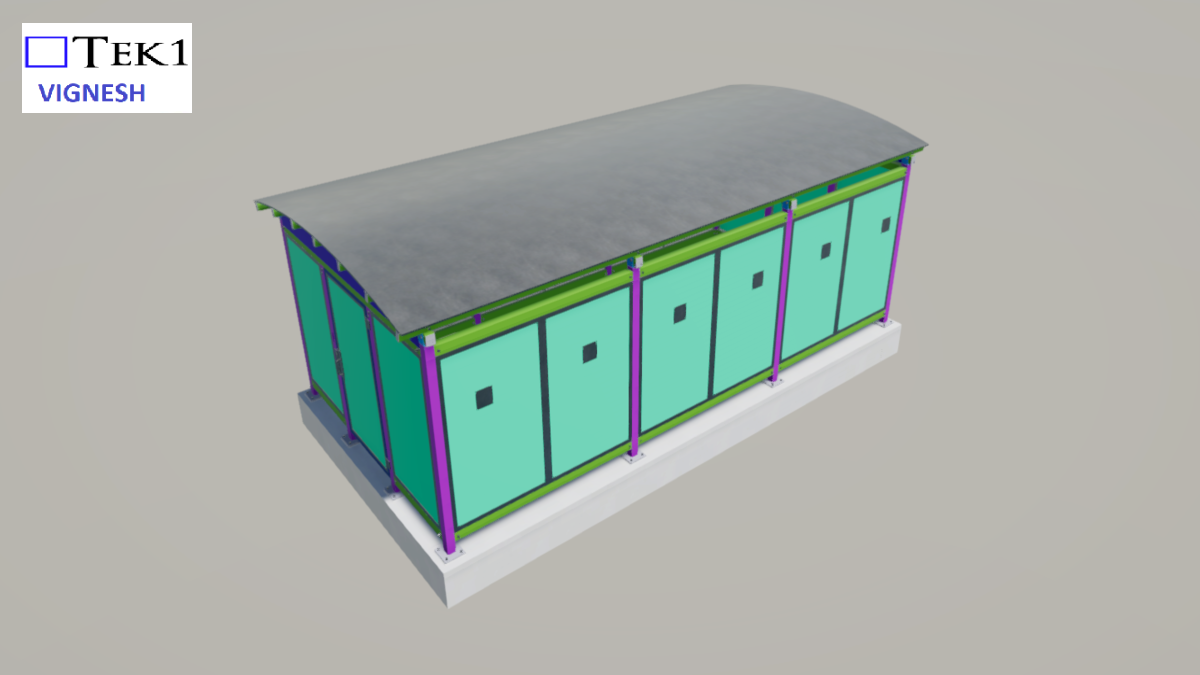
Steel Detailing Tips – Things to Watch out for when Steel Interfaces with Precast Panels
You need to watch out for:
- Tolerances and making things fit.
- The more bolt holes you have, the tighter the tolerances required.
- If possible, try to eliminate work, time and cost on site.
Visit https://www.tek1.com.au/category/steel-detailing/
if you wish to learn more about steel detailing, and Tekla. Video by Ben Koshy.
For more details about my work. If you’re interested in Tek1 to do your steel detailing, please email: [email protected] with details about your project and a description of your goals / objective.
-
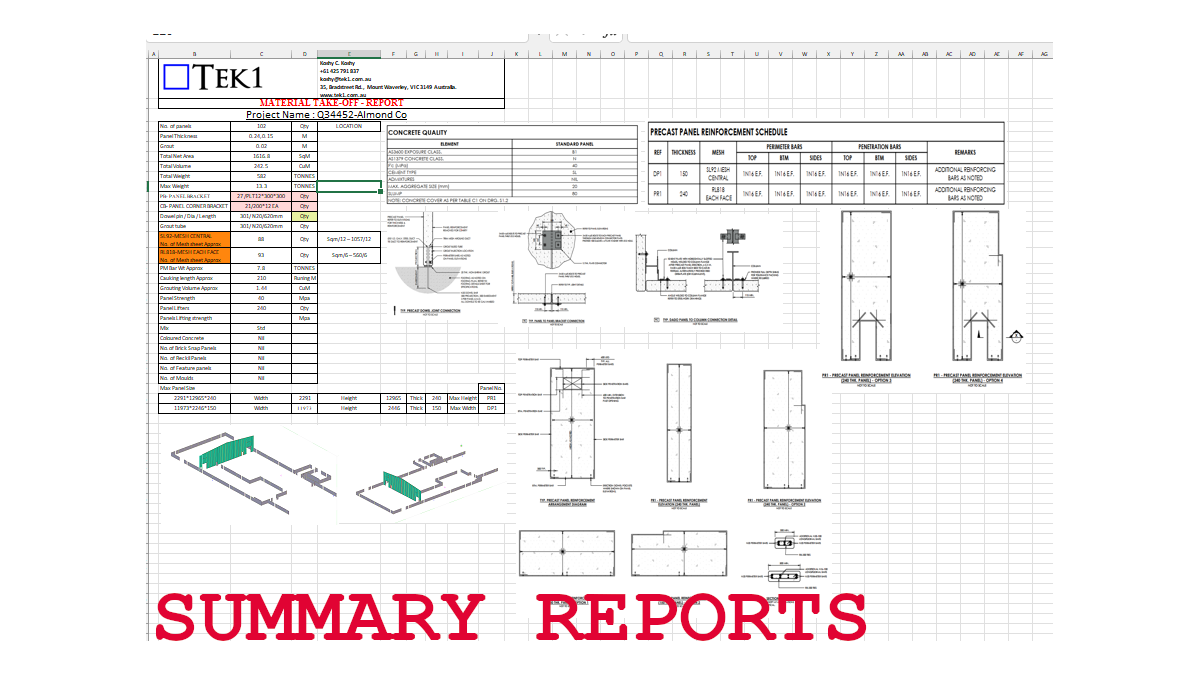
Detailed Precast Take Off
Mesh Details
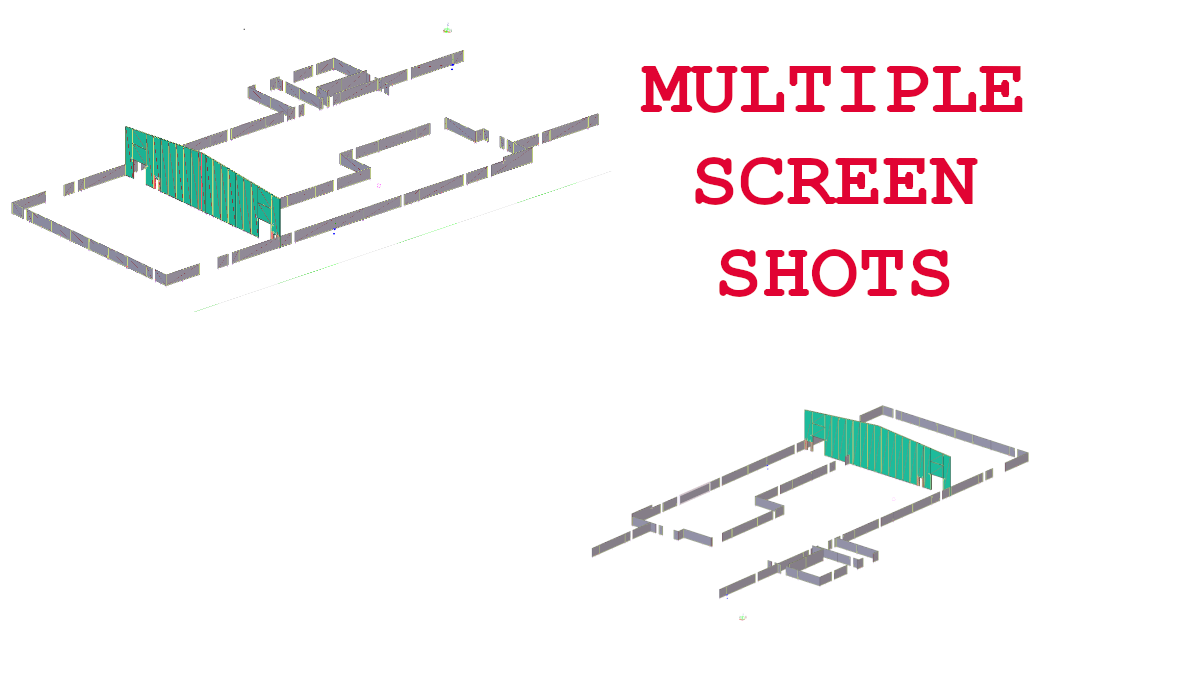
Snap shots of Model
Full Reports
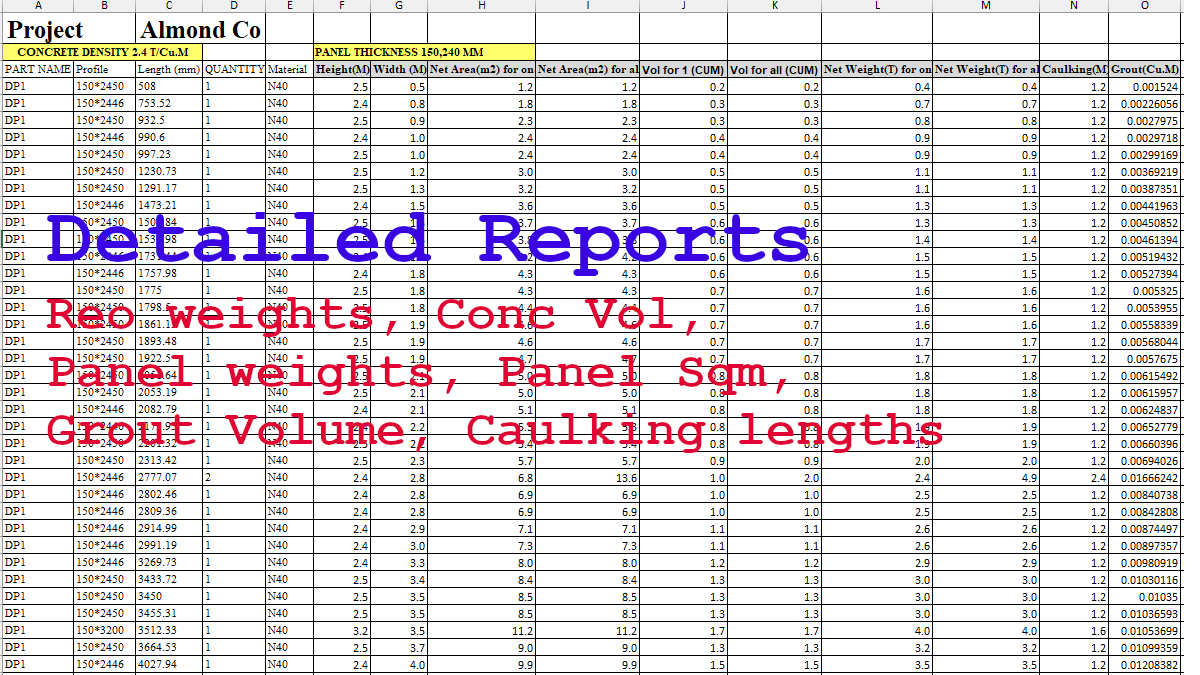
Tek1 Precast Take off provides you with full reports on the take off
- Panel Area
- Panel volume
- Panel Weight
- Reo Weights
- Caulling Lengths
- grout Volume
- Individual Panel information (size, weight vol, reo)
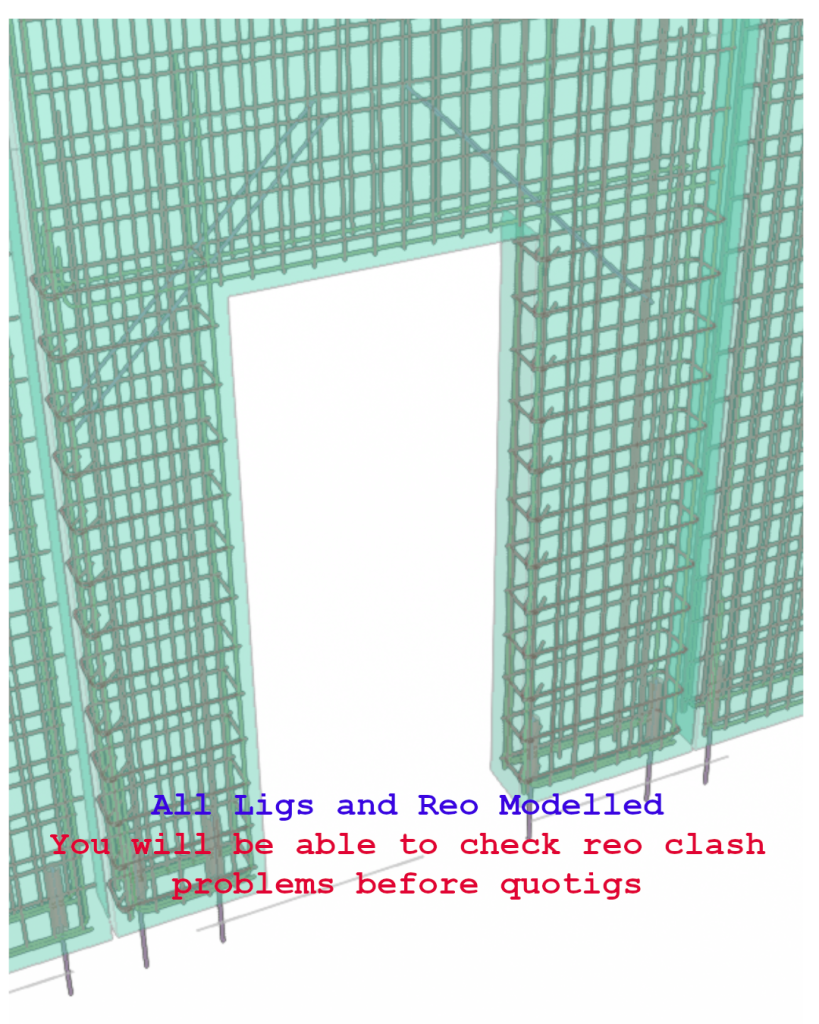
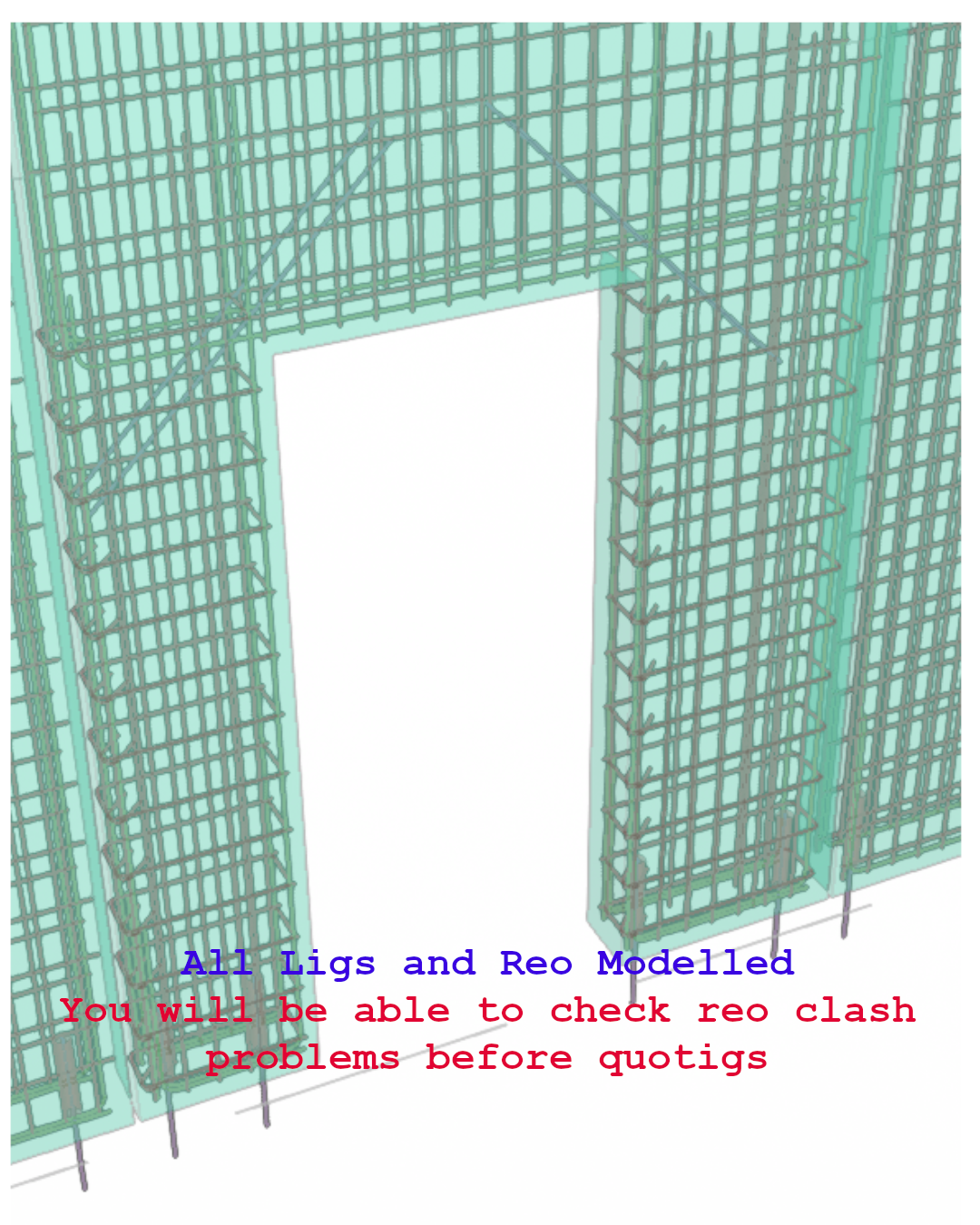
Panel details with Reo, Ligs 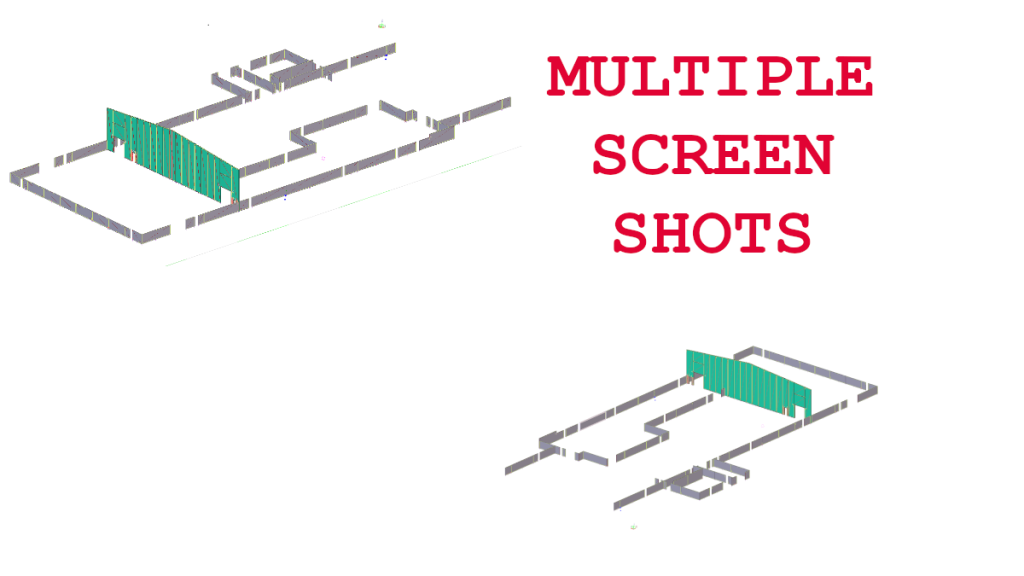
Precast Model Screen shots 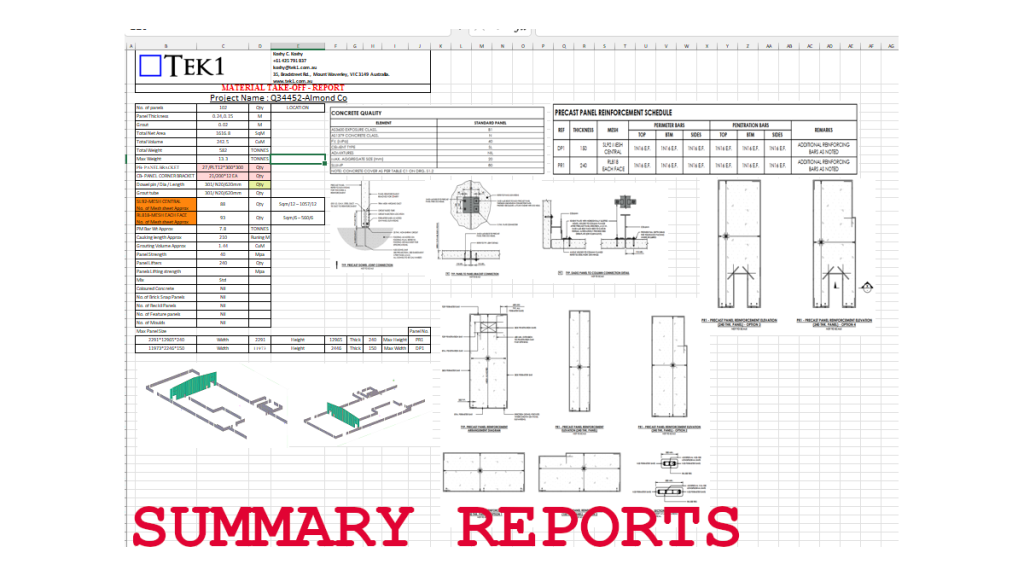
Precast Model Screen shots 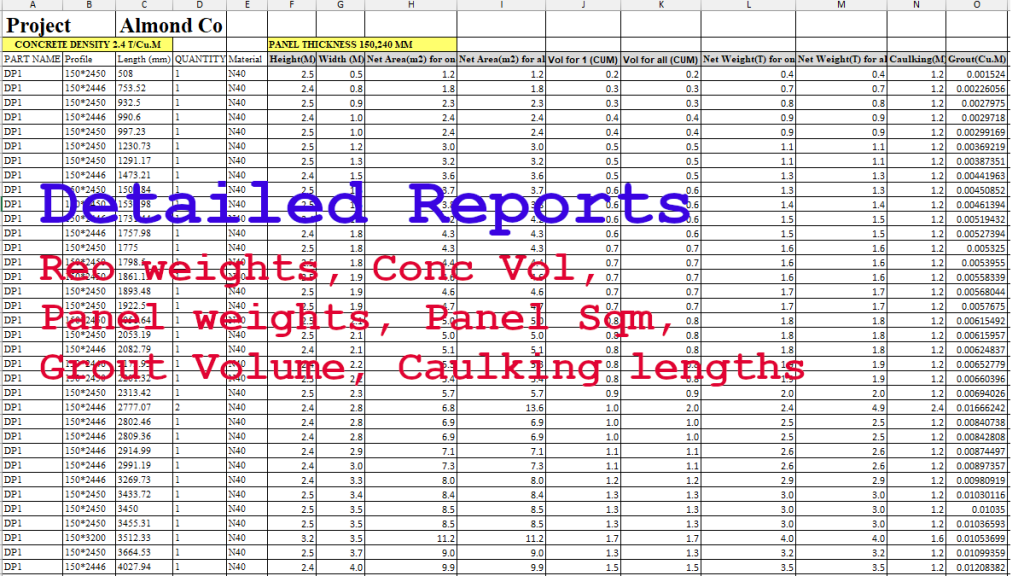
Precast Model Screen shots