Category: Precast Blogs

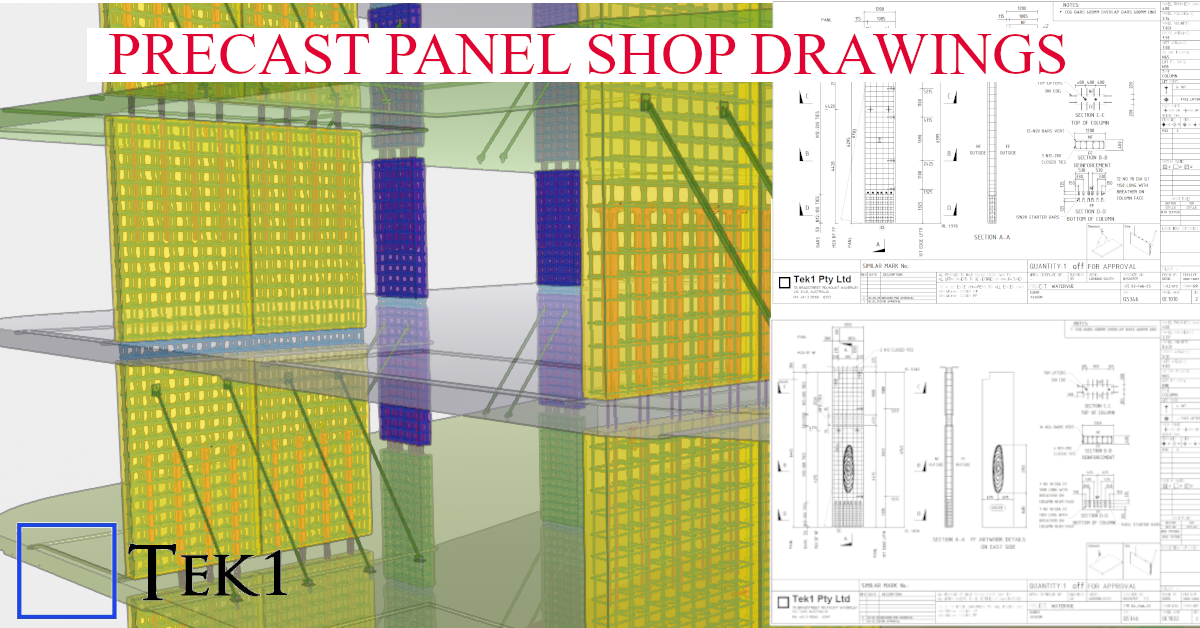
Tek1 has detailed over 100,000 precast panels over 19 years.
over 90,000 were detailed under a proxy name Advanced Pretty Pictures Pty Ltd

PRECAST PANEL DETIAILING
EXPERT PRECAST PANEL DETIAILING
  • Load Bearing & Non-load bearing concepts in precast

    What is load bearing precast element?

    Load bearing precast element is anything that receives load from a precast or structural members and transfers the load to another structural member or precast. These precast elements can also be used along as façade, boundary walls, or for architectural design purposes.

    What is non-load bearing precast element?

    Non-load bearing precast element is anything that may receive load but must not transfer loads to any other structural members or precast. Normally these kind of walls are used only for partition, façade, boundary walls, or for architectural design purposes

    What is Partially-load bearing precast element?

    Partially-load bearing precast element is anything that receives load from a precast or structural members and transfers the load to another structural member or precast. But only a portion of precast receives and transfers load and the remaining portions will act as non-load bearing ones. (Single precast element which acts both as load bearing & non-load bearing)

    Data’s, panel types  & other details for

    Load-bearing element  Non-bearing element  Partially-load bearing element
    Grade, can be higher upto 80MPaGrade enough be 40MPa (UNO)Grade, can be higher up to 80MPa
    Gap between two elements are filled with grouting material of required gradeGap between two elements are filled with Soft joint caulking only. no grouting.Gap between two elements are filled with grouting material of required grade, extent of filling is for load bearing portion. Remaining portion will be soft joint caulking only
    Dowels to be black finish (UNO)Dowels to be Galvanized finishDowels to be Black or Galvanized finish, as per load bearing extend (UNO)
    Dowel length, size & spacing as per Engineer’s requirementDowel length, size & spacing as minimum as possible after discussing with Manufacturer or EngineerDowel length, size & spacing as per Engineer’s requirement  for LBP portion Dowel length, size & spacing as minimum as possible for NLBP portion
    Dowel & Grouting materials will transfer load to adjoining elementDowel will be used to position the precast element & no grouting material present to transfer load. So loads will not be transferred.Combination of LB & NLB criteria
    No ring seal around the dowelHigh density foam ring seal around the dowelNo ring seal around the black dowel High density foam ring seal around the Galvanized dowel
    Grouting material will cover the dowel, so oxidation in dowel is negligibleNo Grouting material, oxidation in dowel is possible. So high density foam ring seal is used and dowels are galvanized to prevent oxidation in dowelCombination of LB & NLB criteria
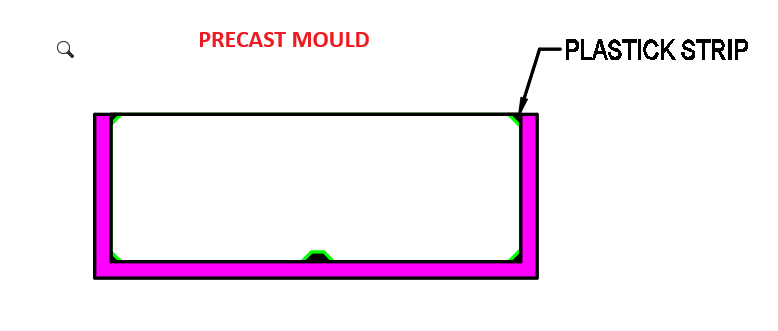
    No additional tubes or caps neededPlastic tube will be placed over upper half of dowel. Compressible cap will be placed over the top of the dowel bar.Combination of LB & NLB criteria
    Connection with slab mustConnection with slab may not needed with respect to engineer requirementCombination of LB & NLB criteria
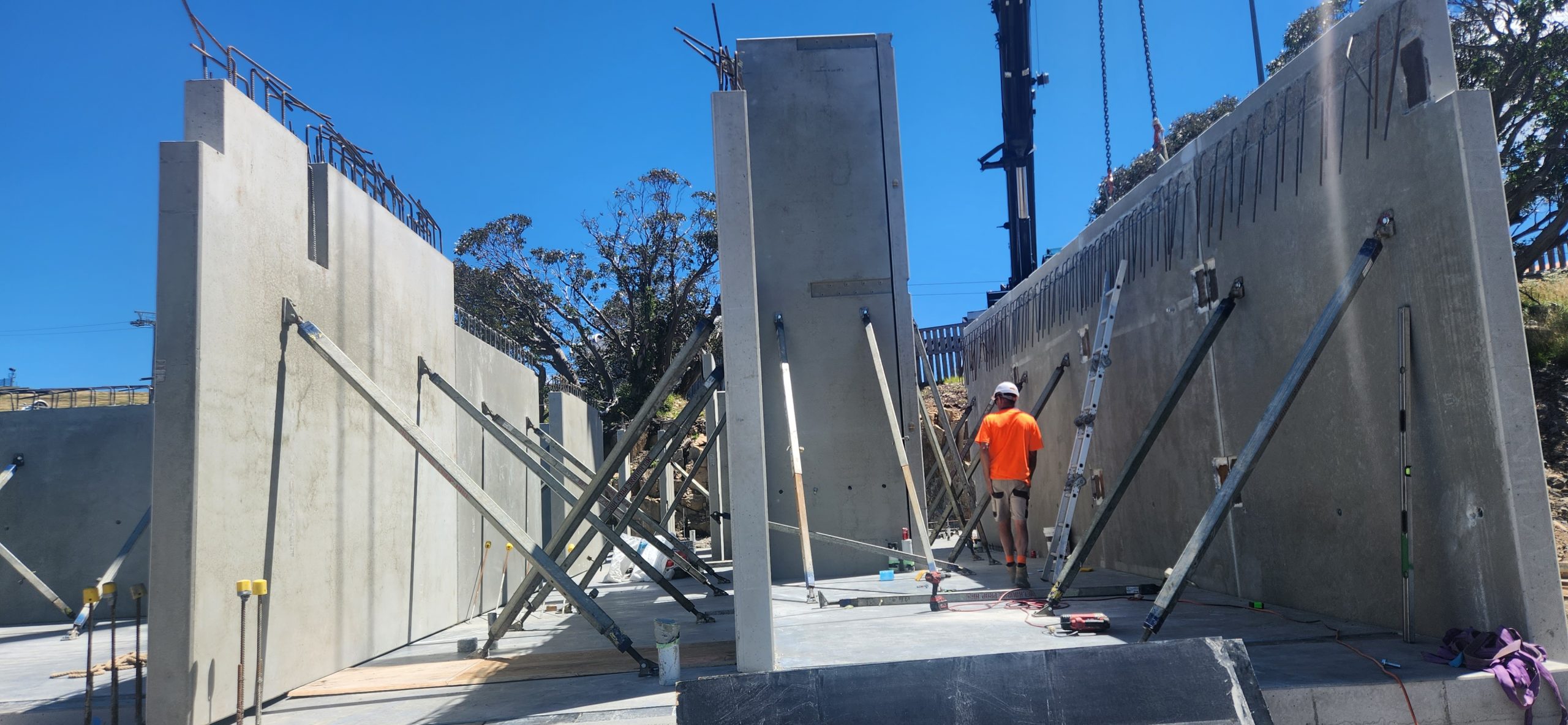
  • Precast Propping

    This is an image showing how precast panels are propped

    Propping parameters

    Usually propped at 2/3rd height.

    No of props usually 2

    if the panels are wide could go to more than 2. But rarely 4.

    For Panels which span 2 floors, There could be 4 props. 2 below the floor above and 2 above. When you have such a case you have to show opening on the slab through which the upper props will pass.

    How long will the props stay in place.

    Usually between 1 to 2 months. It could be longer if the construction pace is slow.

    How many props are usually used in a multi storied construction?

    Depends on construction speed number of panels.

    But the number could be around 200.

    With prop hire rate of around $3 per week, you can see that the cost of propping is not very small.
    When you are estimating for precast, it may be good to consider how many props will be used and what would the cost of propping for a project

    Propping is highly skilled job. Improper prop installation can cause accidents shutting down sites, sending stake holders broke. Not to speak of the harm it does to the site personnel.

    Who designs the prop.

    Most of the the time props are drafted by the detailer and submitted for approval to the engineer.

    Detailer cannot issue panel or propping drawings unless there is an approval from the engineer. The certification from the engineer is a must. Without that shop drawings cannot go for construciton.

    Without certification, the propping is no go good, illegal and not fit for purpose.

    Insurance companies will not cover if there any issue because of prop failure if the drawings were not certified by a qualified engineer.

  • Adding Ferrule Bolt

    How to create a Ferrule Bolt and Use it.

    Steps Edit Bolt Catalogue. Add the Ferrule bolt in this case we are going start from BOLTFB1640 and create BOLTFB1655 Then we add a bolt Assembly catalog. Again we start from Bolt BOLTFB1640 and create BOLTFB1655 Then we use that in tekla to model the bolt. When you model the bolt make sure 1. No nut is used 2. Washer is on the head side. 3. Cut length is negative of the length you want. This decides the length of the bolt in report. Most important do not ignore — Take report and check.

  • Precast Blade Panels

    Precast Blade Panels

    Project Overview: Reckli Pattern Integration

    At Tek1, we specialize in transforming complex architectural visions into constructible shop drawings. This model snapshot showcases a recent precast project where aesthetic texture meets structural integrity.

    Technical Highlights:

    • Software: Modeled 100% in Tekla Structures for BIM-ready accuracy.
    • Surface Treatment: Seamless integration of Reckli formliner patterns, ensuring the architectural finish aligns perfectly across panel joints.
    • Detailing Depth: Full reinforcement modeling (rebar and mesh), including lifting anchors, grout tubes, and connection hardware.
    • Manufacturer Ready: Our shop drawings are designed to minimize onsite clashes and streamline the casting process at the precast yard.
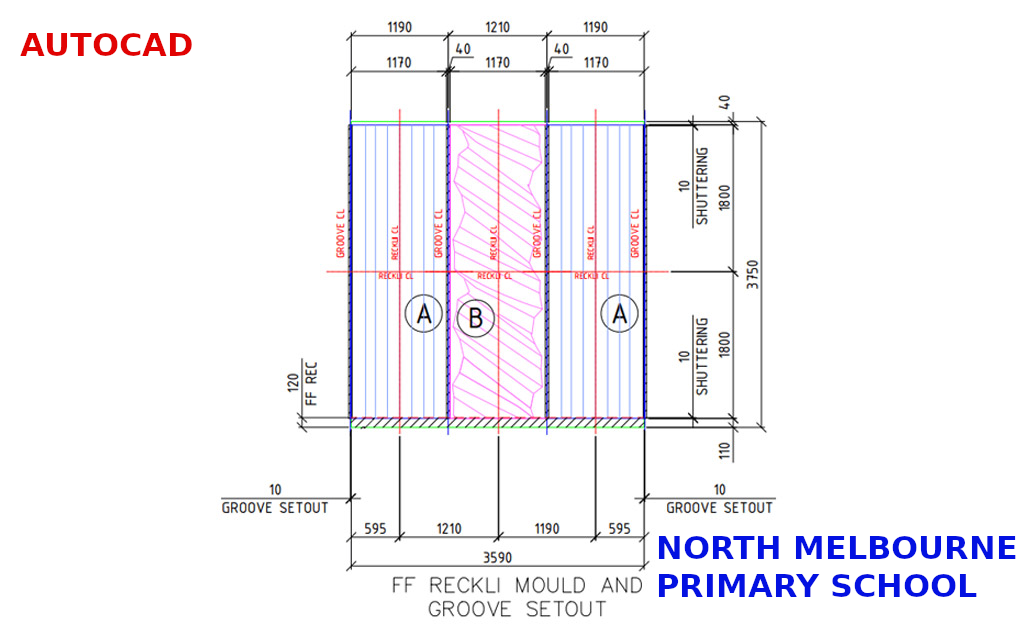
  • Panel Gaps and Dummy Grooves

    Panel Gaps and Dummy Grooves

    The video explain relationship of panel gaps and dummy grooves.

    As detailer you have RFI what is the panel chamfer and Size of Dummy groove.

    The RFI should be addressed the to precast panel manufacturer and not anyone else.

    If you get this wrong, there will be a fair bit of rework.

    Hence it is important that this is address

    For more videos like this visit.

  • Bubble Deck Sample Drawings

    Typical Details Provided by Client

    Temp Hand Rail 280 thk with Set down, Rebate on Final Slab for curtain wall

    BD280 Typical Section (Includes 50 mm set down)

    CAST IN U BAR

    LOOSE U BAR

    TYPICAL SPLICE DETAIL

    UPSTAND

    Sample Drawings

    Panel with Upstand, Shear Lig, Hand rail tube

    Note the shear lig legend, and the color.

    Note schedule for upstand Volume, Biscuit volume

    Note how shear ligs are dimensioned

    Panel with Radius, circular pillar with shear lig

  • Precast Panels with Tekla Structures

    This is probably first precast project we have attempted with tekla structures as the tool.

    We have done a few with Revit, and lot with Autocad.

    There is raging argument with no one really know (unless one has walked in the weeds) which is a better tool

    I believe no tool as out of the box is really very good.

    Tek1 has been working some using Autocad, develping lot of tools for detailing precast panels.

    Once something is very useful, everyone wants to steal that.

    Code protection is very vital to maintain any sort of edge.

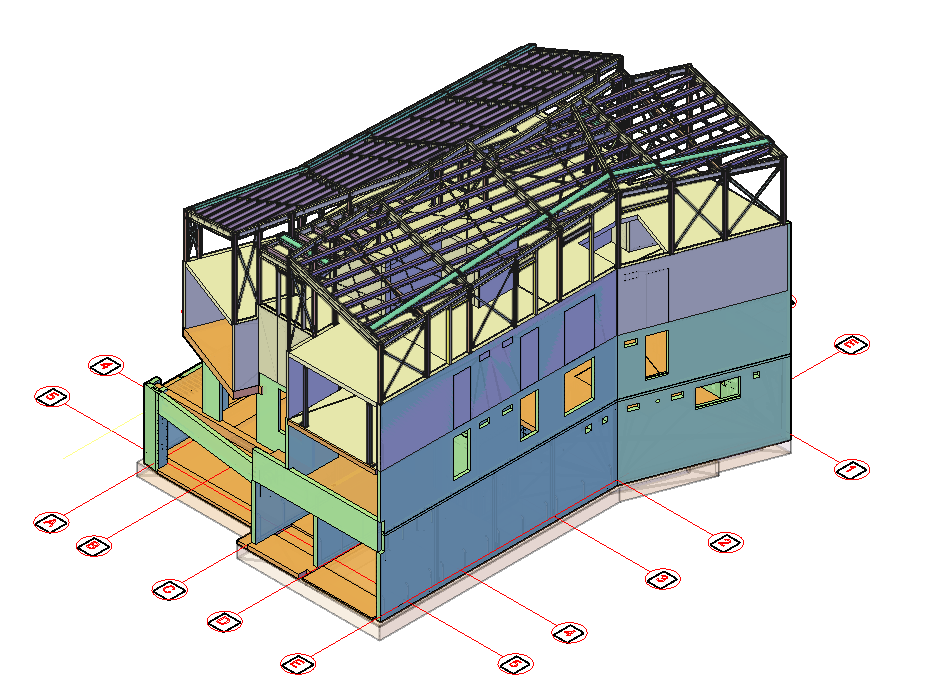
  • Chalet 1 – White Horse Village

    Chalet 1 – White Horse Village

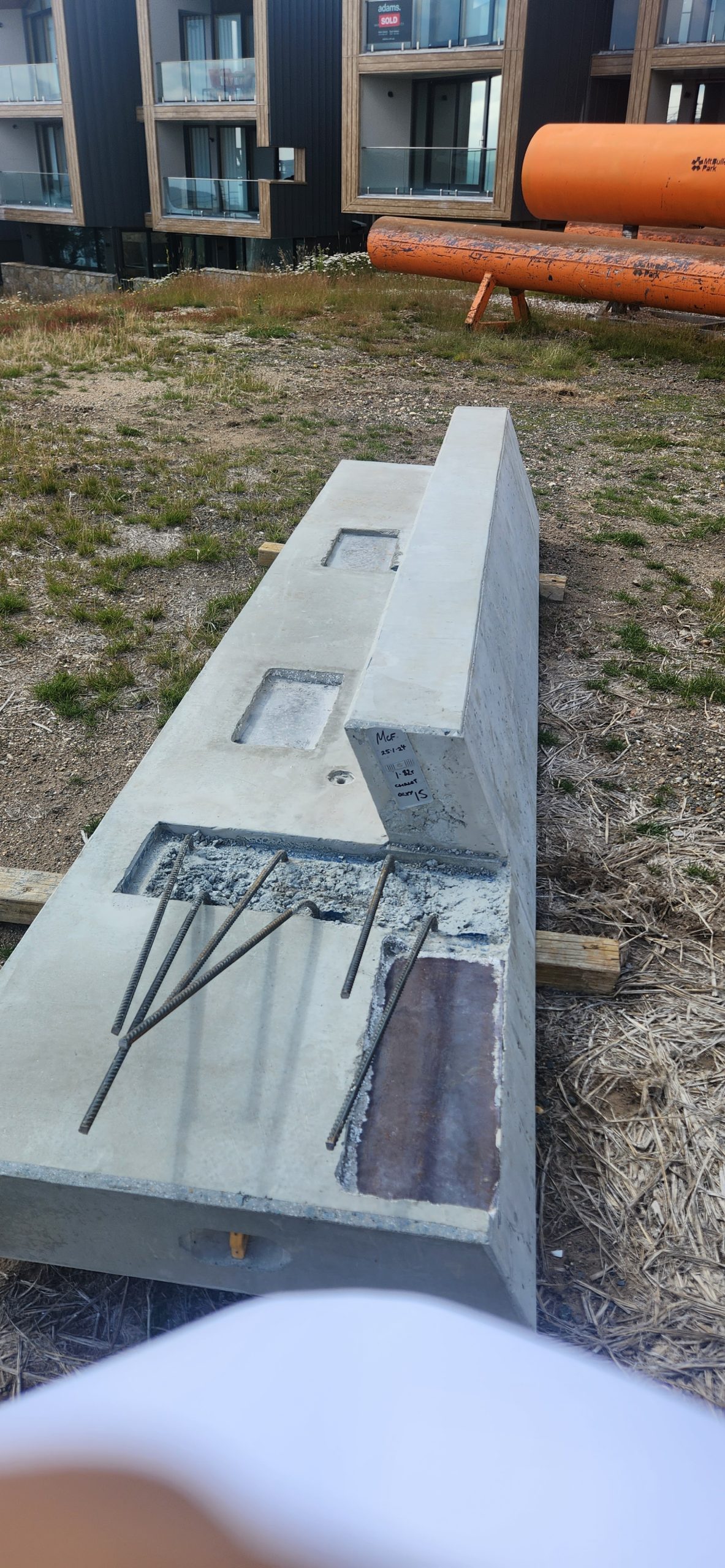
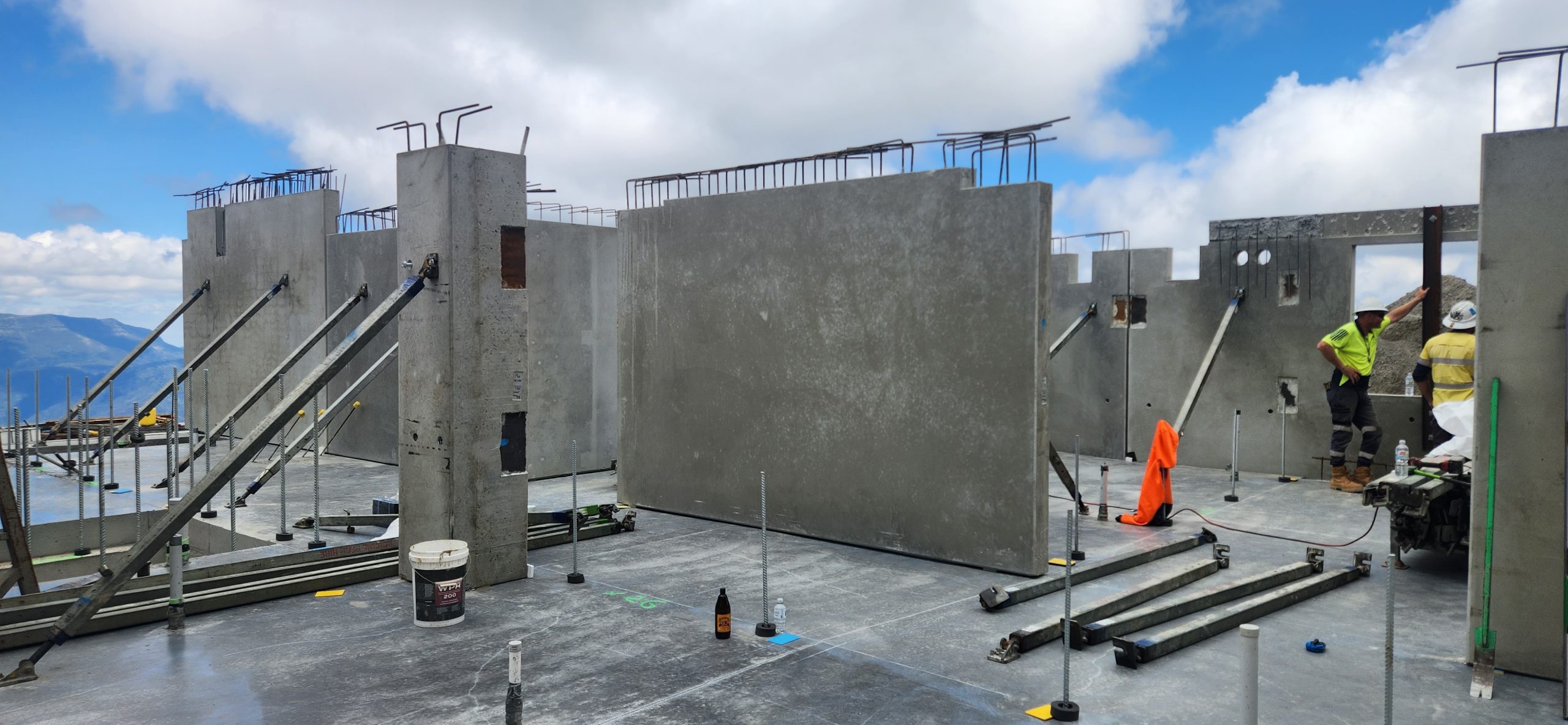
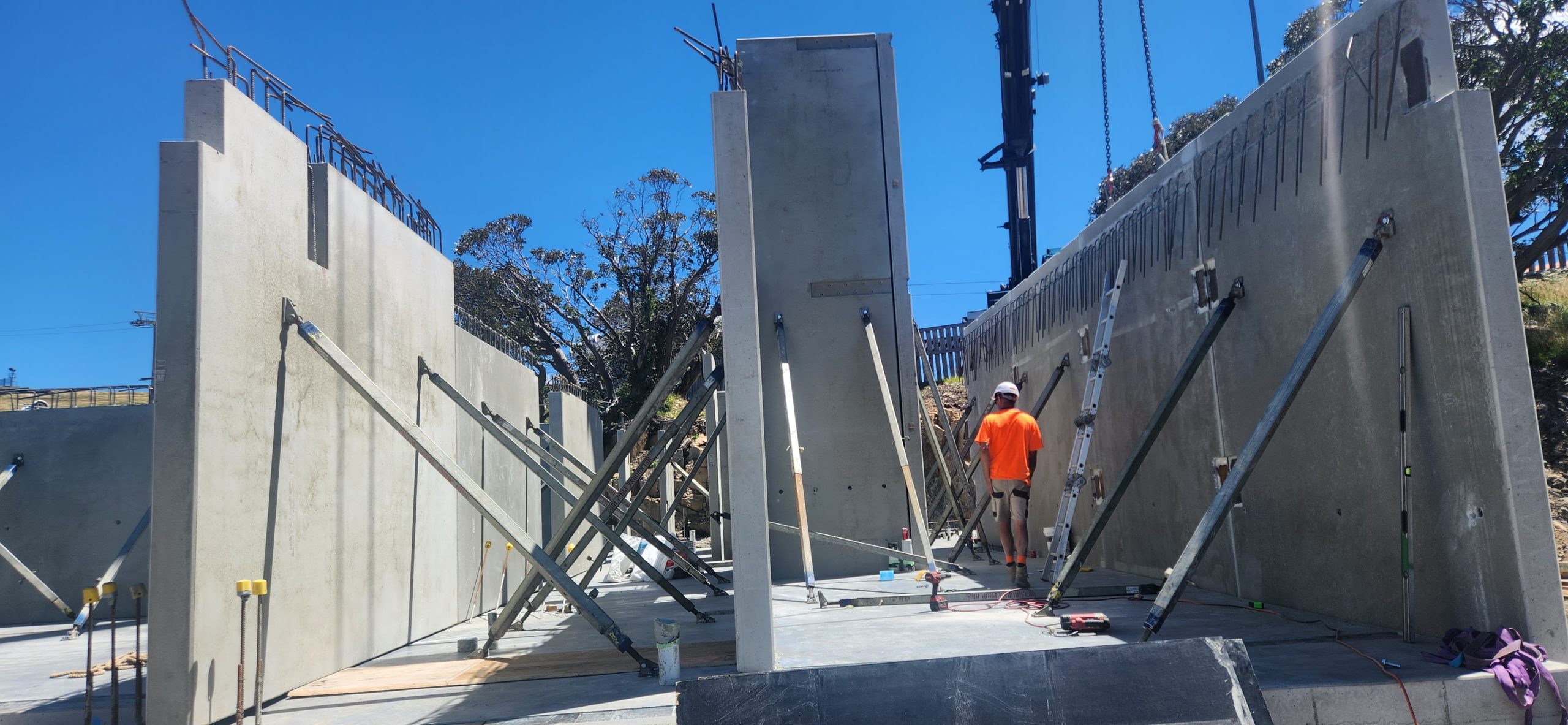
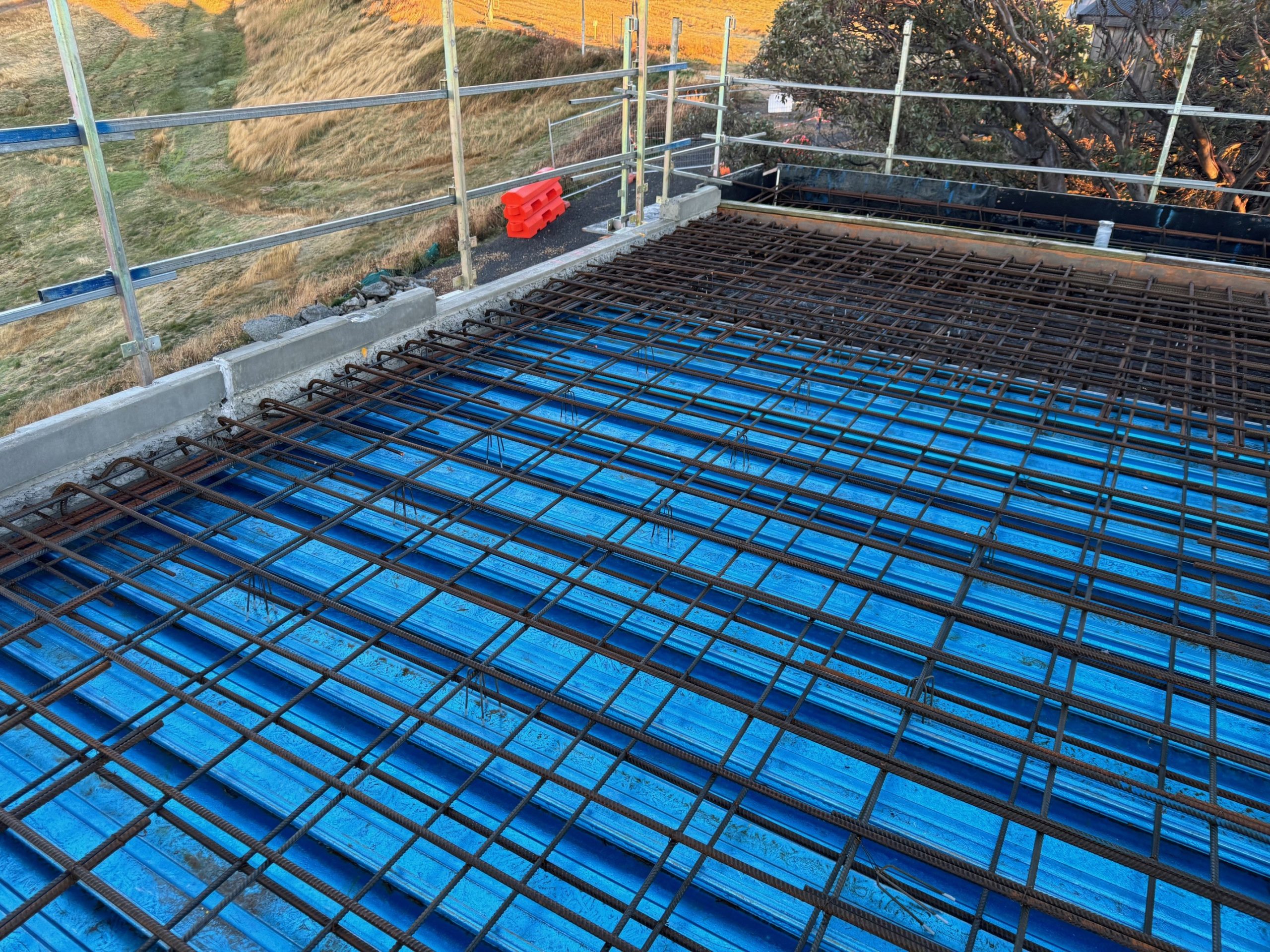
    We are proud to showcase our contribution to Chalet 1 – White Horse Village, a unique and technically demanding project located in a mountainous region. This development presented several engineering and detailing challenges, and our team was honoured to be part of the solution — delivering precision, coordination, and innovation from start to finish.

    Technical Challenges

    This project stood out due to its unique geometry and remote location. The major challenges included:

    • Angled Upstand Panels: Required precise detailing to ensure proper alignment and installation
    • Angled CIP Connections: Demanded detailed planning and coordination for constructability
    • Hybrid Slab Systems: Seamless integration of different slab types needed high-level coordination between trades
    • Mountainous Terrain: Site conditions added complexity in anchorage planning, tolerance adjustments, and logistics

    Tools & Collaboration

    • Software Used: Revit & AutoCAD
    • Team Collaboration: Close coordination with structural engineers, architects, and production teams ensured accuracy, clarity, and timely delivery of shop drawings

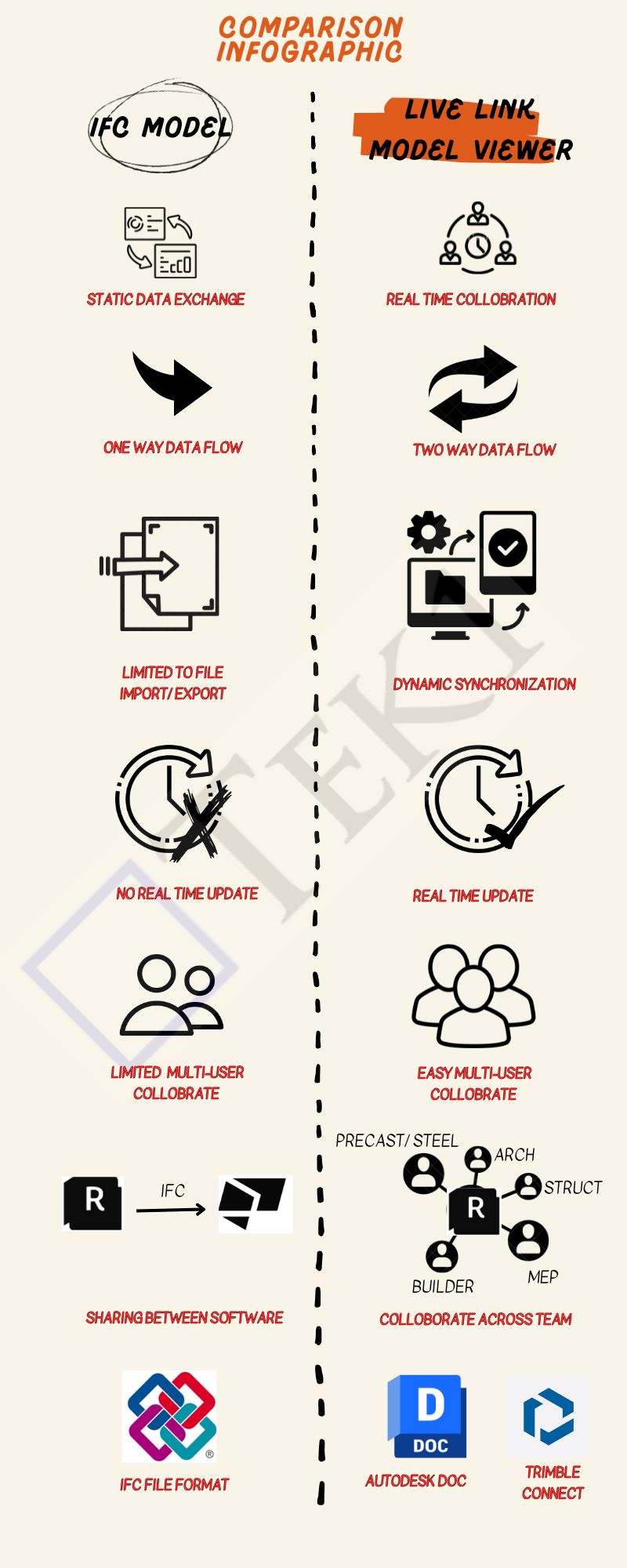
  • Key Differences Between IFC Models and Live Link Model Viewer

    When To Use Each

    Use an IFC Model When:

    • If You Have to share a Model With Consultants, but they do not have the Same Software.
    • To guarantee that your content File format is compatible with several tools.
    • You are creating a static data exchange project, not real-time collaboration.

    Use Live Link Model Viewer When:

    • You want real-time collaboration between two to n users or teams.
    • Save time and effort lost to exporting/importing files from one software tool to another
    • You are working on a multi-disciplinary project that needs coordination, such as Arch, Struct, and Service Engineer design.

    Conclusion

    If you’re looking for a simple, static way to share data between software tools, IFC is the way to go.

    However, if you need real-time collaboration, dynamic data sharing, and seamless teamwork across disciplines, a Live Link Model Viewer is a better choice.