Model and PDF
Download Model and PDF from Google Drive
Plan
Split Large complitcated assemblies into sub assemblies.
Preferably do that in the modeling stage. But if you have already modelled and do not want to change, split groups of parts into virtual sub assemblies for detailing purposes.
Detail the the sub assemblies. That will reduce clutter in the main view of the drawng.
Single Part Views
Parts are cut to single part drawings, palletted and given to the boiler maker with Assembly drawing. Part drawings will be missing.
But the boiler maker will need know some dimension in the parts to assemble the weldment correctly.
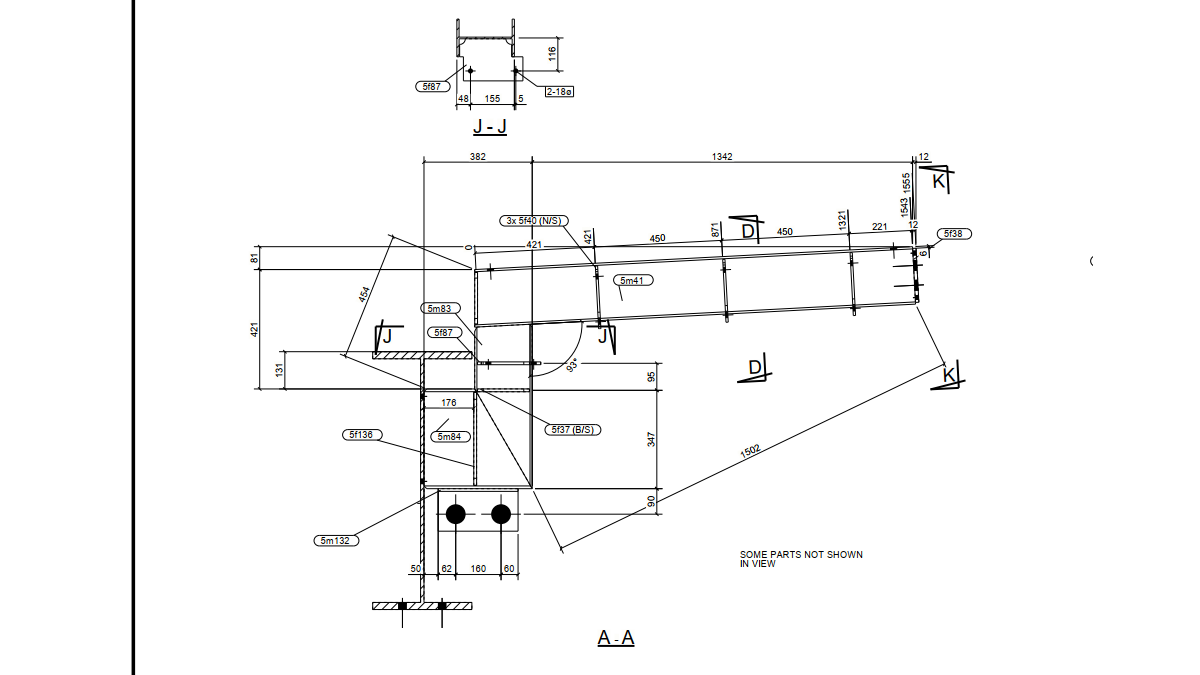
Hence you may have to produce single part drawings within the assembly drawing.
This will reduce clutter and make life easy for you as well as for the boiler maker. Make sure necessary single part drawings are added in the assy drg
Detail Views
In a cluttered drawing, main views will have many parts shown which basically makes those views very difficult to use.
You add detail views and hide parts for clarity.
Short Cuts
You must have Show / Hide parts in drawing short cuts. Else you will spend a lot of time showing and hiding with right click
Content for Subject 2
Leave a Reply