Author: RAJ (Arokiaraj Arputharaj)
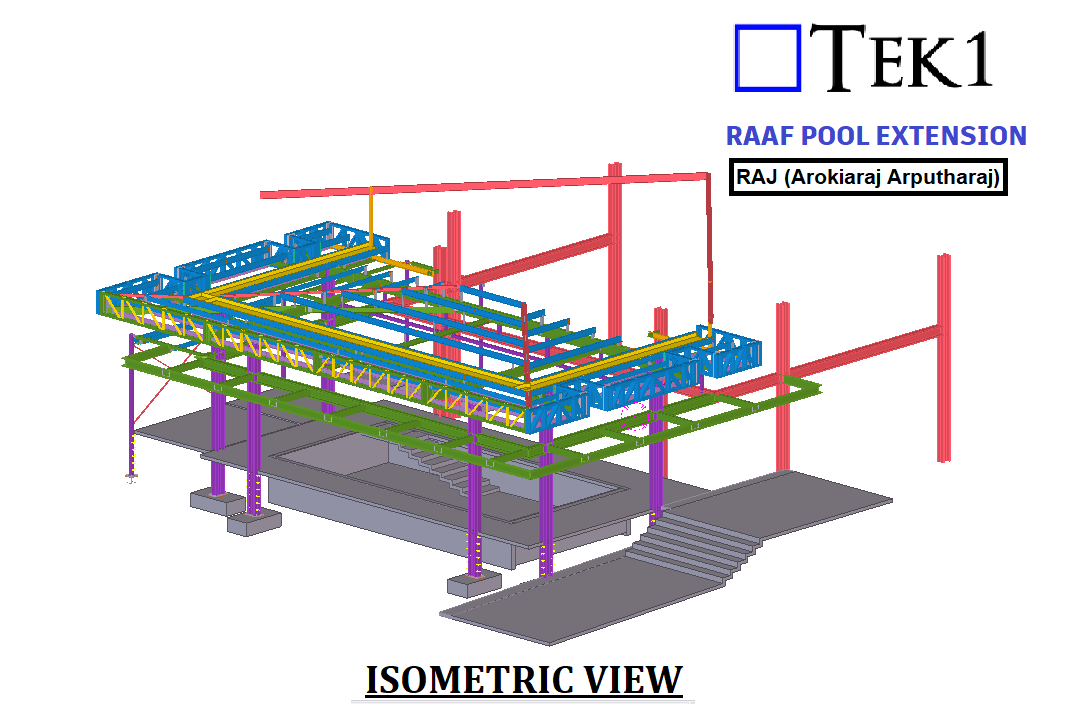
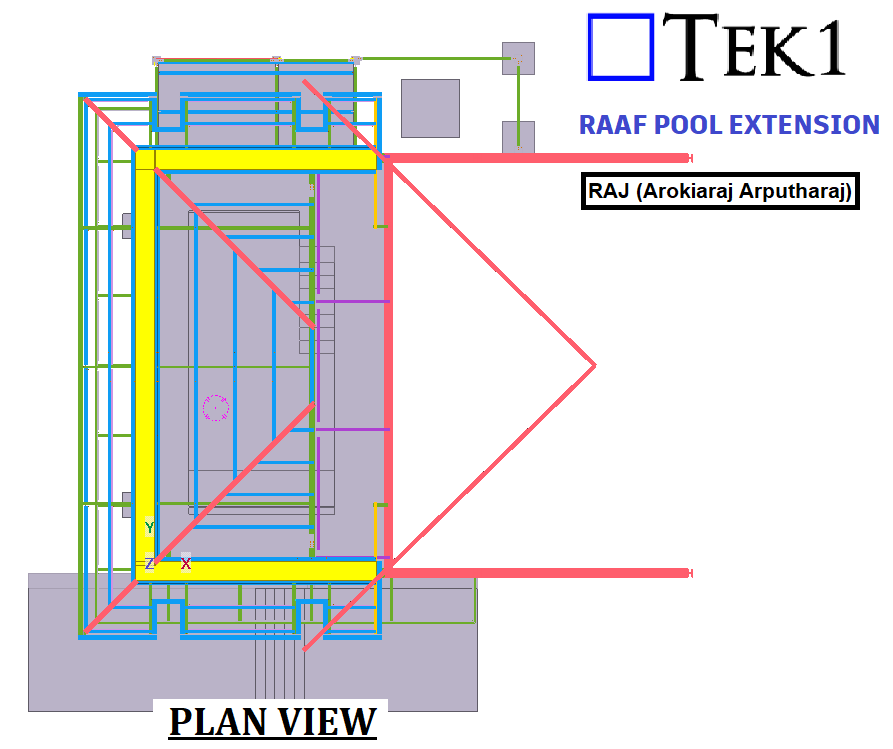
This page show cases some of the Steel Detailing projectgs completed in Melbourne, Sydney, WA, Brisbane Tek1 has completed
Author: Raj (Arokiaraj Arputharaj)
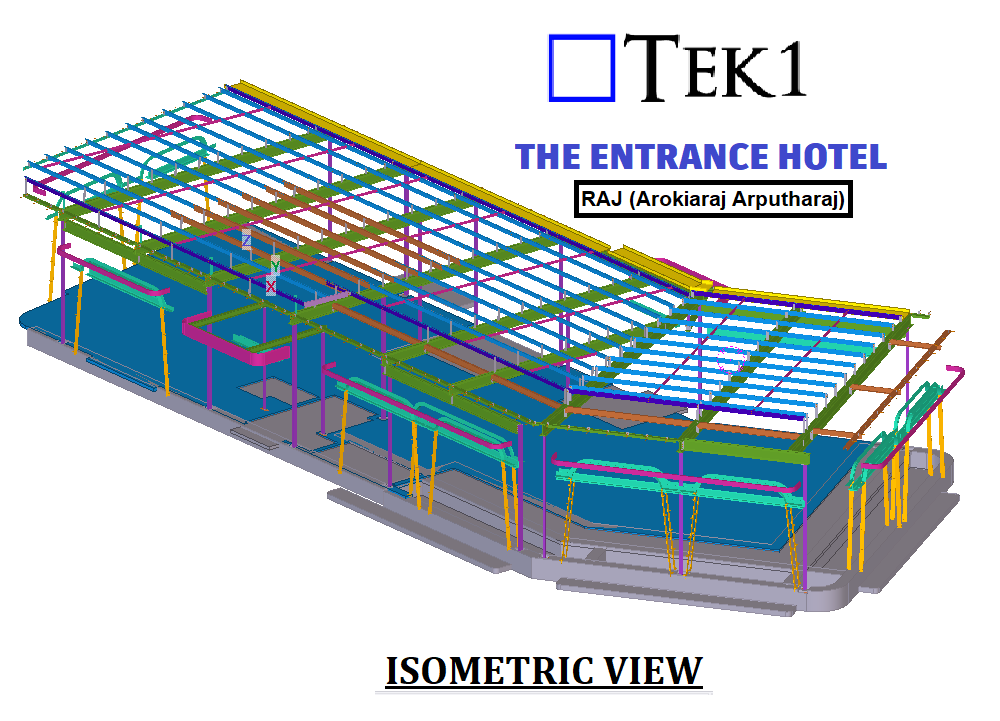
THE ENTRANCE HOTEL is a hall structure, and TEK1, a dedicated steel detailer, played a pivotal role in its realization. Specializing in All Steels, TEK1 meticulously executed the installation of anchor bolt steel columns, beams, braces, and purlins.
As a steel detailer, TEK1 raised multiple Requests for Information (RFIs) along with corresponding proposals. These RFIs contributed to refining the project details, showcasing TEK1’s commitment to precision in steel detailing.
The client’s prompt response to TEK1’s RFIs facilitated effective communication and adjustments. It’s important to note that while TEK1 did not design the structure, their expertise in steel detailing significantly influenced the project’s success.
The collaborative efforts of our team, with TEK1 at the forefront of steel detailing, ensured the swift and successful completion of the project.
Author: Raj (Arokiaraj Arputharaj)
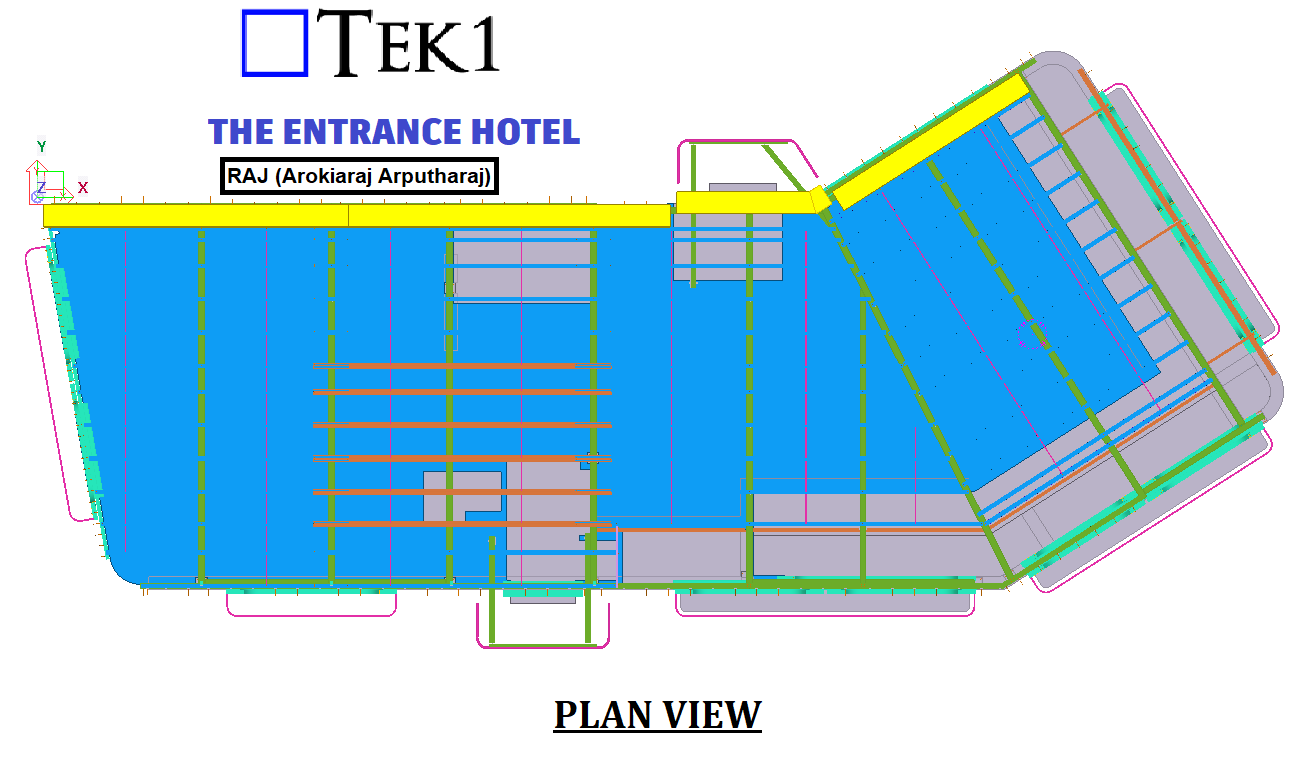
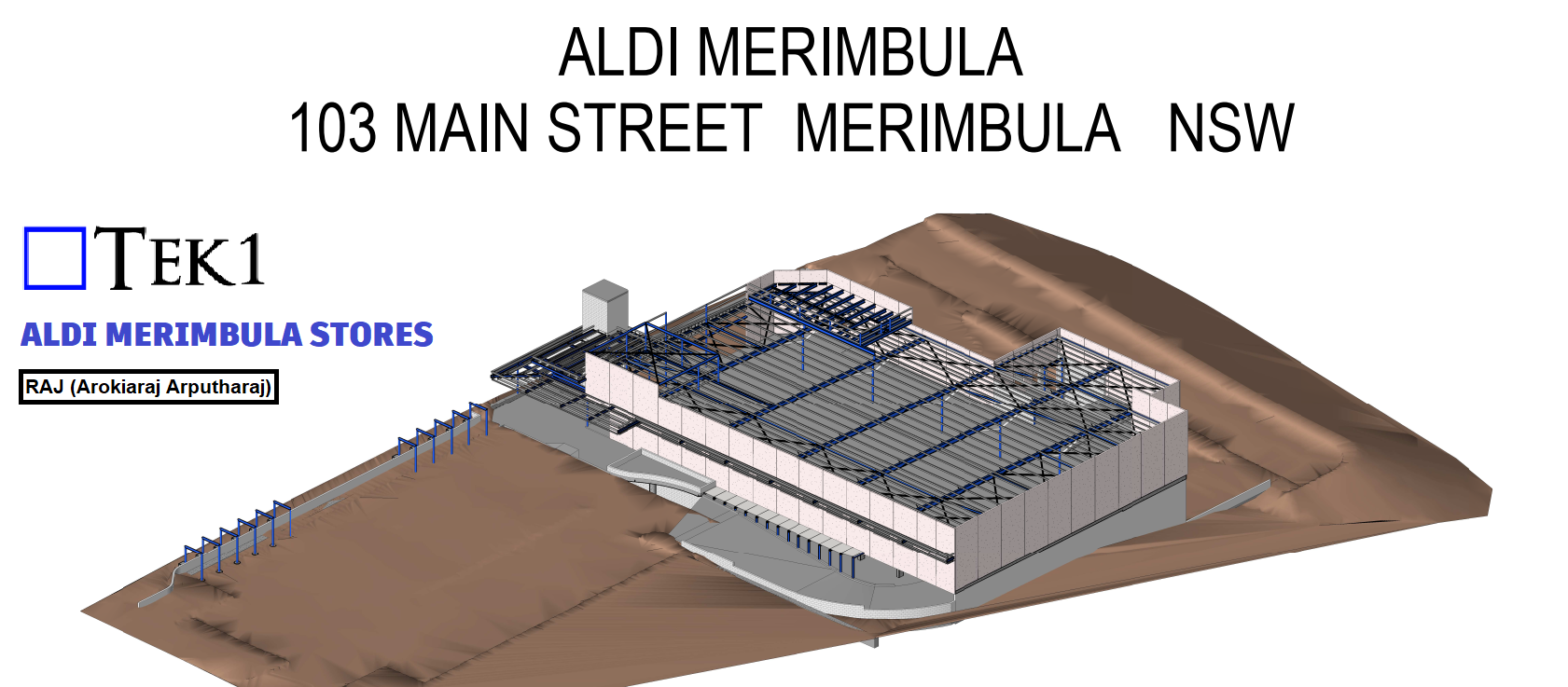
ALDI MERIMBULA features a versatile multipurpose hall structure, and TEK1, a dedicated steel detailer, played a pivotal role in its realization. Specializing in All Steels, TEK1 meticulously executed the installation of anchor bolt steel columns, beams, braces, and purlins.
As a steel detailer, TEK1 raised multiple Requests for Information (RFIs) along with corresponding proposals. These RFIs contributed to refining the project details, showcasing TEK1’s commitment to precision in steel detailing.
The client’s prompt response to TEK1’s RFIs facilitated effective communication and adjustments. It’s important to note that while TEK1 did not design the structure, their expertise in steel detailing significantly influenced the project’s success.
The collaborative efforts of our team, with TEK1 at the forefront of steel detailing, ensured the swift and successful completion of the project.
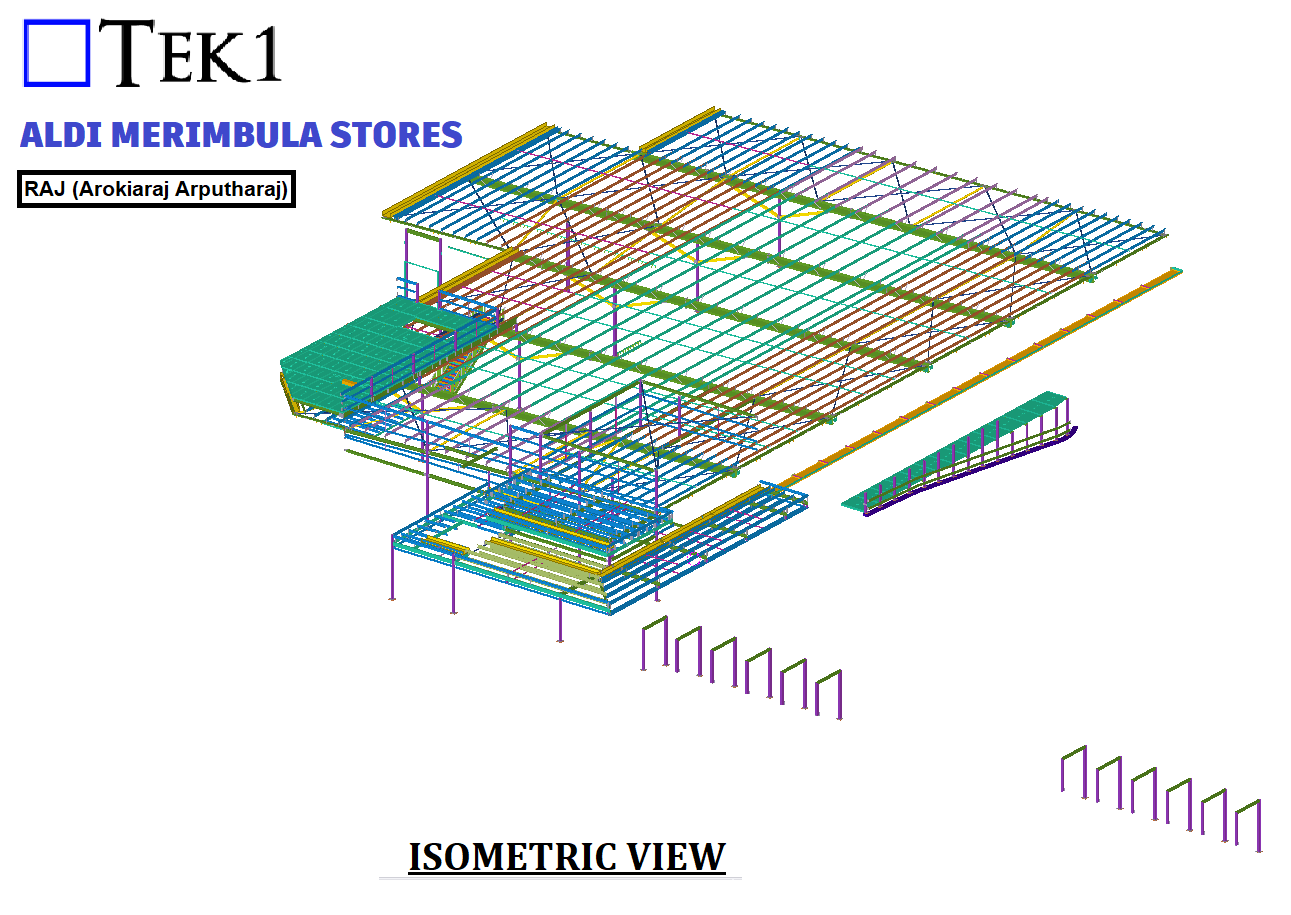
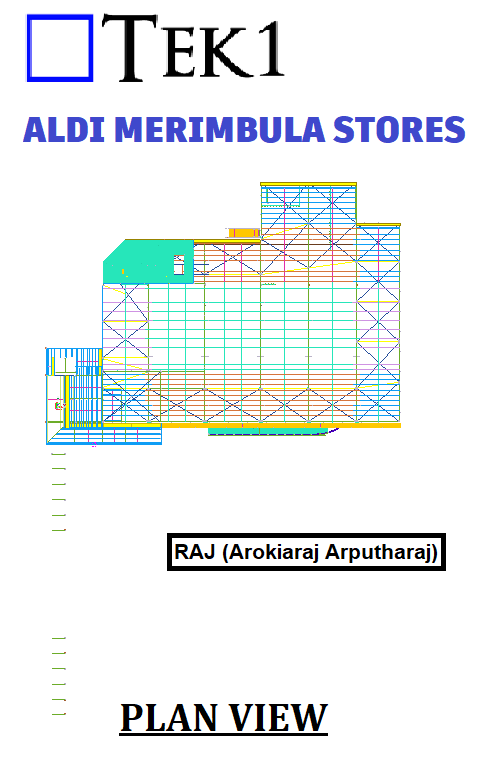
.
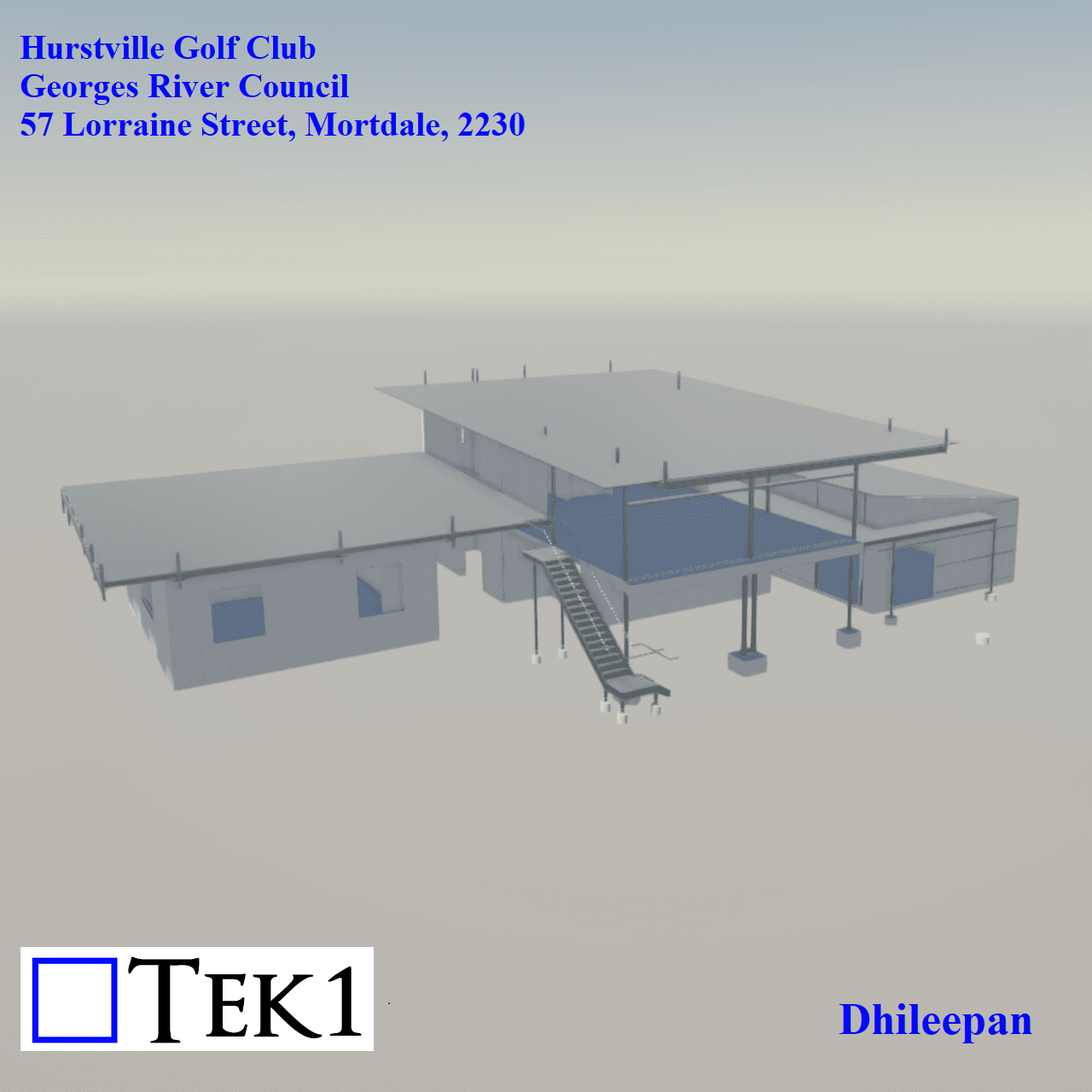
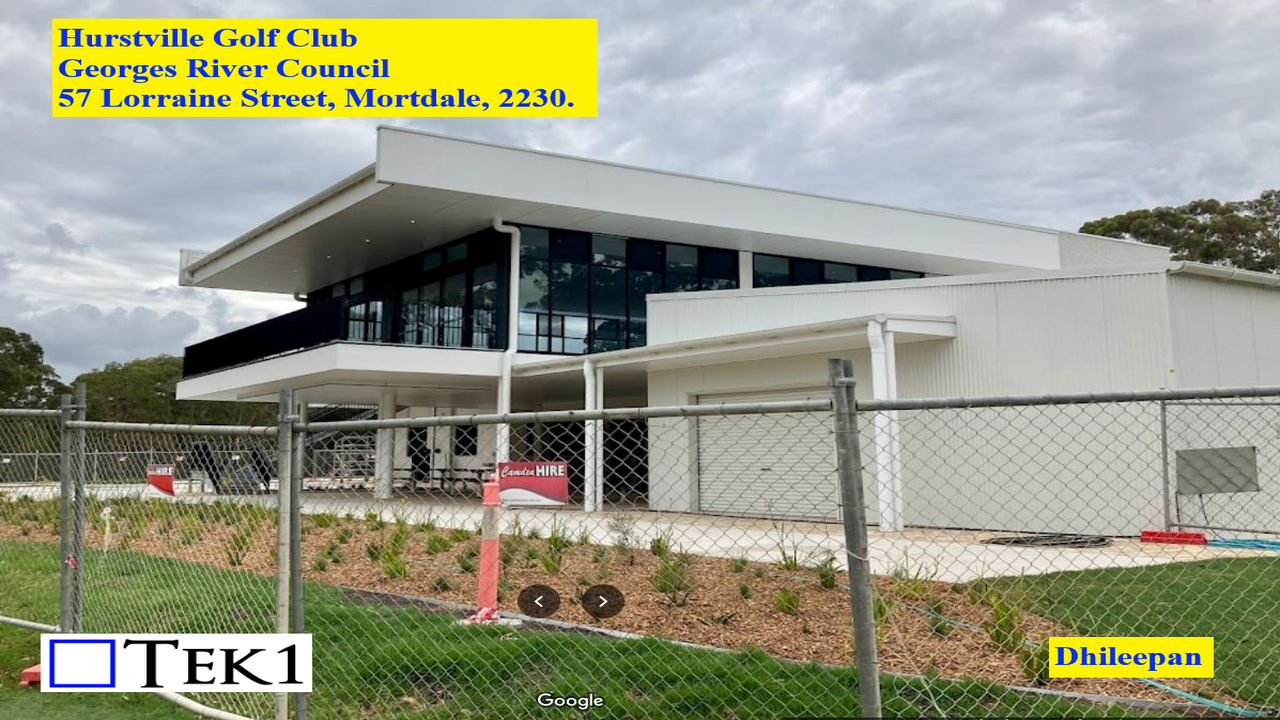
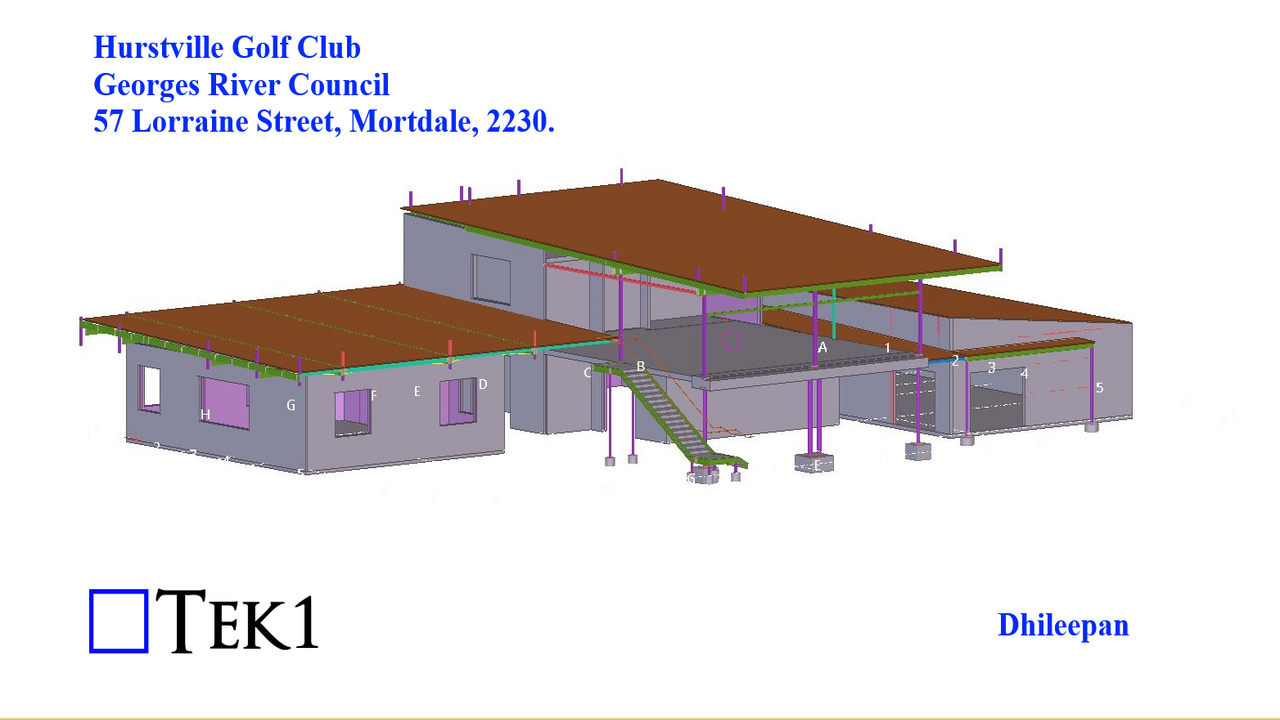
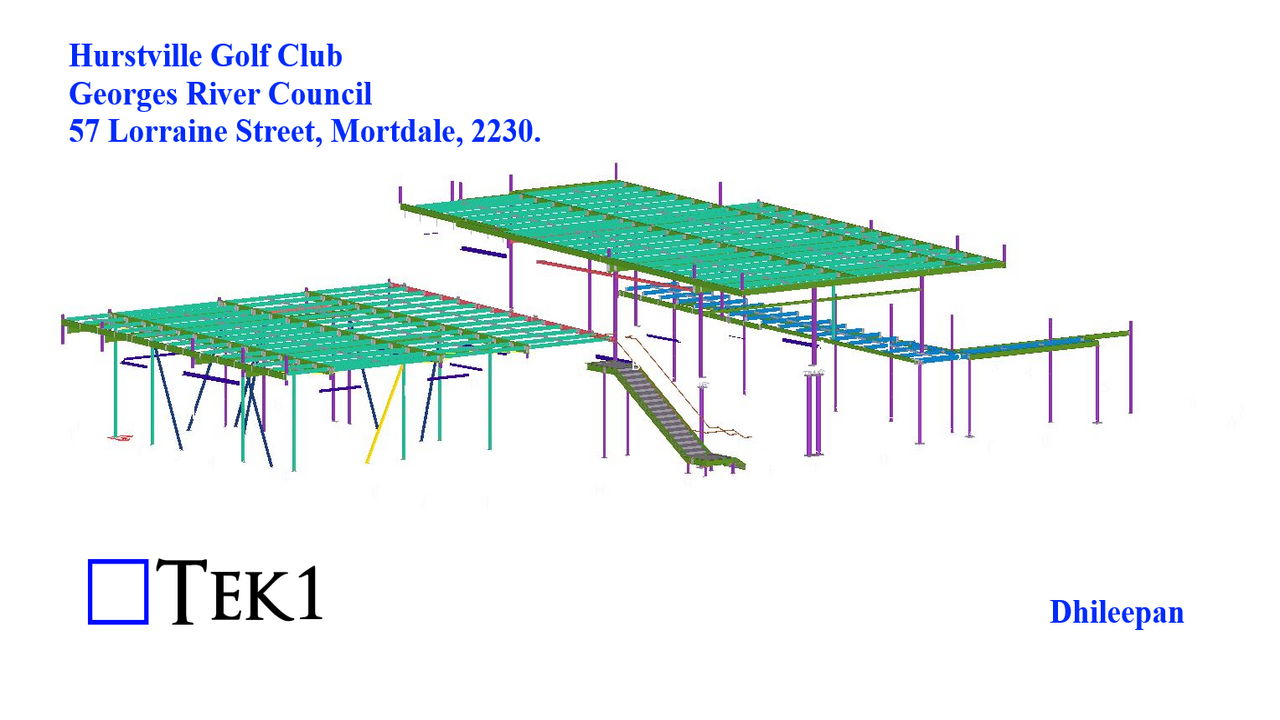
The Hurstville Golf Club, located at 57 Lorraine Street in Mortdale, comprises three buildings: a Cart Store, Proshop, and Club House. The Cart Store and Proshop are single-story structures, while the Club House is a two-story building.
Design details at the junctions of these three buildings were incomplete, and TEK1 proposed member locations and connection details. These proposals were reviewed and accepted by the consultants.
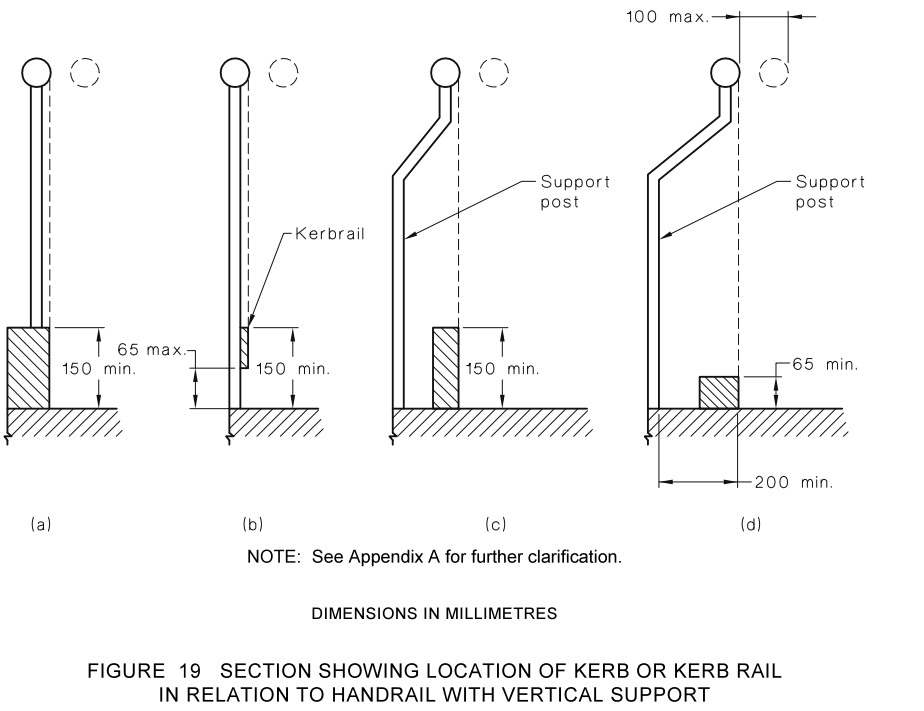
In the realm of architectural and structural standards, the dimensions of kick plates play a crucial role in ensuring safety and accessibility.
When it comes to ramps, AS1428 sets a minimum height requirement of 150mm for the top of the kerb rail from the floor. This standard aims to provide optimal support and guidance for individuals with diverse mobility needs.
However, the story takes a nuanced turn when we shift our focus to stairs. AS1657, the standard specifically addressing fixed platforms, walkways, stairways, and ladders – dictates a different criterion.Here, the top of the kick plate is mandated to be at least 100mm above the floor.
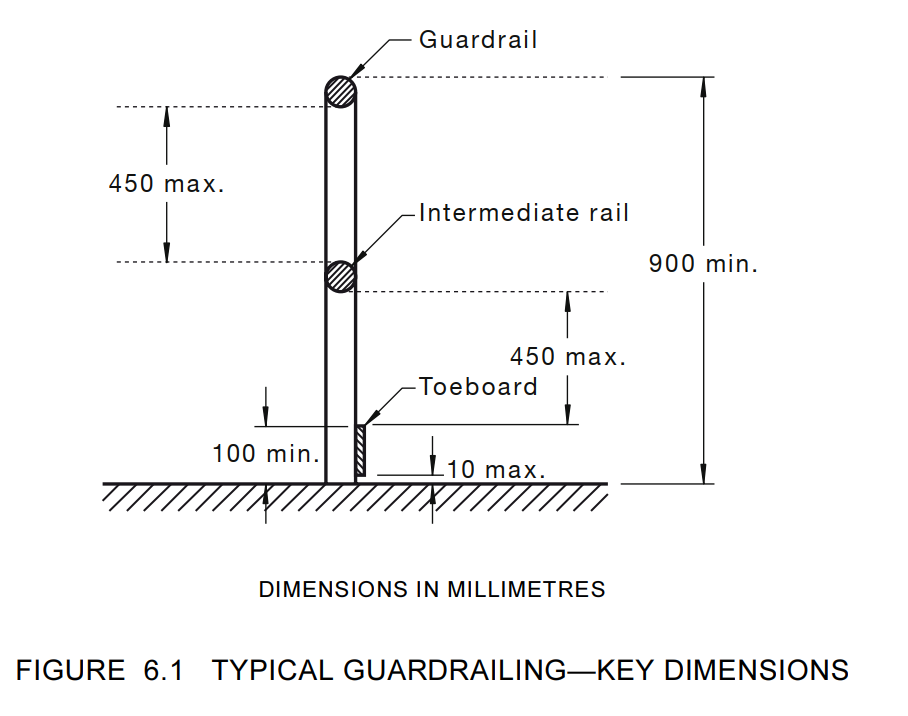
Navigating these standards requires a keen understanding of the specific contexts in which they apply, showcasing the meticulous nature of design considerations in the pursuit of both safety and inclusivity.

As a TEKLA user, this blog will help you prevent mistakes in the fabrication shop. It can also save a lot of costs for you if you read it fully.
Some clients request STP files for fabrication purposes, but it’s important to note that there may be errors in the Tekla export. Generally, Tekla lacks a built-in option for the STP format. We use an extension called multi converter, obtained from the Tekla warehouse, for STP exports.
But, unfortunately, some parts don’t export properly, and we’ve encountered issues in our project.
Please see the below nc file snap for part no m513.
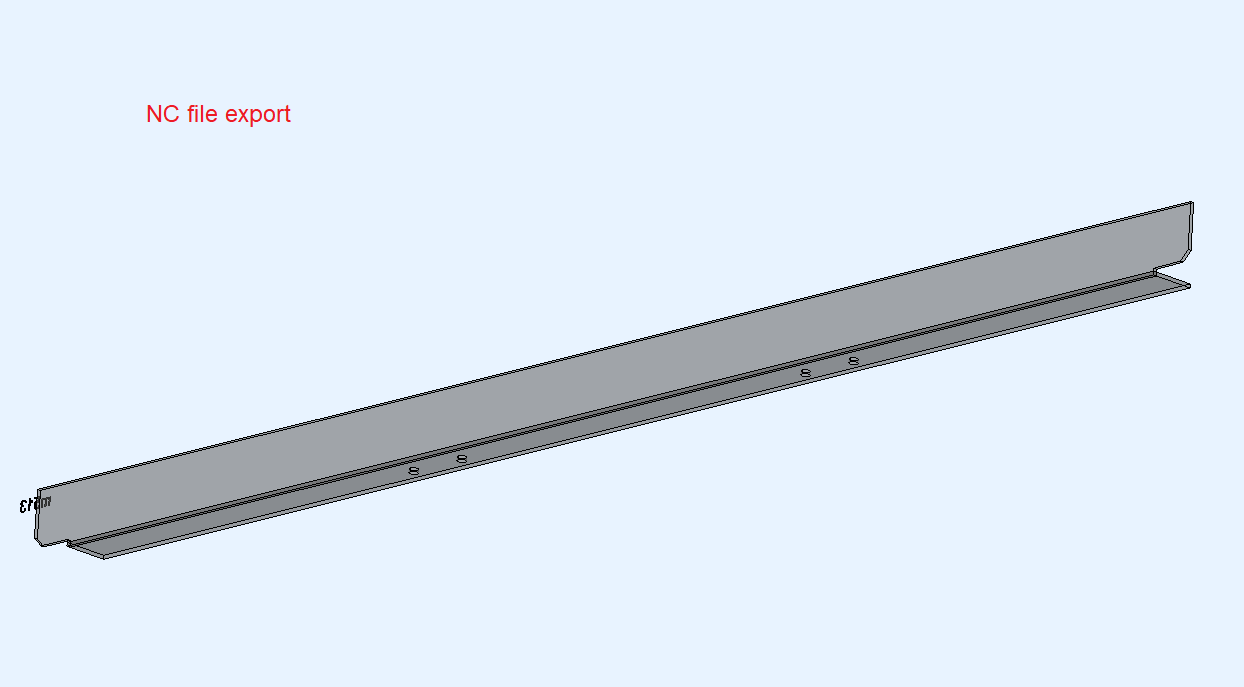
But when we export the same part in multi converter for STP format , We have got some errors.Please see below snap.The exported STP file shows only a small part instead of the entire component.
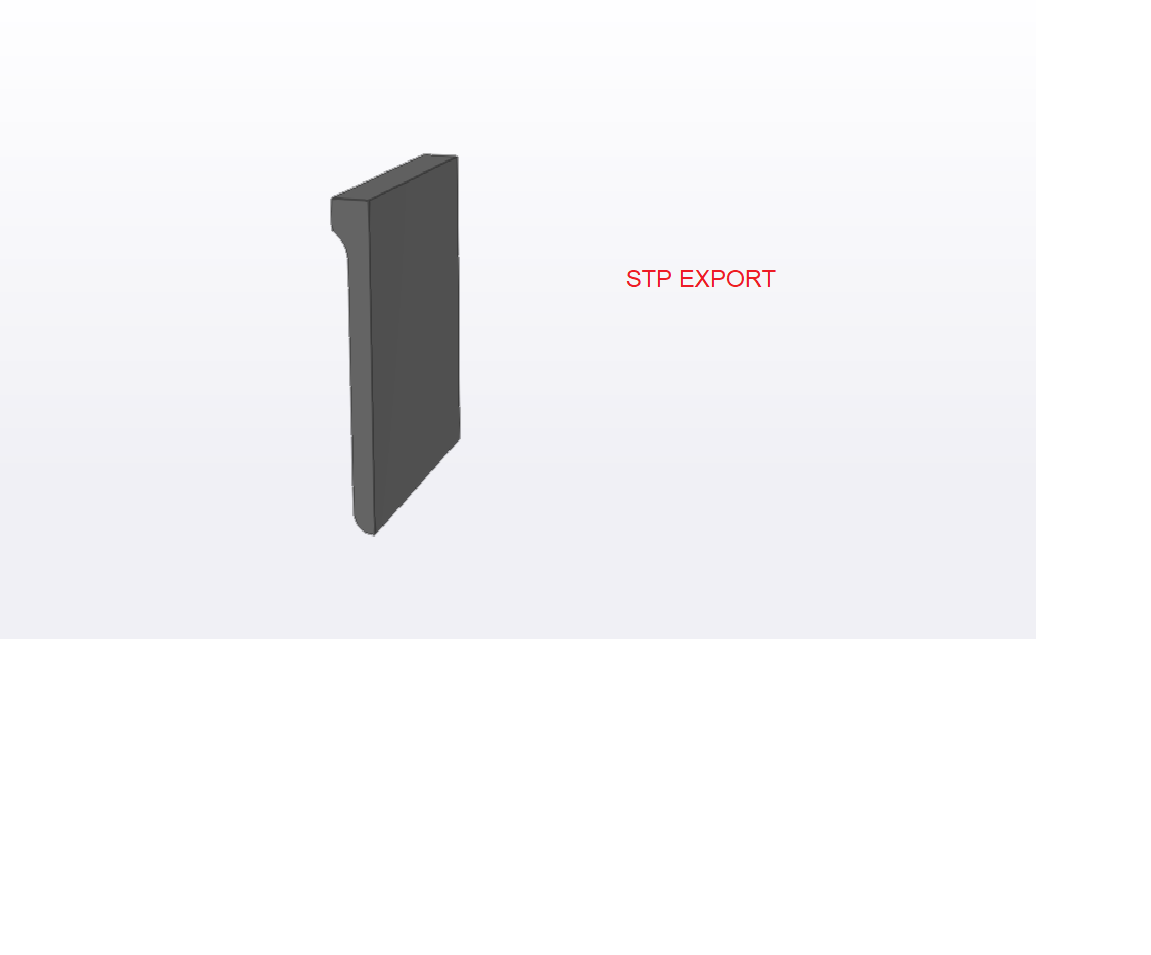
Most of the parts export successfully without any errors. However, a few parts with a maximum number of cuts are encountering issues, as shown in the snapshot. Therefore, I recommend checking the exported STP format files before sending, particularly for parts with a higher number of cuts in the model.
We have contacted TEKLA support regarding this issue. Please wait for a while, and we will update you once we receive a response from them.
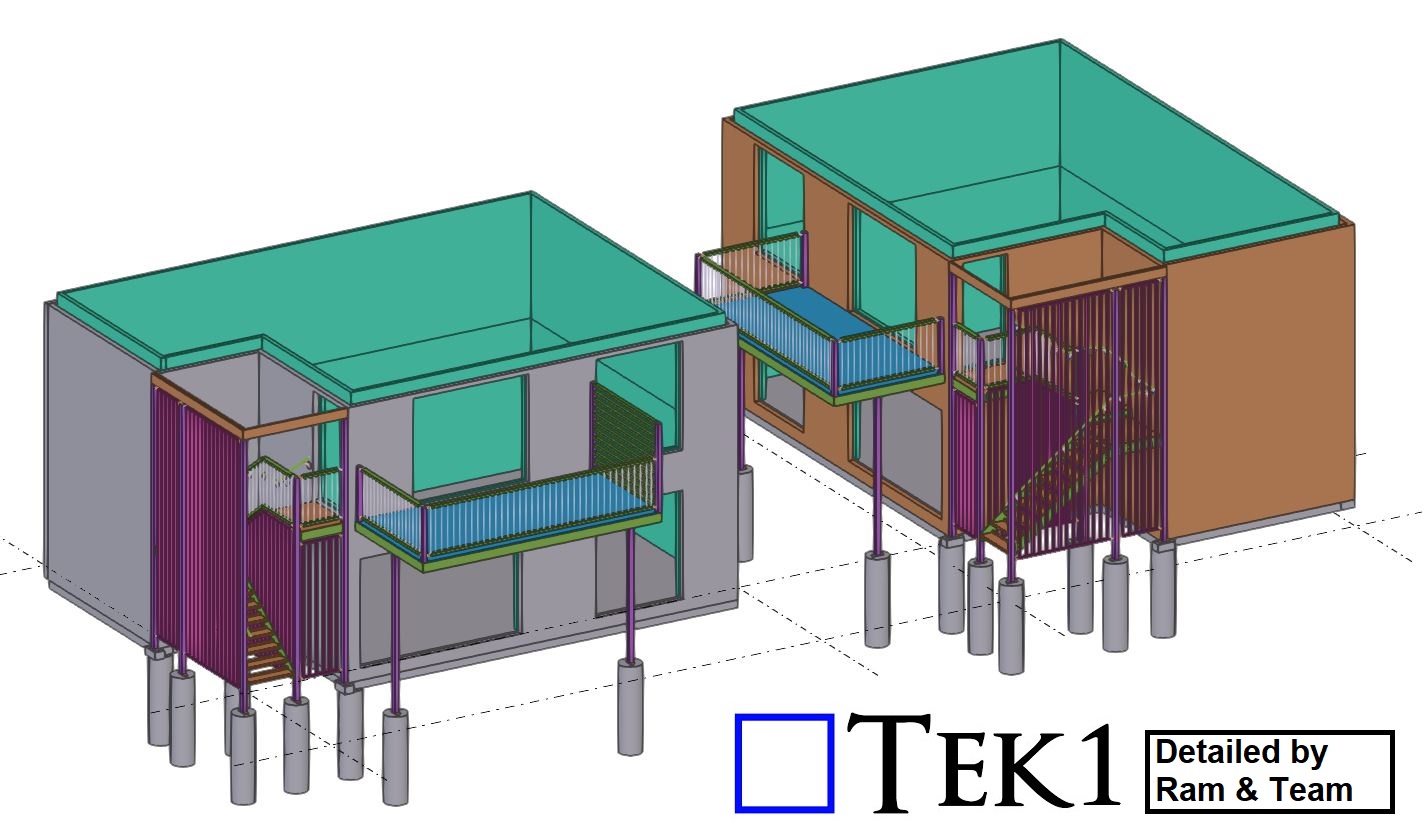
Caladenia Court in Australia.
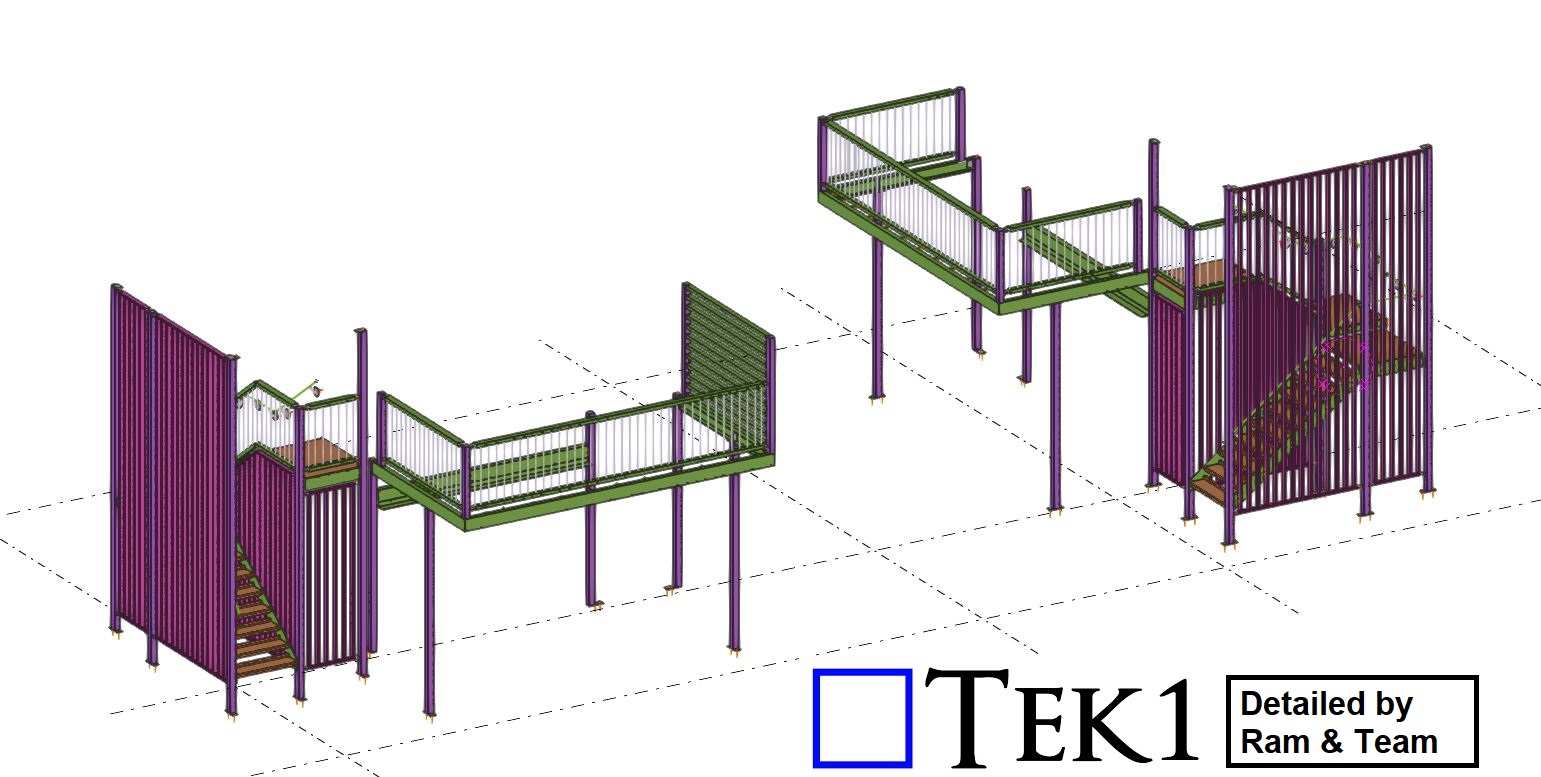
Tek1 has successfully completed a commercial project for a Caladenia Court in Australia.
The scope of work involves providing the Stair & the Awning steels. we completed this job in a day without any hitch.